How to Let ChatGPT Use a Browser in 2026, After Atlas
ChatGPT Atlas shut down on 9 August 2026. Compare ChatGPT's agent browser options now, and connect ChatGPT to a cloud browser you can watch and take over.
 Janis Zesiger
As of November 2026 there are four ways to let ChatGPT use a browser: the cloud browser in ChatGPT Work, the desktop app's built-in browser, the ChatGPT extension for Chrome, or a cloud browser such as Browser.lol that you add as a plugin. Atlas, OpenAI's own AI browser, stopped working on 9 August 2026.
How can ChatGPT use a browser in 2026?
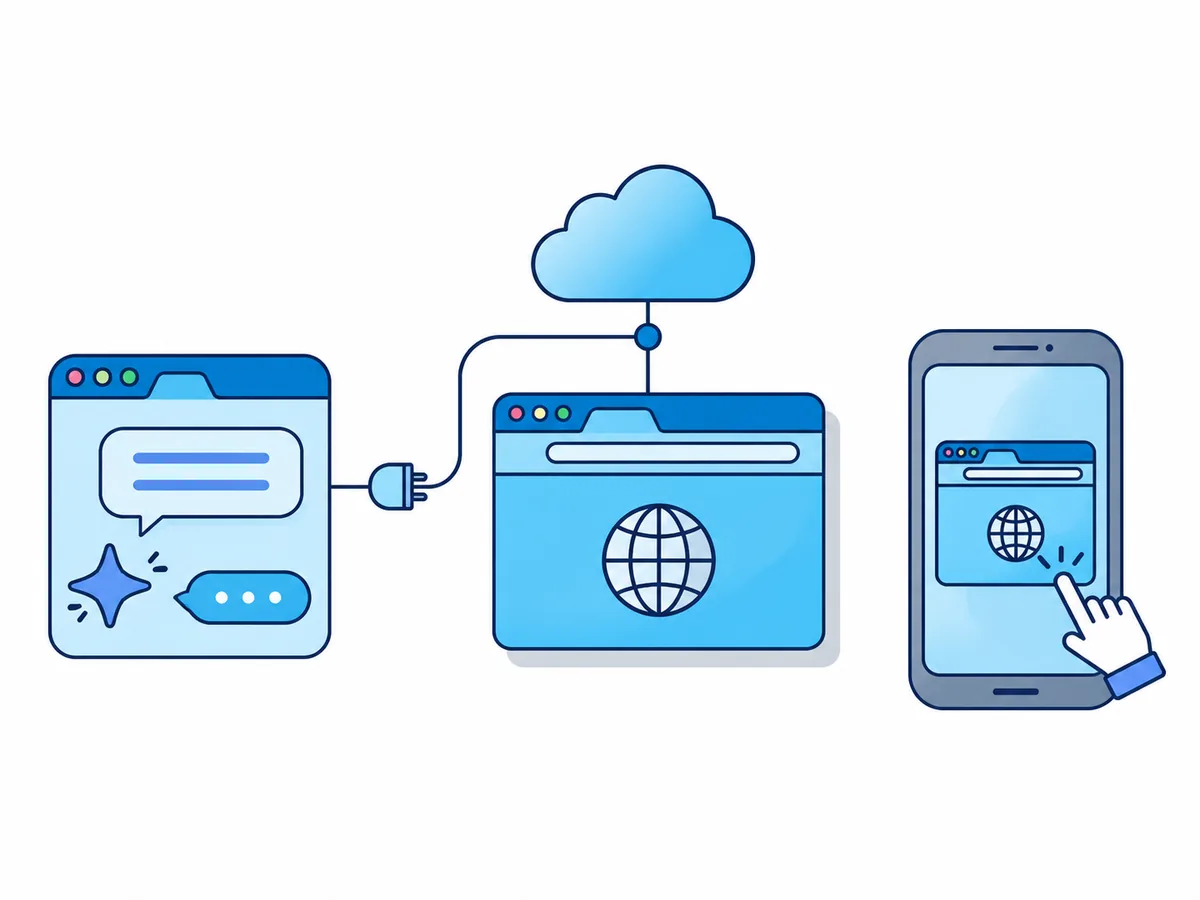
On its own, ChatGPT searches and reads pages. To click, fill in forms or sign in, it needs a browser it controls. When OpenAI announced the end of Atlas, it moved those features into ChatGPT itself.
| Option | Whose browser | Works with your computer off | You need |
|---|---|---|---|
| ChatGPT Work cloud browser | OpenAI's, on its servers | Yes | A paid plan except Go, where rolled out |
| Desktop app's browser | The app's own, kept apart from yours | No | The app open on macOS or Windows |
| ChatGPT extension | Yours, signed in as you | No | Chrome, Edge, Brave, Opera or Vivaldi |
| Browser.lol plugin | A separate cloud session | Yes | Browser.lol Premium; chatgpt.com on a computer |
ChatGPT agent mode or a browser plugin: which should you use?
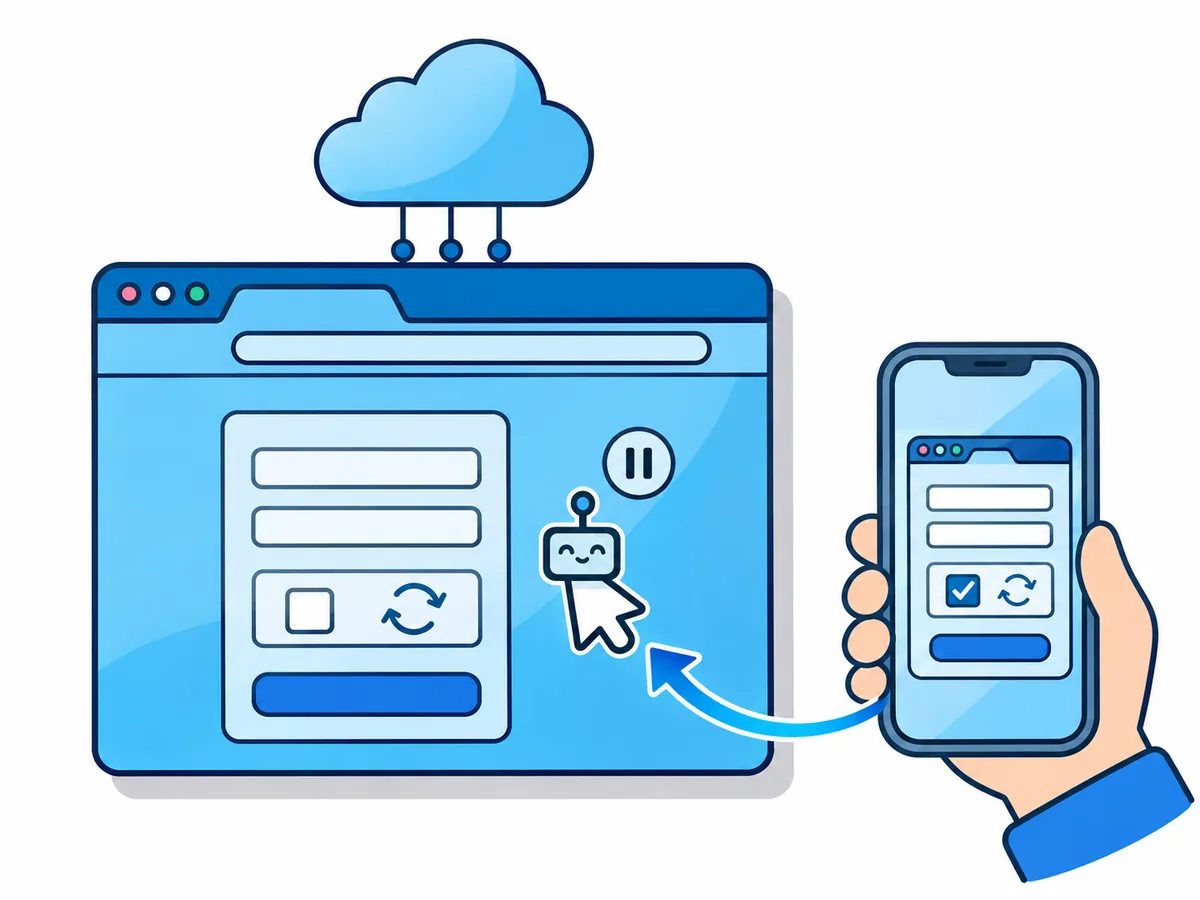
The old ChatGPT agent mode is no longer available: longer tasks now run in ChatGPT Work, the mode next to Chat at the top of chatgpt.com. Its cloud browser asks before it opens each new website, pauses for sign-ins, bookings and payments, and asks you to take over when it gets stuck.
In Enterprise and Edu an admin must switch the cloud browser on, and signing in to websites is not available there. Sites can block or challenge any automated browser, OpenAI's or ours.
- The task is in tabs you have open, signed in as youThe ChatGPT extension
- You test a site running on your own computer (localhost)The desktop app's browser: a cloud session cannot reach your computer
- You want errands done in the background, within your ChatGPT planChatGPT Work's cloud browser
- You want one browser in ChatGPT, Codex and Claude, or a site seen from another countryA browser plugin such as Browser.lol
- You want a new everyday AI browser instead of AtlasPerplexity Comet or Gemini in Chrome (paid Google plans, US and India only)
Why connect ChatGPT to a cloud browser over MCP?
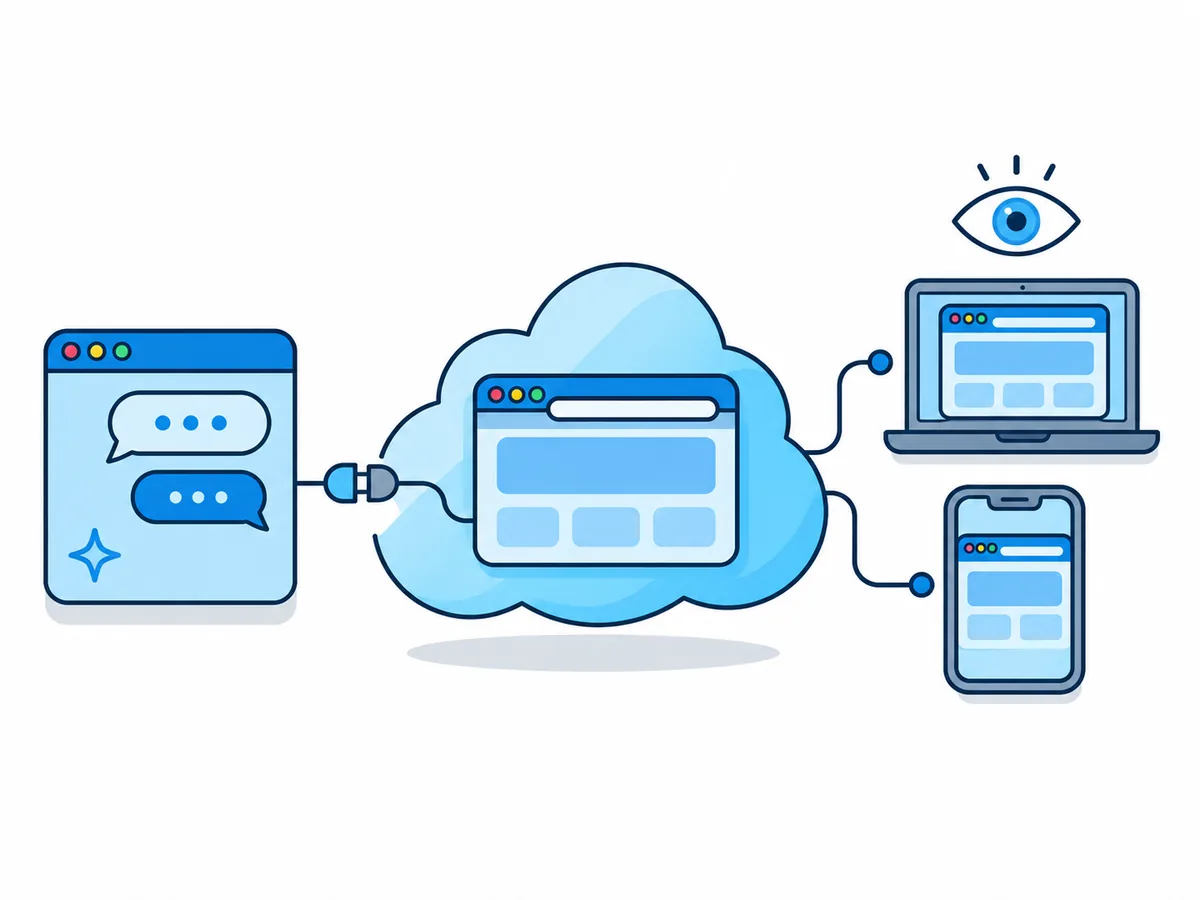
MCP, the Model Context Protocol, is an open standard for plugging outside tools into an AI assistant; ChatGPT shows such a tool as a plugin. Browser.lol is a cloud browser for AI agents that supplies only the browser: the AI stays with ChatGPT.
You ask ChatGPT
In Chat or Work, with the plugin selected
The plugin
Sends each step to Browser.lol
The session
A real Chrome in the cloud opens pages, clicks and types
You watch
Live view on any screen
How to add Browser.lol to ChatGPT, step by step
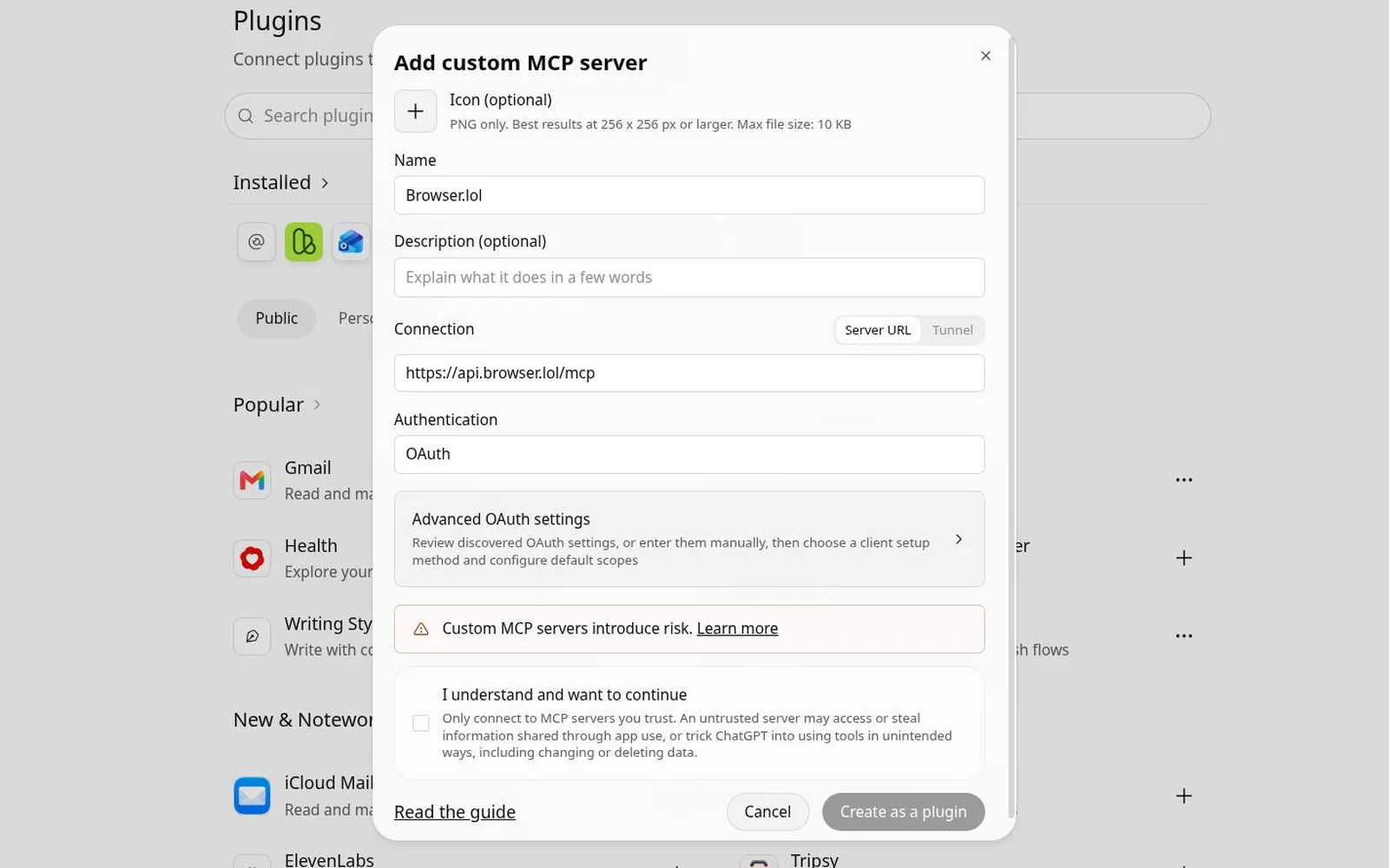
You need Browser.lol Premium and a ChatGPT plan that offers Add custom MCP server, such as Plus. There is no developer mode to switch on any more. This is the address you paste:
https://api.browser.lol/mcp- 1
Open Plugins
On chatgpt.com, choose Plugins in the sidebar (or open chatgpt.com/plugins). - 2
Add a custom MCP server
Select the plus button labelled Add, then Add custom MCP server. - 3
Fill in the form
Name it Browser.lol. Under Connection, keep Server URL and paste the address above. Set Authentication to OAuth, so you sign in to Browser.lol instead of copying a key. - 4
Accept the warning and create it
Read the risk warning, select I understand and want to continue, then Create as a plugin. - 5
Connect it and sign in to Browser.lol
Select Connect. On the Browser.lol page that opens, sign in and click Allow ChatGPT. If the plugin is not installed yet, install it under Personal on the Plugins page. - 6
Select it in a chat
In a new chat, pick Browser.lol: with + in the message box in Chat, from the Plugins menu in Work, or by typing @.
How to give ChatGPT its first browser task
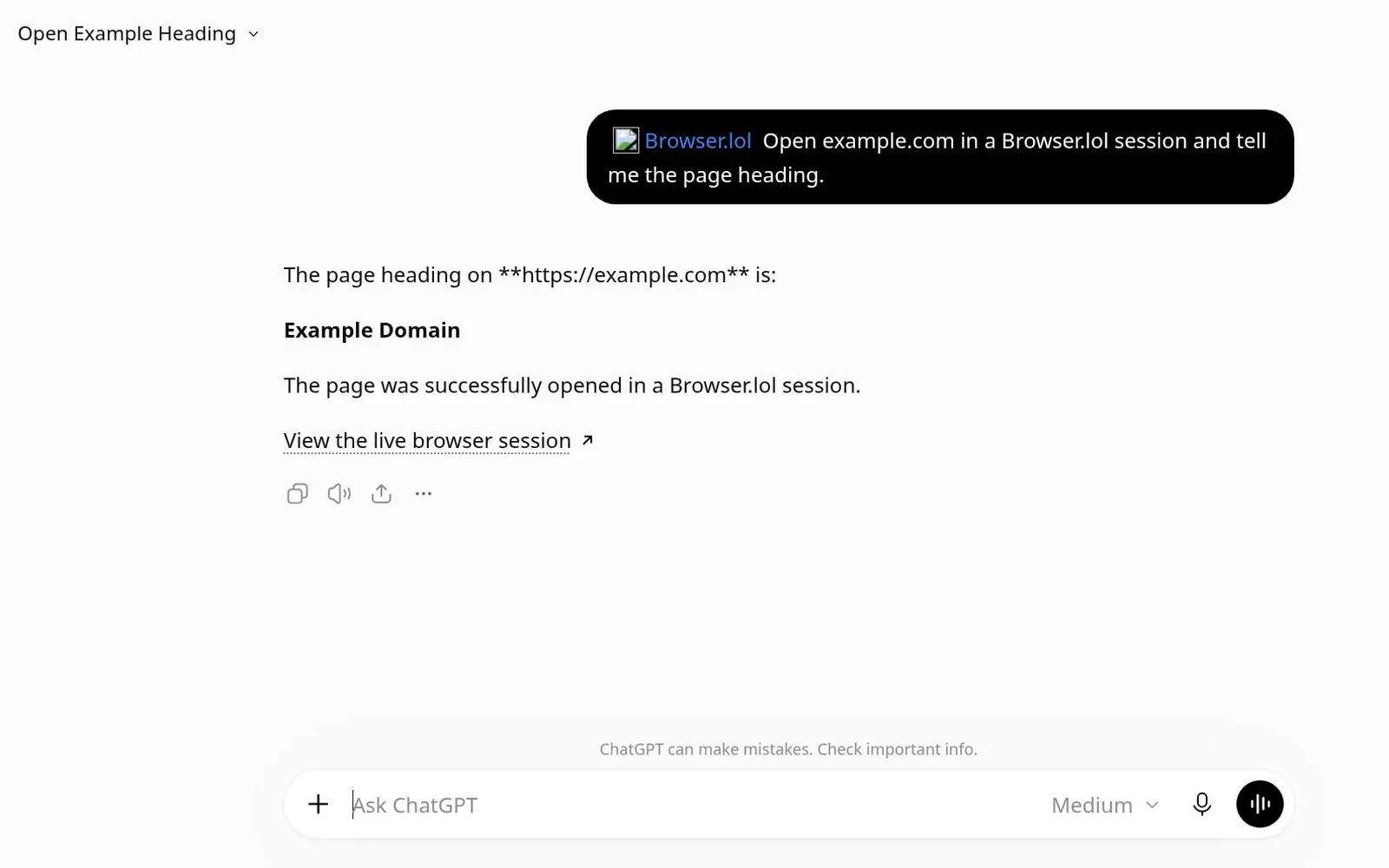
Start with something read-only on a public site. Say "Use only the Browser.lol plugin, not web search", and ask for the live view link first so you can watch from the start.
We tested it on ChatGPT Plus on 17 November 2026: asked for the heading of example.com, ChatGPT started a session, answered "Example Domain" and linked the live view.
Is it safe to let ChatGPT use a browser?
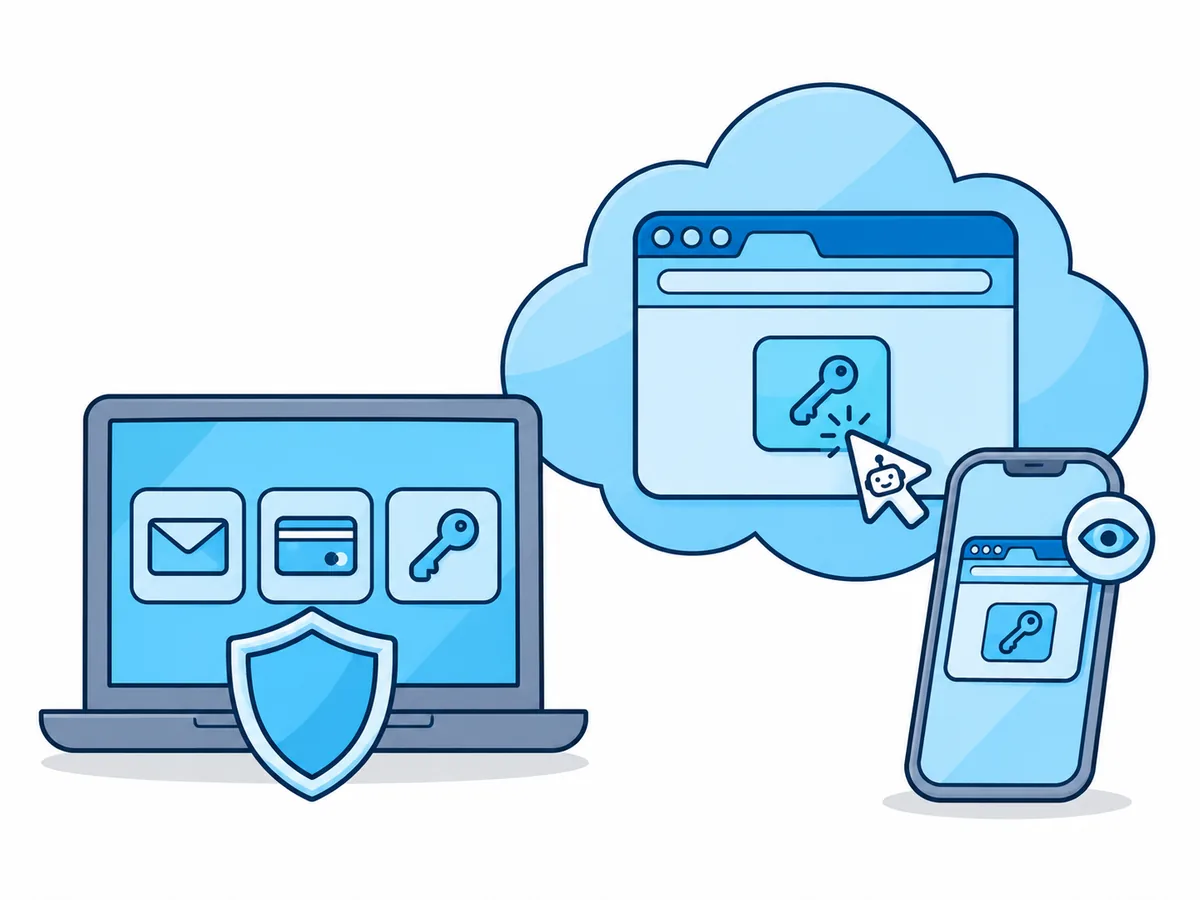
The main risk is prompt injection: text on a page that tries to give ChatGPT new orders, which is why OpenAI gives web access an Elevated risk label. Through the extension a misled ChatGPT reaches every account in your browser; in a separate cloud session it only reaches what you sign in to there.
| Permission | What ChatGPT does |
|---|---|
| Always ask | Asks before reading or changing anything |
| Allow read actions | Reads freely; every page, click and keystroke waits for your OK |
| Allow low-risk actions (default) | Runs low-risk tools without asking; sensitive ones may still ask |
| Allow all actions | Never asks; OpenAI marks it elevated risk |
At a login or CAPTCHA, click Take over in the live view and finish that step yourself; ChatGPT's actions wait until you hand back.
Frequently asked questions
Which ChatGPT plans support custom MCP servers?
Is ChatGPT Atlas still available, and can I get my bookmarks?
Can ChatGPT stay logged in to a site between sessions?
Can I use the same browser in Codex, OpenAI's coding agent?
codex mcp add browserlol --url https://api.browser.lol/mcp, then codex mcp login browserlol.