How to Give Claude a Browser: Web, Desktop and Claude Code
Give Claude a browser with one MCP address, no install: claude.ai, Claude Desktop, Claude Code and your phone. Watch it live and take over any time.
 Janis Zesiger
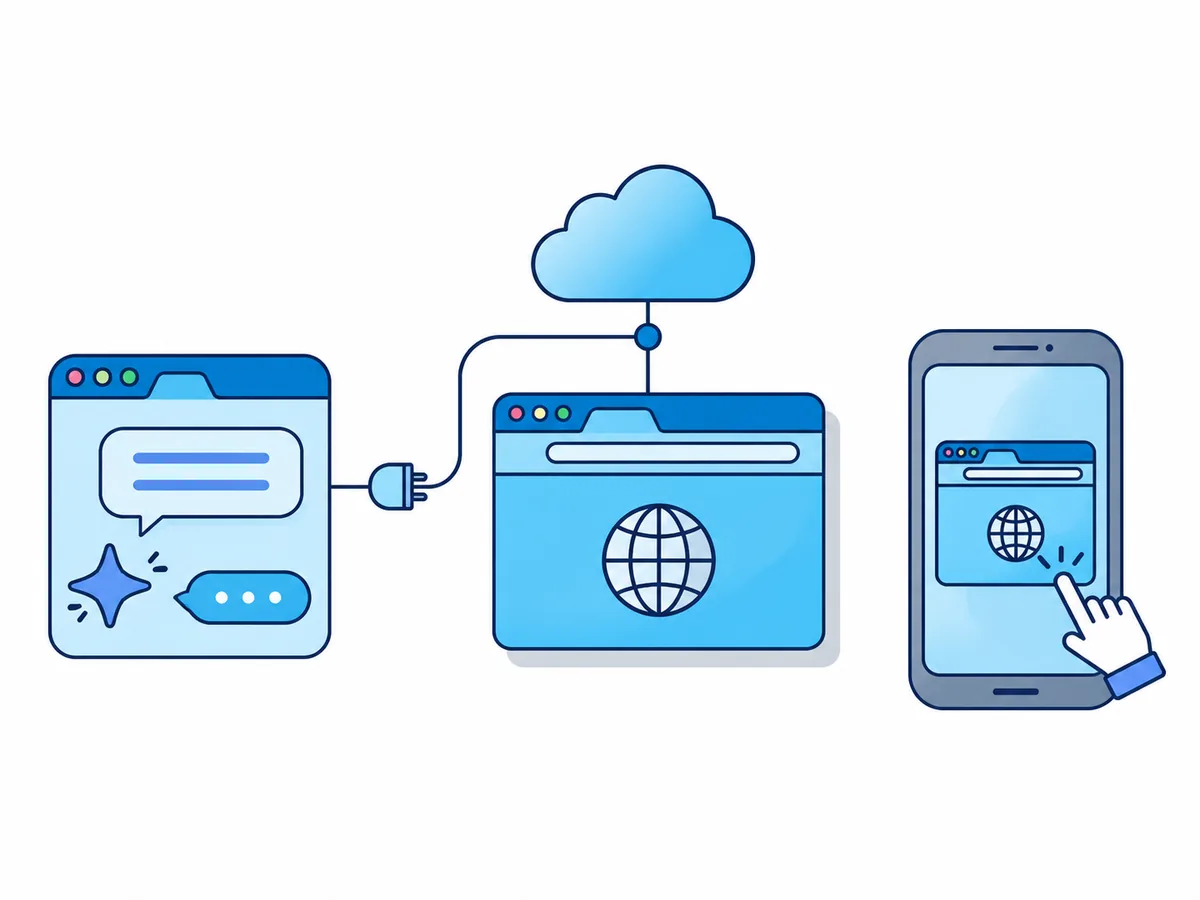
To give Claude a browser, connect it to a browser MCP server: a service that lets Claude open pages, click, type and read what it sees. With Browser.lol that takes one address and a sign-in, with nothing to install, and Claude then drives a real Chrome session in the cloud from claude.ai, the Claude apps or Claude Code.
How can Claude use a web browser?
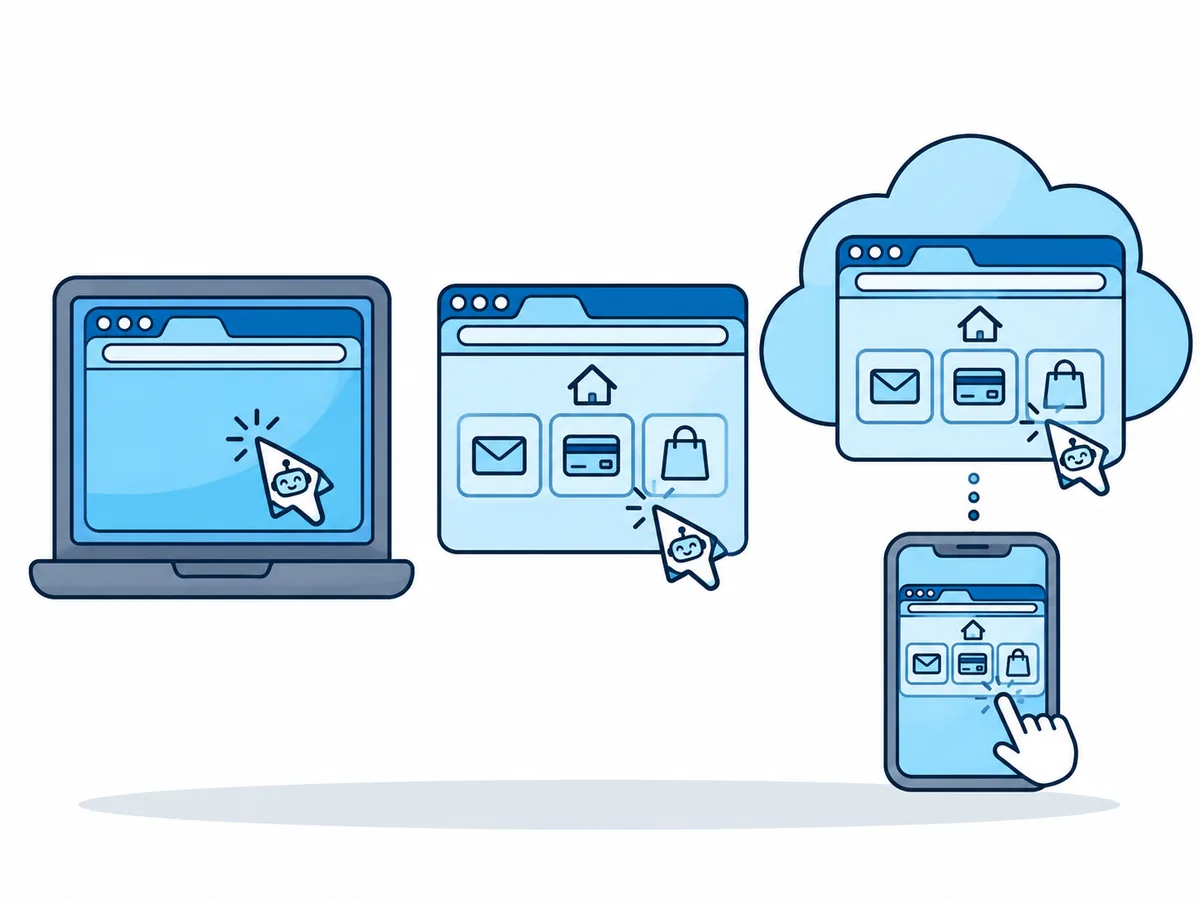
On its own, Claude can search and read pages. To click, fill a form or sign in, it needs a browser it controls. The four options differ in whose browser it is and where it runs.
| Option | Whose browser | Computer off? | From your phone? |
|---|---|---|---|
| Claude in Chrome | Your own Chrome, your logins | No | Only while Chrome runs |
| Claude Desktop's built-in browser | Separate, inside the app | No | Only while the app is open |
| Local MCP server, e.g. Playwright MCP | Started on your computer | No | No |
| Hosted MCP server (Browser.lol) | A separate cloud session | Yes | Yes, with a live view |
Browser.lol is a cloud browser for AI agents; the agent connection needs Premium. Our server never calls an AI model. Claude drives Chrome or a related browser such as Edge, not Firefox or Tor Browser, and it responds a little more slowly than a local browser.
How to give Claude a browser on the web, desktop and phone
In claude.ai and Claude Desktop, a hosted MCP server is added as a custom connector. On Team and Enterprise, an owner first adds it under Organization settings › Connectors; members then click Connect.
https://api.browser.lol/mcp- 1
Open the connector settings
Go to Customize › Connectors, click + Add and choose Add custom connector. - 2
Enter the name and address
Name it Browser.lol, paste the server URL above and click Continue. - 3
Choose how Claude signs in
Review the detected settings and click Continue. Choose Sign in now and Use Claude's published identity (Recommended), then click Add. - 4
Sign in to Browser.lol and allow access
Claude opens the Browser.lol sign-in page. Sign in and click Allow Claude; the connector then shows as connected. - 5
Turn it on in a chat
In a new chat, open + › Connectors, check that Browser.lol is on and give Claude a task.
How to give Claude Code access to a browser
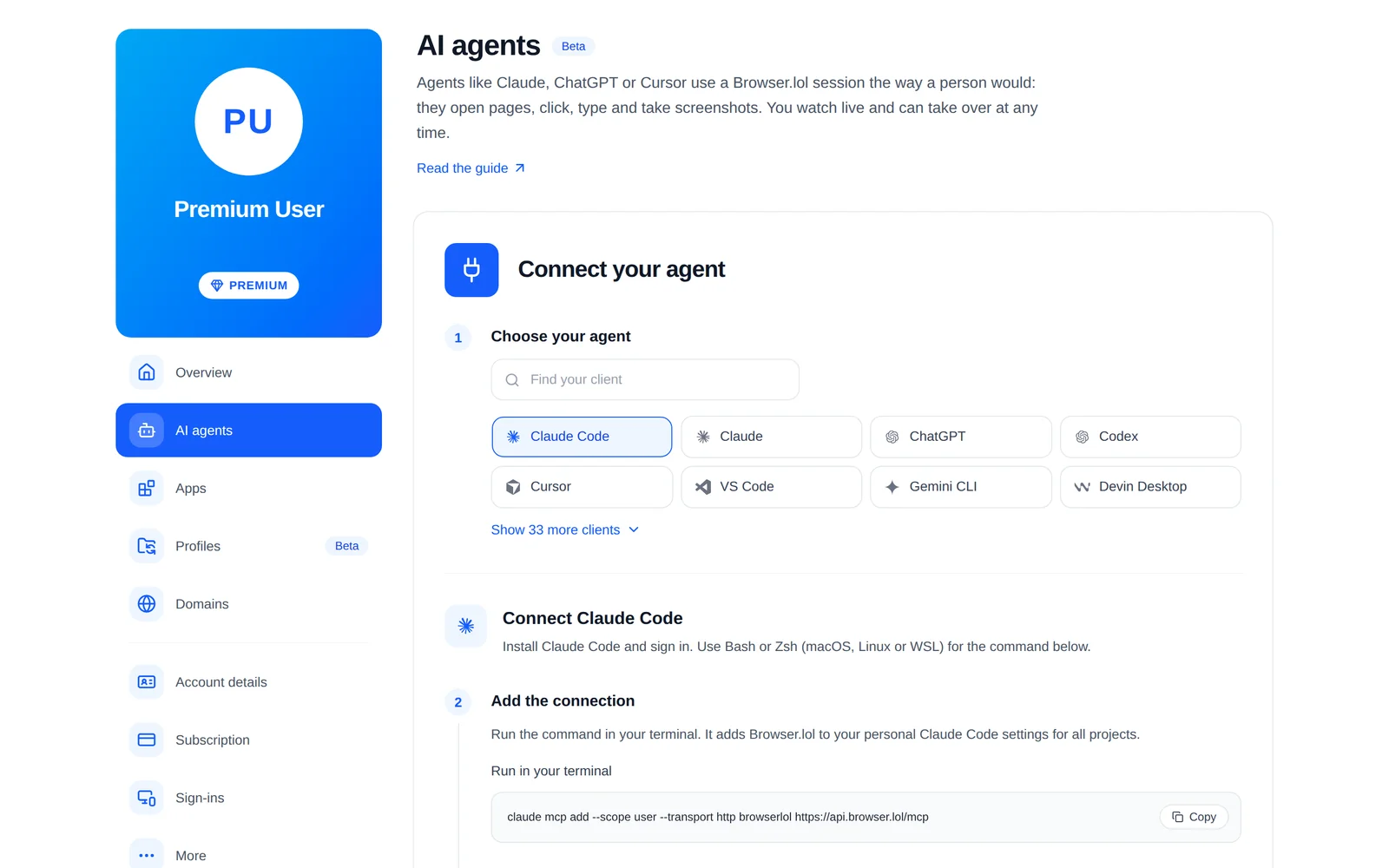
One command adds the server for all your projects. Run it in your terminal on macOS, Linux or WSL:
claude mcp add --scope user --transport http browserlol https://api.browser.lol/mcpSign in
Start Claude Code, type
/mcp, choose browserlol and sign in.Check it
/mcplists browserlol as connected. If not, runclaude mcp list.Give it a task
Ask for something in a browser and approve the browser tools when asked.
Can Claude Code use a browser in WSL, over SSH or in CI?
Yes: a hosted server only needs an internet connection, so it works where no screen or local Chrome exists. Some setups need one extra step.
- Claude Code signs in with a claude.ai subscriptionYour claude.ai connectors appear in /mcp automatically, but not with an API key or Amazon Bedrock
- It runs in WSL (Linux inside Windows)Use the command above: Claude in Chrome does not support WSL
- No browser can open where it runs, such as over SSHRun
claude mcp login browserloloverssh -t, open the printed link on your computer and paste the address your browser ends on at the prompt - A script or CI job runs it, with nobody to sign inCreate an API key on the AI agents page under Advanced and add
--header "Authorization: Bearer YOUR_API_KEY"to the command above; one key per machine - Claude in Chrome is connected as wellName the one you mean, for example "in a Browser.lol session"
How do you watch Claude and take over a login or CAPTCHA?
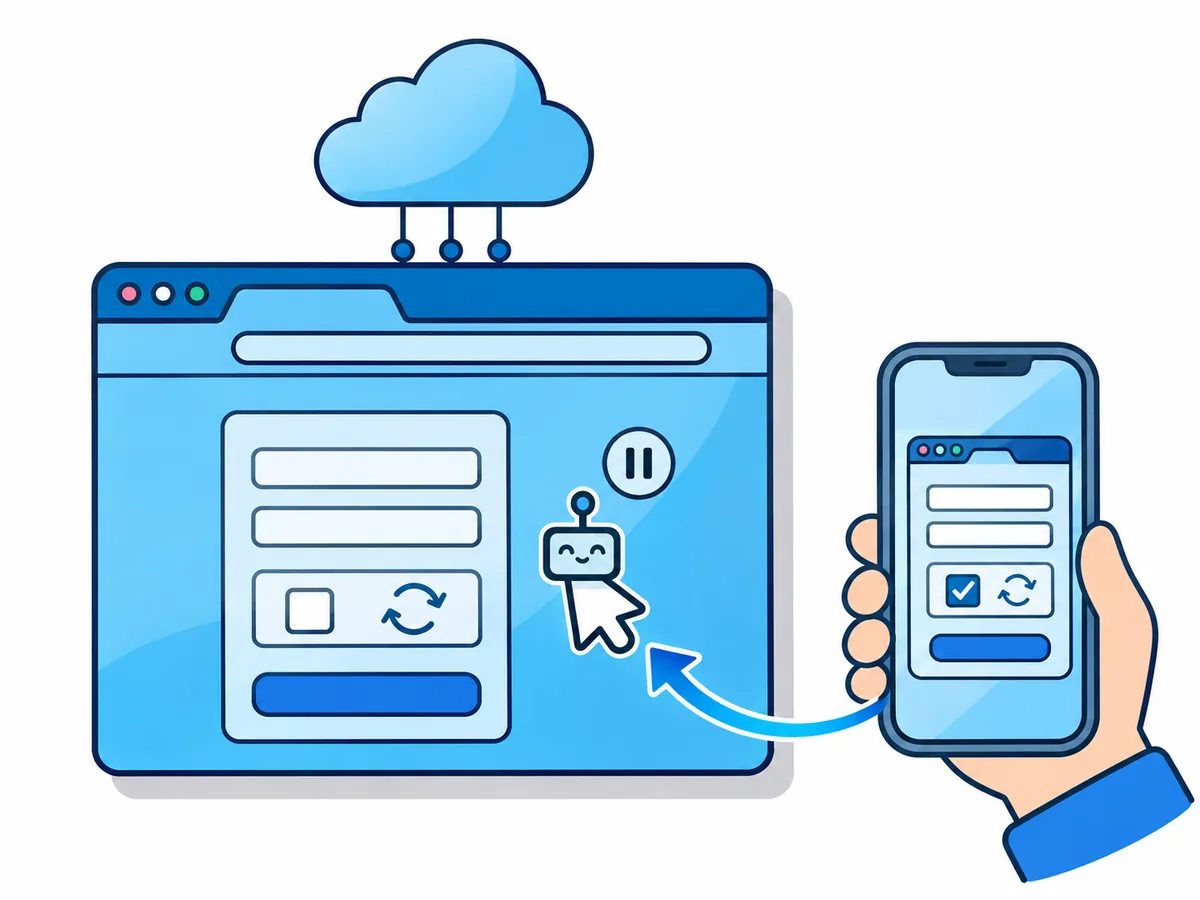
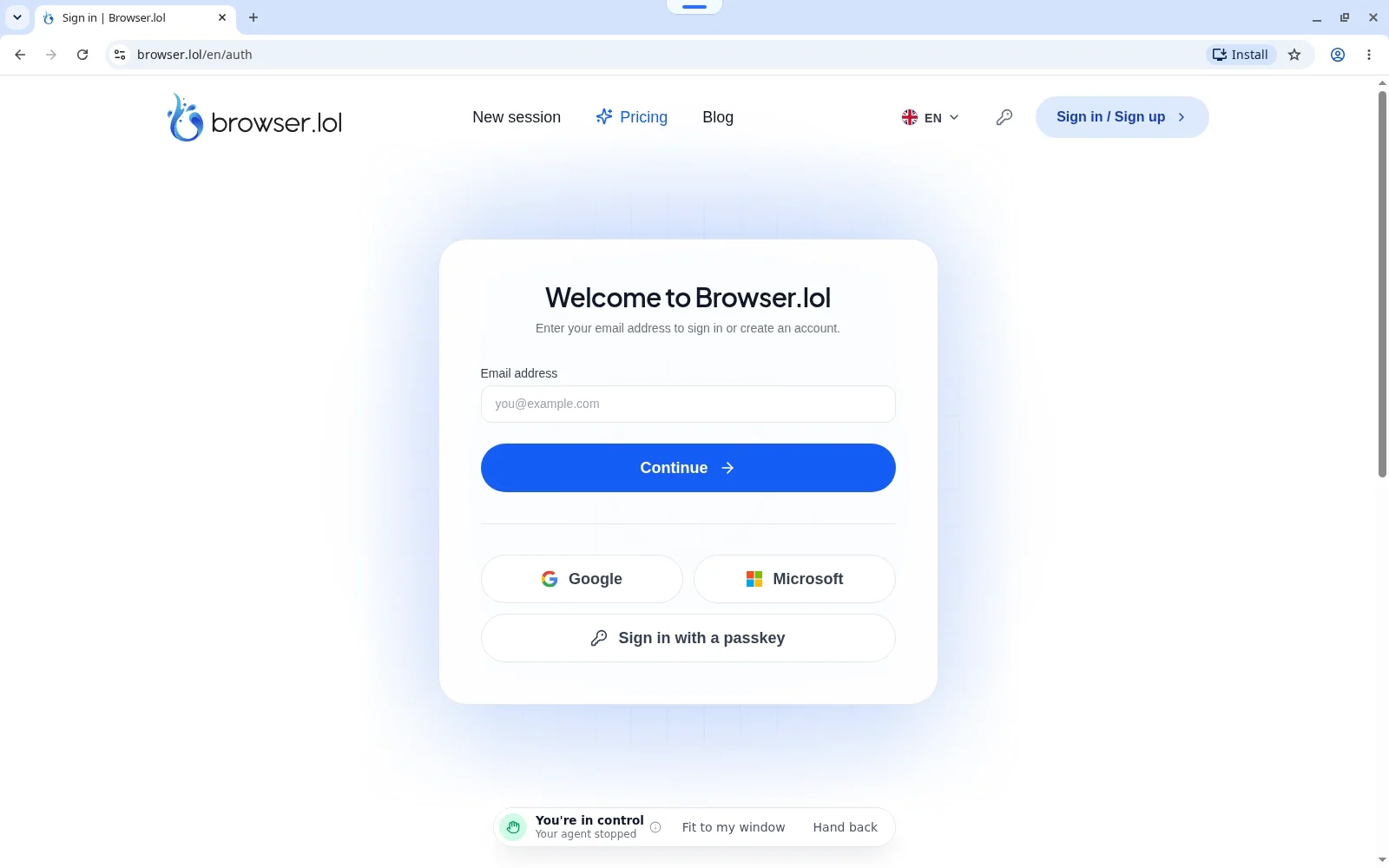
Ask for the live view link in your first prompt, for example: "In a Browser.lol session, open news.ycombinator.com, send me the live view link, then summarise the top five stories." Open the link on any screen signed in to the same Browser.lol account.
Claude does not solve CAPTCHAs or type your passwords. While you are in control it can still read the page, so never click "show password".
Claude asks
It hits a login and asks you to step in
You take over
Claude pauses; you sign in or solve the check
You hand back
Control returns to Claude
Claude continues
Tell it in the chat to carry on
Is it safe to give Claude a browser?
The main risk is prompt injection: text on a page that tries to give Claude new orders. In Anthropic's tests, 3.8% of attacks that reached Claude Opus 5 worked without extra safeguards; with Claude in Chrome's safeguards, none worked against Opus 5 or Sonnet 5 and 0.3% against Fable 5.
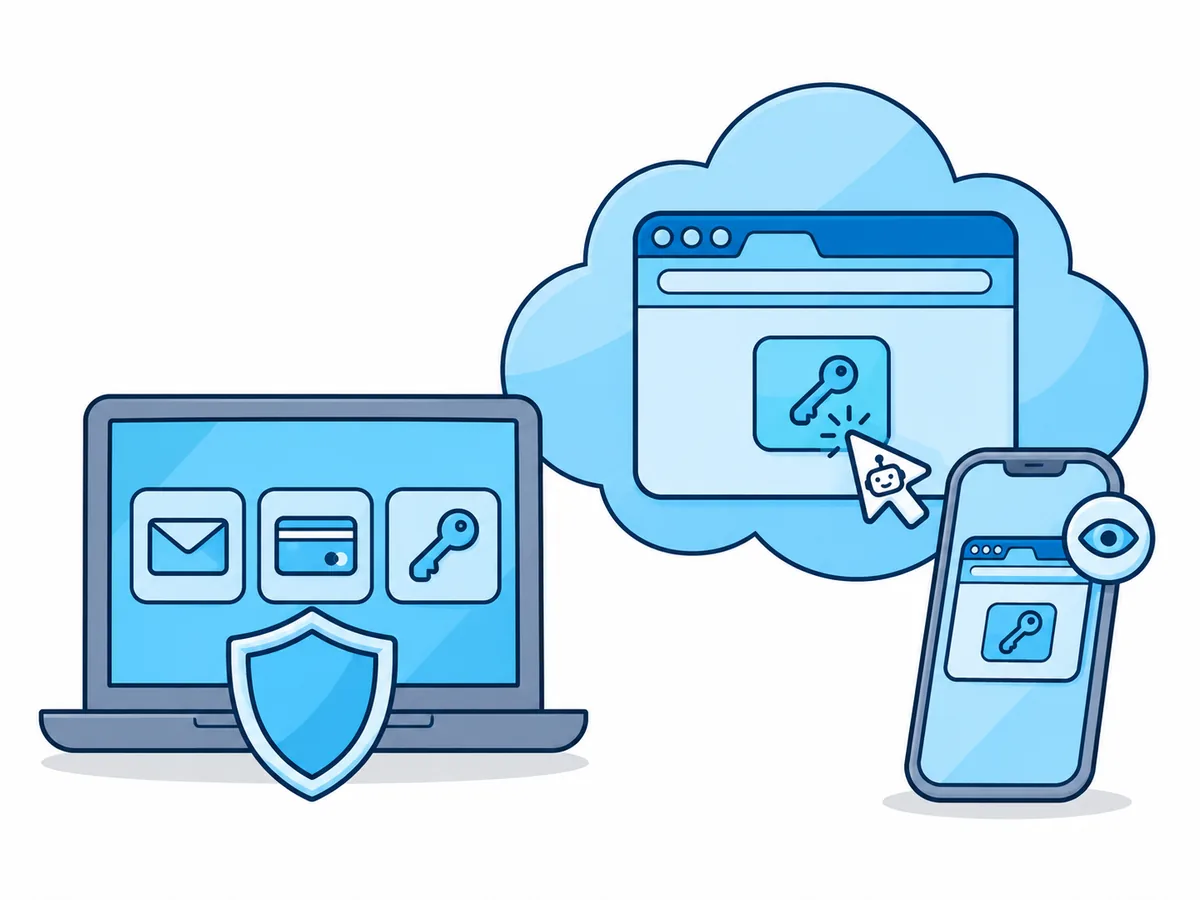
A browser added as a connector does not get those safeguards, so what it can reach limits the damage: a separate cloud session holds only what you put there, never your own cookies. Anthropic strongly advises against browser agents for financial accounts, medical information or other people's personal data.
Before Claude acts on the web for you
- Start with read-only tasks on public sites
- Tell Claude what it must not do: pay, post, delete, accept terms
- Sign in yourself, and only to accounts made for the task
- Keep the live view open for anything that changes data
- Disconnect Claude or revoke its API key on the AI agents page when done