Is It Safe to Let AI Agents Use Your Browser and Logins?
Is it safe to let AI use your browser? What Claude in Chrome, Comet and Gemini can do with your logins, what the vendors advise, and a safer setup.
 Janis Zesiger
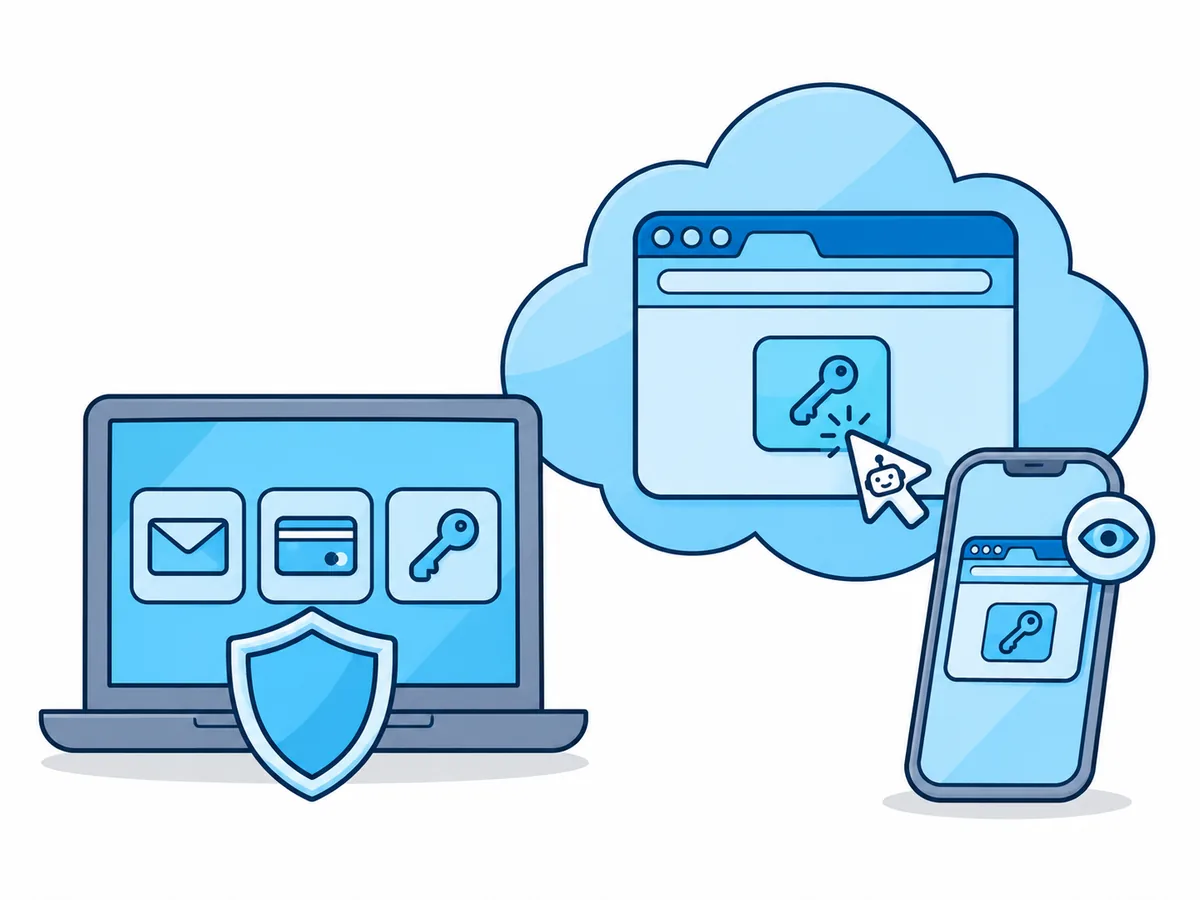
Letting AI agents use your browser is safe enough for research and low-stakes tasks, as long as they cannot reach your email, bank or password manager. Claude in Chrome, Comet, Gemini and ChatGPT all have safeguards, but none can rule out being hijacked by a web page.
What can AI reach when you let it use your browser?
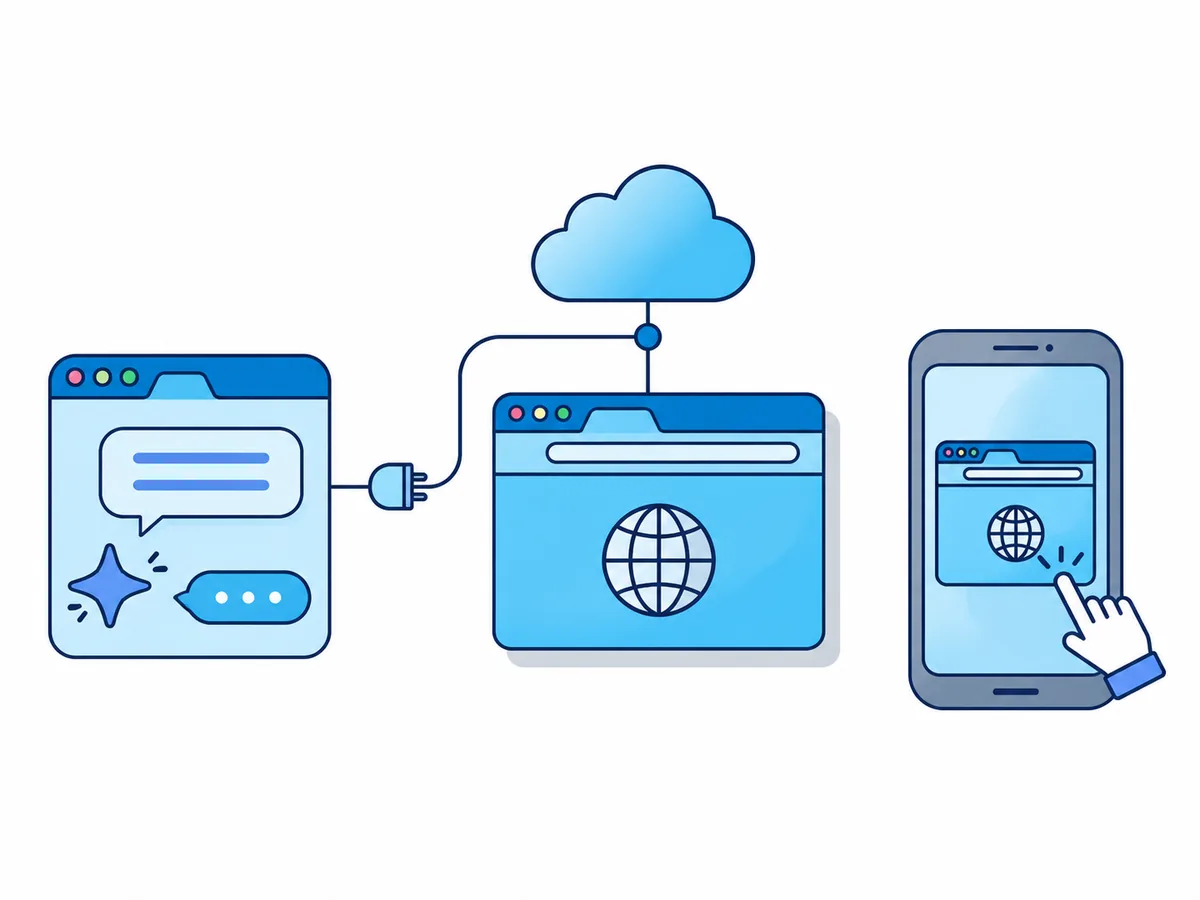
A browser agent is an AI that reads a web page, decides what to do, then clicks and types like a person. In your own browser it uses your logins, so to every site the agent is you.
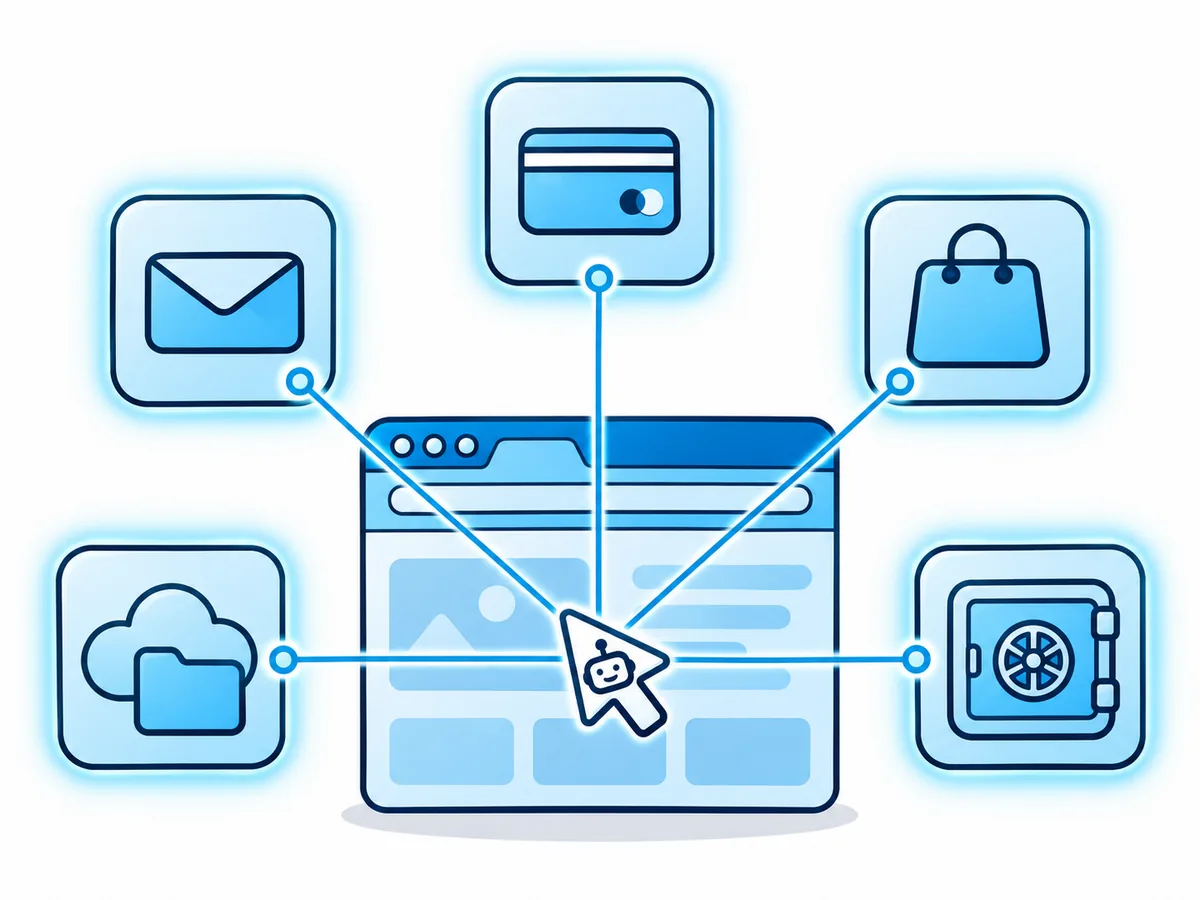
What are the risks of letting AI use your browser?
The main one is prompt injection: orders hidden in a page, an email or an image that the agent mistakes for yours. The UK's National Cyber Security Centre warns it may never be totally mitigated, and OpenAI calls it "unlikely to ever be fully solved". Most published attacks were fixed, but each shows a failure that stays possible.
| Risk | What happens | Shown by |
|---|---|---|
| Prompt injection | A page gives the agent new orders | Brave: a hidden Reddit comment sent Comet into the user's email (2025) |
| Mistakes | Wrong button, wrong quantity | Google: Gemini may buy without your permission |
| Fake shops | The agent pays a scam site | Guardio: Comet sometimes paid with the saved card (2025) |
| Bad extensions | An add-on draws a fake AI panel | SquareX: a fake panel over Comet and Atlas pushed phishing links (2025) |
| Open password vault | The agent acts inside it | Zenity: a poisoned invite steered Comet into an open 1Password vault (2026) |
Is Claude in Chrome safe? Comet, Gemini and ChatGPT compared
In Anthropic's own tests at the August 2026 launch, 3.8% of attacks that reached Claude Opus 5 succeeded without its extra safeguards; with them, 0% did on Opus 5 and Sonnet 5 and 0.3% on Fable 5. Three weeks earlier, Zenity Labs had shown working attacks on Claude in Chrome, Gemini in Chrome, Comet, OpenAI's Atlas and Microsoft's Copilot in Edge.
Claude in Chrome
All paid Claude plans
Pros
- Checks each action before it runs
- Asks before opening financial sites
Cons
- Screenshots of your tabs become part of the chat
Perplexity Comet
Agent on paid Perplexity plans
comet://settings/assistant is off by default.Pros
- Checks every page it reads for hidden orders
- Confirms before sending mail or ordering
Cons
- Researchers bypassed one of its security fixes twice
Gemini auto browse in Chrome
US, Google AI plans
Pros
- A second AI checks each action against your goal
- Never sees passwords from Google Password Manager
Cons
- Works in your own Chrome, with every login there
ChatGPT cloud browser
ChatGPT Work, paid plans
Pros
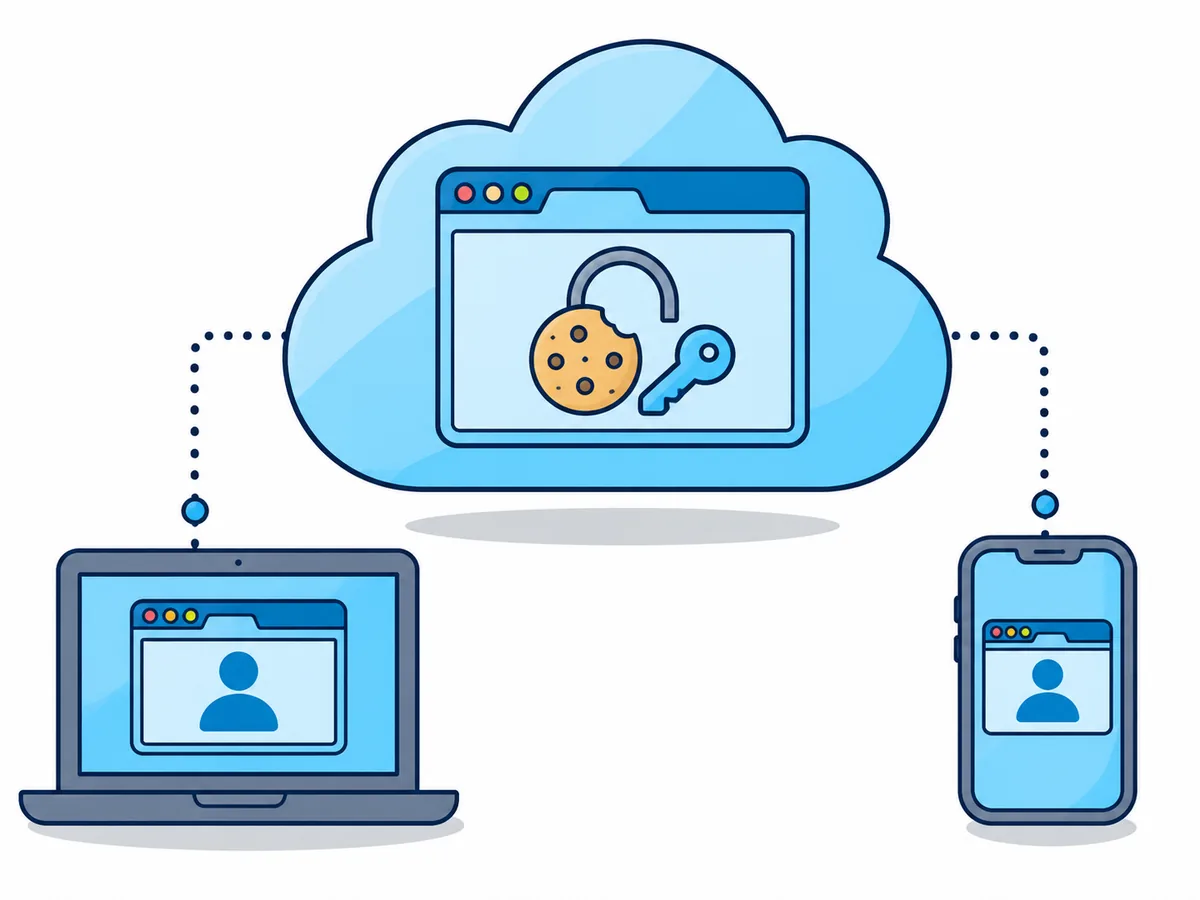
- Runs on OpenAI's servers with its own cookies
- You sign in through a form the AI cannot read
Cons
- Its sign-ins stay for later tasks until they expire
Which browser should an AI agent use?
The vendors agree: keep the agent out of the browser where your important accounts live. With one shop account, a misled agent can spoil one order; in your everyday browser, it can reach your inbox.
- Research, price comparisons, public pagesA browser with no sign-ins, such as a disposable cloud session
- A quick job in a tab, while you watchClaude in Chrome or Gemini, in a separate Chrome profile
- A recurring job in one or two accountsA saved cloud profile with only those logins, signed in by you
- The agent works while you are awayA cloud browser you can watch from your phone
- Company accounts or customer dataAsk your IT team first
What should you never let an AI agent do?
Anthropic, OpenAI and Google warn against all of these. Anthropic also strongly advises against letting its browser agents handle medical information or other people's personal data.
Never let an AI agent
- Use your main email account
- Sign in to banking, investments or crypto wallets
- Work where your password manager has the vault open
- Get a password, two-factor code or card number through the chat
- Pay, sign, accept terms or delete data without your final click
- Run open-ended orders such as "handle my inbox" unattended
How to let an AI agent use your logins safely
Browser.lol is a cloud browser for AI agents: your AI app drives a separate Chrome session on our servers through MCP, a standard way for AI apps to use tools. The agent connection needs Premium; saved profiles are Plus and Premium, currently in beta.
A connected agent can use every session and saved profile on your account and read its Anonymous Mail, so keep only profiles there that it may use.
Connect your agent
Add the MCP server to Claude, ChatGPT or Cursor and sign in.
Limit its logins
Start a Chrome session with Persistent session on and sign in to one account.
Sign in yourself
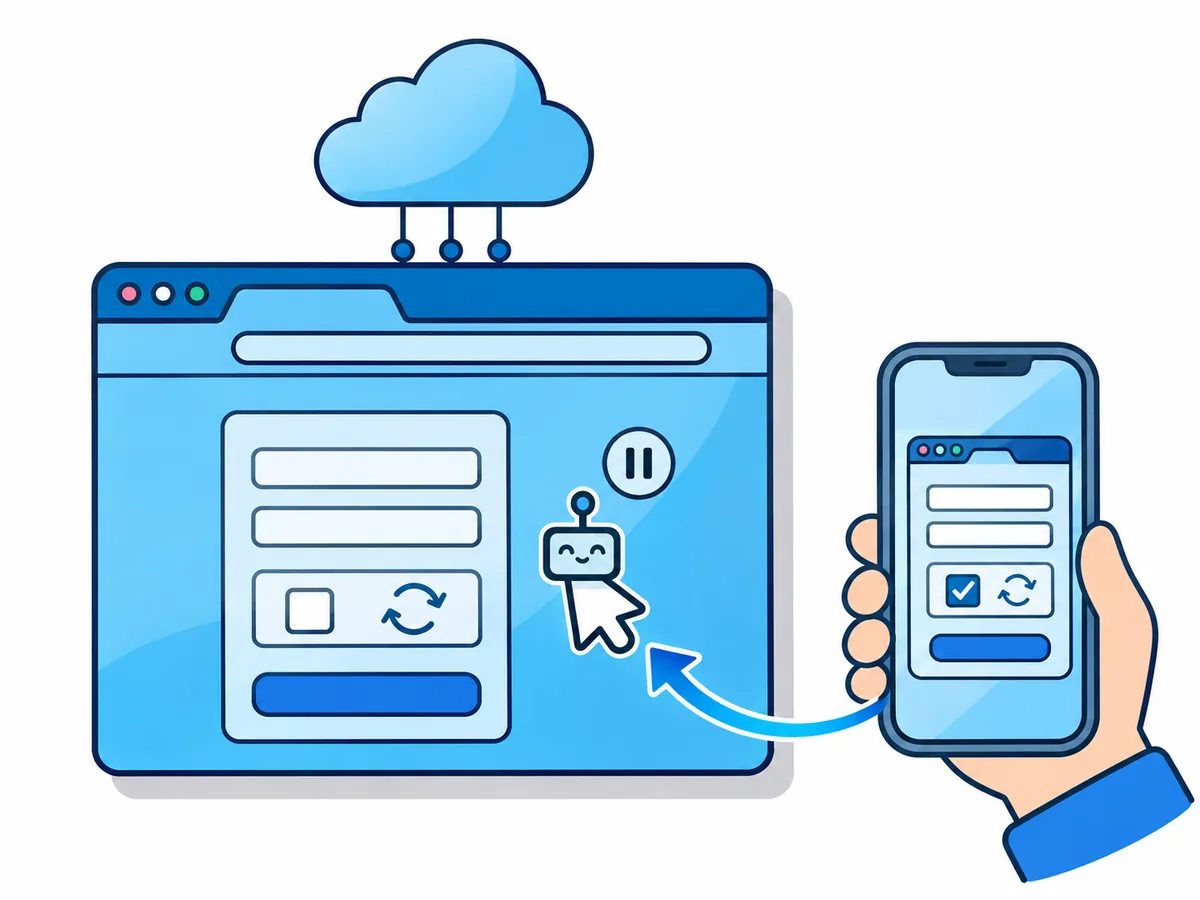
When a login comes up, click Take over, type the password and code, then Hand back.
Watch, then disconnect
Keep the live view open; Disconnect agent on the AI agents page ends its access.