An online browser that runs inside your browser
Browser.lol starts a real browser on our servers and shows it in a tab of the browser you already use. Open or view any website without downloading or installing anything.
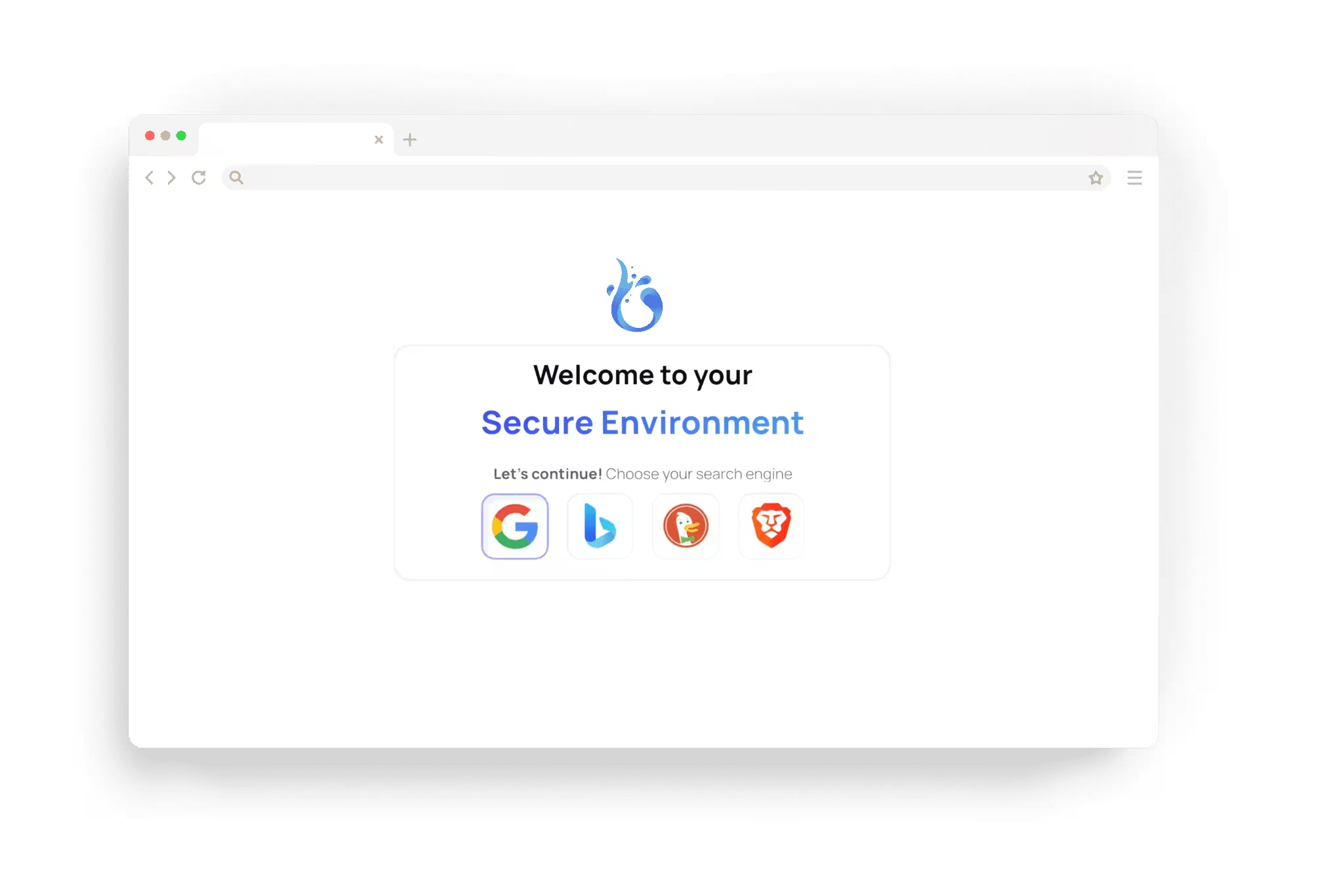






A browser in a browser
An online browser is a real browser that runs on a remote server. You see a live stream of its screen in your own browser, and your clicks, typing and scrolling are sent back to it.
With Browser.lol, each session is its own isolated container with a fresh browser. Sites load and run there, not on your device. Copy and paste, sound and touch controls work, so you can use it on a computer, a tablet or a phone.
Which browsers you can open
Chrome, Firefox, Edge, Brave, Opera, Vivaldi, Chromium and Tor Browser run in sessions. The launch page shows which of them your account can open: Free includes some, and Plus and Premium add every browser.
Before you start, you can set the browser language and keyboard layout, so a site shows the version you want to see.
What people use it for
More ideas are in our guide to cloud browsers.
View a website on a work computer, a school laptop or a phone where you cannot install software.
Check how a site looks in Firefox, Edge or another browser you do not have installed.
Open an unfamiliar link away from your device.
See a site's regional version through an exit location, on Plus and Premium.
Sign up with a fresh mailbox from Anonymous Mail, on Plus and Premium.
What it is not
Browser.lol runs real browsers, one maintained desktop version of each. It offers no older versions, no Safari and no emulated phone models, so it does not replace a cross-browser testing service. For a look at a page in current Chrome, Firefox or Edge, a session is enough.
It does not make you anonymous either. A site sees the address of our server or of the exit you chose, not your own, but it sees what you do there and knows who you are as soon as you sign in.
Some sites block data centre addresses or show extra checks. On a slow network, video and fast animations are less smooth than in a local browser.
How it works
- 1
Choose a browser
Open the launch page, pick a browser and, if you like, enter the address you want to open.
- 2
Start the session
Browser.lol starts the browser in an isolated container. When it is ready, its screen appears in your tab.
- 3
Browse, then end it
Use it like any browser. Ending the session deletes the browser with its history, cookies, logins and downloads.
Questions about the online browser
Try it in your browser
Free sessions come with ads and need no payment card, and there is nothing to install.