A browser sandbox for suspicious links and sites
Paste a link into a Browser.lol session and it opens in a browser on our servers, in an isolated container of its own. You see the page; the page never runs on your device.
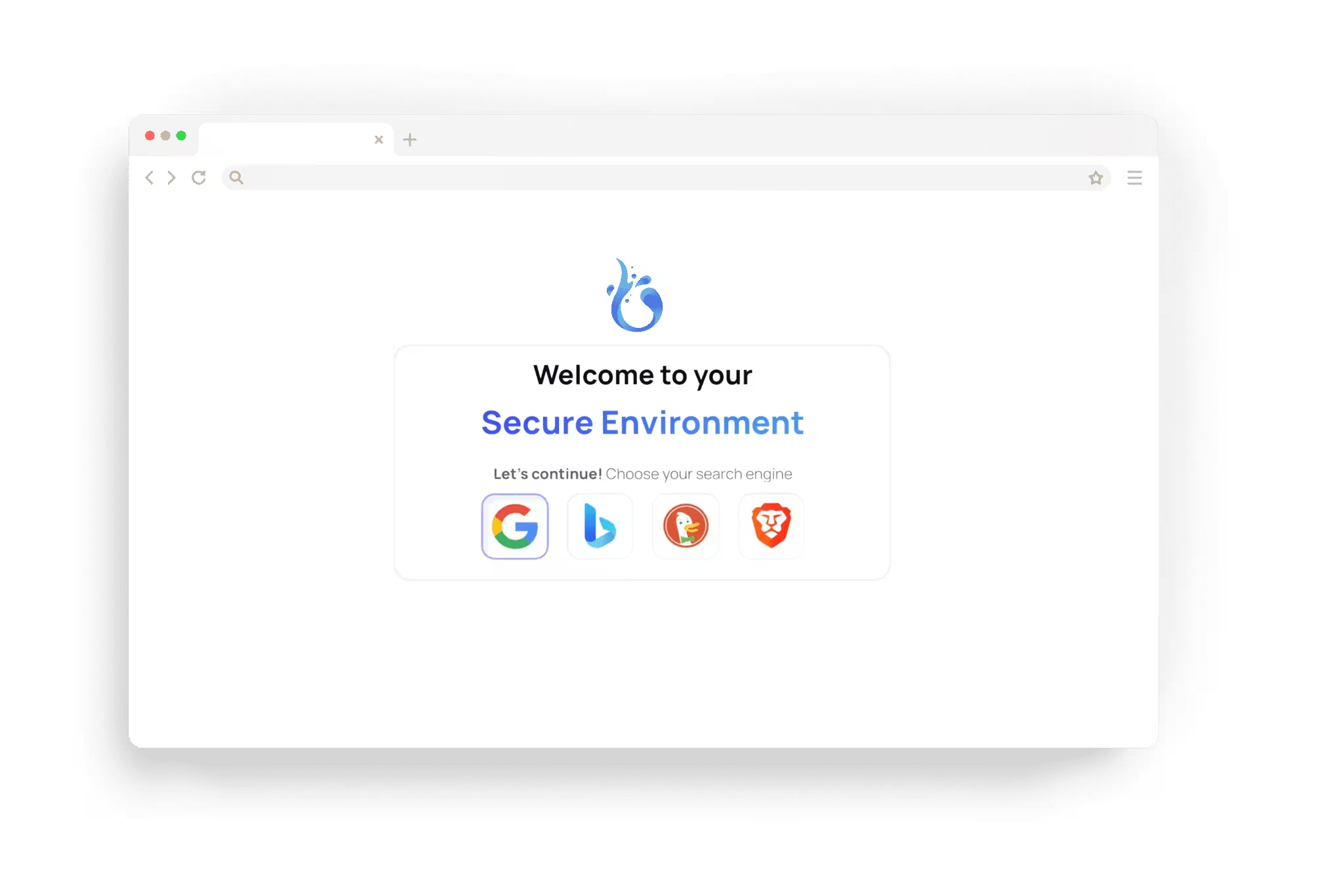
Why open a link in a sandbox
A link in an email, a text message or a chat can lead to a phishing page, a fake download or a page that tries to exploit the browser. Opened on your device, its code runs next to your files, your accounts and your saved passwords.
A Browser.lol session is an isolated container with its own browser. The link opens there, and you receive a live picture of the page. Code on the page runs in the container and stays there unless you save a file from it yourself. When you end the session, the container is deleted.
What to check in the session
How to investigate suspicious links more safely walks through a full workflow.
The real address: read the domain in the address bar after any redirects. A familiar logo proves nothing.
What the page wants: a sign-in form, a payment, a download or a request to paste a command are the usual goals.
Downloads: a file downloaded in the session stays there. With the Files app you can save it to your device, and risky file types ask first.
What a sandbox cannot protect
Isolation protects your device from the page. It cannot protect what you hand over: a password, a card number or a code typed into a phishing page reaches the attacker, wherever the browser runs. Never sign in to a real account from a link you do not trust; open the service by typing its address yourself.
Browser.lol does not judge whether a site is safe; it gives you a separate place to look. A file you save to your device is on your device, so treat it as untrusted.
Other ways to check a link
A scanner and a session work well together: check the link first, then look at it in a session if you still need to.
A URL scanner: a result from blocklists and an automated visit, but a new or targeted page may not be listed yet.
Your own browser: the page itself, running on your device.
A local virtual machine or Windows Sandbox: an isolated operating system, set up on your own hardware.
A Browser.lol session: the page, live, in an isolated container, with nothing to install.
How it works
- 1
Copy the link
Copy it from the message without opening it. On a phone, press and hold the link and choose to copy it.
- 2
Paste it on the launch page
Open the launch page, choose a browser, paste the link into Start URL and start the session.
- 3
Look, then end the session
Check where the link leads and what the page asks of you. Then choose End session: the browser is deleted with everything it loaded.
Questions about the browser sandbox
Try it in your browser
Free sessions come with ads and need no payment card, and there is nothing to install.