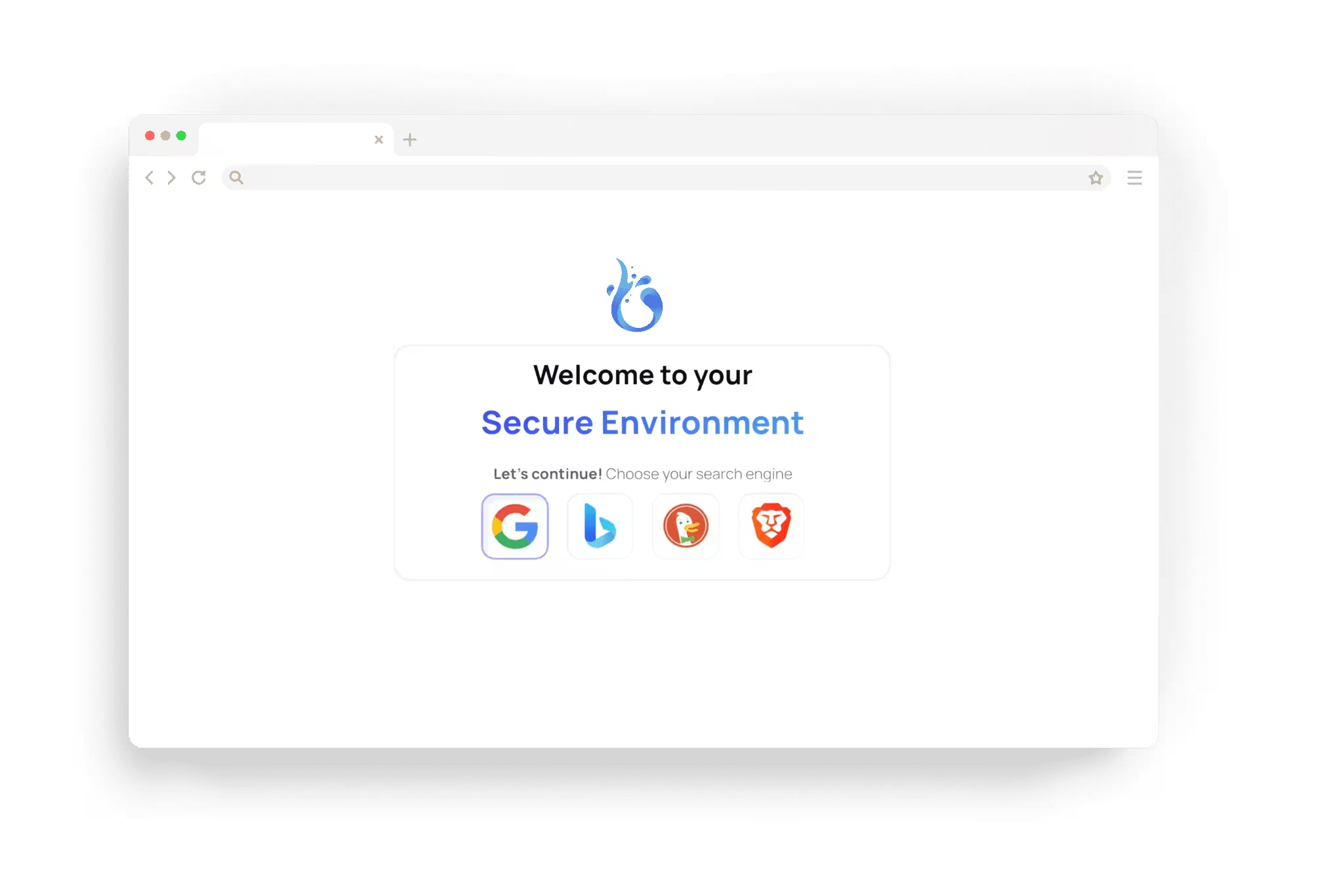





How a site decides where you are
Most websites guess your country from the address your connection comes from. That decides the language, the prices, the shipping options or whether a page is shown at all. Changing the browser language alone rarely helps, because the address still points to your own country.
Compare regional prices and offers of a shop, an airline or a hotel.
Check your own website: translations, redirects, cookie banners and ads that depend on the visitor's country.
Reach the services you use at home while you travel, as far as the site and its terms allow.
Four apps to choose your exit
All four come with Plus and Premium. A session uses one network app at a time; without one, it connects directly.
Location Switch: one of our servers in another country or, where offered, a city. If the tunnel drops, traffic stops, so your own address never shows.
Home IP: a home internet connection in the country you choose, so sites see an ordinary home address instead of a data centre. It uses your plan's monthly residential data, and Premium includes twice as much as Plus.
Proxy Connect: one of your own HTTP, HTTPS, SOCKS4 or SOCKS5 proxies. A failing proxy is never swapped for another connection.
Custom VPN: one of your own WireGuard VPNs, added by pasting a standard config.

Limits worth knowing
Results vary. Many sites recognise data centre addresses and block them or ask for extra checks; Home IP helps with some of them, not all. A site may also use your account's country, your payment card or other signals besides the address. Streaming services and other licensed content are often restricted by their own terms, and the Acceptable Use Policy applies to every session.
A different country is not anonymity. Sites still see what you do, and an account you sign in to knows who you are.
Browser.lol or a VPN
A VPN changes the route for your whole device: every app, every tab. With Browser.lol, only the session's traffic leaves through the exit you picked, while your device keeps its own connection. There is no VPN app to install, and you switch countries without starting over.
Remote browsers or a VPN explains which problem each one solves.
How it works
- 1
Choose the app
On the launch page, open the App Store from the Apps row and install Location Switch, Home IP, Proxy Connect or Custom VPN.
- 2
Pick the place
Choose a country or city, or one of your saved proxies or VPNs. Under Advanced settings you can set the browser language and time zone to match.
- 3
Browse and switch
Start the session. To compare, open the session menu and move to another exit without starting over.