AI Agent Stuck on a CAPTCHA or Login? Take Over, Hand Back
Your AI agent is stuck at a CAPTCHA, login or 2FA code? Why it should not solve them, what ChatGPT and Claude do, and how to take over and hand back.
 Janis Zesiger
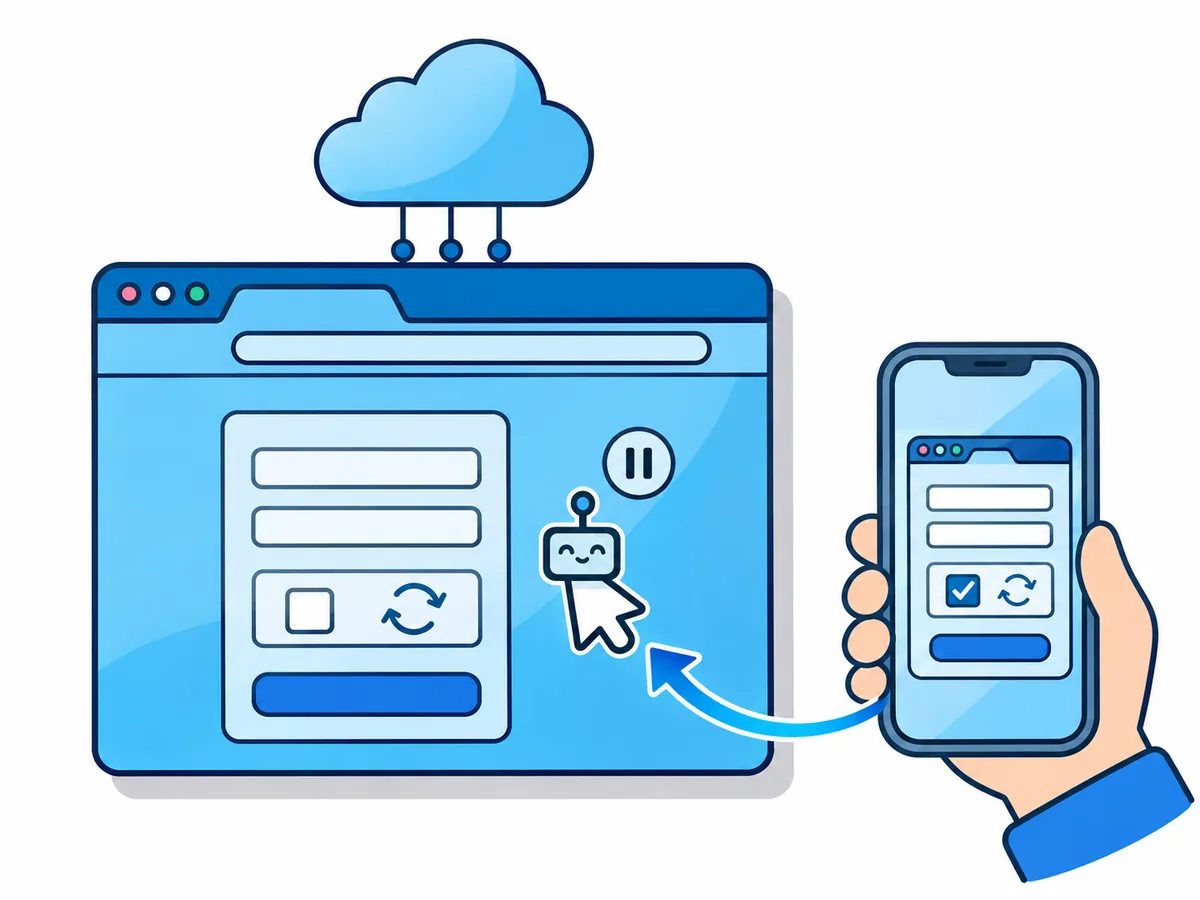
When an AI agent gets stuck on a CAPTCHA or a login, it should not try to get past it alone: it should stop and ask you. You take over the same browser, do that one step and hand control back.
Why does your AI agent stop at logins and CAPTCHAs?
A CAPTCHA is a test that tells people from software, and your agent is software. Many are invisible: Cloudflare Turnstile shows a box only when something looks risky, and reCAPTCHA v3 scores every visitor without showing anything.
| Checkpoint | Why the agent stops | Who does it |
|---|---|---|
| CAPTCHA or "Verify you are human" | Built to block automation | You |
| Password sign-in | Your credential, not the agent's | You |
| Two-factor (2FA) code or push approval | It arrives on your phone | You |
| Payment, terms, new account | It commits you to something | You decide |
Can an AI agent solve a CAPTCHA?
Older visible puzzles, often yes. New puzzle types and checks that score the browser, mostly no.
Best agent on puzzles, 2025 models (people 93.3%)
Newer models on one puzzle type, 2026, at best
Best model on 27 new puzzle types (people 98.8%)
Paid solving services on reCAPTCHA v3, average
Sources: Open CaptchaWorld, its 2026 follow-up and Broken Gates, where on reCAPTCHA every fresh browser scored like a bot and agents passed only in an established Chrome profile signed in to Google. Bypassing is no shortcut: many sites forbid it, and the banned account is often yours.
What ChatGPT, Claude, Gemini and Browser Use do at a CAPTCHA
| Agent | At a login | At a CAPTCHA | Where you step in |
|---|---|---|---|
| ChatGPT (cloud browser) | Secure form the model cannot see | Asks you to take over | A link, phone or computer |
| Claude in Chrome | Pauses, or 1Password fills it | Pauses; will not bypass | Your own Chrome |
| Gemini in Chrome | You, or Password Manager | Pauses for you | The task tab in Chrome |
| Browser Use Cloud | Saved logins or live view | Solves some itself | Live view link |
| Browser.lol | Asks you | Asks you | Live view, any device |
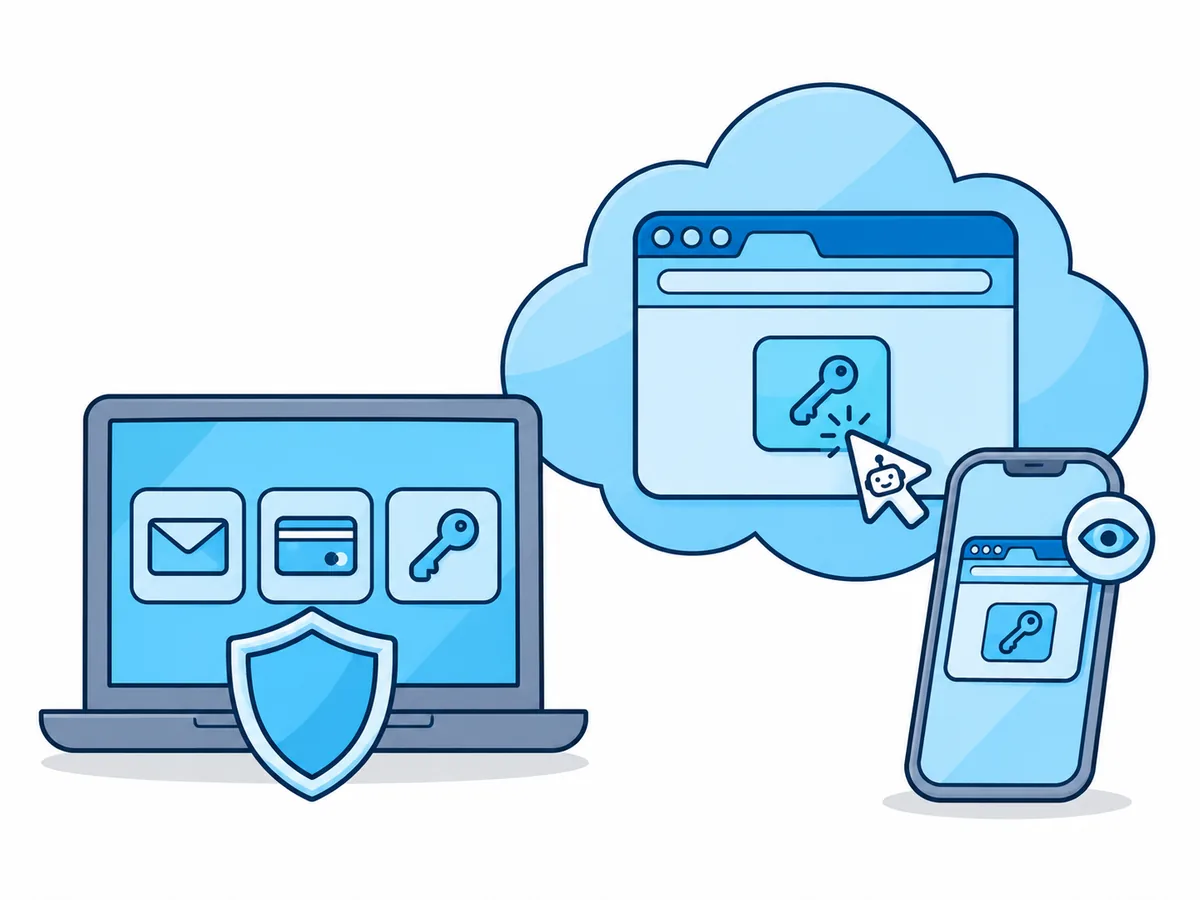
ChatGPT's old agent mode is gone: browser tasks now run in the cloud browser of ChatGPT Work, not on the Free and Go plans. Claude in Chrome works beside every account you are signed in to, so a misled agent can reach them all, which is the main safety risk.
How to take over and hand back in Browser.lol
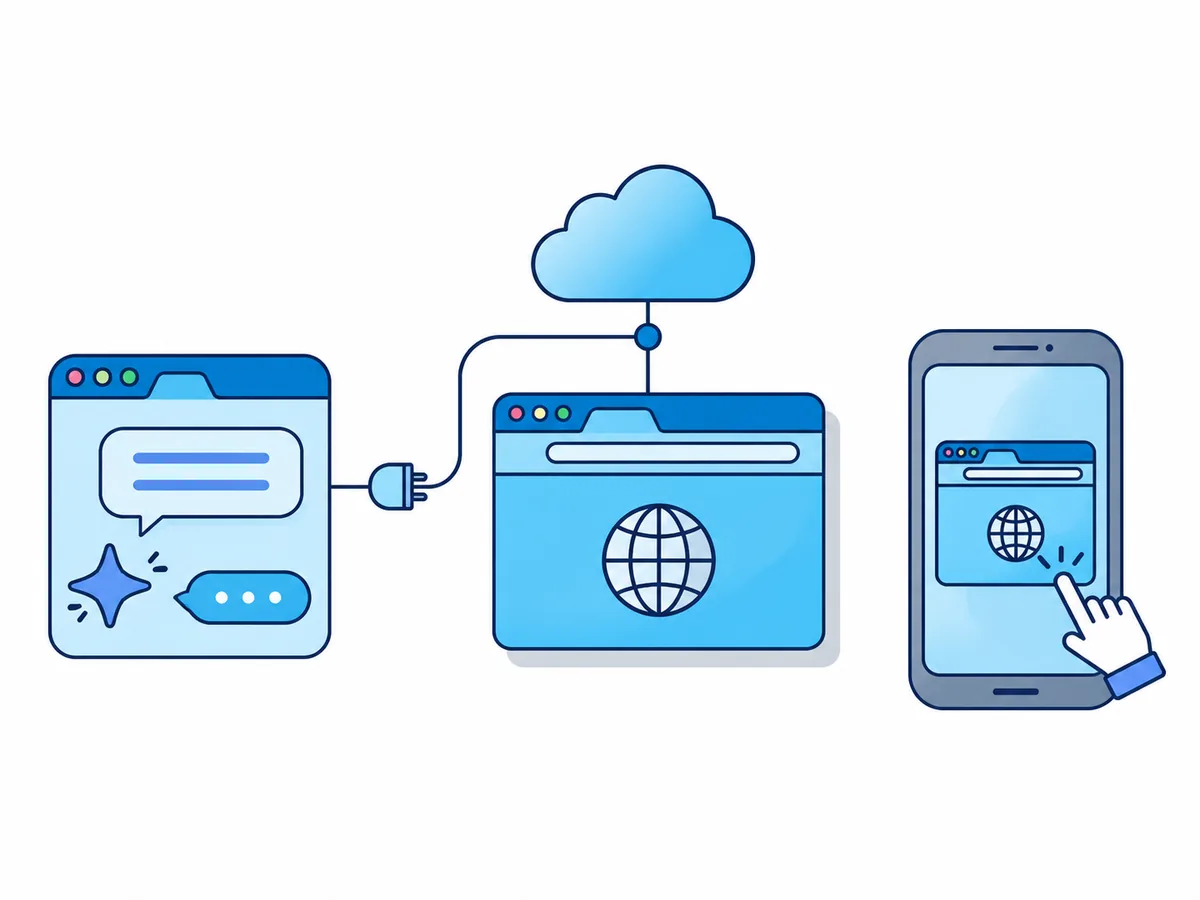
Your agent drives a Chrome session in the cloud, and you watch it in the live view (the session, live in a page). The agent connection needs Premium.
Connect your agent
Add Browser.lol to Claude, ChatGPT or Cursor once, with the setup guide.
Open the live view
Your agent sends its link when the session starts.
Do the step
At "Your agent needs you", sign in, type the code or tick the box.
Hand back
Click the "Done, hand back" button. If nothing happens, reply "Done, carry on".
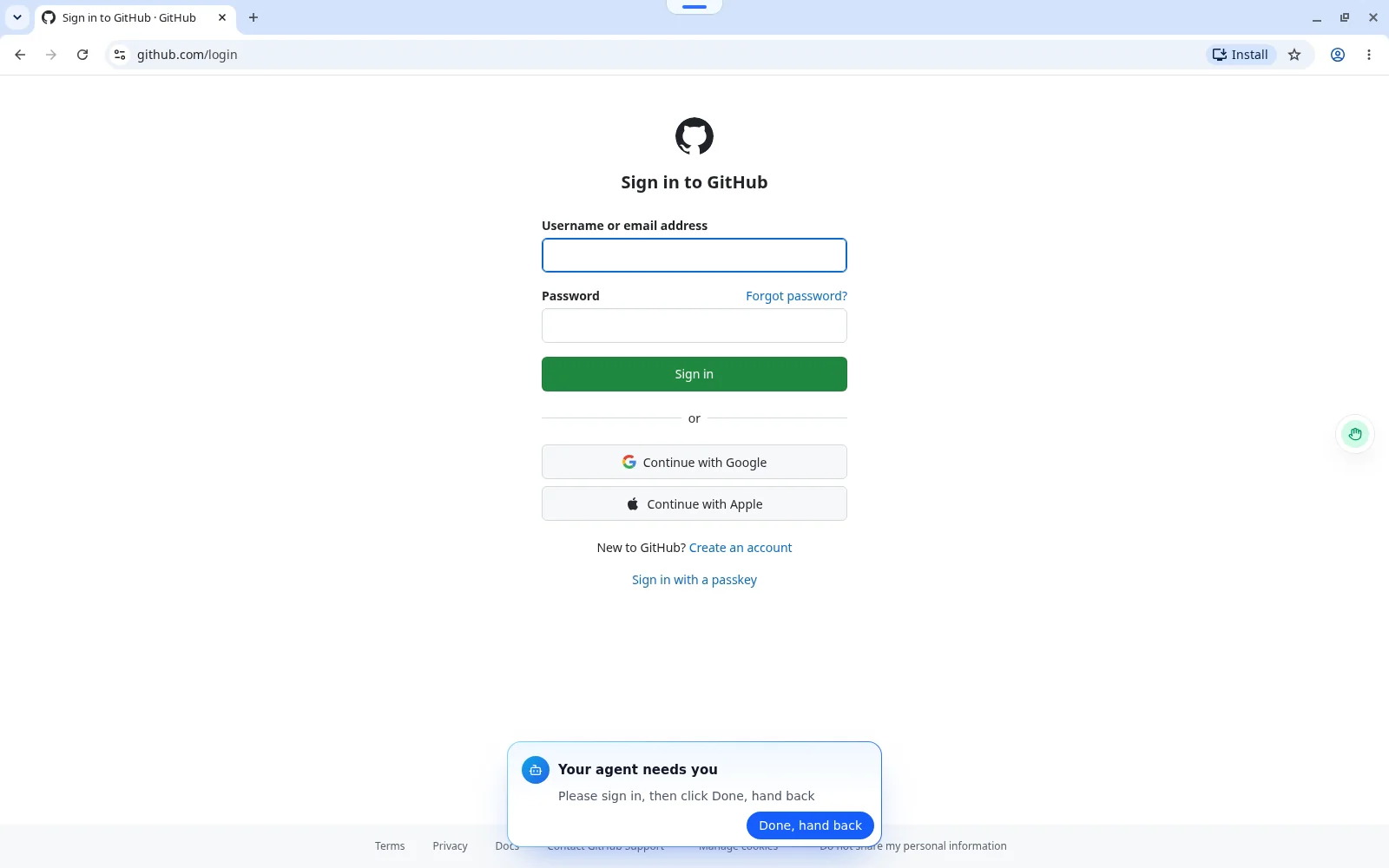
You can take over without a request too; the agent's actions wait until you hand back. While you are in control the agent can still read the page: a password field shows only dots, but a code and every page after sign-in are readable. Never type a secret into the chat.
Stay signed in so your agent rarely has to ask
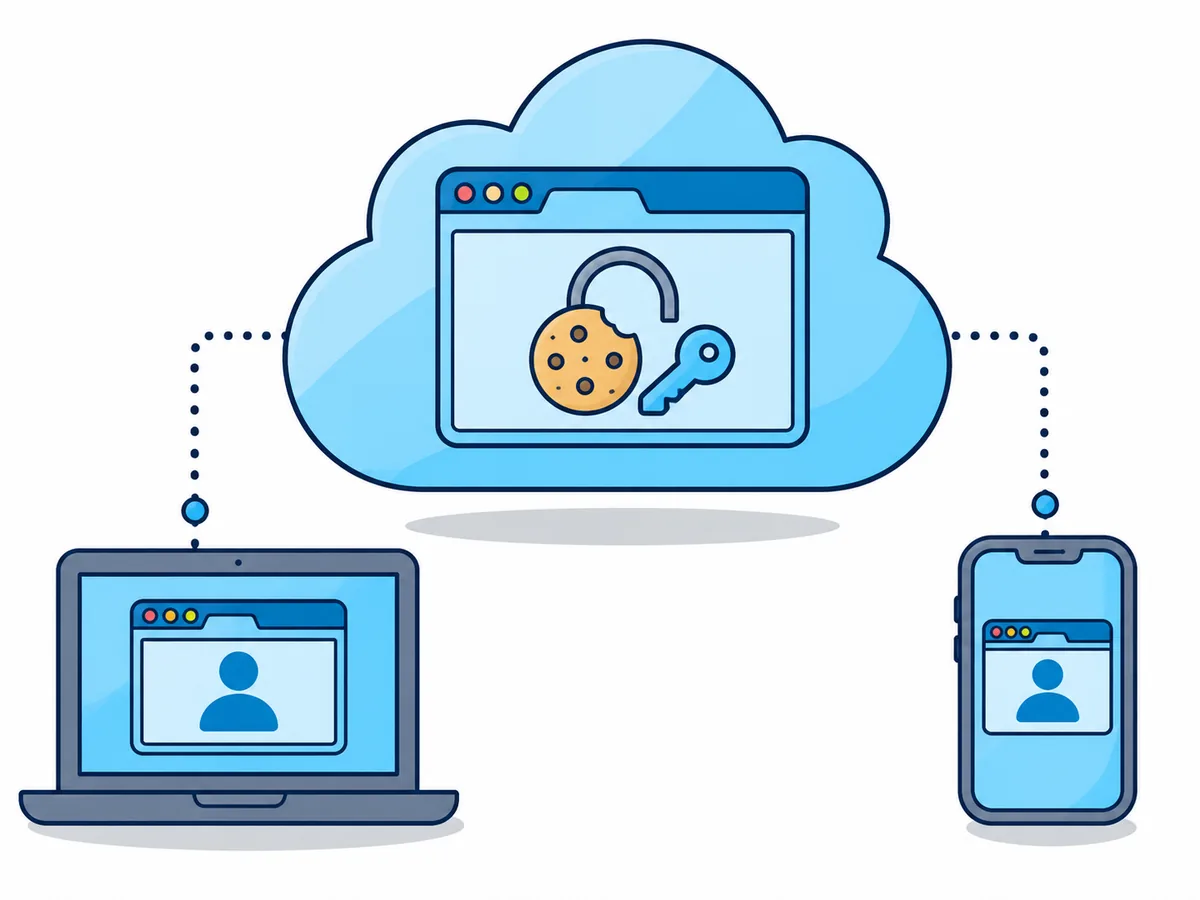
A saved profile (Plus and Premium, currently in beta) keeps cookies, logins and history between sessions. It works only with the browser it was made with, such as Chrome, and an unused one is deleted after 30 days unless you pin it; more in a cloud browser that stays logged in.
Set up a signed-in profile for your agent
- Ask your agent to start a session saved as a new profile, such as "Shop"
- Sign in yourself in the live view, including the 2FA code
- End the session: the profile is saved when it ends, not while it runs
- Next time, tell the agent to use "my saved profile Shop"
- Never copy cookies from your own browser into it: a stolen session cookie gets past 2FA
When is a cloud browser the wrong tool for your agent?
Browser.lol never solves or bypasses CAPTCHAs and does not make an agent undetectable, so sites can still challenge or block a session. Agents drive Chrome and other Chromium-based browsers, not Firefox or Tor Browser.
- The site offers an official API or an app for agentsUse that: no CAPTCHA, no hand-off
- The work is in tabs you already have open, signed in as youClaude in Chrome or Gemini in Chrome
- You want to step in from your phone and keep the agent out of your own browserA cloud session with a live view, such as Browser.lol