Cloud Browser That Stays Logged In: How Saved Profiles Work
A cloud browser that stays logged in keeps your cookies, logins and history in a saved profile you open from any device. How it works, and its limits.
 Janis Zesiger
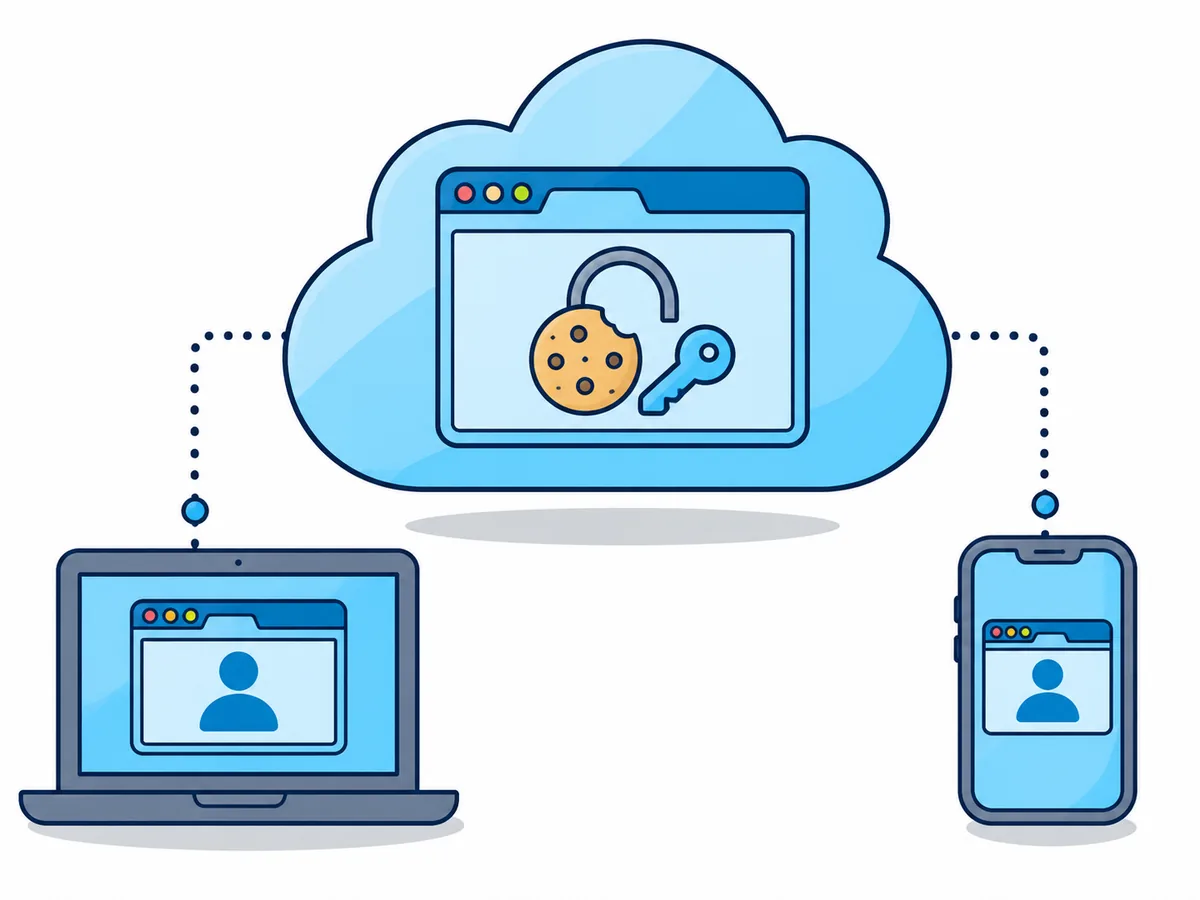
A cloud browser that stays logged in keeps your cookies and logins in a saved profile, so your next session starts signed in, on any device. On Browser.lol, saved profiles come with Plus and Premium and are in beta; every other session forgets everything when it ends.
How does a cloud browser that stays logged in work?
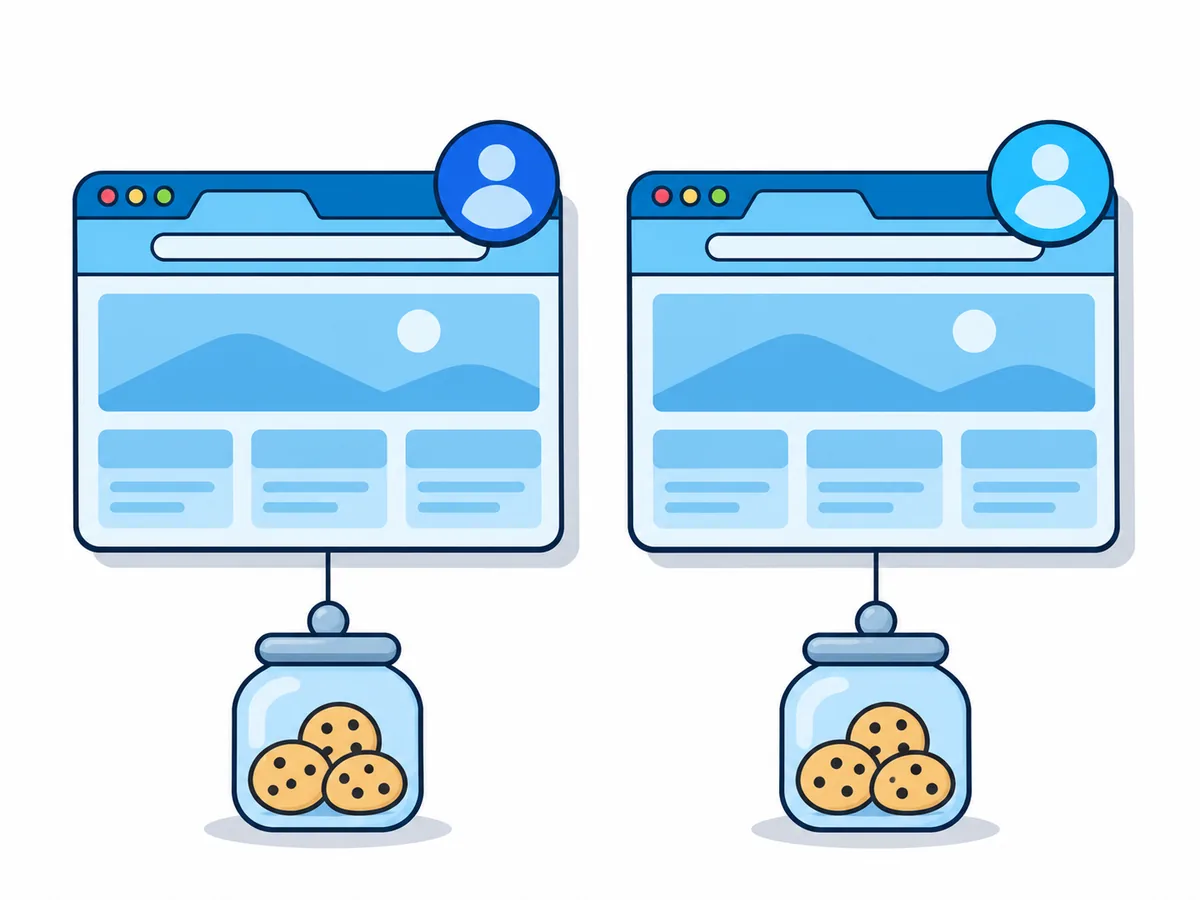
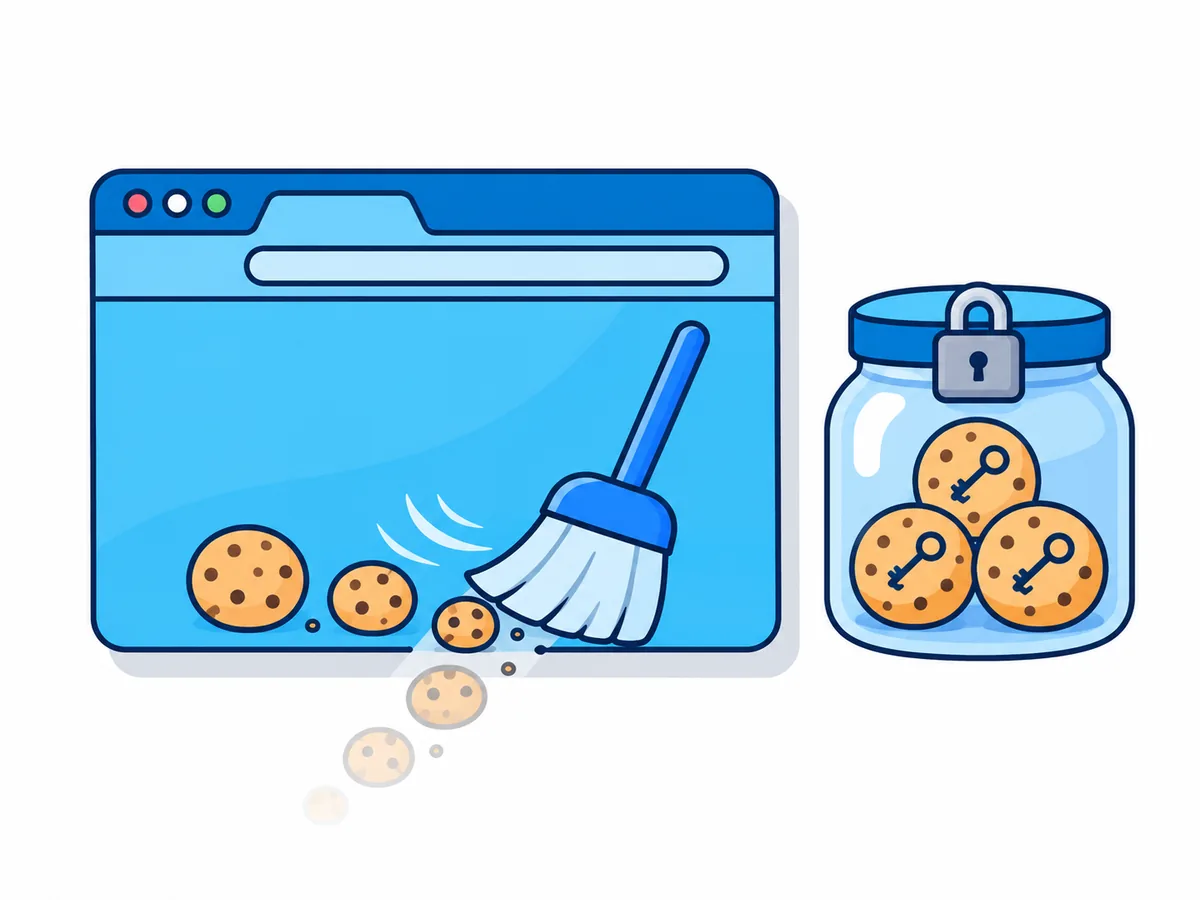
Staying logged in rests on a cookie: a small note a site leaves in your browser after you sign in. A disposable session deletes it with the browser; a saved profile keeps the browser's data for next time.
Pick a profile
Switch on Persistent session when you start
Sign in once
Two-step codes included
End the session
Use End session in the session menu
Continue later
Start the profile again from the launcher
What does a saved profile keep, and for how long?
| Part of the browser | Kept | Note |
|---|---|---|
| Cookies, logins, site storage | Yes | Until the site ends them |
| History, bookmarks, extensions, settings | Yes | As you left them |
| Your last tabs | Reopened | Change it in the browser's settings |
| Running pages, unsaved forms | No | Nothing runs between sessions |
| Downloads | No | Save them to your device with the Files app |
Each profile is stored encrypted, with a key of its own, in Western Europe, and the session warns you as it nears its storage limit. Once every profile your plan allows is in use, a new one replaces the least recently used unpinned profile, after you confirm.
Because profiles are in beta, our terms say a profile can be lost, for example after a storage fault; if a server fails, that session's changes can be lost too. Keep passwords and backup codes in a password manager.
How do you set up a cloud browser that stays logged in?
A profile belongs to the browser it was made in, so a Chrome profile does not open in Firefox. Only one session at a time can use it.
- 1
Choose your browser
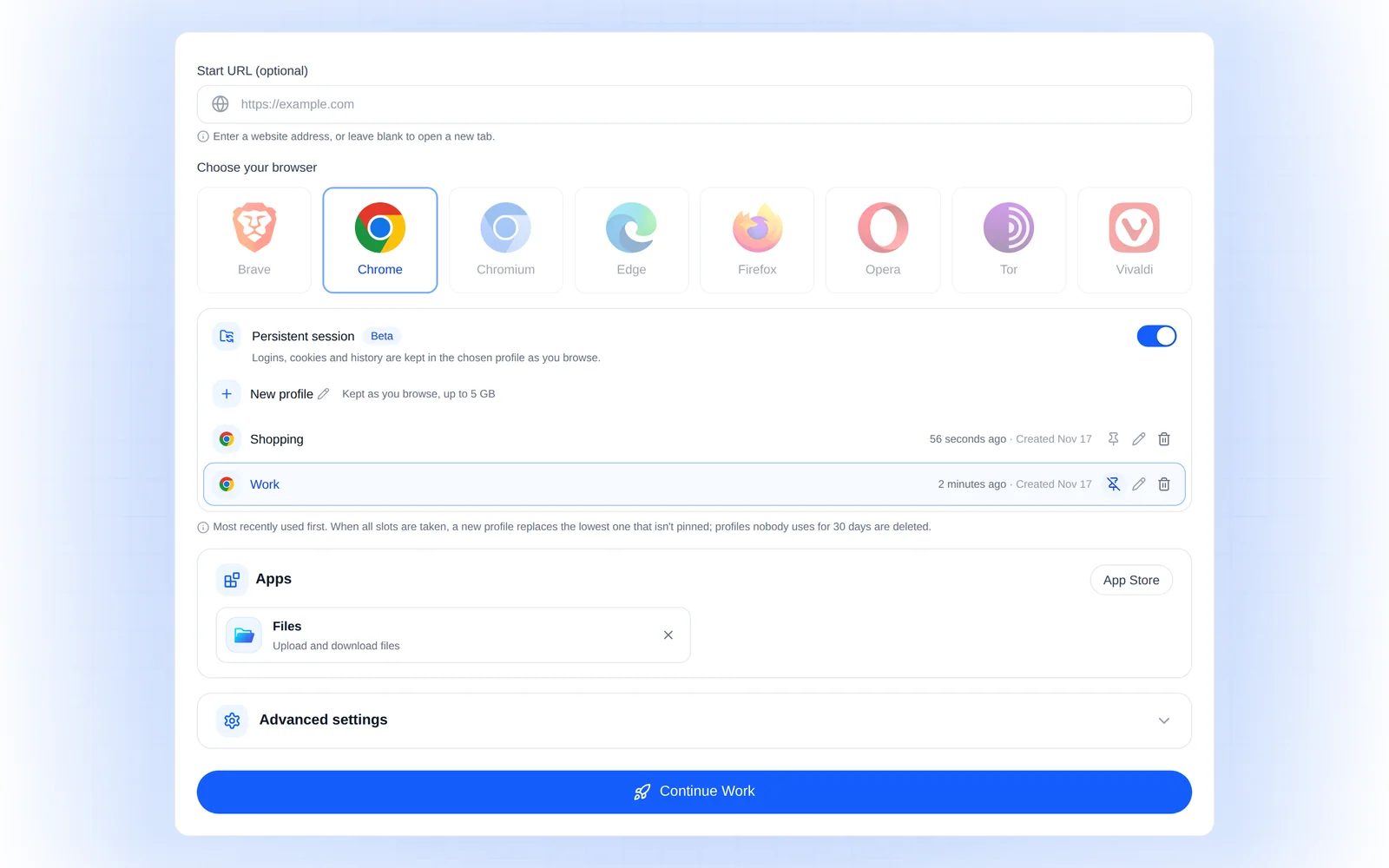
Open the launcher signed in and pick one under Choose your browser. - 2
Switch on Persistent session
Under Profile, switch on Persistent session, choose New profile and name it, for example Work. - 3
Start and sign in
Press Start session and sign in to the sites you want to keep. - 4
End the session
Choose End session in the session menu when you are done. - 5
Continue on any device
In the launcher, switch on Persistent session and pick the profile; the button now reads Continue Work. Pin, rename or delete it under Profiles in your dashboard.
Cloud browser vs Chrome sync: which keeps you logged in everywhere?
| Option | Keeps you signed in | Other devices | Your computer must stay on |
|---|---|---|---|
| Chrome sync | Passwords yes, sessions no | Sign in on each | No |
| Password manager | No, it fills in logins | Yes | No |
| Chrome profiles | Yes, on one computer | No | Only works on it |
| Remote desktop | Yes, your own browser | Yes | Yes |
| Saved cloud profile | Yes | Any device | No |
A password manager pairs well with a saved profile: it holds the password, the profile keeps you signed in. ChatGPT's cloud browser keeps sign-ins too, but only ChatGPT can use them.
Why does a site still ask you to sign in again?
A profile keeps what the site gave the browser, but it cannot overrule the site. It has no fixed IP address (the internet address sites see), and Google, for example, checks sign-ins from an unfamiliar device or place.
- Signed out after hours or daysThe site's own limit: tick "Remember me" where offered
- "Verify it's you" or a codeNew device or place: confirm once, keep the same exit location
- Signed out on every startStarted without the profile: switch on Persistent session and pick it
- The profile shows In useIts last session still runs: open it, or end it first
- A work account refusesYour organisation allows only its own devices: ask your IT team
Some sites tie a login to your computer's security chip (Device Bound Session Credentials, DBSC), as Google does in Chrome on Windows. A Browser.lol session runs Chrome on Linux, which does not use DBSC as of November 2026; sites then fall back to an ordinary cookie, so some may sign you out sooner.
When should you use a saved profile, and when not?
Give each identity or purpose its own profile, so its logins never meet another's. For two accounts on one site, use two profiles: Premium runs them at once, Plus one after the other.
Good for
Pros
- Work tools, apart from your personal accounts
- Shops and subscriptions, out of your everyday browser
- An AI agent's own logins (Premium)
Not for
Cons
- Staying anonymous: sites are meant to recognise you
- Making accounts look unrelated: no faked device details
- Tor Browser: it has no saved profiles
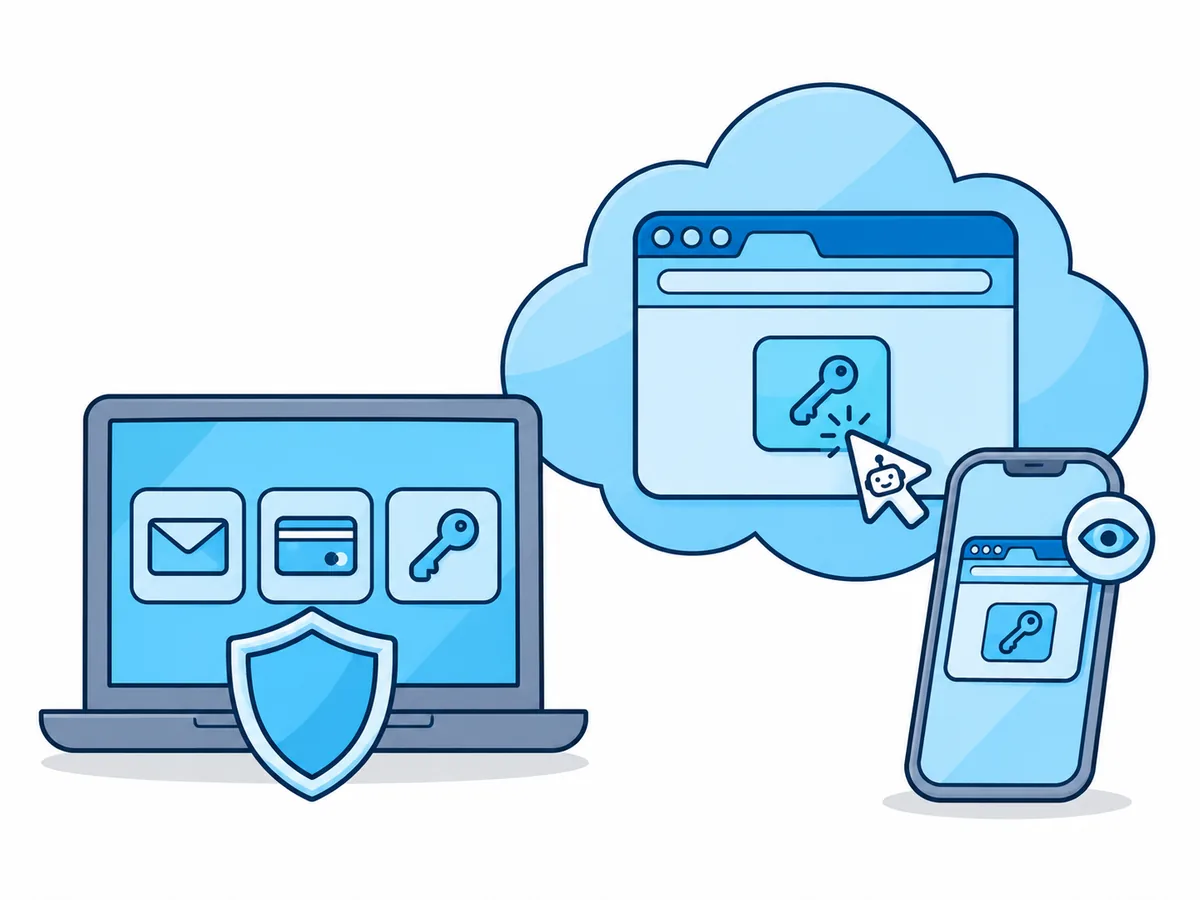
An AI agent such as Claude connects over MCP (a standard plug for AI tools). Sign in for it yourself in the live view (where you watch it work), and leave your bank and main email out of its profile: a misled agent reaches only what you put there.