How to Log Into Two Accounts on the Same Website at Once
Log into two accounts on the same website at the same time: switchers, browser profiles, Firefox containers or a cloud browser, and what each shares.
 Janis Zesiger
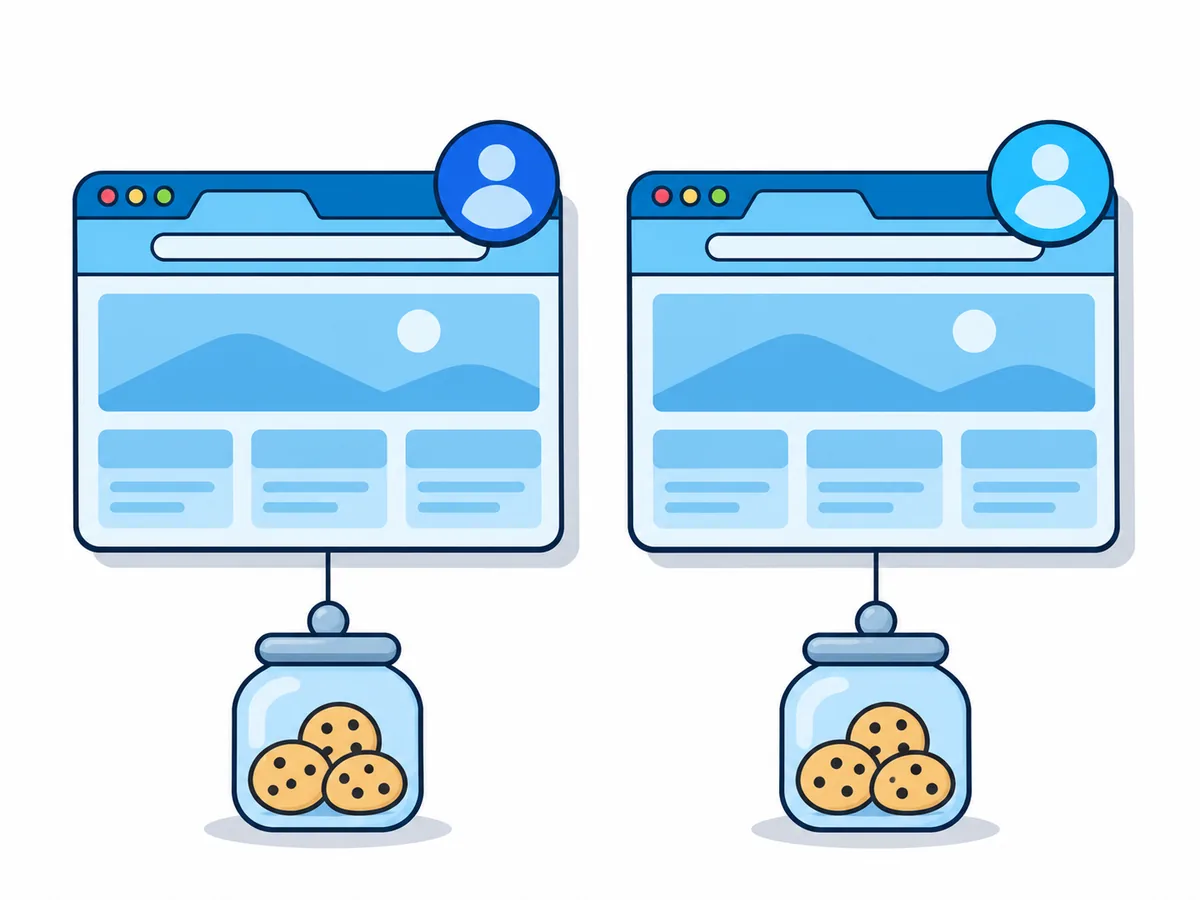
To log into two accounts on the same website at once, each account needs its own cookie jar, the store of small files that tells a site who is signed in. Google and Microsoft switch accounts for you; on any other site, use a second browser profile, a Firefox container, a private window, a second browser or a cloud session with a saved profile.
Why does a second login log out the first account?
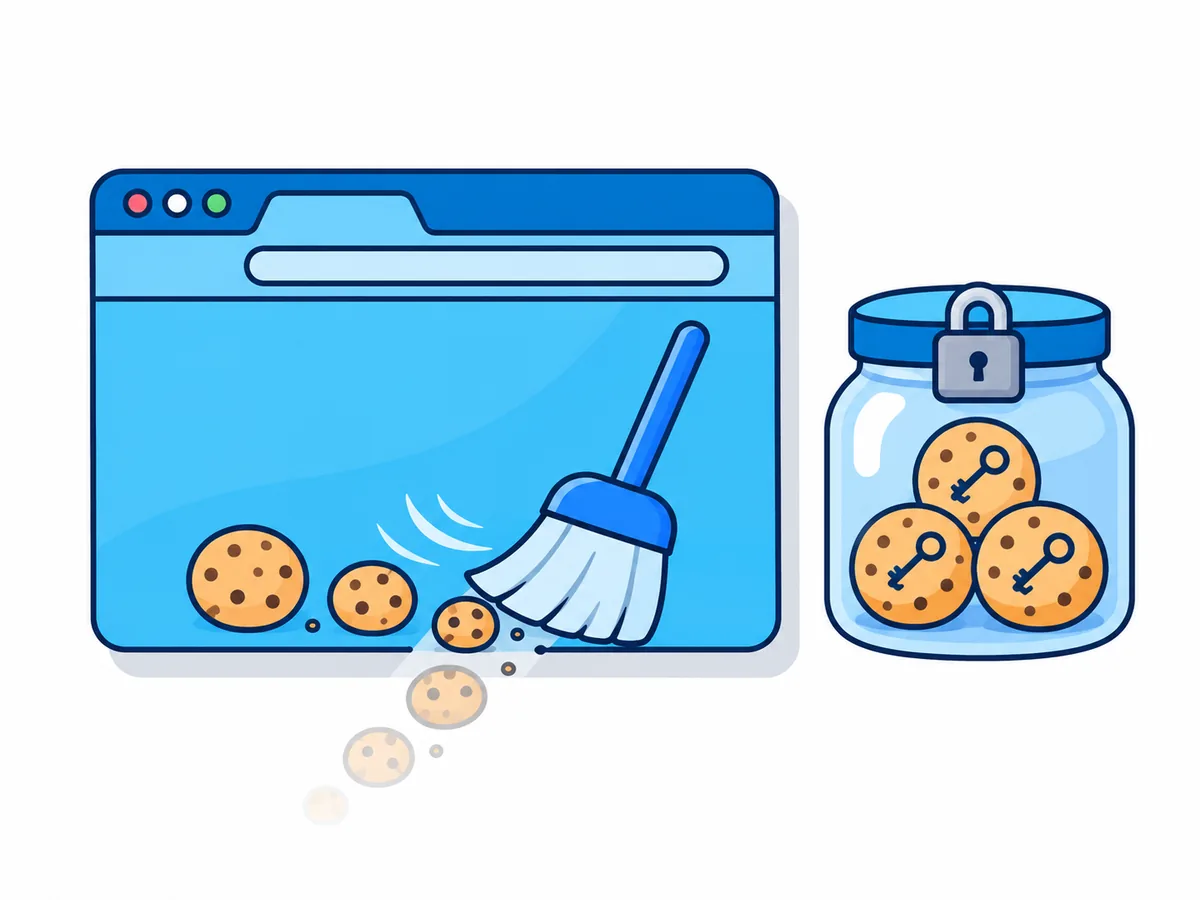
All tabs and windows of one browser profile share one cookie jar. Sign in to a second account and its login cookie replaces the first, so every tab now shows the second account.
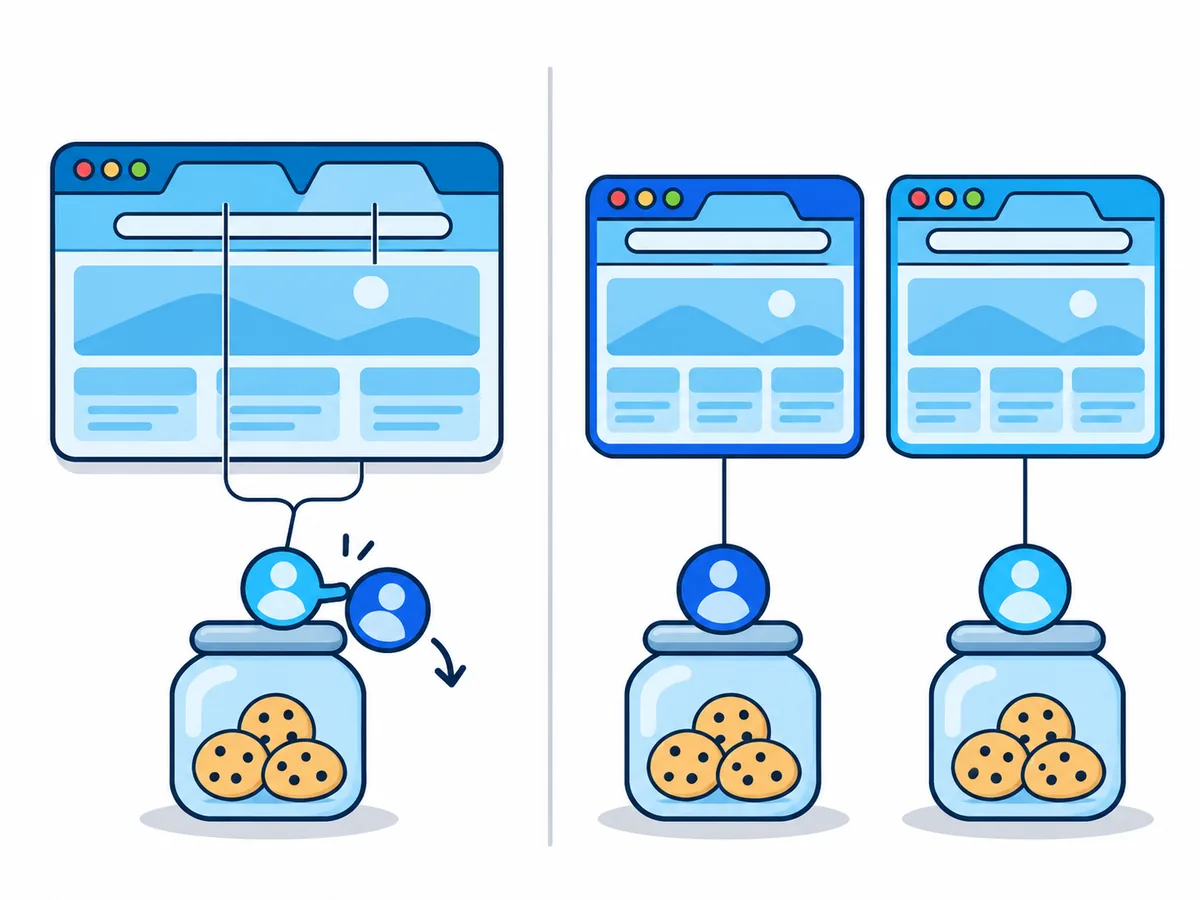
How can you use two accounts on the same website at once?
Every option below keeps the logins apart. They differ in setup, in how long they remember you and where they work.
Account switcher
Built into Google and Microsoft. Nothing to set up.
Browser profiles
A second browser inside the same app. Works on every site.
Firefox containers
Tabs with their own cookies in one window. Computers only.
Private window
Forgotten when closed. One extra account in Chrome, Edge and Firefox.
Second browser
Work in Chrome, personal in Firefox. They never share cookies.
Cloud saved profile
Stored off your device and opens on your phone too.
How do I use two Gmail or Microsoft accounts at once?
Google lets you sign in to multiple accounts at once and keep one tab open per account.
Open the account menu
Select your profile picture or initial at the top right.
Add the account
Choose Add account and sign in to the second account.
Switch
Open the same menu and select the account you want.
Outlook on the web, OneDrive and Office.com have the same account manager, but only one account is active per app, and it needs third-party cookies (cookies from other sites) allowed. If you work for two organisations all day, give each one a browser profile.
How do I add a browser profile for a second account?
A profile has its own cookies, history, saved passwords, extensions and bookmarks, and opens in its own window with its own colour.
| Browser | How to add a profile | On a phone |
|---|---|---|
| Chrome | Top right: Profile › Add Chrome profile | No |
| Edge | Profile icon › Set up new personal profile | No |
| Firefox | Account icon › Profiles › + New profile | No |
| Safari | Safari menu › Create Profile | iPhone and iPad: Settings › Apps › Safari › New Profile |
To keep everything in one Firefox window instead, install the free Multi-Account Containers add-on, then long-click the new tab button to pick a container. History and saved passwords stay shared between containers.
How do I keep a second account in a cloud browser?
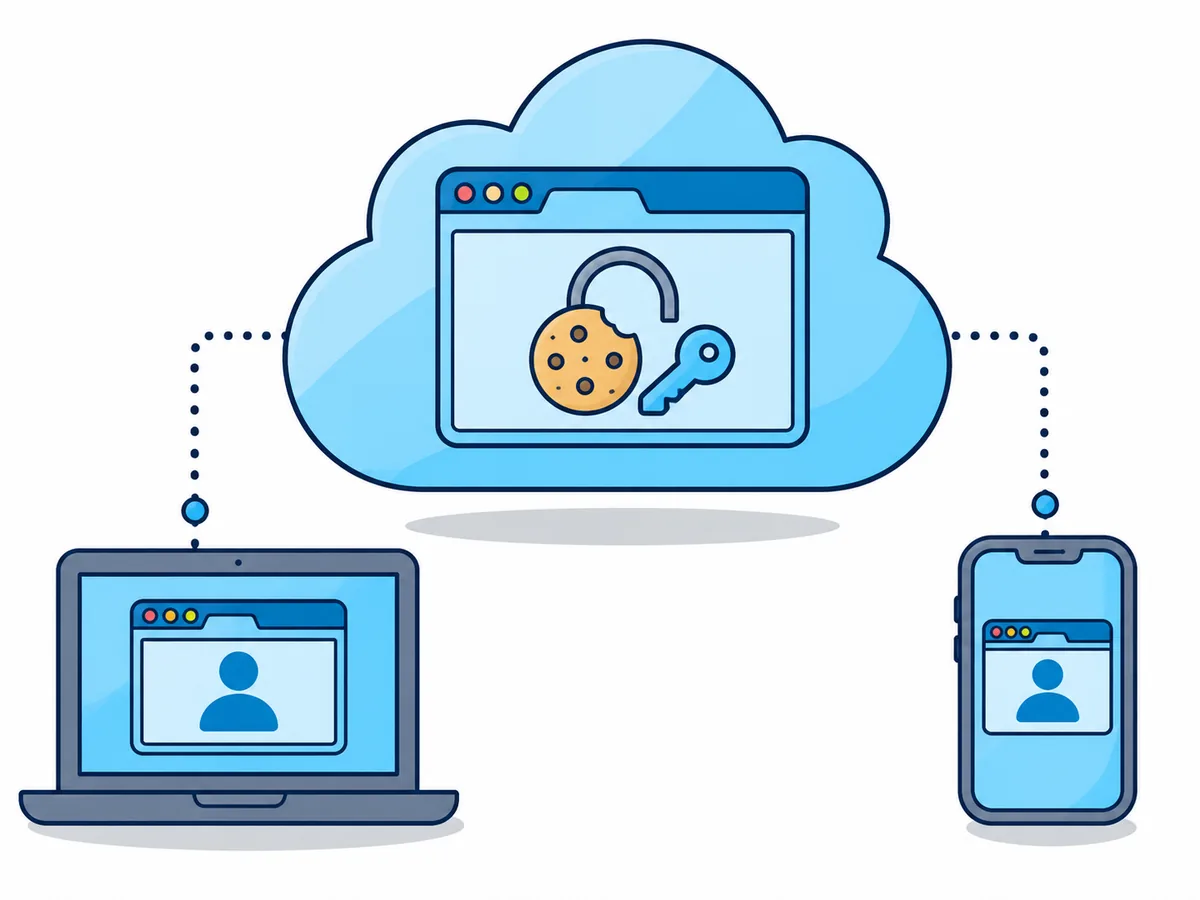
A cloud browser is a real browser on a server, shown in your tab. With Browser.lol, each identity gets a saved profile that keeps its logins, history and extensions between sessions; saved profiles come with Plus and Premium and are in beta.
Choose a browser
Open browser.lol/create and choose a browser.
Turn on the profile
Turn on Persistent session, choose New profile and name it.
Sign in once
Press Start session and sign in to the second account.
Come back
It is saved when the session ends. Pick it again next time.
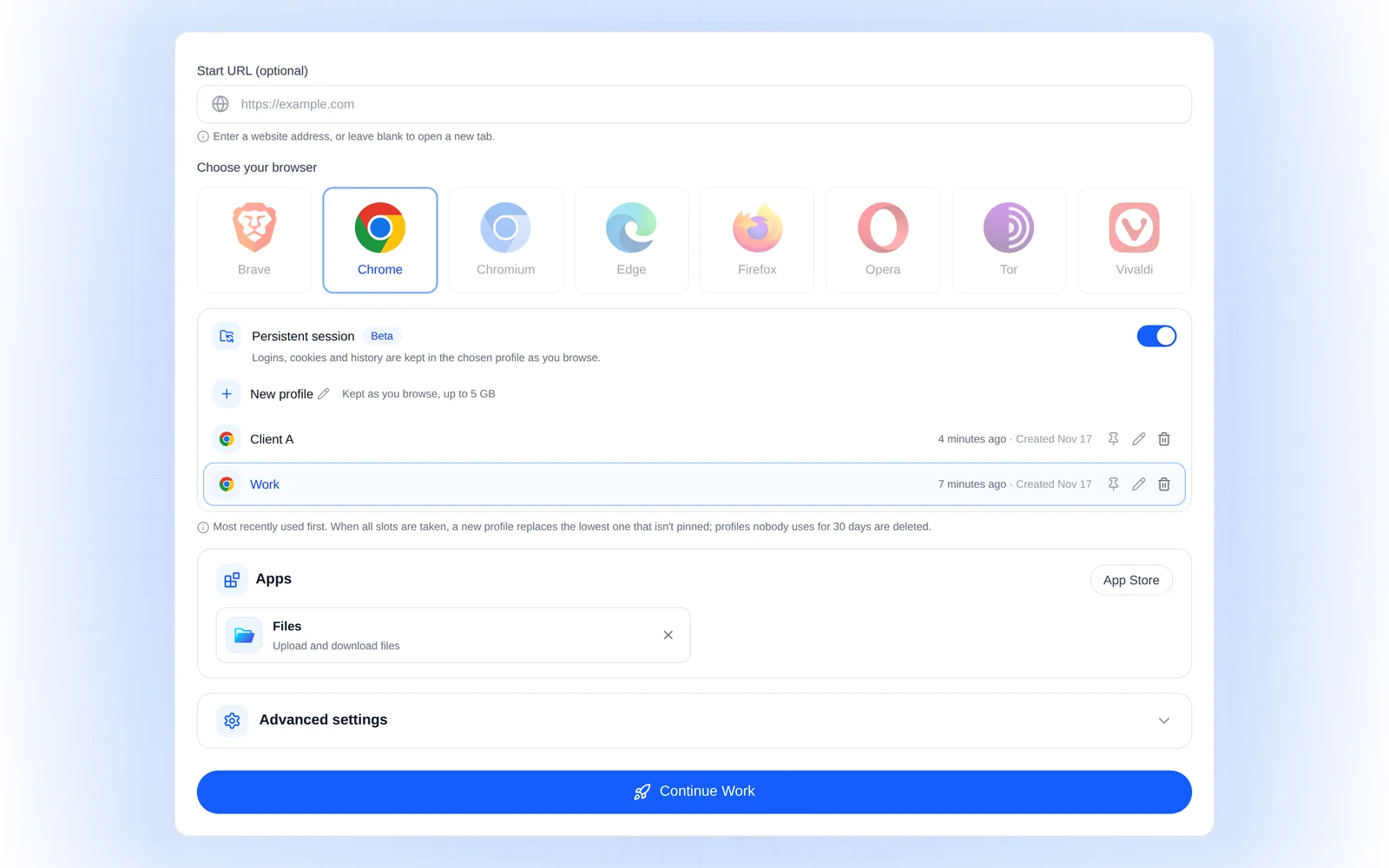
Two cloud identities side by side need two sessions at once, and your plan sets how many can run. A profile nobody opens for 30 days is deleted unless you pin it.
Is it allowed to have two accounts on the same website?
Often yes, but some platforms allow one account per person. They link accounts through phone numbers, payment cards and behaviour, not only the browser.
| Platform | Rule on a second account |
|---|---|
| Google, Microsoft | Allowed |
| Allowed, up to five in the app | |
| One account; extra profiles in it are deleted after 14 December 2026 | |
| One account per person | |
| Amazon Seller Central | One per region, a second only with a business need |
Browser.lol is for identities you are entitled to, such as work, personal or a client's account. It does not fake devices or bring back a banned account, and our acceptable use policy forbids fraud.