
Open a private window, clear cookies, and visit a fingerprint test. The site can still observe details about your browser and device. Some details are common; together, they may distinguish this browser from others in the test's sample. That does not mean the site knows your name or can follow every future visit, but it shows why deleting cookies is only one part of web privacy.
Browser fingerprinting combines signals such as language, time zone, graphics output, and browser capabilities. A script can collect some of these through web APIs; others travel in requests. The result may help recognize a browser across visits even without a stored identifier. How well it works depends on the browser, the script, the population being compared, and whether the signals stay stable. This guide explains the mechanism, the evidence, and the limits of the available defenses.
What is browser fingerprinting?
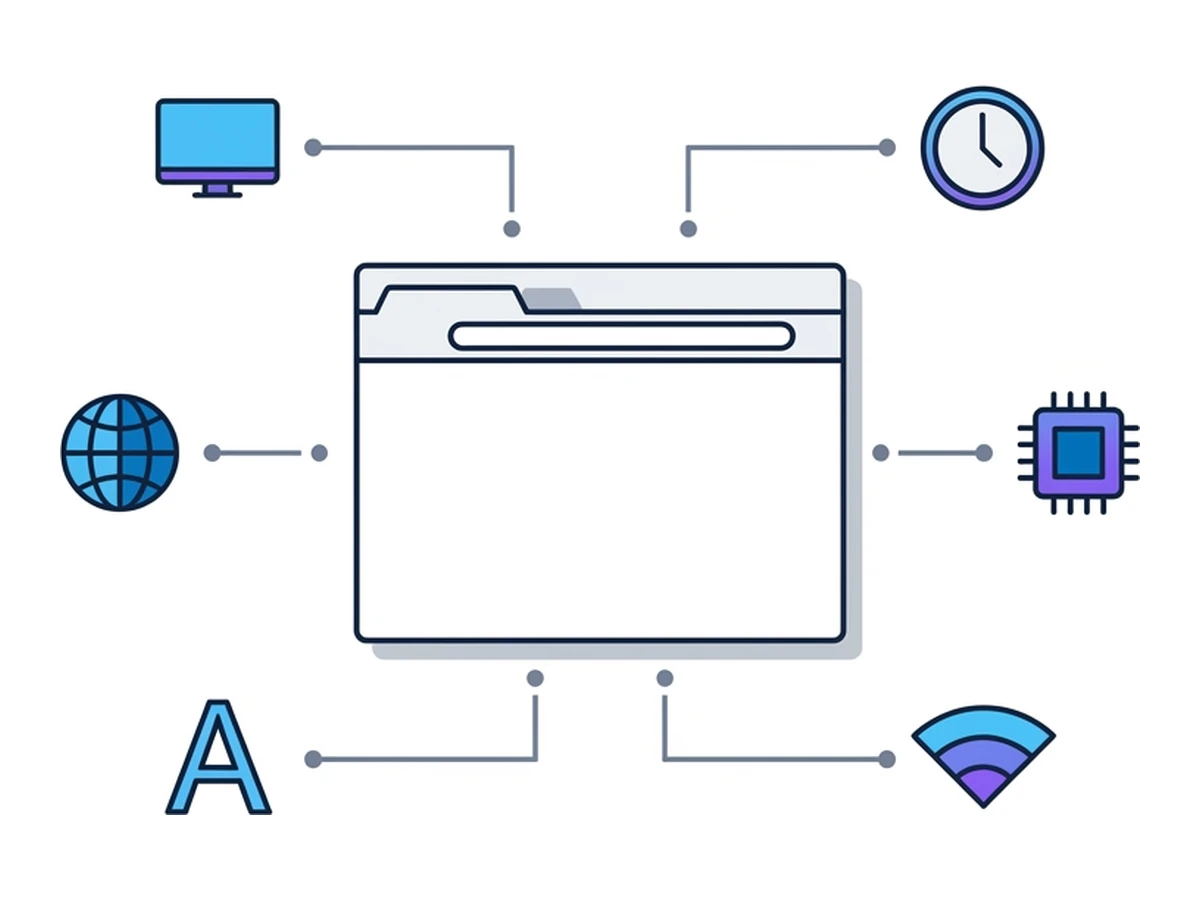
Think of a collection of ordinary traits: your language, time zone, screen dimensions, and the way your browser draws an image. None has to identify you on its own. Together, they can make a browser stand out within a group of visitors. A site or a third party present on several sites can compare those traits on later visits. It does not need to place a cookie to attempt that match, although a cookie, account, or IP address can strengthen it.
A cookie is a value stored by the browser and sent back under defined conditions. You can clear or block many cookies, subject to your browser's rules. A fingerprint is calculated from observable properties instead. There is no single fingerprint file to delete, but the properties are not fixed forever: settings, updates, devices, and browser defenses can change them. Different scripts can also produce different fingerprints from the same visit.
Private browsing usually limits local history and storage after a window closes; it does not itself hide every signal from a website. Some browsers add fingerprinting defenses in private mode, so the effect is not identical across products. Tracking protection may also block known fingerprinting scripts before they run. The W3C's fingerprinting guidancedescribes both the risk and the difficulty of eliminating every identifying signal while keeping useful web features.
The signals a site may combine
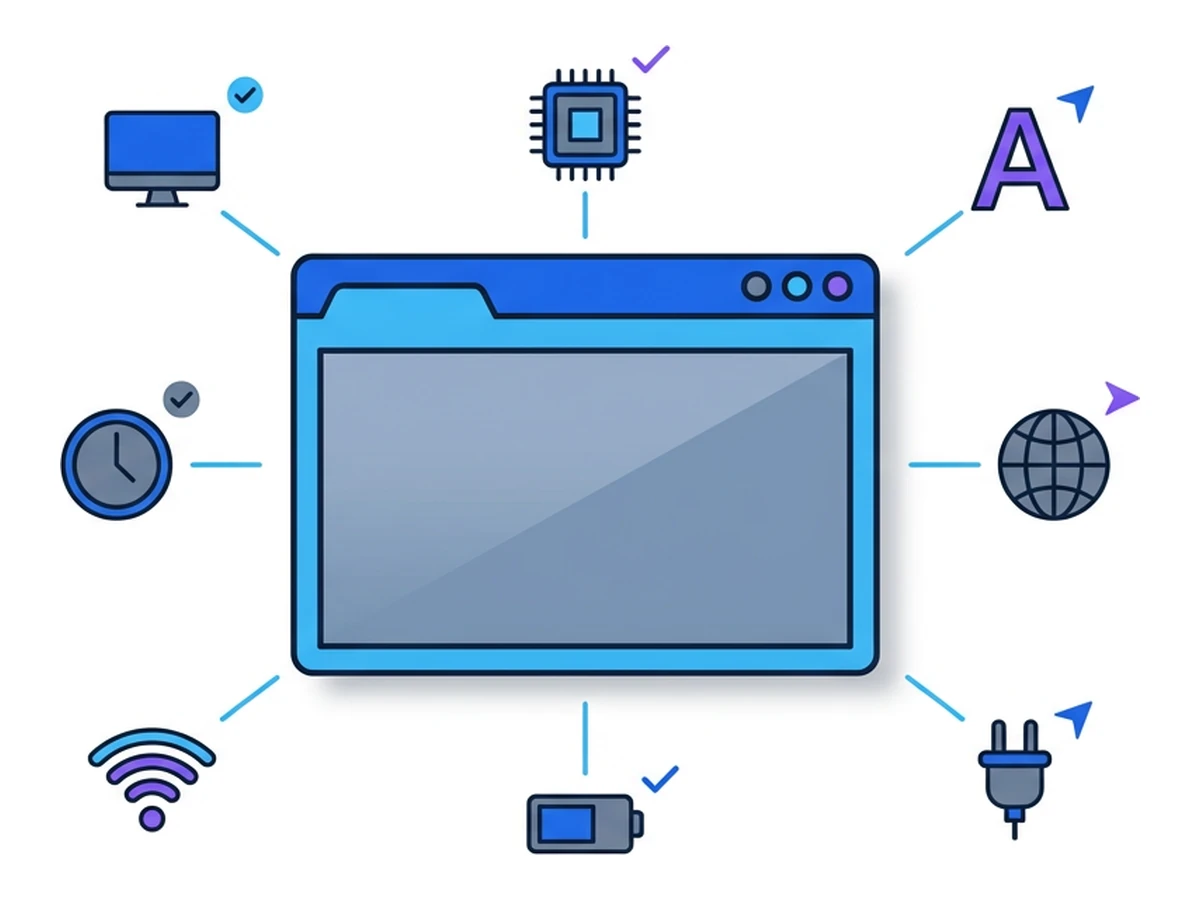
Fingerprinting scripts choose from many possible signals, but access depends on browser, device, settings, and permissions. Four useful groups are display and graphics, system information, browser features, and preferences. A site cannot simply read every hardware detail from every visitor.
Display and graphics. A page may learn viewport and screen dimensions, color characteristics, supported graphics features, and the result of drawing through canvas or WebGL. A script can hash a rendered image to compare outputs. The exact GPU model, monitor layout, and graphics details are not exposed uniformly in every browser.
System information. A site may infer or receive coarse platform and hardware information from headers or APIs. Browser makers have reduced some of these details. Battery and sensor APIs are not universal fingerprinting inputs: availability and permission requirements vary. TheBattery Status API documentationmarks that API as limited in availability.
Browser features. Version hints, supported APIs, codecs, and rendering behaviour can narrow the set of possible browsers. Lists of old plug-ins are much less useful in modern browsers than they were in early fingerprinting studies. An extension may alter observable behaviour, but a site cannot generally enumerate every extension you installed.
Preferences and media output. Language, time zone, some font information, and the output of web audio can add distinguishing detail. Browsers differ in how much font information they expose or deliberately standardize. Storage support can be tested, but its presence alone rarely identifies a visitor. Treat any fixed count of detectable fonts as dependent on the platform and method.
Combining signals can make a browser easier to distinguish, although more fields do not automatically mean a reliable match. Some values are shared by millions of people; some change after an update or vary deliberately between sites. A tracker must decide which changes still belong to the same browser. Theoriginal EFF Panopticlick studydemonstrated the principle in its 2010 volunteer sample, not a timeless rule that any fixed number of traits uniquely identifies everyone.
How advanced fingerprinting scripts work
A script can ask browser APIs for information beyond request headers, draw graphics, or compare how features behave. The information available depends on what the browser exposes and whether a blocker stops the script. A VPN changes the network path, not these browser APIs; private browsing may change storage and, in some browsers, the fingerprinting defenses.
Canvas and WebGL rendering. A script draws a shape or scene, reads the output, and compares it with other results. Graphics hardware, software, fonts, and browser settings may influence the pixels. The result is not necessarily unique or stable. Browsers may block, standardize, or add noise to selected outputs; blocking an API entirely may also disrupt a site that uses it for a legitimate feature.
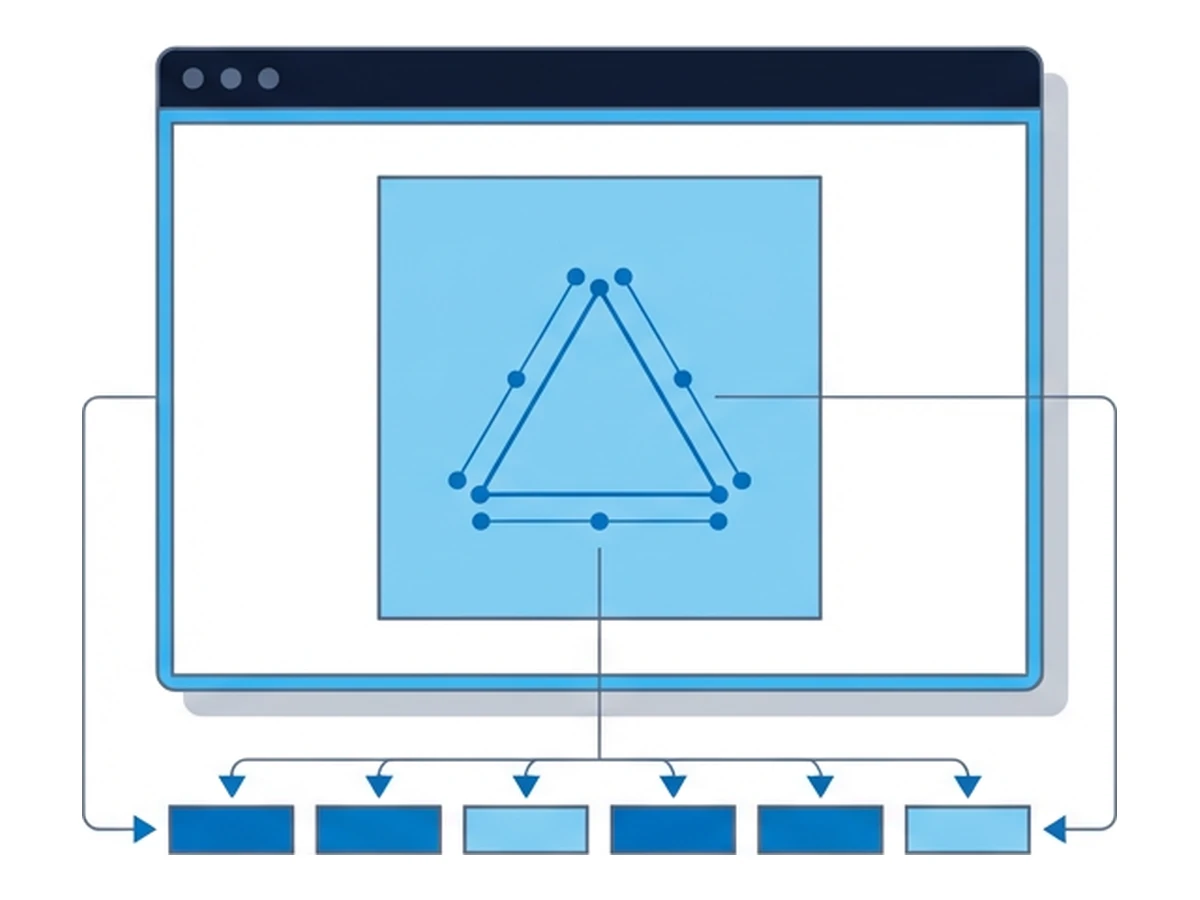
Audio and other APIs. Web audio can produce output that varies with implementation and configuration. Some scripts include it alongside graphics and language. Battery information is available in only some browsers and contexts, so it should not be presented as a universal signal. A browser may deliberately reduce precision or alter an API response to make repeated measurements less useful for linking visits.
Performance and behaviour. Timing and interaction patterns can add information, but they vary with load, network conditions, and what a person is doing. They are harder to interpret than a stable identifier. A fresh environment can change some signals; it does not guarantee that a determined observer cannot relate two visits through an account, IP address, or behaviour.
Matching across sessions. A tracker can combine a fingerprint with an account, IP address, or prior visits. Algorithms can tolerate some changing fields, but accuracy depends on the data and cannot be reduced to one universal percentage. Changing a user-agent string alone may have little effect if many other signals remain similar; an unusual combination can even make the browser stand out more.
A fingerprint is one way to connect visits, not an identity oracle. Blocking known scripts, reducing exposed detail, and making browsers look more alike can all help. Moving execution to another environment changes some signals but introduces different trust and network considerations. For the distinction between local cleanup and online tracking, see our guide to private windows.
What the historical numbers actually show
EFF's 2010 Panopticlick paper studied 470,161 browser instances from people who chose to visit its test. The sample was biased toward privacy-aware visitors and included older Flash and Java configurations. Its figures show that fingerprinting was viable in that setting; they are not current percentages for all web users. Read the original paperalongside any modern test result.
browser instances in EFF's 2010 volunteer sample
unique within that sample at the time of measurement
lower bound on entropy for the study's fingerprint
The paper expressed 18.1 bits as roughly one matching browser in 286,777 under its model. It also reported 99.1% correct guesses in a particular experiment linking changed fingerprints among returning visitors. That was not a universal rate for identifying people today. Browsers and defenses have changed, and a score from a self-selected test population cannot tell you whether any particular site can recognize you later.
Test what your browser reveals
A test can show selected signals, but it cannot certify anonymity or predict every site's ability to track you.
- 1
Read the test's data practices first
EFF's Cover Your Tracks collects browser signals and uses anonymous results for comparison. Review itsexplanation of the testbefore running it. A fingerprint test necessarily receives information from your browser; it does not stay entirely local. - 2
Record the signals and browser settings
Note the reported attributes, browser version, privacy mode, and whether blockers were enabled. A uniqueness score is relative to the test's visitors and methods. Unexpected values may reveal what an API exposes, but one result is not a measure of all tracking on the web. - 3
Compare with a remote session
If you use Browser.lol, open the same test in a remote session. Page code runs in that environment, so some browser and device signals may differ from those on your local browser. Results depend on the selected image, session state, profile, and test. Saved profiles can retain browser state; a new launch does not guarantee a new or unlinkable fingerprint. - 4
Compare the two reports
Separate the website-facing IP from browser-exposed signals. A remote browser has its own exit path; a VPN on your device changes your connection to the remote service, not the remote browser's exit. Shared results do not prove a network cause, and different results do not prove the visits cannot be linked through an account or other data.
Who might use browser signals, and why
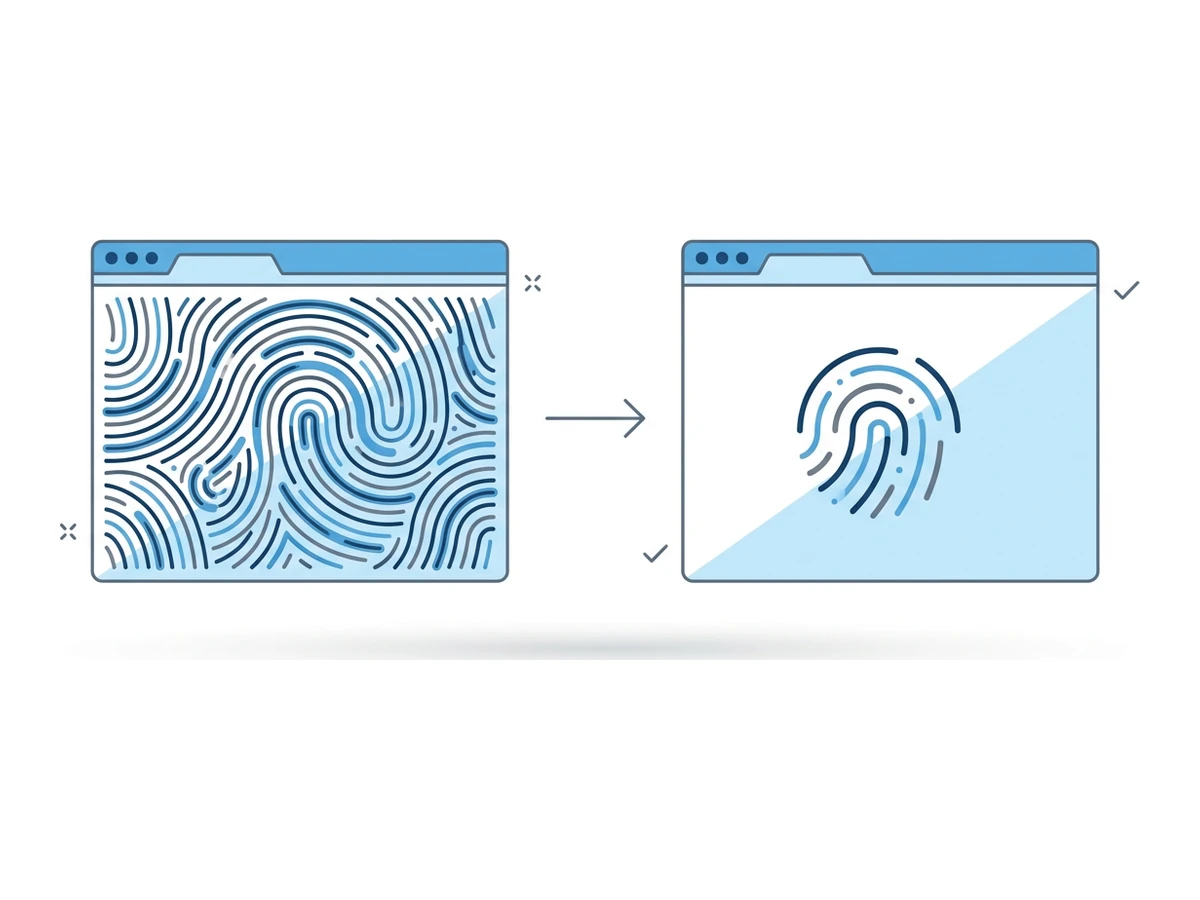
The same signals can serve different purposes. A site may use them to recognize repeat traffic, limit abuse, or tailor a service. A third-party script present on several sites could compare observations across those sites, subject to browser defenses and its access. The W3C guidanceidentifies cross-site correlation as a privacy risk. Individual advertising and analytics products use different methods; their presence on a page alone does not prove fingerprinting.
Security and abuse systems may also compare browser and connection signals to assess a login or automated request. Their decisions depend on many inputs; a changed fingerprint does not always trigger an alert. For example,Cloudflare documents browser-side signals in bot detection. Such uses can be valuable while still requiring careful data handling and clear disclosure.
A page can also combine a fingerprint-like observation with information you knowingly provide, such as an account or email address. That connection can make a previously pseudonymous record identifiable. Marketing firms and data brokers may combine information from multiple sources, though the use of browser fingerprints must be established for a specific service. Once observations are linked to a known account, browser defenses cannot undo that disclosure.
What each defense changes
These tools act on different boundaries. Their effect depends on the browser version, configuration, site, and observer.
| Method | Stored identifiers | Fingerprinting and linkability |
|---|---|---|
| Private browsing | Limits local storage after closing | May add defenses; does not guarantee a hidden identity |
| Clearing browser data | Removes selected stored data | Does not reset every browser signal or site account |
| Cookie controls | Block or partition cookies according to settings | Limits cookie-based linking; scripts may still probe APIs |
| VPN on your device | Does not clear browser storage | Changes the covered network path, not browser-exposed traits |
| Browser privacy protections | Often limit cross-site state | May block scripts, standardize values, or add noise |
| Tor Browser | Limits retained session state | Designed to reduce linkability; no perfect anonymity |
| Browser.lol remote session | Uses separate remote browser state; saved profiles may persist | Moves page execution and website-facing exit; no unlinkability guarantee |
Tor Browser is designed to reduce differences between users and routes its own traffic through Tor. That is valuable, but it cannot guarantee anonymity: an account, downloaded file, or powerful traffic observer can still reveal information. Some sites challenge Tor exit addresses or behave differently at stricter security levels. Read theTor Project's safety guidancebefore using it for a sensitive task.
Other browsers have meaningful built-in defenses too. Firefox Strict and Private Browsing limit selected fingerprinting signals, Brave changes selected outputs through farbling, and Safari restricts known fingerprinting scripts. Their protections differ and evolve. SeeMozilla's current explanation, Brave's farbling design, and WebKit's Safari 26 notes.
Choose a boundary that fits your task
Browser fingerprinting gives sites another way to relate visits when stored identifiers are unavailable. Cookie controls and private windows still help with the problems they address, and modern browsers increasingly add fingerprinting protections. None is a universal switch for anonymity. Start by identifying whether your concern is local history, cross-site tracking, your network address, or page code running on your device.
Keep your browser updated and use its built-in privacy controls for ordinary browsing. For a task that benefits from separating page execution from your device, consider a remote browser and verify its actual image, profile state, and exit. Treat accounts, entered information, transferred files, and the route to the remote service as separate risks. A VPN on your device changes your connection to Browser.lol, not the IP that the remote browser presents to a website. Test the configuration you will actually use; a different fingerprint is not proof of anonymity.
Need an isolated session for your next task?
Open an isolated desktop browser and get started in your browser.
Start a SessionNo browser installation required • Features vary by plan