
A private window can keep a shopping trip or a sensitive search out of the browser history on a shared device. It does not make the visit invisible. The website still receives the request, and someone who manages the network may be able to observe where the connection goes. What each party can see depends on the connection, browser settings, and whether you sign in.
The name invites more confidence than the feature warrants, but private browsing has a useful, limited purpose. This guide explains that purpose, the records it can leave elsewhere, and how to choose additional protection for a particular goal. The details differ among Chrome, Firefox, Safari, and Edge, so the browser's own guidance matters.
What incognito mode really does
Chrome calls it Incognito, Firefox and Safari call it Private Browsing, and Edge calls it InPrivate. Their common purpose is to avoid keeping a normal local history of the session and to clear temporary site data when the private windows close. Chrome's guidance describes this local limit. The modes are not identical: Safari also blocks known trackers and removes some tracking information from URLs in Private Browsing.
During a private session, sites can still use temporary cookies to function, and signing in still identifies you to that site. After the session, the browser generally removes its temporary history and site data. Downloads and bookmarks you choose to save can remain on the device, as Firefox's explanation makes clear. Other apps, device administrators, and websites may keep their own records.
Think of the mode as a way to separate a short browsing session from the device's regular browser history. It is useful for sharing a computer or signing into a second account briefly. It is not an anonymity system, and it does not erase a file you downloaded or a record held by the site you visited.
Who still sees you in incognito mode
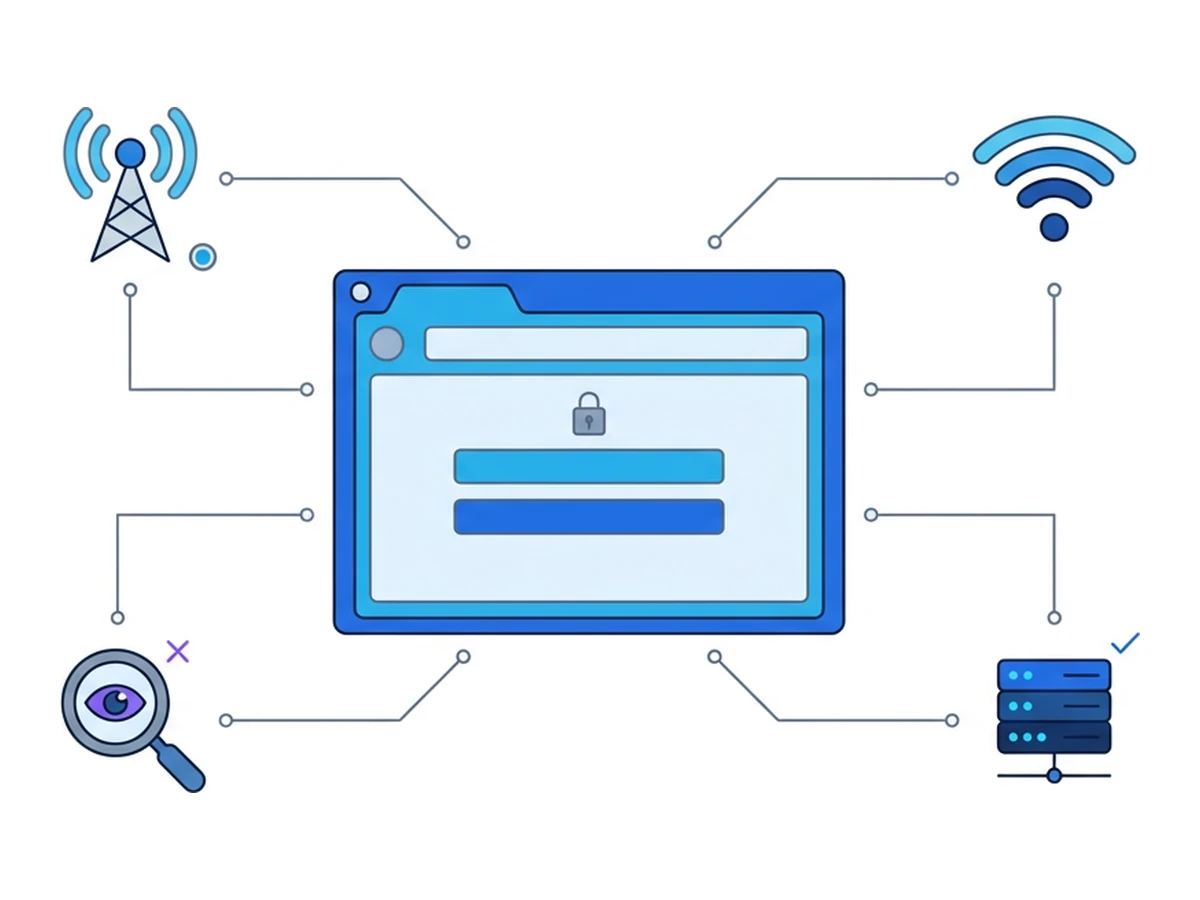
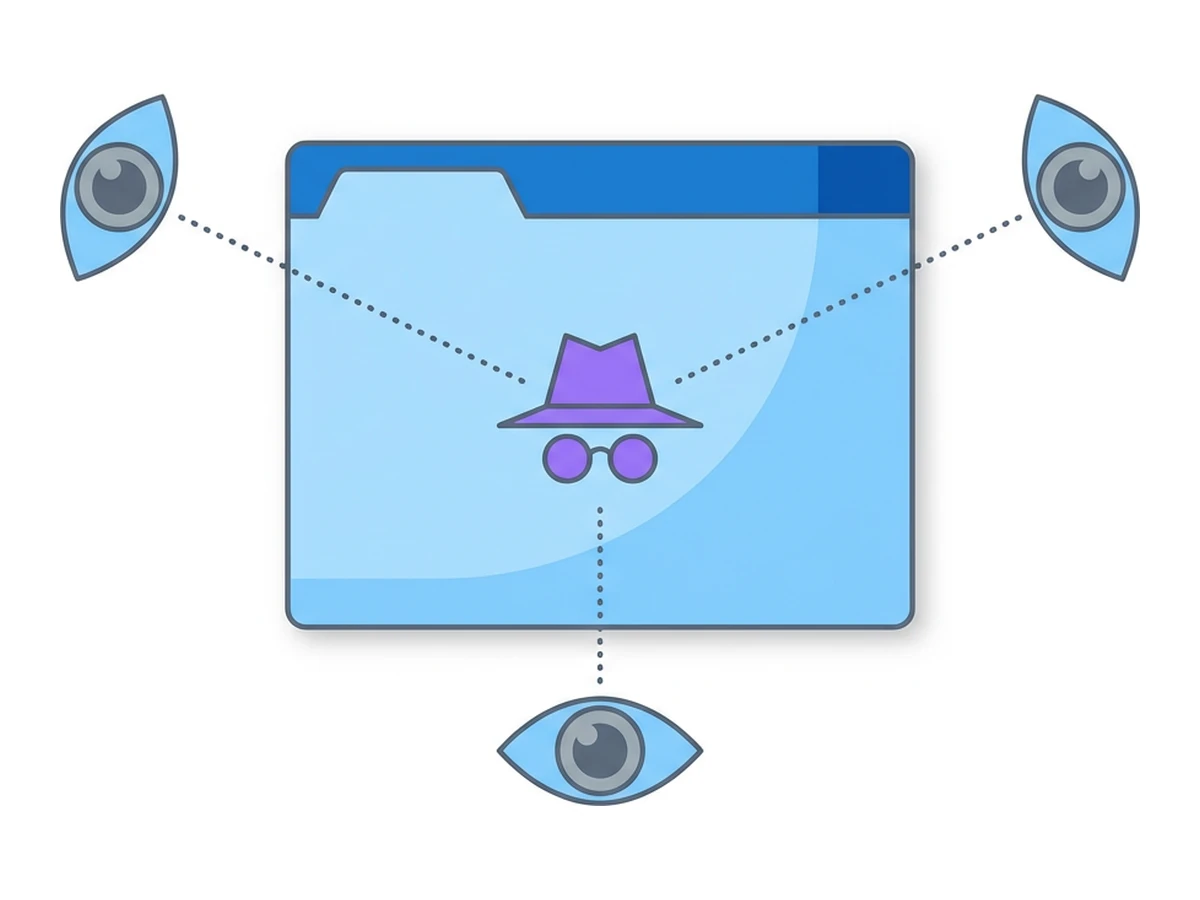
A private window changes what the browser stores locally. It does not change the route a request takes or the account you use at the destination. Different observers see different parts of that route; none automatically sees "everything."
Your internet provider or network operatormay see connection metadata, such as destination IP addresses and timing. DNS queries or unencrypted traffic can reveal more; HTTPS normally protects page paths and contents from observers on the network. Private mode does not alter those boundaries. The destination site sees its own requests and may recognize you when you sign in or through other identifiers.
A workplace, school, or Wi-Fi operator may observe traffic through its network. A managed device can also have monitoring software or a configured proxy with additional visibility. What is logged depends on that setup; private mode does not disable it. On the website itself, cookies, account details, and browser characteristics can still contribute to tracking, although browser protections may reduce some of it.
Private mode mainly changes what the next person using the browser can find there. It does not promise secrecy from a site, network operator, account provider, or device manager.
Three common myths
Myth 1: Incognito hides your identity
Private mode does not replace your network address or conceal an account you choose to sign into. A site can connect activity to that account during the session and may recognize a browser through other signals. Whether those signals identify a person depends on the site and its data; a "cookie-free" window is not automatically anonymous or automatically more distinctive.
Myth 2: Ads cannot track me in incognito
Private mode usually clears session cookies afterward; it does not block every tracker while a page is open. Sites and embedded services may use the session's cookies, account details, IP address, or browser characteristics. Protections differ: Firefox notes that its Enhanced Tracking Protection also runs in private windows, while Safari blocks known trackers in Private Browsing. No single browser setting prevents every way sites can link visits.
Myth 3: It protects me from malware
The same browser security features generally apply in normal and private windows. Private mode is not an extra malware sandbox: a phishing page can still ask for credentials, and a downloaded file can remain on the device. A browser vulnerability could still be exploited, although opening a page or downloading a file does not mean compromise occurred. Microsoft explicitly says InPrivate does not make malicious sites safer.
Designing a real privacy strategy
Start with the observer you want to protect against. Local history, network visibility, website tracking, and workplace monitoring are different problems; each needs its own controls.
Limit what other device users can see.Use a private window for a short session, close every private window afterward, and remove downloads you do not want to keep. Separate operating-system accounts and a locked device provide a stronger boundary on a shared computer. Private mode does not protect a session from someone watching the screen while you use it.
Limit what the local network can observe.Use HTTPS and consider encrypted DNS or a trusted VPN for a particular network threat. A VPN moves some visibility from the local network to the VPN provider; it does not make you anonymous to sites or hide account activity. Managed devices and intercepting proxies need separate consideration.
Reduce website tracking. Review the browser's tracking protections, cookie settings, and site permissions. Avoid signing into an account if separation is your goal. A remote browser changes the device and network seen by the site, but does not guarantee a new or unlinkable fingerprint. Saved profiles and deliberate sign-ins can preserve identifiers across sessions.
Separate personal browsing from managed systems.Use a personal device and connection when permitted and appropriate. A remote browser can separate page execution from a work device, but an employer may still see access to that service through its network or management tools. Follow workplace policies and do not treat private mode as a way to bypass them.
Where private mode and remote browsing fit together
For an unfamiliar website, private mode limits the history retained by a local browser, while remote browsing runs the page on a separate machine. The tools address different risks. You may use a private local window to reach the remote service on a shared device, but it is not required for remote isolation.
In Browser.lol, page code runs in the remote browser rather than directly in your local browser. That can limit exposure to a hostile page, but it does not stop you from entering credentials into a fake form or moving a harmful download to your device. The site sees the remote browser's connection and may still use accounts or browser signals to recognize activity. Temporary sessions and saved profiles have different retention behavior, and the service, network, or destination may retain records after a session ends.
What to use, by scenario
| Scenario | Recommended mode | Why |
|---|---|---|
| Planning a surprise on a shared computer | Private window; separate device account if available | Limits local browser history, but saved downloads and bookmarks remain |
| Researching a sensitive topic | Private window plus browser tracking controls | Reduces local history and some tracking; the site and network may still observe activity |
| Inspecting a suspicious link | Remote browser and a reporting procedure | Moves page execution away from the local device; do not enter credentials or transfer files without review |
| Using public Wi-Fi for a personal account | HTTPS, trusted network or VPN, and account protections | Protects the connection and account; private mode alone does not secure the network |
| Keeping work and personal contexts apart | Separate devices or profiles where practical | Reduces accidental mixing; sign-ins, saved profiles, and service logs can still connect activity |
Treat incognito as a convenience, not a shield
Private browsing is useful when you do not want a short session added to the browser history on a shared device. It cannot decide what a website records, erase a download, or override network and device monitoring. Browser-specific protections can help with tracking, but they have limits.
Choose protections for the risk at hand: device separation for local privacy, HTTPS and appropriate network tools for traffic, browser controls for tracking, and remote browsing when you need to inspect an unfamiliar page away from your device. None provides anonymity on its own. Check what is saved locally, what you disclose to a site, and which other services can retain records.
Need an isolated session for your next task?
Open an isolated desktop browser and get started in your browser.
Start a SessionNo browser installation required • Features vary by plan