Clear Cookies but Stay Logged In: A Guide for Every Browser
Clear cookies but stay logged in: exact settings for Chrome, Edge, Firefox, Safari and Brave, why you keep getting logged out, and a cleaner setup.
 Janis Zesiger
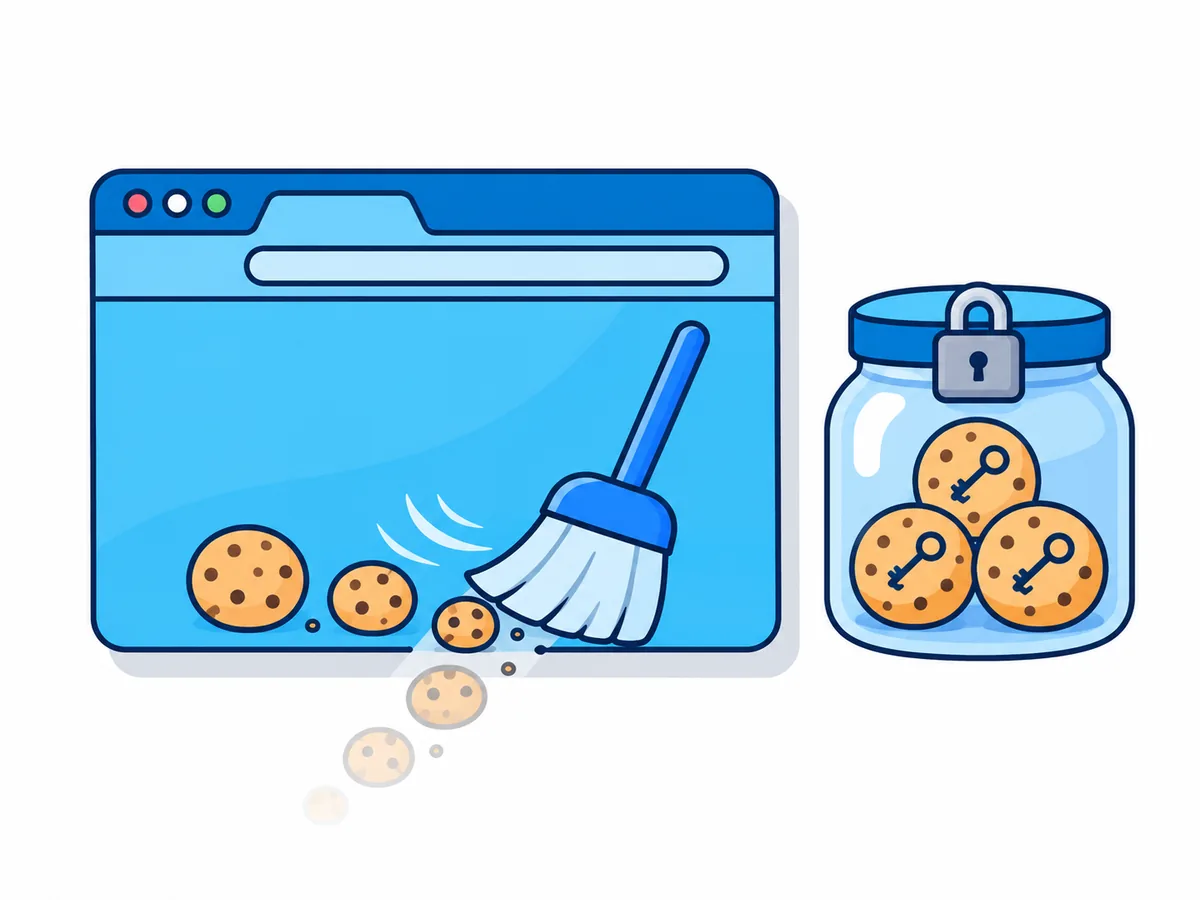
To clear cookies but stay logged in, let your browser delete cookies when it closes and add the few sites you want to keep as exceptions. Chrome, Edge, Firefox and Brave do this in a few clicks (menu paths as of November 2026); Safari cannot, but two workarounds come close.
Does clearing cookies log you out?
Yes. When you sign in, the site gives your browser a session cookie, a random code that says "this visitor already proved who they are". Delete it and the site sees a stranger.
| What you clear | Logs you out? | What you lose |
|---|---|---|
| Cached images and files | No | Pages load a little slower once |
| Browsing history | No | Address bar suggestions |
| Cookies and other site data | Yes | Logins, settings, shopping carts |
| Saved passwords | No | Autofill, so you type them again |
| Site settings | Indirectly | Your exception list itself |
How do I clear cookies but stay logged in on Chrome?
Chrome calls cookies on-device site data. The clearing runs only once every Chrome window is closed.
- 1
Open On-device site data
Click ⋮ › Settings › Privacy and security › Site settings › Additional content settings › On-device site data, or pastechrome://settings/content/siteDatainto the address bar. - 2
Turn on clearing at exit
Select Delete data sites have saved to your device when you close all windows. - 3
Add the sites to keep
Next to Allowed to save data on your device, click Add, type the site and click Add again.[*.]example.comincludes every part of a site, such as mail.example.com. - 4
Quit Chrome fully
On Windows, turn off Continue running background apps when Google Chrome is closed under Settings › System. On a Mac, press ⌘ Q: closing the window is not quitting.
To delete one site's cookies right now, find it under Settings › Privacy and security › Third-party cookies › See all site data and permissions.
How do I delete cookies on exit except some sites in Edge and Brave?
Both are built on Chrome's base, but each puts the setting somewhere else.
Microsoft Edge
Click … › Settings › Privacy, search, and services › Clear browsing data › Choose what to clear every time you close the browser and turn on Cookies and other site data.
Next to Don't clear, select Add for each site, written as [*.]example.com.
Under Settings › System and performance, turn off Startup boost and Continue running background extensions and apps when Microsoft Edge is closed, or Edge never fully closes. One site's cookies go under Settings › Privacy, search, and services › Cookies › See all cookies and site data.
Brave
Open Settings › Privacy and security › Site and Shields Settings › Additional content settings › On-device site data. Select Delete data sites have saved to your device when you close all windows and add your sites under Allowed to save data on your device.
On the Delete data on exit tab of Delete browsing data, leave cookies unticked, or it wipes those sites too.
Or use Forgetful Browsing, which clears a site shortly after you close its last tab: turn on Forget me when I close this site at brave://settings/shields, then, on each site you keep, open the Shields panel (the lion icon in the address bar), click Advanced controls and switch it off.
How do I make Firefox delete cookies when closed, with exceptions?
Firefox moved its exceptions in version 154 (August 2026), and most guides still show the old place.
- 1
Turn on clearing at close
Click ☰ › Settings › Privacy and security. In Browsing data, tick Clear cookies and site data every time you close Firefox. - 2
Open the History options
In History, click Choose what you want Firefox to remember. Clear history when Firefox closes is now ticked; it deletes no history unless you tell it to. - 3
Add your exceptions
Under Clear history when Firefox closes, click Manage Exceptions, type each site, click Allow, then Save Changes. Restart Firefox to test.
Before version 154, including the long-term ESR releases 153 and 140, use Manage Exceptions in Browsing data (Cookies and Site Data in ESR 140); your version is under ☰ › Help and Report › About Firefox. To delete one site now, use Settings › Privacy and security › Browsing data › Clear data for specific sites.
Can Safari clear cookies but keep you logged in?
Not on its own: as of November 2026, Safari on the Mac cannot delete cookies when you quit.
Prune by hand
Keep your login sites
Choose Safari › Settings › Privacy › Manage Website Data, select the sites you do not need (hold ⌘ for several) and click Remove.
Avoid Remove All and Clear History: both take your logins too.
Private by default
Sign in on purpose
Under Safari › Settings › General, set Safari opens with to A new private window. If it is missing, turn on Close windows when quitting an application in System Settings › Desktop & Dock. Private windows save no cookies.
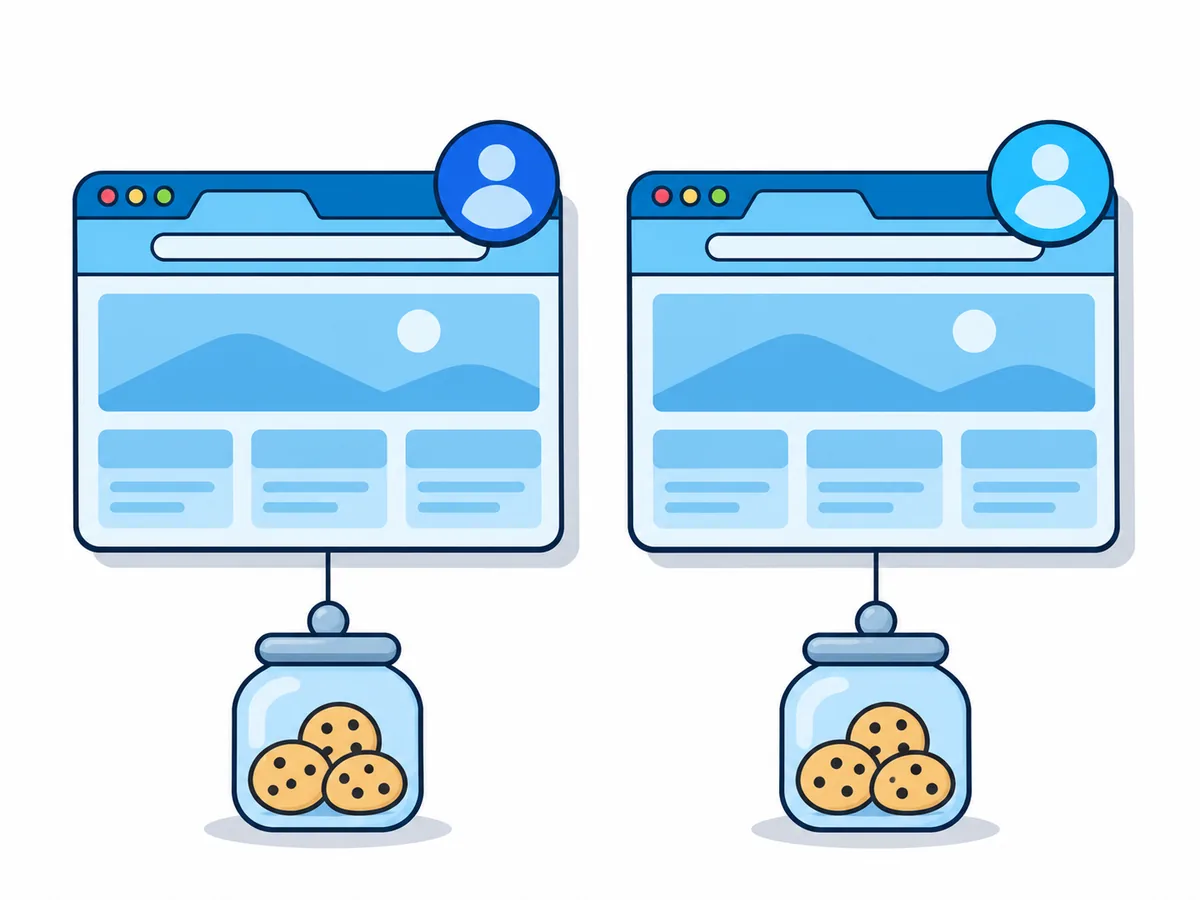
For sites you stay signed in to, open a normal window, ideally in a separate Safari profile, which has its own cookies.
Why do I keep getting logged out?
Find what you see; keep your exceptions in a note so you can add them again.
| What you see | Likely cause | Fix |
|---|---|---|
| One allowed site still logs you out | Its sign-in runs elsewhere, such as Sign in with Google | Allow that domain too, such as [*.]google.com |
| Signed out after every restart despite exceptions | A private window, or Firefox set to Never remember history | Use a normal window and remember history |
| Exception list empty after an update | A bug, as in Edge 140 (2025) | Update, then add the sites again |
| Logged out at random times | A cleaner app, antivirus or extension | Test in a fresh browser profile without extensions |
| Safari forgets a site you skip for a week | Safari deletes script-stored data after seven days of use without a visit | Expected: sign in again |
Is there a cleaner way to clear cookies but stay logged in?
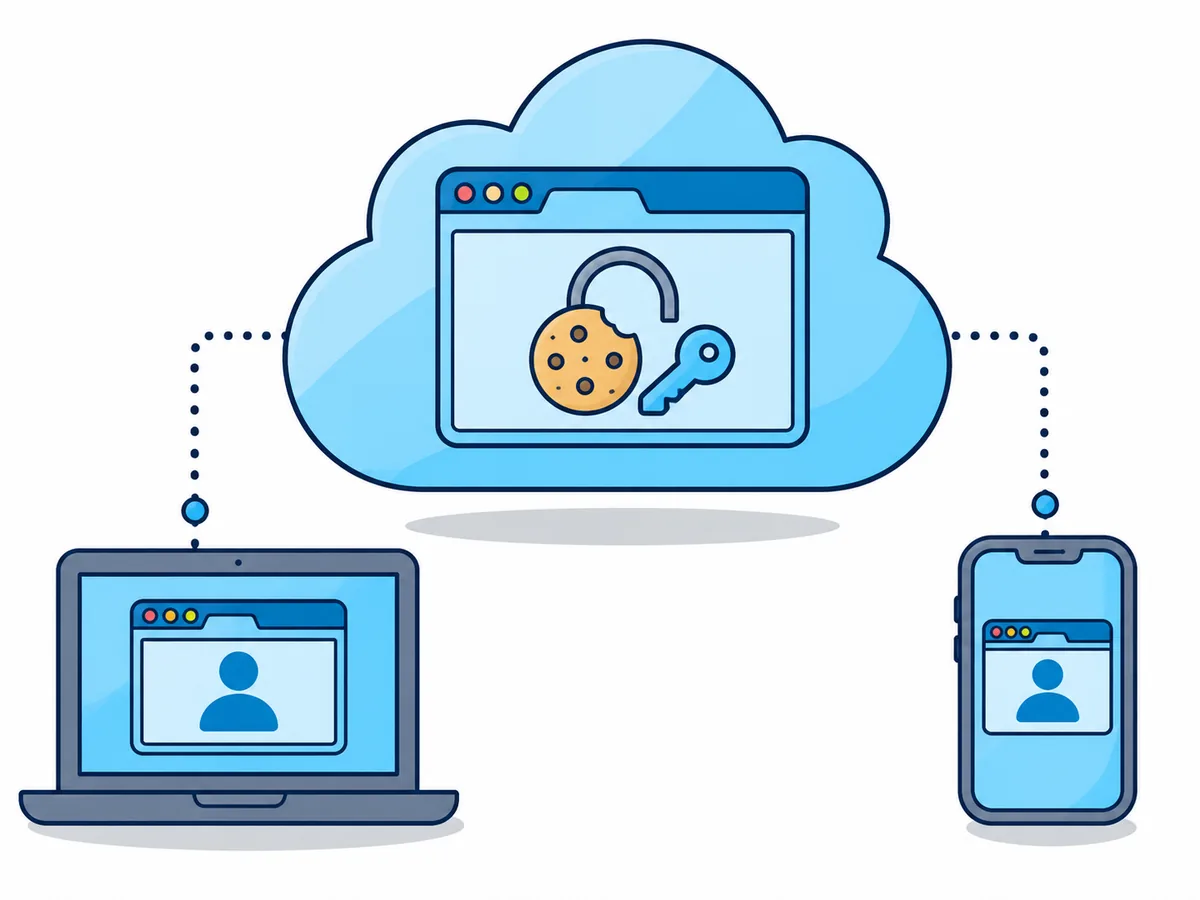
Security firm SpyCloud says in its 2026 report that it recovered 8.6 billion cookies stolen by malware; a stolen login cookie beats two-factor authentication. So split the jobs: your own browser forgets everything, and the accounts you keep live in a saved cloud browser profile, stored encrypted with the profile, not on your computer.
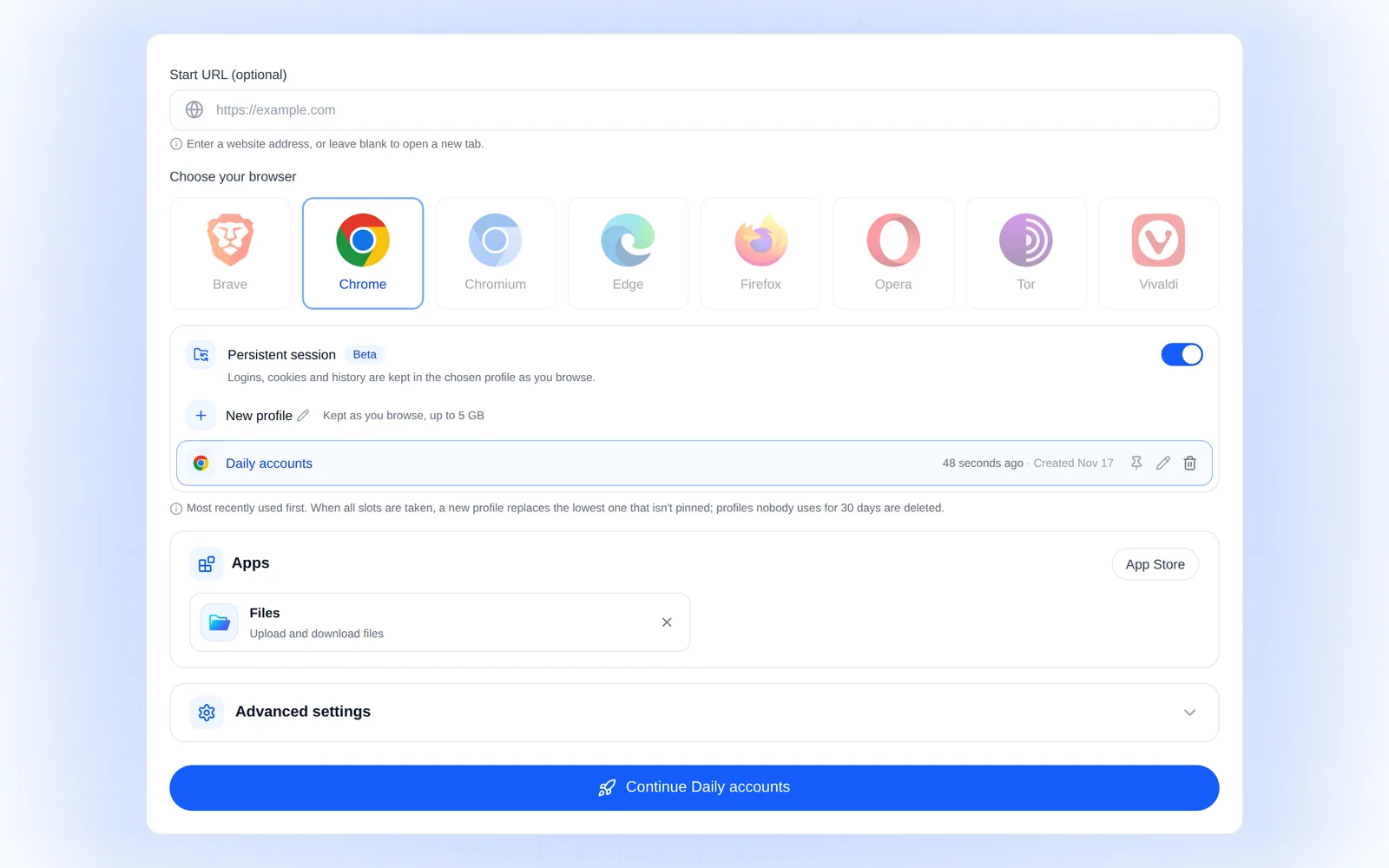
Start a profile
On browser.lol/create, turn on Persistent session and choose New profile.
Sign in once
Sign in to the accounts you keep and tick "Keep me signed in".
End the session
The profile is saved then: cookies, logins, bookmarks, extensions and settings.
Come back anywhere
Pick it next time on any device. Pin it: unused, it is deleted after 30 days.
Saved profiles come with Plus and Premium and are currently in beta. Your own browser forgets your Browser.lol sign-in too, so keep browser.lol as your one exception or sign in with a passkey.