Playwright MCP vs Claude in Chrome vs a Cloud Browser
Playwright MCP vs Claude in Chrome vs a cloud browser: pick by whose logins it uses, where it runs and who can step in, with measured token costs.
 Janis Zesiger
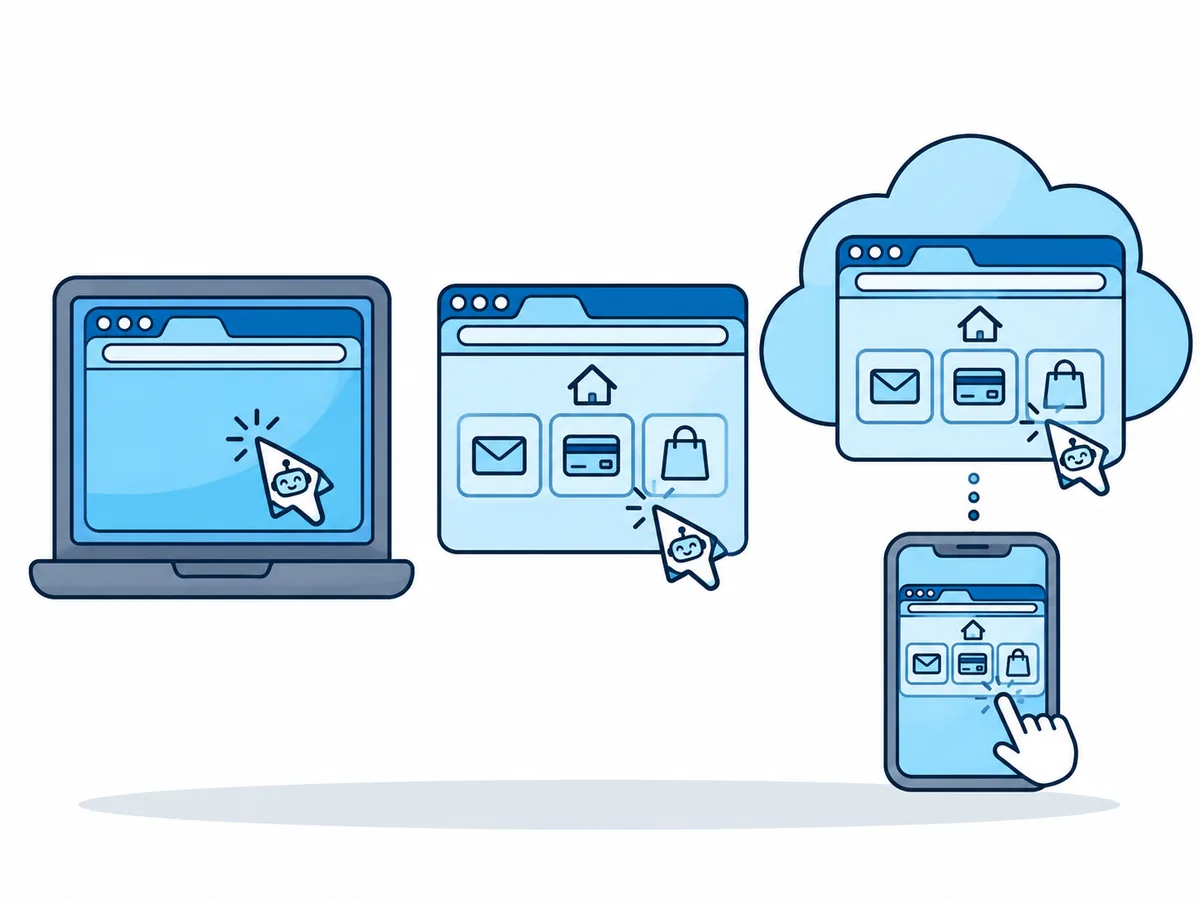
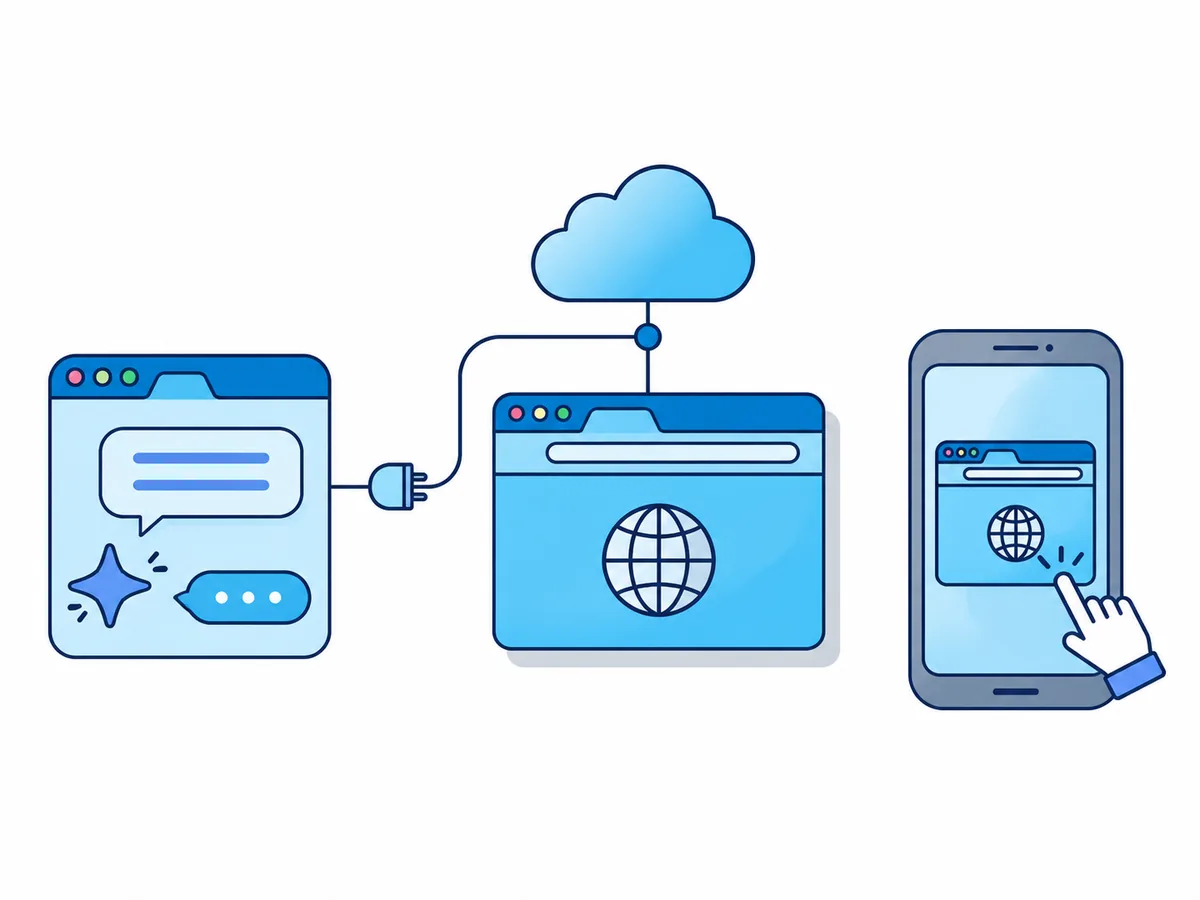
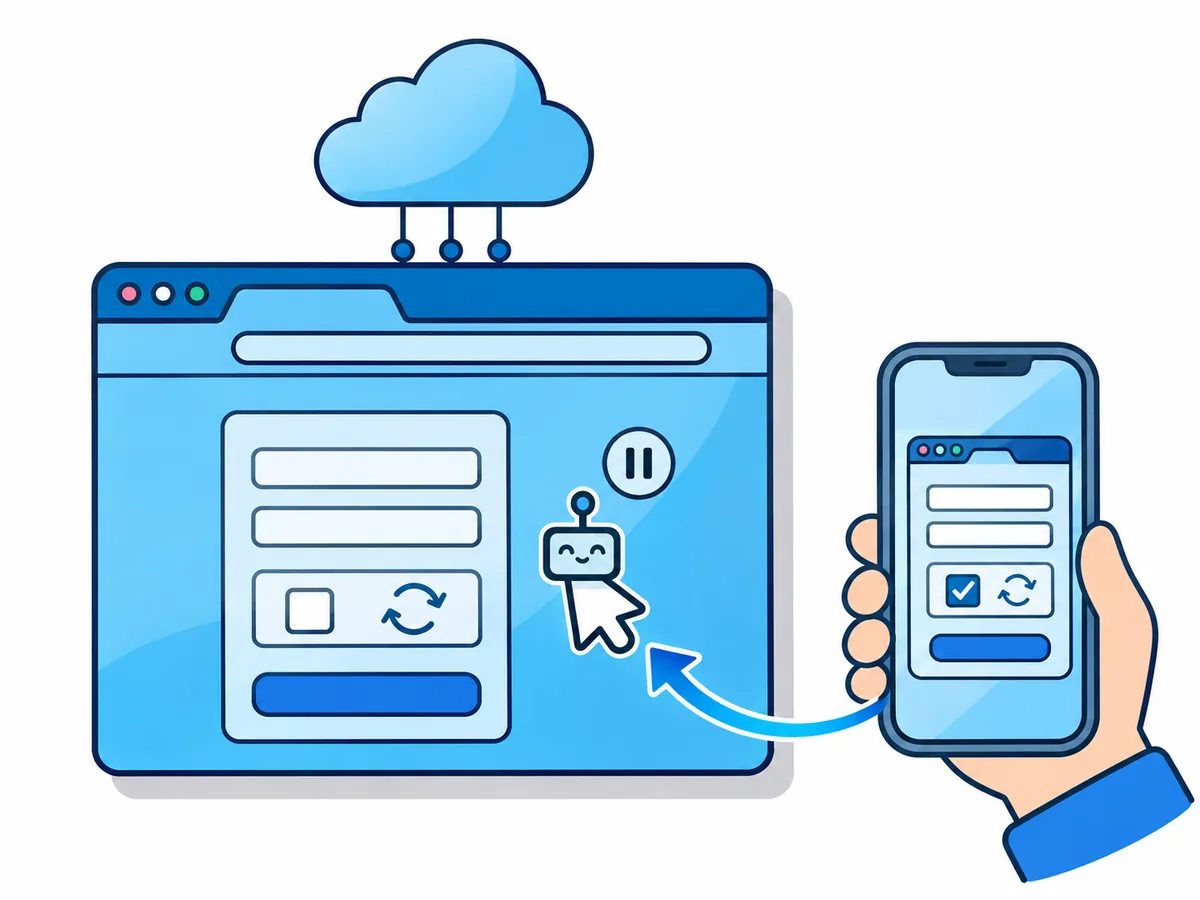
Playwright MCP vs Claude in Chrome comes down to whose browser your AI agent drives: Playwright MCP starts a separate browser on your computer, Claude in Chrome uses your own signed-in Chrome. A cloud browser is the third way, a session on a provider's servers that you watch and take over from any device.
Playwright MCP vs Claude in Chrome vs a cloud browser: what is the difference?
MCP (Model Context Protocol) is the standard plug that lets AI apps such as Claude Code, Cursor or Codex use a tool, here a browser. Playwright is Microsoft's free tool for driving browsers from code.
| Option | Whose browser | Where it runs | Who can step in | Cost |
|---|---|---|---|---|
| Playwright MCP | Its own (yours with an add-on) | Your computer | You, if it has a window | Free |
| Chrome DevTools MCP | Its own (yours on request) | Your computer | You, if it has a window | Free |
| Claude in Chrome | Yours, signed in | Your computer | You, in your Chrome | Paid Claude plan |
| Cowork built-in browser | Claude's, separate | In Claude Desktop | You, in the side panel | Paid Claude plan |
| Hosted cloud browser | A separate session | Provider's servers | You, from any device | Plan or per hour |
Playwright MCP or Claude in Chrome: which is the best browser MCP for you?
Most people end up with two: one tool for their own code and one browser for the rest of the web.
- You test your own app, by hand or in automated tests, or need Firefox or WebKit (Safari's engine)Playwright MCP, or Playwright CLI in a coding agent
- You debug slow pages, network requests or console errorsChrome DevTools MCP
- A quick task in an account you are signed in to, while you watchClaude in Chrome
- You work in Claude Desktop and want Claude kept away from your own tabsThe built-in browser in Claude Cowork
- The agent runs in claude.ai, ChatGPT, a phone app, WSL or a server, and you want to step in at loginsA hosted browser MCP such as Browser.lol
- You build a product that starts hundreds of browsers from codeBrowserbase, Steel, Browser Use Cloud or Kernel
Playwright MCP vs Playwright CLI vs Chrome DevTools MCP
Playwright comes in two forms; Google's server adds the debugging both lack.
Playwright MCP
For any MCP client
Playwright CLI
For coding agents
Chrome DevTools MCP
For debugging
DevTools MCP sends usage statistics to Google by default, and --no-usage-statistics turns that off.
Is Claude in Chrome safe to use?
Claude in Chrome is a Chrome extension, generally available since August 2026. It "shares your browser's login state", and you set how much it does alone with three modes, Manual, Auto or Skip, from approving each action to no checks at all.
of prompt injections (hidden orders on a page) that reached Claude Opus 5 succeeded without extra safeguards
succeeded against Opus 5 and Sonnet 5 with Anthropic's safeguards on
succeeded against Fable 5 with the safeguards on
These are Anthropic's own tests, and a browser MCP server you add yourself gets none of those safeguards. Even so, Anthropic "strongly advise[s] against" using its browsers for financial accounts, medical information or other people's personal data.
Which cloud browser MCP is best for AI agents?
A hosted browser connects through a remote MCP server, a web address instead of a program. Browser.lol is ours; the other rows link to each vendor's pages, checked on 17 November 2026.
| Service | Connect with | Who picks the clicks | You take over | Price |
|---|---|---|---|---|
| Browser.lol (ours) | Sign-in or API key | Your model | Yes, and the agent can ask you | Premium plan |
| Browserbase | API key in the URL | Its own model (Stagehand) | Through the live view | 1 free hour, then from $20/month |
| Steel | Sign-in or API key | Your model | Interactive live view | $30 one-time credit, $0.10/hour |
| Browser Use Cloud | API key | Its own model, whole tasks | After the run stops | $0.06/hour, no subscription |
| Kernel | Sign-in or API key | Your model | With a control link | $5/month credit, plans from $30/month |
Browser.lol is a cloud browser for AI agents made for one person rather than a fleet: add one address, sign in and click Allow. Its agent connection needs Premium, drives Chrome-family browsers only and offers no raw connection for your own Playwright code.
How many tokens does a browser MCP use?
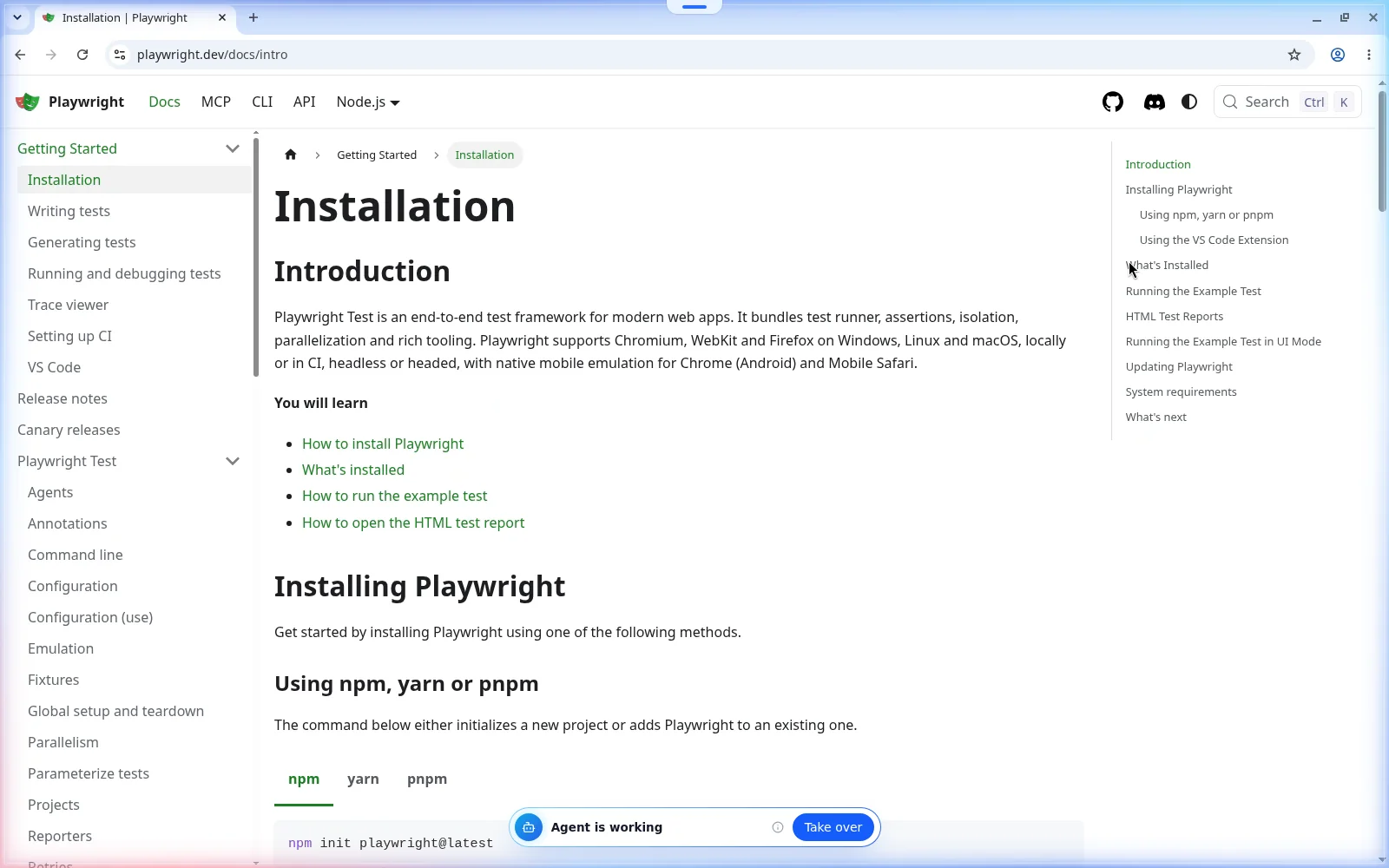
Tokens are small pieces of words: everything the model reads for one step counts, and you pay per token. Two measurements from autumn 2026 (68 runs, MCP vs CLI) give real numbers.
tokens of tool descriptions in Playwright MCP 0.0.85
tokens for one snapshot of the Hacker News front page
tokens for one full snapshot of a long Wikipedia article
tokens to find one table cell by text search, instead of 43,445
Everyday tasks in the 68-run test used 90,000 to 200,000 tokens, about $0.16 to $0.22 each, mostly Claude Code's own instructions sent again with every step. So the number of steps drives the bill. Claude Code caps one MCP result at 25,000 tokens by default, so the full Wikipedia snapshot never reaches the model; other clients may pass it through.