How to Open a Suspicious Email Attachment Safely
Before you open a suspicious email attachment: verify the sender, scan it unopened, view it in a disposable session, and what to do if you opened it.
 Janis Zesiger
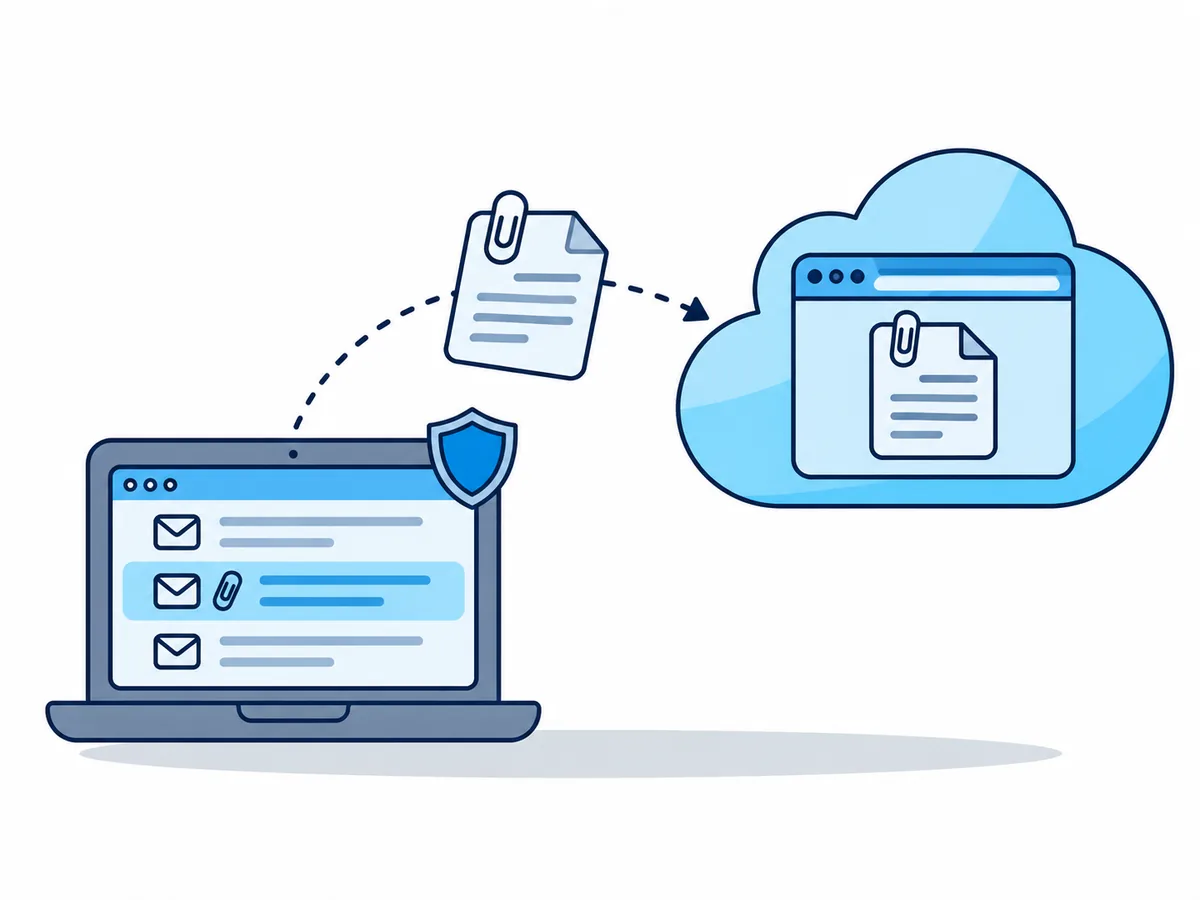
To open a suspicious email attachment safely, first ask the sender on a channel you already know whether they sent it; often that settles it without opening anything. If you still need to look, check the file unopened, then view it where it cannot reach your computer: your webmail's preview or a disposable cloud session.
Should you open a suspicious email attachment at all?
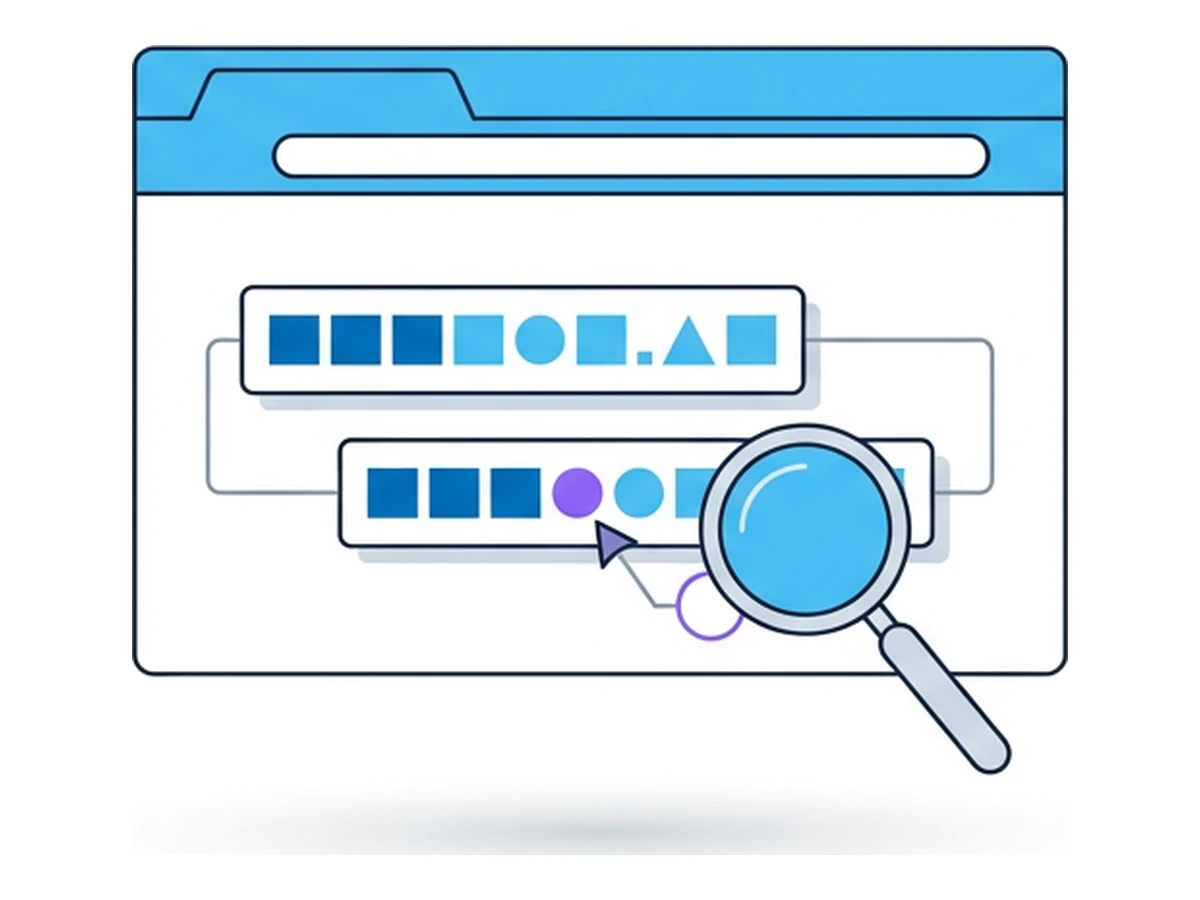
Urgency and a file you did not expect are the lure. Ask through the number in your contacts or a new message, never the link or phone number in the email. Fake sender addresses are built to pass a quick glance, as our guide to lookalike domains shows.
Decide in ten seconds
- The sender confirms and you expected the fileOpen it normally, with your system up to date
- The sender says they did not send itDelete it and report it as phishing
- You cannot reach the sender, but need to see itCheck it, then open it away from your device
- It is a program, script, shortcut or disk imageDo not open it, whoever sent it
Which email attachment types are dangerous?
Attackers pick the types that slip past mail filters. Of the threats HP's software caught on its customers' PCs in the second quarter of 2026, 56% arrived by email and 38% of all malware came in archives such as ZIP and RAR, says its report of September 2026.
| Type | How it is misused | Risk |
|---|---|---|
| A button, link or QR code that leads to a trap | Medium | |
| Word, Excel | Asks you to enable macros (small programs in the file) | Medium to high |
| HTML, SVG (web page and image files) | A fake sign-in page or a hidden download | High |
| ZIP, RAR, 7Z | Hides a program, often behind a password | High |
| EXE, LNK, JS, ISO | A program or shortcut that runs when opened | Very high: never open |
How to check an attachment for viruses without opening it
Saving a file is not opening it. For step 3 you need the file's SHA-256 hash, a short fingerprint: run Get-FileHash .\Invoice.pdf -Algorithm SHA256 in Windows PowerShell, or shasum -a 256 Invoice.pdf on a Mac.
Read the full name
In File Explorer, turn on View › Show › File name extensions. The last ending counts.
Scan it unopened
Right-click the saved file and choose Scan with Microsoft Defender.
Look up its hash
Search that hash on virustotal.com, without uploading.
Upload only public files
If the hash is unknown, upload the file only if a stranger may read it.
VirusTotal, a site that runs dozens of virus scanners, states that submitted files "may also be shared with premium VirusTotal customers". So never upload a contract, payslip or medical letter.
Where can you open a suspicious attachment safely?
The further the file runs from your device and signed-in accounts, the less it can do. Office on your computer opens email files in Protected View, a read-only mode; clicking Enable Editing ends that protection.
Webmail preview
Best for Word and Excel
Browser.lol session
Best for PDF, HTML and SVG
Windows Sandbox or a VM
For advanced users
How to open a suspicious email attachment in a cloud session
A Browser.lol session is a fresh Chrome on our servers that streams only the picture to your tab, a browser sandbox for the file. The Files app that moves it in is on in every plan, Free included.
- 1
Save the attachment without opening it
In your mail app, choose save or download, not open. - 2
Start a session
Go to browser.lol/create, keep Chrome and press Start session. No account is needed, though at busy times or on a VPN you may be asked to sign in with a free one. - 3
Upload it into the session
Drag the file onto the session, or open the session controls and choose Files, then Upload files. It lands in the session's Downloads folder. - 4
Open it in the session's Chrome
Click into the session, press Ctrl+O (Cmd+O on a Mac) and pick the file in Downloads. On a phone, or if that fails, typefile:///config/Downloads/into the session's address bar instead. PDFs, HTML, SVG, images and text open; Word and Excel do not, as there is no Office program. - 5
Look, type nothing, then end the session
Note where its buttons or QR code point, and do not use Save to device. Ending the session from its controls deletes the file.
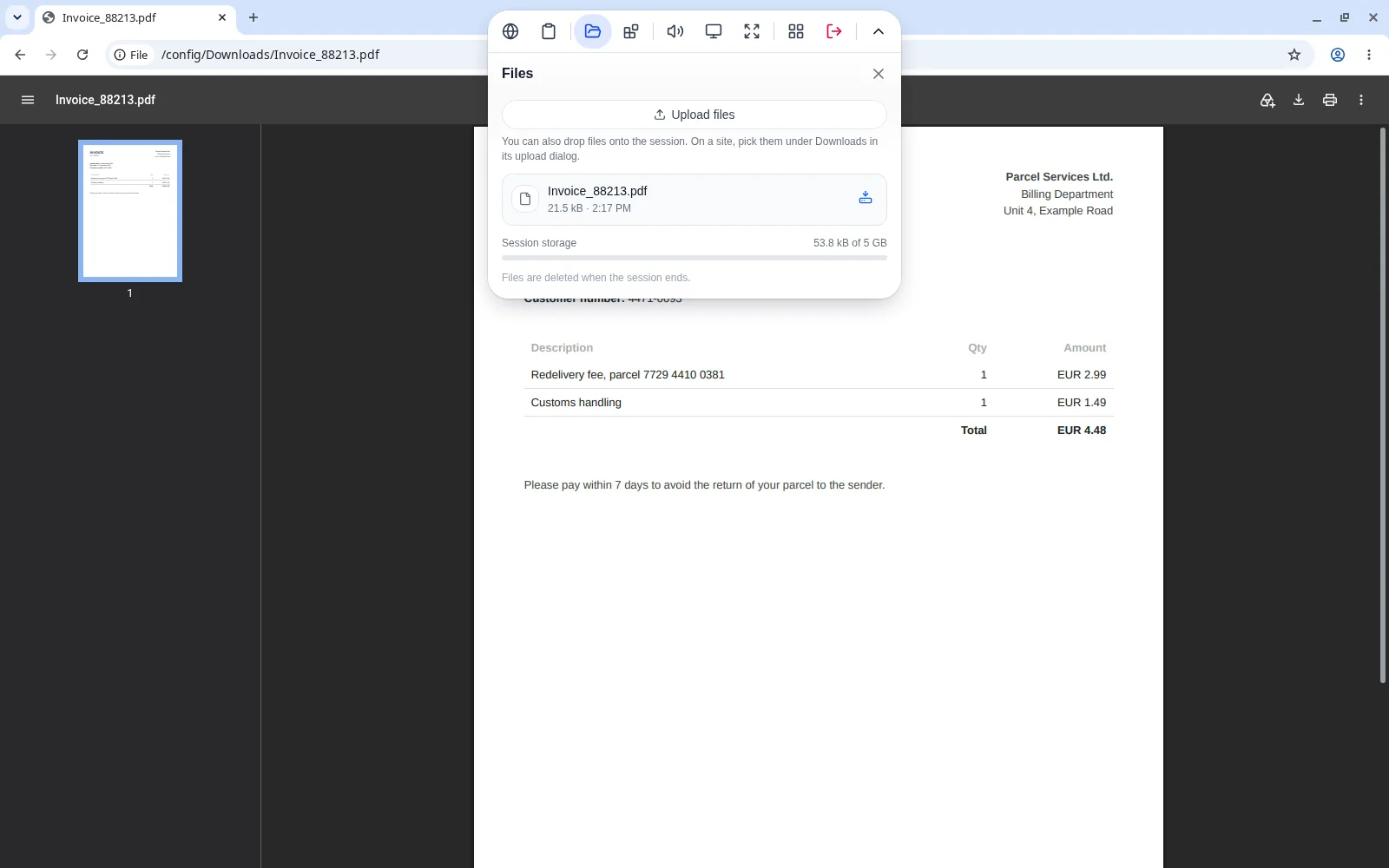
You can also skip the upload: open your webmail inside the session and click the attachment there. Your mail provider sees a new device, so expect a sign-in alert, and sign out before you end the session.
Opened a suspicious attachment? What to do now
The UK's National Cyber Security Centre puts it plainly: if you have not entered any details, downloaded files or installed software, you probably only need to stay alert. Otherwise, work through this list.
Do this now, in this order
- If the computer behaves oddly, take it off Wi-Fi or unplug the cable. On a work device, call your IT team now.
- Run a full antivirus scan, not a quick one. If anything was installed, reset the device.
- From another device, change every password you typed in, and wherever you reuse it.
- Sign out everywhere and turn on two-step sign-in: some fake pages steal the cookie that keeps you signed in.
- If you entered card details, call your bank on the number on your card.
- Report the email with Report phishing in your mail app.