
A sign-in page can carry the right logo and still belong to the wrong domain. The address may differ by one extra letter, a misplaced dot, or a character from another writing system. Before entering a password or approving a wallet request, the useful question is: which site actually owns this URL?
Typosquatting uses plausible misspellings of a domain. A homograph attack uses characters that can look alike in some fonts, such as Latin "a" and Cyrillic "а". A deceptive address may lead to a phishing page, a misleading download or an unrelated site. Its appearance alone does not tell you what the destination will do, so inspect the address and treat any unexpected sign-in or transaction request with care.
Four ways an address can mislead
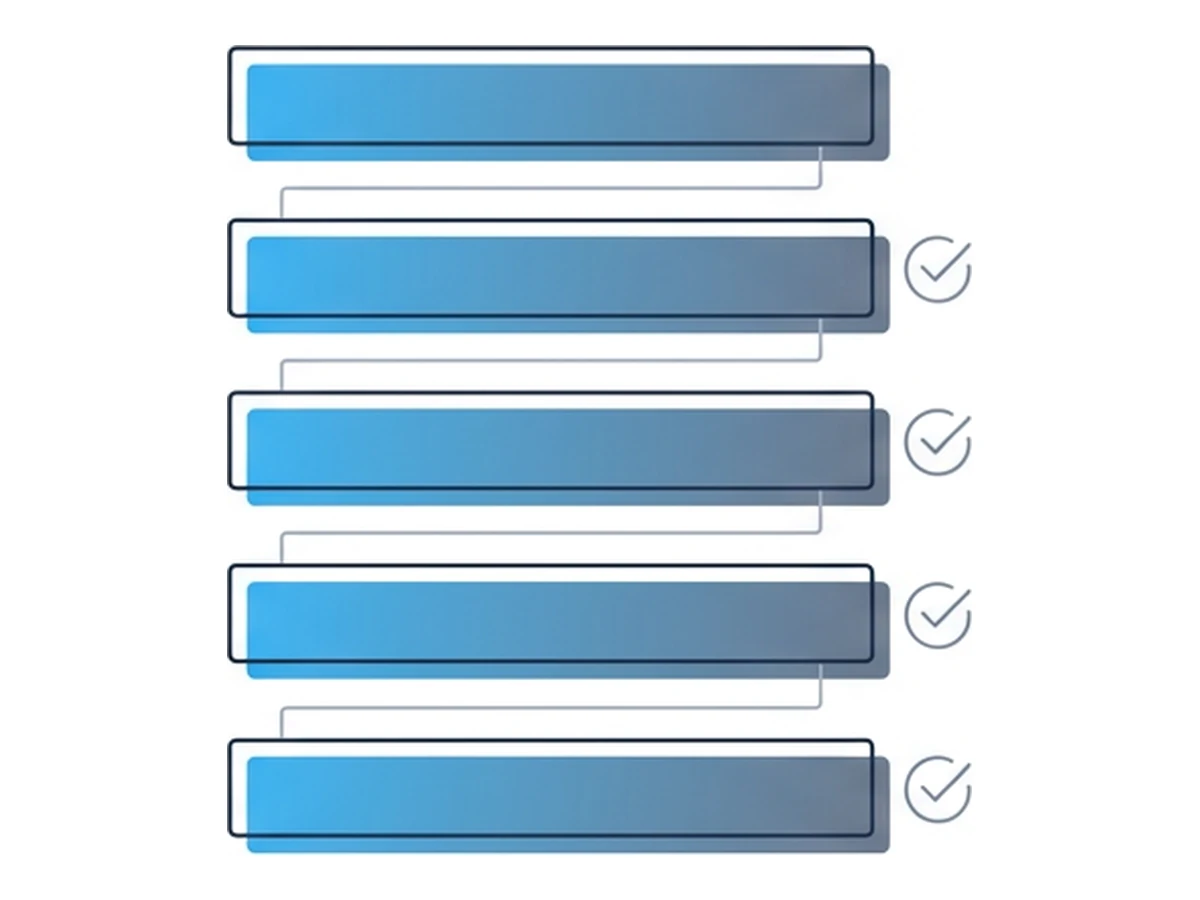
These patterns differ technically, but all can make a destination seem more familiar than it is. The examples below are schematic; do not assume every similar-looking domain is malicious.
Unicode lookalikes. Latin "a" and Cyrillic "а" are different code points that may look similar. Internationalized domain names are represented in DNS using an ASCII form that begins with "xn--" for encoded labels. Unicode's security standard documents mixed-script and whole-script confusables. Browsers may show either the Unicode label or its ASCII form according to their own display rules.
Plain misspellings. An inserted, missing or transposed letter creates a different hostname. Digits can resemble letters too. Such variants work even when browsers apply strong Unicode checks, because the characters can all be ordinary ASCII.
Misleading subdomains. In "accounts.example.com.login.example.net", the host is "accounts.example.com.login.example.net". The familiar text near the beginning does not make it part of "example.com". To identify the registrable domain you need the host and the applicable public suffix; for example, "co.uk" is a suffix, not an owner's domain. The Public Suffix List maintains these suffixes.
Different endings. A familiar name under ".com" is not the same site as the name under ".co" or ".shop". An attacker might imitate the design, but a matching logo and a valid HTTPS certificate only show that the page loaded over an encrypted connection to that address. They do not establish brand ownership.
How lookalike domains are found and used
Variant generation is easy to automate. The open-source dnstwist project generates candidate typo, homoglyph and TLD variants and can check which resolve. That is useful for defenders monitoring their own brand as well as for understanding the attack surface. A registered variant is a lead to investigate, not proof of a phishing campaign.
A fraudulent page can copy a real site's visual design. Some phishing systems relay a sign-in flow to the real service, allowing an adversary-in-the-middle to intercept passwords and one-time codes under some conditions. Passkeys are different: their authentication is bound to the legitimate site's relying-party ID and origin, as the FIDO Alliance explains. That protects the sign-in ceremony from a lookalike origin, but does not certify every page or transaction encountered after authentication.
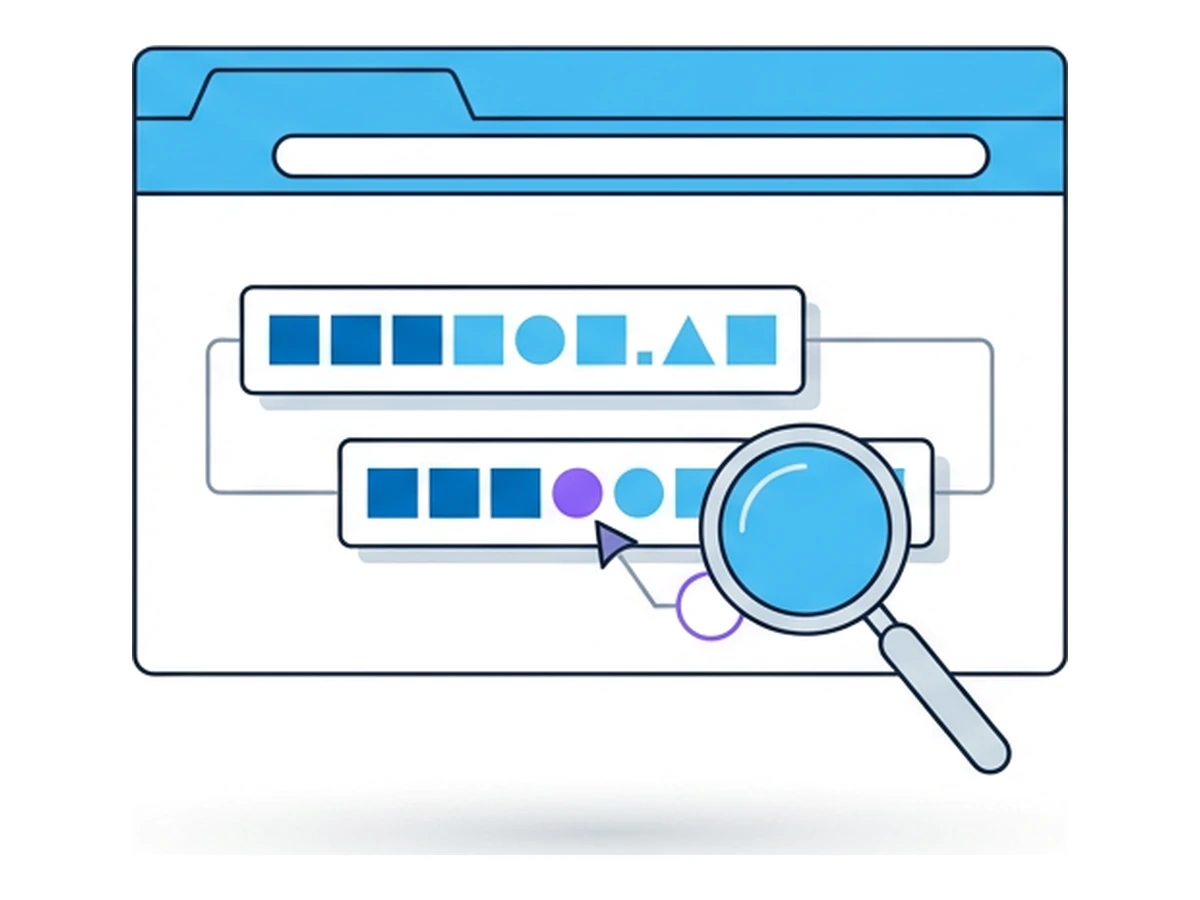
a spelling or script change creates a different host
registration alone does not establish malicious use
the sign-in method determines phishing resistance
What the browser does and does not show
Browsers do apply defenses to internationalized names. Chromium's IDN display policy can show suspicious labels in their "xn--" form rather than as Unicode. Firefox also chooses between the two representations according to its IDN display rules. The exact display can differ by browser, version and hostname; there is no rule that every lookalike will appear as visually identical text.
Nor does an "xn--" label automatically mean fraud. It is the ASCII encoding used for legitimate internationalized names too. Conversely, ASCII typos and misleading subdomains need no Unicode characters at all. A padlock or HTTPS connection verifies the encrypted connection to the displayed host, not whether that host belongs to the organization named on the page.
Context can still mislead. A message may appear to come from a familiar person or service, while its link leads elsewhere. Browser warnings help, but Google notes that Safe Browsing can miss risky sites and flag safe ones. If a link asks for a high-value sign-in or wallet approval, independently navigate to the service instead of trusting the message's presentation.
A careful URL check
If a message asks you to sign in, pay, download or approve a transaction, check the destination before acting. These steps reduce uncertainty; none can prove a page safe on its own.
- 1
Start from a trusted route
Use a saved bookmark, your password manager's entry for the service, or an address you know independently. Do not use the link in the message to verify itself. - 2
Examine the full hostname
If you must assess the reported link, view its entire URL as text without opening it. Distinguish the hostname from the path and query, then identify the registrable domain using the public suffix. A brand name elsewhere in the URL is not ownership evidence. - 3
Treat IDN clues as context
A visible "xn--" label may prompt a closer look, but legitimate internationalized domains use it too. A normal-looking Unicode label may still deserve a check, and a plain ASCII typo has no IDN clue at all. A text editor or different font is not a reliable homograph detector. - 4
Use the service's normal sign-in path
If the request is genuine, you can usually find it after navigating independently. Keep browser phishing warnings enabled. Where the service supports passkeys, their origin binding offers stronger protection for sign-in than a reusable password or one-time code, though it does not validate the page's other content.
When you must inspect the page
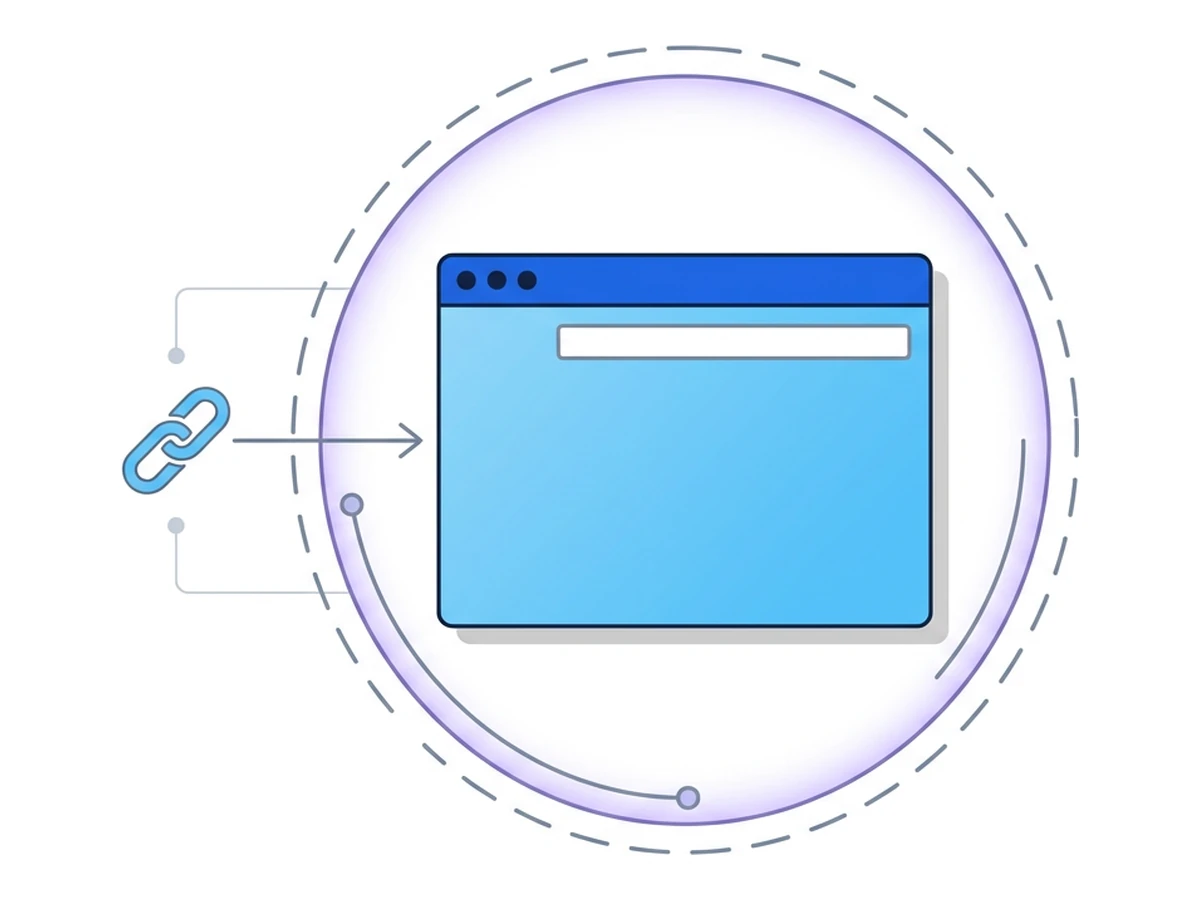
Analysts sometimes need to see what a suspicious page displays. A temporary Browser.lol session lets the page run in a remote browser rather than directly on the analyst's device. The site sees the remote browser's exit address, while the analyst connects to Browser.lol for the stream. Do not import a saved profile, enter real credentials, connect a wallet or approve a request. Anything you type into a phishing form can still be disclosed, and isolation does not judge whether a page or transaction is trustworthy.
Keep the source message and any tokenized link within your organization's handling rules. Browser.lol does not create a forensic recording or malware verdict, and closing the viewer tab alone does not prove the session has ended. End it explicitly and record only what you observed. For a fuller triage process, see How to Investigate Suspicious Links More Safely.
Need an isolated session for your next task?
Open an isolated desktop browser and get started in your browser.
Start a SessionNo browser installation required • Features vary by plan