
A web page can load attacker-controlled code during an ordinary visit. If the browser or another component is vulnerable, that code may attempt an exploit without asking the visitor to run a file. This is a possible attack path, not the outcome of every suspicious page: browser protections and the exact vulnerability determine whether it succeeds.
"Drive-by download" is often used broadly, but delivery and compromise are separate steps. A site may silently try a browser exploit, or it may lure someone into approving a download, notification, or installer. InMITRE's drive-by compromise description, user interaction is possible in some variants. This article focuses on page-triggered exploitation, where a visit can be enough if a vulnerable path is reached.
Why no click is needed
A page can load scripts, images, fonts, and media as part of normal browsing. Depending on browser settings and the page, scripts may use APIs for graphics, media, and WebAssembly. Parsing and processing this content gives an attacker a possible route to a bug, even when the visitor has not clicked an attachment or granted a new permission.
An exploit needs a specific flaw and a trigger that reaches it. Possible targets include the JavaScript engine, browser rendering code, and media processing. Merely loading a page does not grant its script system privileges. Successful exploitation can instead turn a browser bug into code execution within the affected process, subject to its sandbox and other controls.
Modern browsers separate sites and restrict renderer processes, as Chrome's Site Isolation documentationexplains. A renderer compromise alone does not imply full access to the device; attackers may need another flaw to cross the sandbox or gain wider privileges. Google'sanalysis of a 2024 watering-hole campaigndocuments a Chrome renderer flaw chained with a sandbox escape. The chain targeted selected unpatched Android versions, rather than every visitor.
Where modern exploits hit
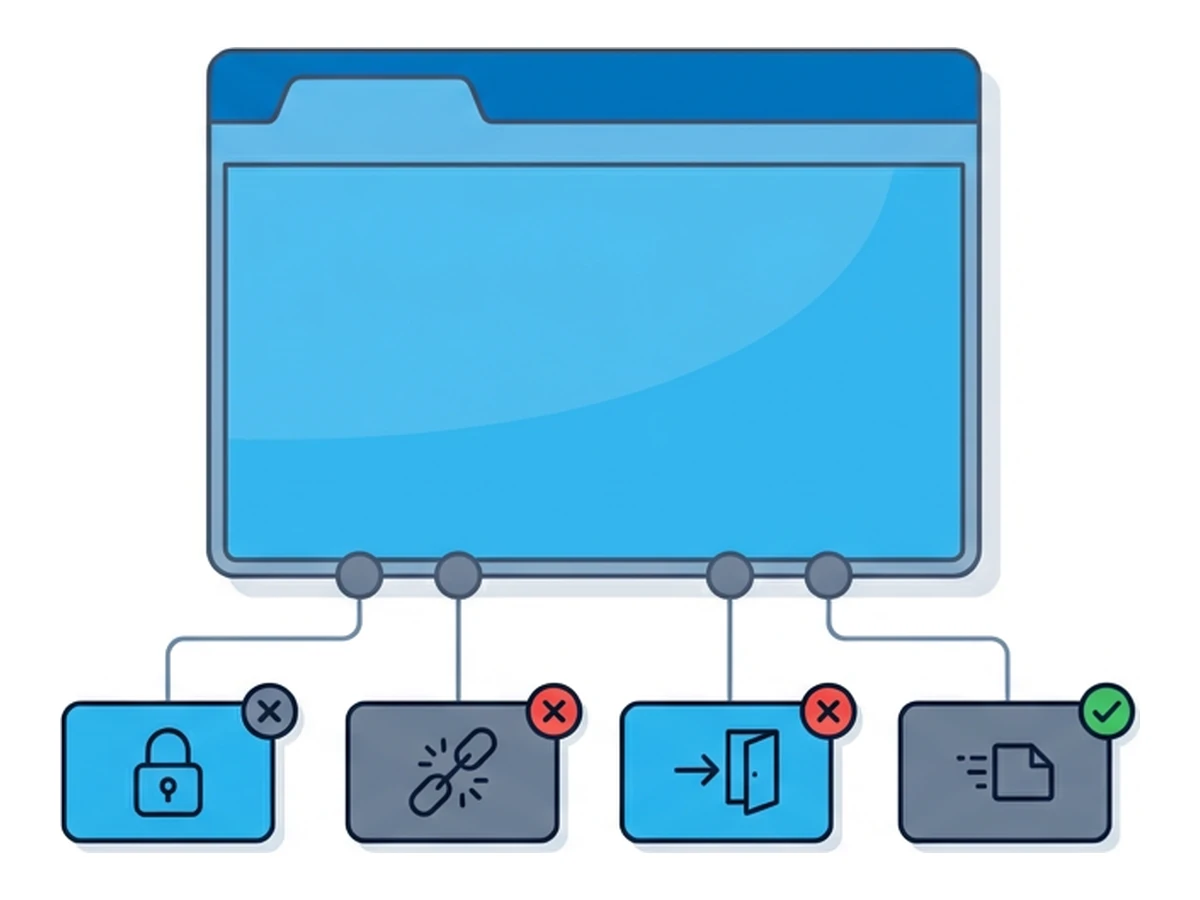
JavaScript engines. Engines such as V8 and SpiderMonkey include compilers and complex memory management. A flaw can permit unintended behavior inside a browser process. That process is normally constrained by browser sandboxing; engine code does not simply run with unrestricted operating-system privileges.
Graphics paths. WebGL and WebGPU expose graphics features through browser-controlled APIs. Browser and driver implementations can contain flaws, but shaders are not sent to hardware without any checks. A graphics flaw also does not, by itself, prove a sandbox escape.
Media and image processing. Browsers decode complex, untrusted files from pages. A flaw in a decoder may be exploitable, but impact depends on the bug and the process in which decoding runs. Browser and operating-system sandboxes can limit the result; an example from a messaging app is not evidence of a browser exploit.
WebAssembly and workers. These let sites run code or work in separate execution contexts, within browser rules. Their mere use is not an exploit. Bugs in an implementation or in related browser components can nevertheless create another path for an attacker.
How the page reaches your screen
The attacker-controlled content still needs to reach a browser. MITRE documents malicious ads, compromised sites, modified third-party resources, and injected scripts or frames as possible routes. Their prevalence varies by campaign; no single route should be called dominant for all drive-by attacks.
Malvertising can put unwanted content in an ad slot, while a watering-hole attack compromises a site visited by a chosen group. Neither guarantees that every visitor is exploited: the page may first check device and browser details, and a prompt or further action may be needed. For the ad-delivery case, see our guide to malvertising.
In a documented 2024 case, compromised Mongolian government sites loaded a hidden attacker-controlled frame. Google'sThreat Analysis Group reportdescribes different exploit chains served to selected iOS and Android visitors running affected versions. The flaws already had patches; this was exploitation of devices that had not received or applied them. The case shows how a trusted site can be used as a delivery path, not that every visit to a compromised site succeeds.
The window between patch and rollout
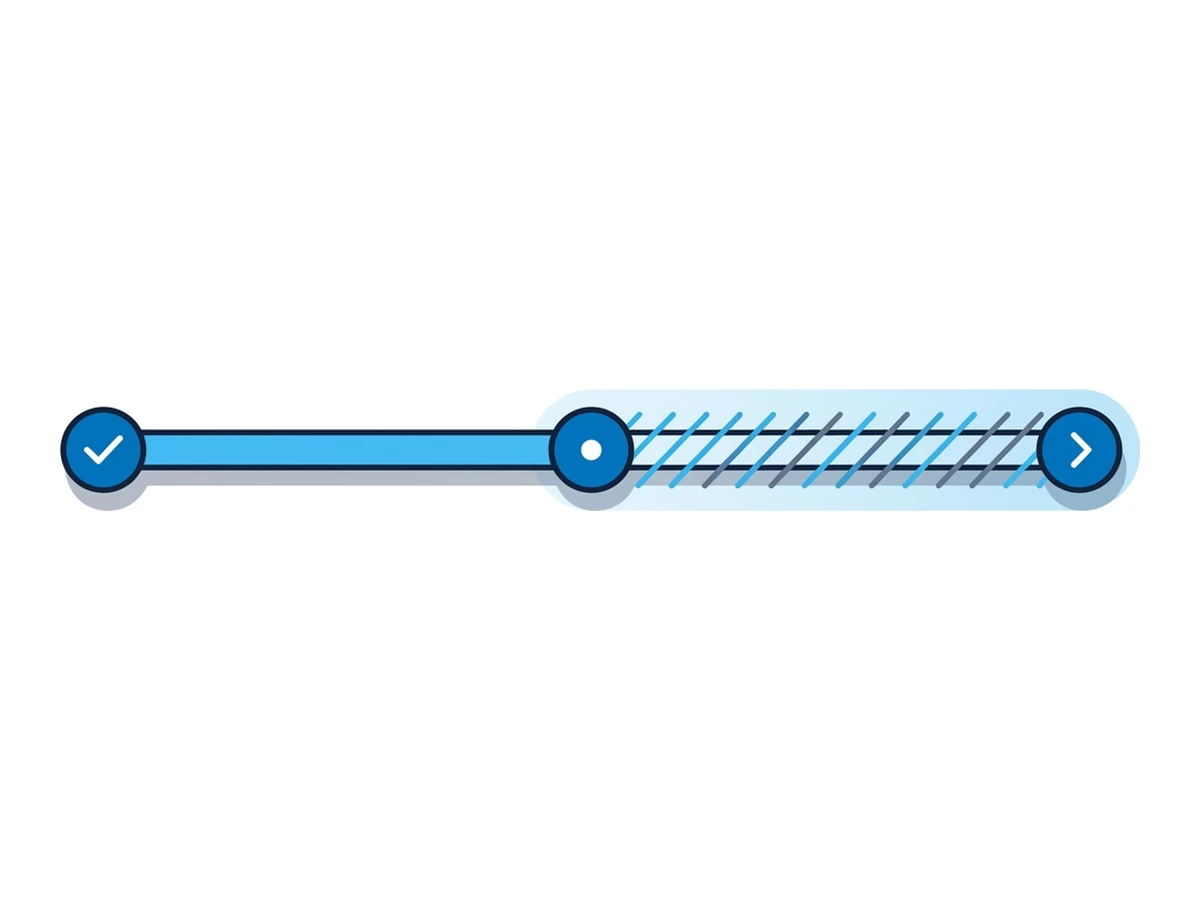
A published fix does not protect a browser that is still running an affected build. Timing varies by vendor, platform, device support, and update policy, so fixed claims about hours or weeks are misleading. Google's 2024 case demonstrates that already-patched flaws remained useful against particular unpatched devices.
Attackers may target a known flaw after a patch becomes available, sometimes called an n-day. They can also use a flaw before a patch exists, a zero-day. The time needed to build a working exploit and the time users remain exposed vary considerably. The practical response is to keep the browser and operating system updated and check whether an update is waiting to be applied.
Automatic downloads help, but an installed update can require a restart. Google's Chrome update guideexplains how to check for a pending relaunch. Managed devices may follow an organization's rollout policy; confirm the running version rather than assuming a downloaded update is active.
Containment, not avoidance
Safer browsing habits reduce exposure, but a familiar site can load compromised content. Keep browsers updated, use their built-in protections, and consider blocking unwanted scripts or ads where appropriate. Antivirus or endpoint protection may detect a payload or suspicious behavior, but detection is not guaranteed. Browser sandboxing and site isolation provide further limits when something goes wrong.
With a remote browser such as Browser.lol, page code runs in a container away from your local browser. That changes the first environment an exploit encounters, and the session can be ended when no longer needed. It does not prove your device or accounts are safe: downloaded files, credentials entered into a site, clipboard and file transfers, and service infrastructure create other paths. Keep both local and remote browser images patched and handle files cautiously. For the patching and zero-day distinction, see our guide to zero-day exploits.
Need an isolated session for your next task?
Open an isolated desktop browser and get started in your browser.
Start a SessionNo browser installation required • Features vary by plan