
In March 2025, Google released a Chrome update for CVE-2025-2783 and said it was aware of exploitation in the wild. Its bulletin described the flaw as an incorrect handle provided in unspecified circumstances on Windows. Public details of the attack are limited. The Chrome release notice shows why a prompt update matters even when the full attack chain is not public.
A zero-day is a vulnerability exploited before a public patch is available. It does not mean every browser or user is vulnerable: affected versions, platforms, settings, and the attacker's delivery route all matter. Updating closes known gaps, while browser mitigations and careful handling of risky content can reduce exposure before a fix arrives.
What a zero-day actually is
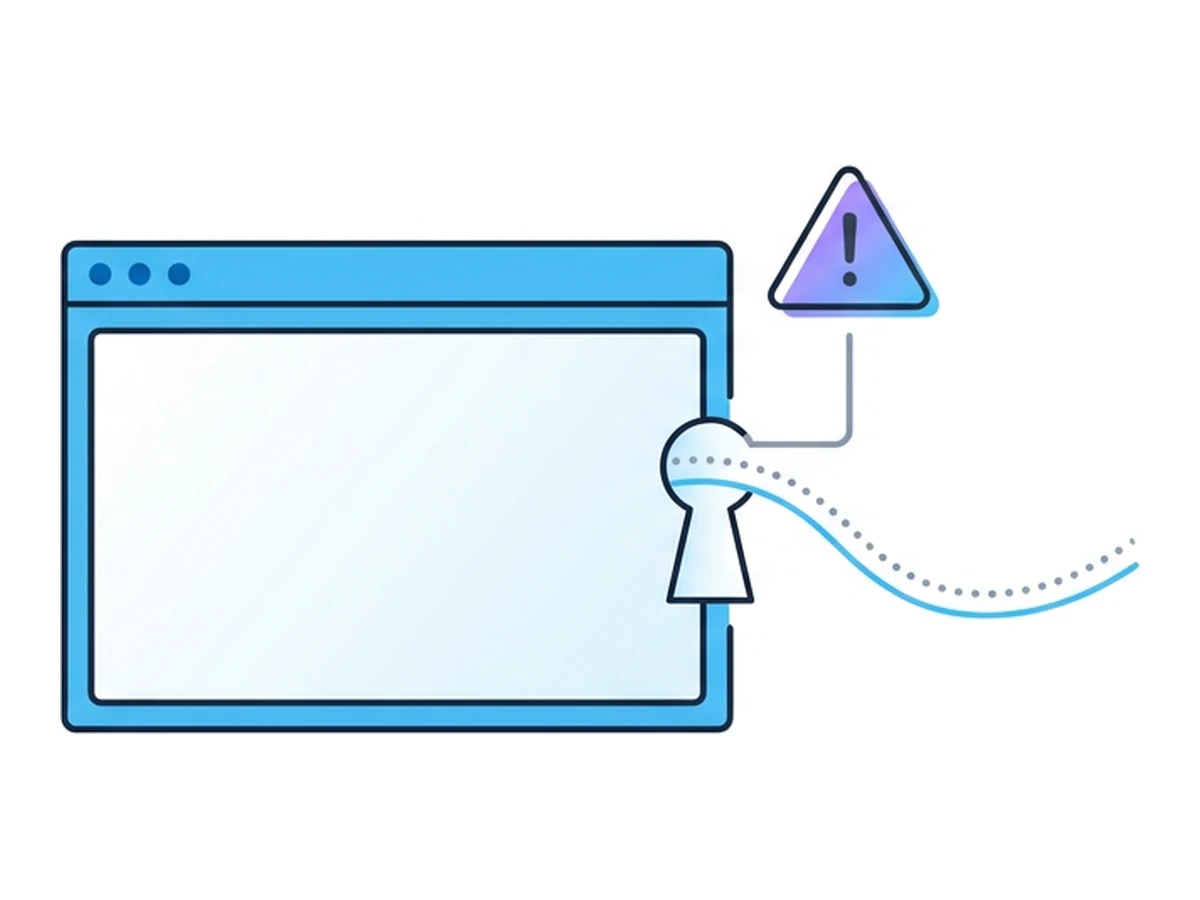
Imagine a door with a faulty latch. Someone may discover the defect before the owner has a working replacement. In security,zero-day describes a vulnerability used by attackers before a patch is publicly available. The vendor may or may not already know about the flaw. A vulnerability exploited after a patch exists is usually called an n-day.
Browsers process complex, untrusted web content and have multiple layers intended to contain failures. A flaw in a renderer is serious, but it does not automatically grant control of the operating system. An attacker may need a separate sandbox escape or privilege escalation, depending on the browser, platform, and goal. Chromium's site isolation design describes one layer that restricts a compromised renderer.
A zero-day's advantage is that defenders cannot yet deploy a fix for that specific flaw. It is not invisible by definition: behavioural monitoring, site isolation, sandboxing, and incident investigation may still detect or constrain an attack. Exploitation also requires a route to an affected user or system, such as a malicious page or crafted content.
The lifecycle of a zero-day
This simplified sequence distinguishes an unknown flaw from one that remains dangerous after a fix is published.
- 1
Discovery
A researcher, vendor, or attacker finds a vulnerability. It may be reported privately, discovered during an investigation, or held without disclosure. These paths do not follow one fixed timetable. - 2
Exploit development
An attacker works out how to trigger the flaw in a target environment. Some attacks need only one bug; others combine a renderer flaw with a sandbox escape or another weakness. A complete host compromise is not automatic. - 3
Exploitation in the wild
Delivery might involve a malicious page, compromised site, or targeted link. A signature for the exact exploit may be absent, but browser mitigations and behavioural security tools can still block or reveal parts of the activity. - 4
Patch and disclosure
The vendor investigates, prepares a fix, and publishes an advisory when ready. Disclosure and deployment timing vary. Once a patch is available, installing it promptly closes that known browser flaw on the affected system. - 5
N-day exploitation
Systems that have not installed the fix may remain exposed. Attackers can sometimes adapt public details or existing exploit code to target them; reuse is possible, not an inevitable commodity exploit kit or fixed-duration phase. Google's analysis of reused exploits shows why a published fix must still reach users.
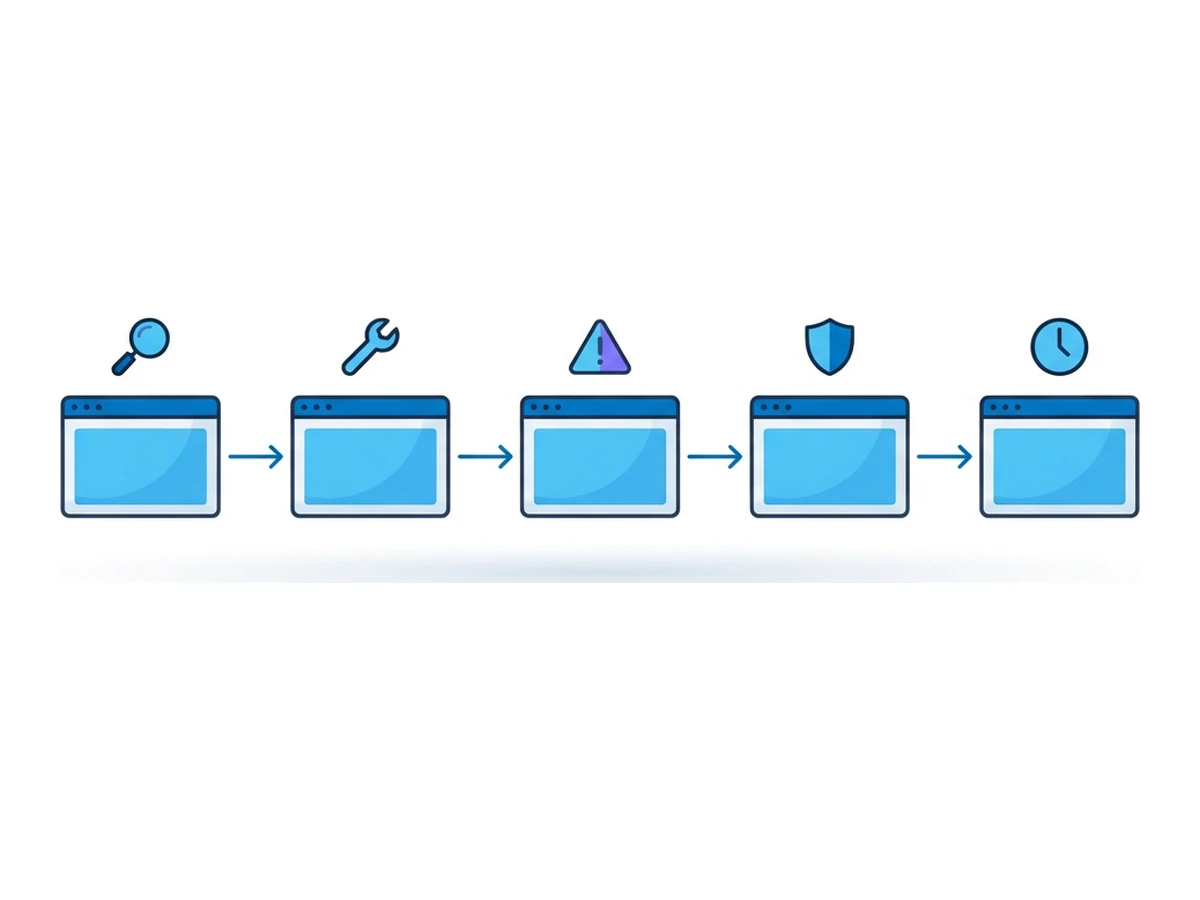
The exploit is a zero-day only while no public patch exists. After release, the risk shifts toward devices that have not updated. Identify affected versions, apply fixes quickly, and keep browser and endpoint safeguards active throughout.
Where patch gaps arise
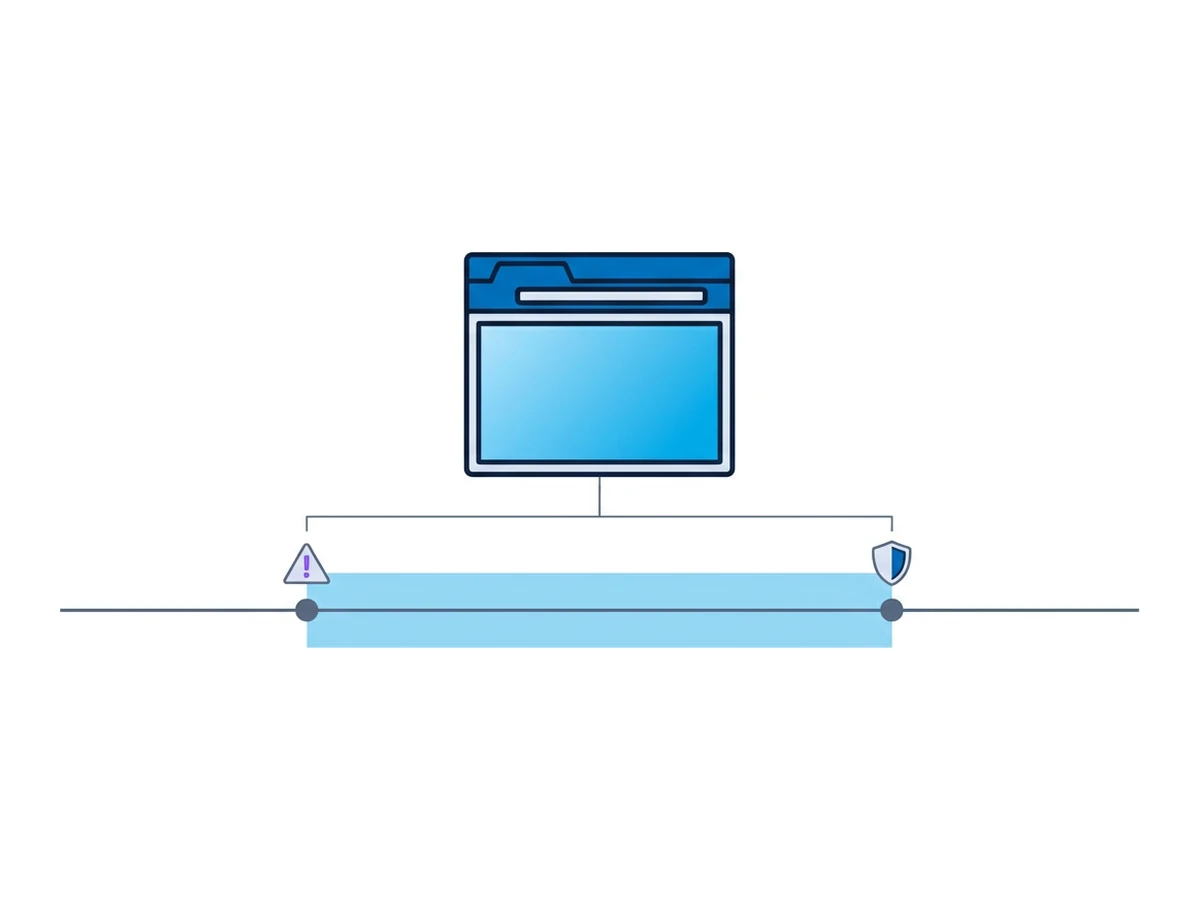
Browser updates can be delayed by compatibility testing, managed-device policies, or simply leaving a browser open. Those delays are distinct from the period before a patch exists. Both call for layered controls, but only updating fixes a disclosed flaw in the affected version.
Before a patch. Affected software has no specific fix yet. The vulnerable population depends on version, operating system, settings, and exploit conditions. Vendors may limit technical detail while preparing a fix.
Patch available, not installed. A managed fleet may need testing and rollout coordination. During that interval, attackers may target unpatched versions. Avoid treating a published fix as protection until the affected browsers actually restart on the fixed version.
Devices left behind. Shared machines, unsupported operating systems, and unmanaged browsers may miss the update. Inventory and version checks help identify them instead of assuming the whole fleet is current.
Exceptional delays. If an update must be held, narrow access to risky content, use managed browser protections, and document when the fixed version will be deployed. Remote browsing can reduce local exposure to website code, but it does not justify postponing patches or remove the risk to accounts used in that session.
What the data shows
Google Threat Intelligence Group tracked 75 zero-day flaws exploited in the wild and disclosed in 2024 across many product categories, not 75 browser bugs. Its 2024 analysis is a count of detected and disclosed cases, not every attack.
tracked exploited zero-days across products in 2024
in end-user products, including browsers, mobile and desktop OSs
in enterprise-focused products
In that dataset, browser zero-days declined from 17 in 2023 to 11 in 2024. These counts do not establish a universal patch delay or the chance that a random user will be attacked. They show why teams should track affected versions, apply available fixes, and maintain mitigations for the interval before a fix exists.
Documented browser examples
Vendor advisories document the flaw and update, but often disclose little about victims or the complete attack chain. These four examples show why those limits matter.
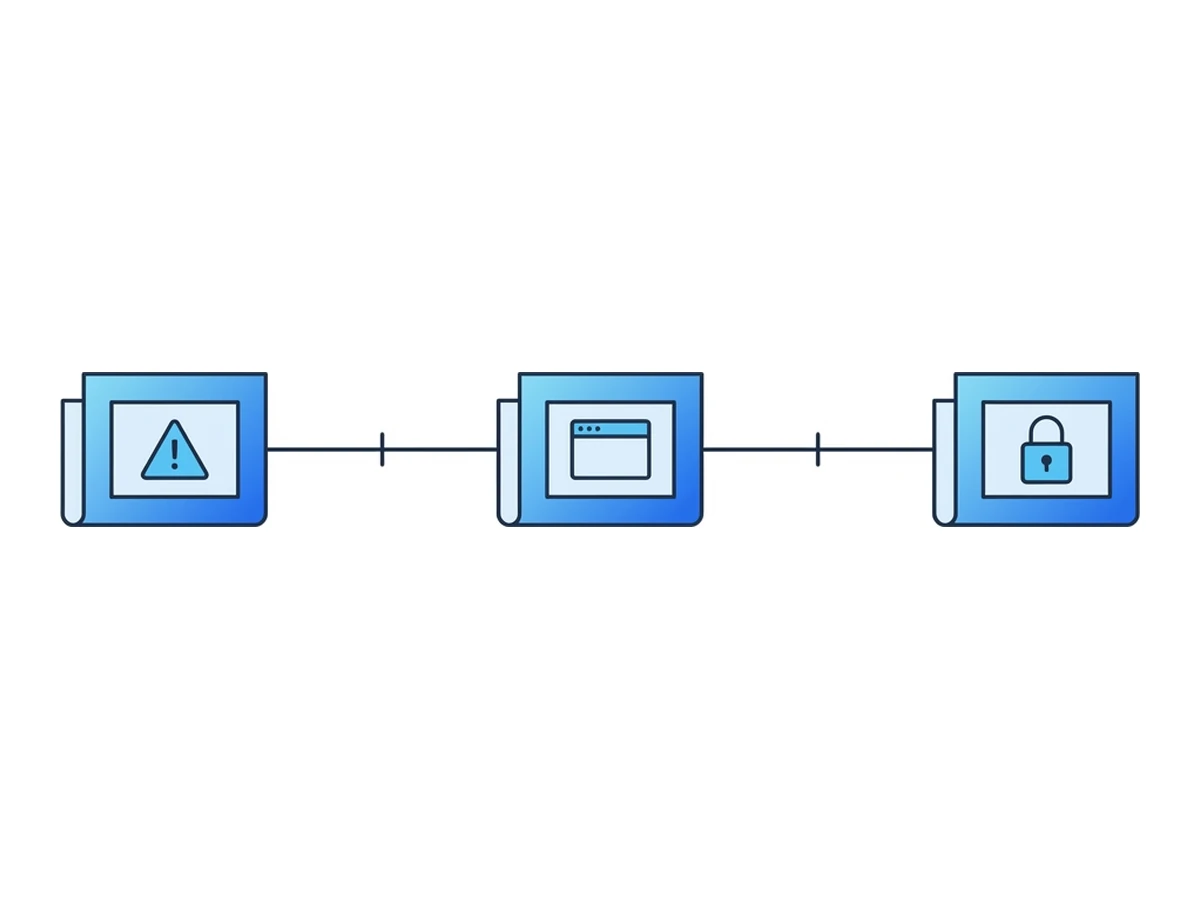
Chrome CVE-2023-2033. Google's April 2023 advisory describes a V8 type-confusion flaw and says an exploit existed in the wild. The notice does not identify a delivery route or establish a complete host compromise.
Firefox CVE-2024-9680. Mozilla's October 2024 advisory reports a use-after-free issue in Animation timelines and says it was exploited in the wild. The advisory does not describe a campaign, sandbox escape, or spyware.
Safari 18.1.1. Apple's security notice lists CVE-2024-44308 in JavaScriptCore and CVE-2024-44309 in WebKit, and says both may have been actively exploited on Intel-based Mac systems. The notice does not identify a delivery route or a later campaign.
Chrome CVE-2025-2783. Google's March 2025 advisory confirmed exploitation in the wild and provided a desktop update. The bulletin leaves the delivery route and rollout times unspecified.
A browser exploit and theft of a signed-in account are different outcomes. A renderer bug may stop at the sandbox; a stolen session may require no browser bug at all. For the separate account risk, see our session hijacking guide.
Controls beyond patching
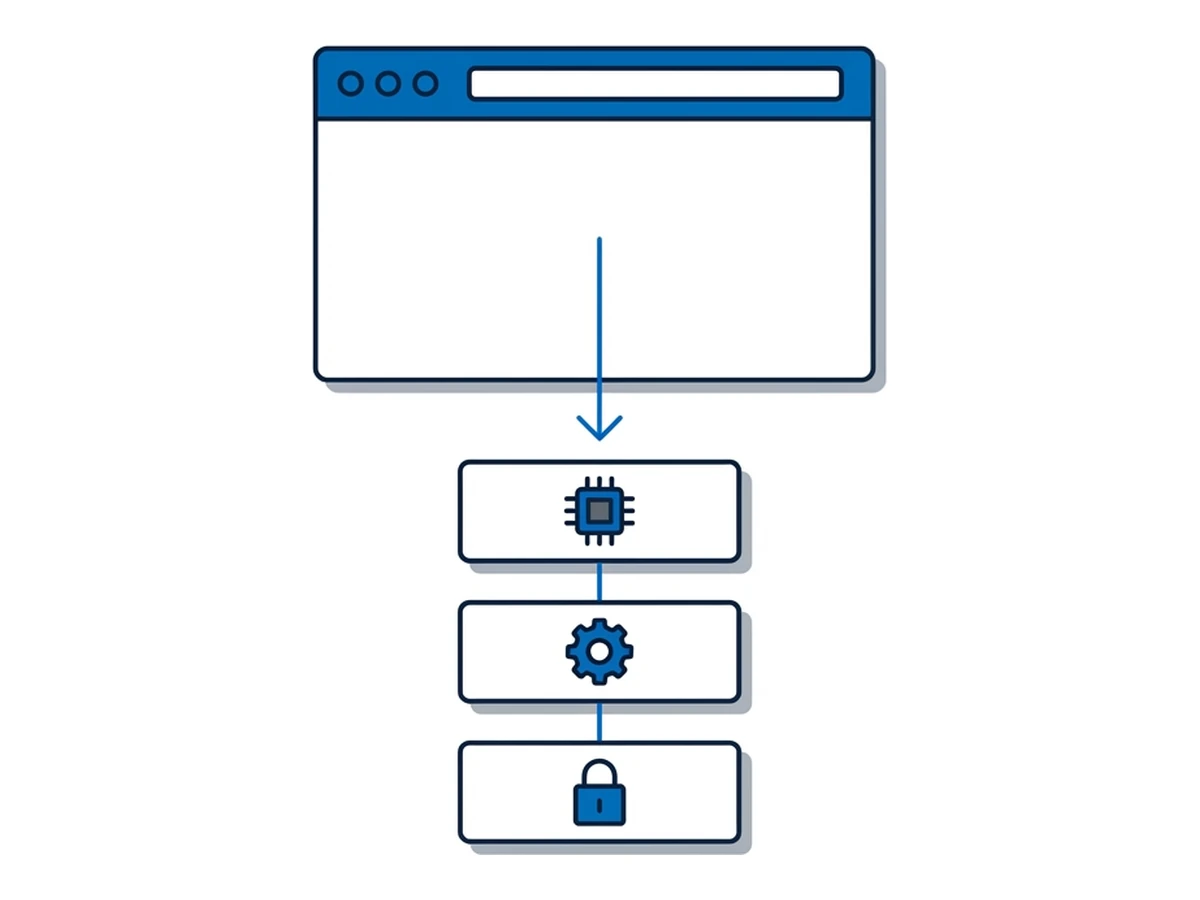
Prompt patching is essential, yet no vendor can patch a flaw before it is known and fixed. Other controls serve different purposes: they may reduce the chance of reaching vulnerable code, limit what an exploit can do, or help detect abuse.
Extensions. Browser extensions can have broad access to pages or browsing data, depending on the permissions granted. Review installed extensions and remove those you no longer need. Extension abuse is a separate risk from a browser zero-day; keeping Chrome or Firefox current does not review an extension for you.
Browser mitigations. Site isolation, sandboxing, and exploit protections can narrow the effect of some bugs. Their effectiveness depends on the exact flaw and platform; changing managed security settings should follow a documented need and risk review.
Operating-system and endpoint defences. Keep the OS updated as well as the browser. Endpoint tools can inspect behaviour even when they have no signature for a particular zero-day. They are neither blind by definition nor a guarantee that every attack will be stopped.
Remote browser isolation. Running a website in a remote browser can reduce direct exposure of the local browser and OS to that site's code. It does not prevent compromise of accounts used inside the remote session, unsafe downloads, or interaction through the viewer and clipboard. Browser.lol sessions do not always end when the tab closes, and saved profiles can persist. Isolation complements prompt updates; it is not a reason to delay them.
A layered defence plan
Each control addresses a different part of the attack. Its value depends on the flaw, configuration, and user workflow.
| Control | Before a public patch | After a patch is available |
|---|---|---|
| Antivirus and EDR | May detect suspicious behaviour; not a specific fix | May detect activity while updates deploy |
| Browser and OS updates | No fix for an unknown flaw yet | Install the vendor fix promptly |
| URL reputation | May block a known delivery site | Still depends on visibility of the site |
| Local browser sandboxing | Can constrain some exploit steps | Keep enabled alongside the update |
| Tor Browser | Its own mitigations and update status matter | Update Tor Browser when fixed |
| Remote browser isolation | Can reduce local web-code exposure | Still update; remote accounts and data remain at risk |
No row promises immunity. Remote isolation changes where website code executes; a flaw in the remote browser may still affect that session or accounts opened there. A Browser.lol viewer also runs in a local browser. Test the full workflow, including downloads, clipboard, credentials, and any saved profile, before calling it contained.
For work that requires opening unknown sites, use a controlled workflow with test accounts and avoid real secrets where possible. Verify that a remote session has actually ended when finished; closing its tab alone is not a reliable lifecycle control. Continue to update local and remote browsers and review alerts from other layers.
Contain exposure and update promptly
Zero-day reports remind us that a specific patch cannot precede discovery. They do not prove that every browser is under constant attack or that patching has failed. Vendor fixes, browser sandboxing, endpoint monitoring, and remote isolation all have a role with different limits.
Update affected browsers as soon as practical, keep protective browser features enabled, and use a remote browser where it meaningfully limits local exposure. Treat credentials, transferred files, and the remote session itself as part of the security boundary. That layered approach reduces risk without promising that an unknown exploit will always be stopped.
Need an isolated session for your next task?
Open an isolated desktop browser and get started in your browser.
Start a SessionNo browser installation required • Features vary by plan