How to View a Website From Another Country (6 Ways)
View a website from another country to check prices, ads, redirects and cookie banners: six methods compared, Browser.lol steps and a geo test checklist.
 Janis Zesiger
To view a website from another country, you have to look like a visitor from there: an internet address in that country, plus the language and time zone people there use. A cloud browser with an exit location (the country its traffic leaves from) lets you set all three for one session and leaves your own connection alone.
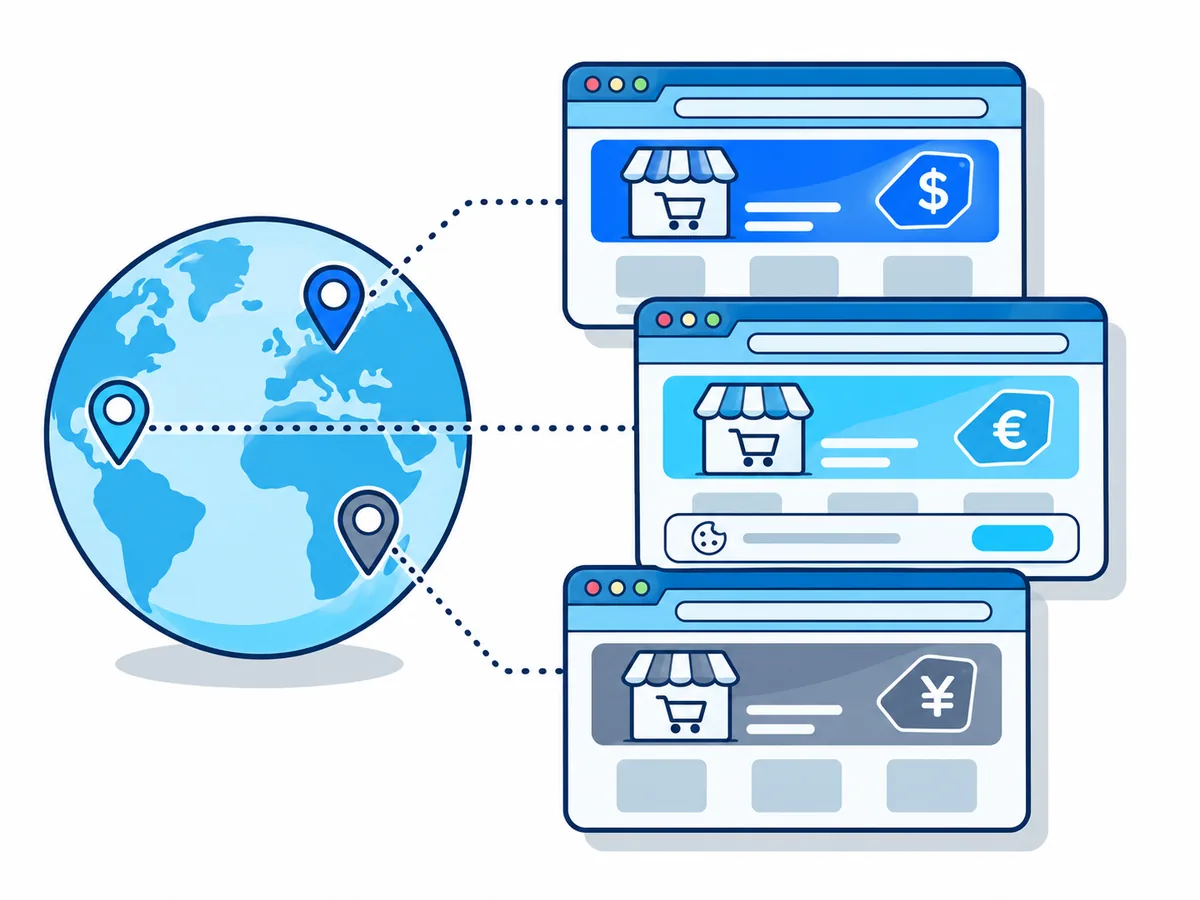
Why does a website look different in other countries?
A site guesses your country, mostly from your IP address (the number of your internet connection). MaxMind, a major provider, estimates 99.8% accuracy at country level, far less for cities.
| Clue | Comes from | What it changes |
|---|---|---|
| IP address | Your connection | Country version, prices, redirects |
| Browser language | Your browser settings | Page language, sometimes the redirect |
| Time zone | Your device's clock | Dates, opening hours, fraud checks |
| Device location | GPS or Wi-Fi, if allowed | Store finders, delivery areas |
| Region rules | The site's consent setup | Whether a cookie banner shows |
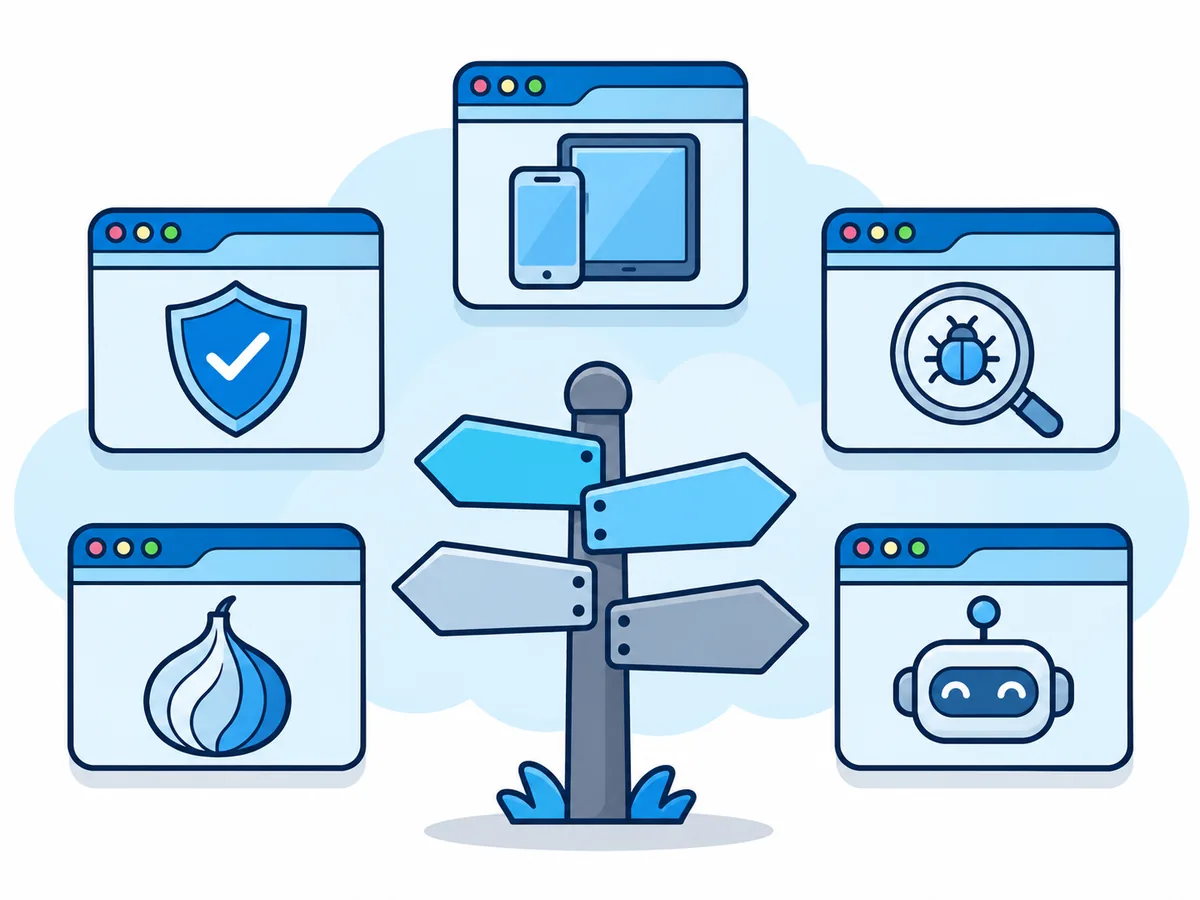
Six ways to view a website from another country
The first three give you a browser you can click around in. The last three answer narrower questions without changing your connection.
VPN
Changes your whole device's address; language and cookies stay.
Proxy
Changes one browser's address. Free public proxies are often blocked.
Cloud browser
A real browser abroad that starts every session without cookies.
Screenshot service
GeoPeeker and similar: one screenshot per country, side by side.
Google Ad Preview
Shows your own search ads as another location sees them.
DevTools Sensors
Chrome's developer tools fake one tab's position, time zone and language.
Neither incognito mode, a new DNS server nor typing google.de helps: your IP address stays, and Google redirects its country domains to google.com.
How to view a website from another country with Browser.lol
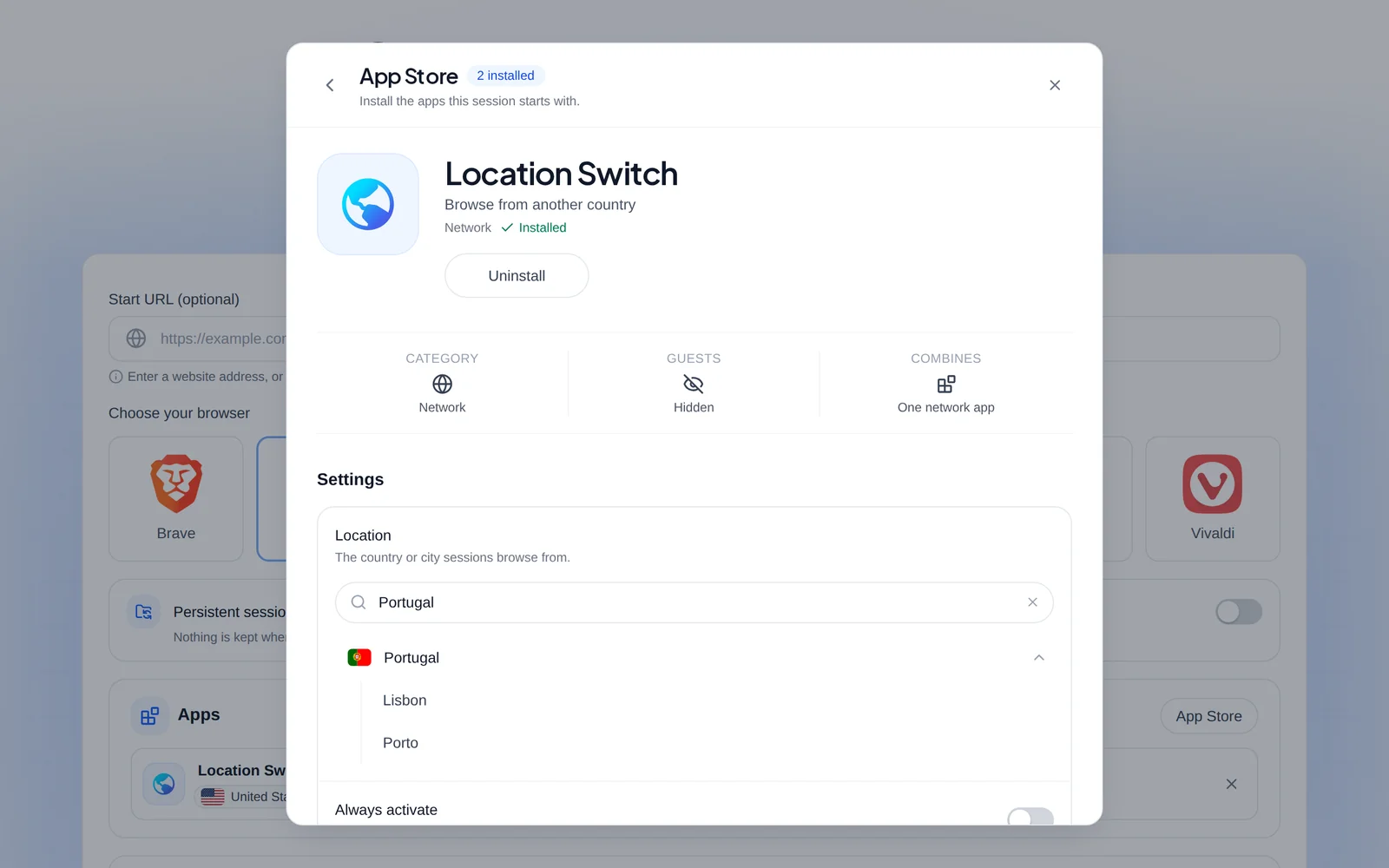
Location Switch sends your session through a server in a country you pick from a list. It needs Plus or Premium; on Free the service chooses the connection. Our page on how to browse from another country compares the four apps that set an exit.
- 1
Open the launch page
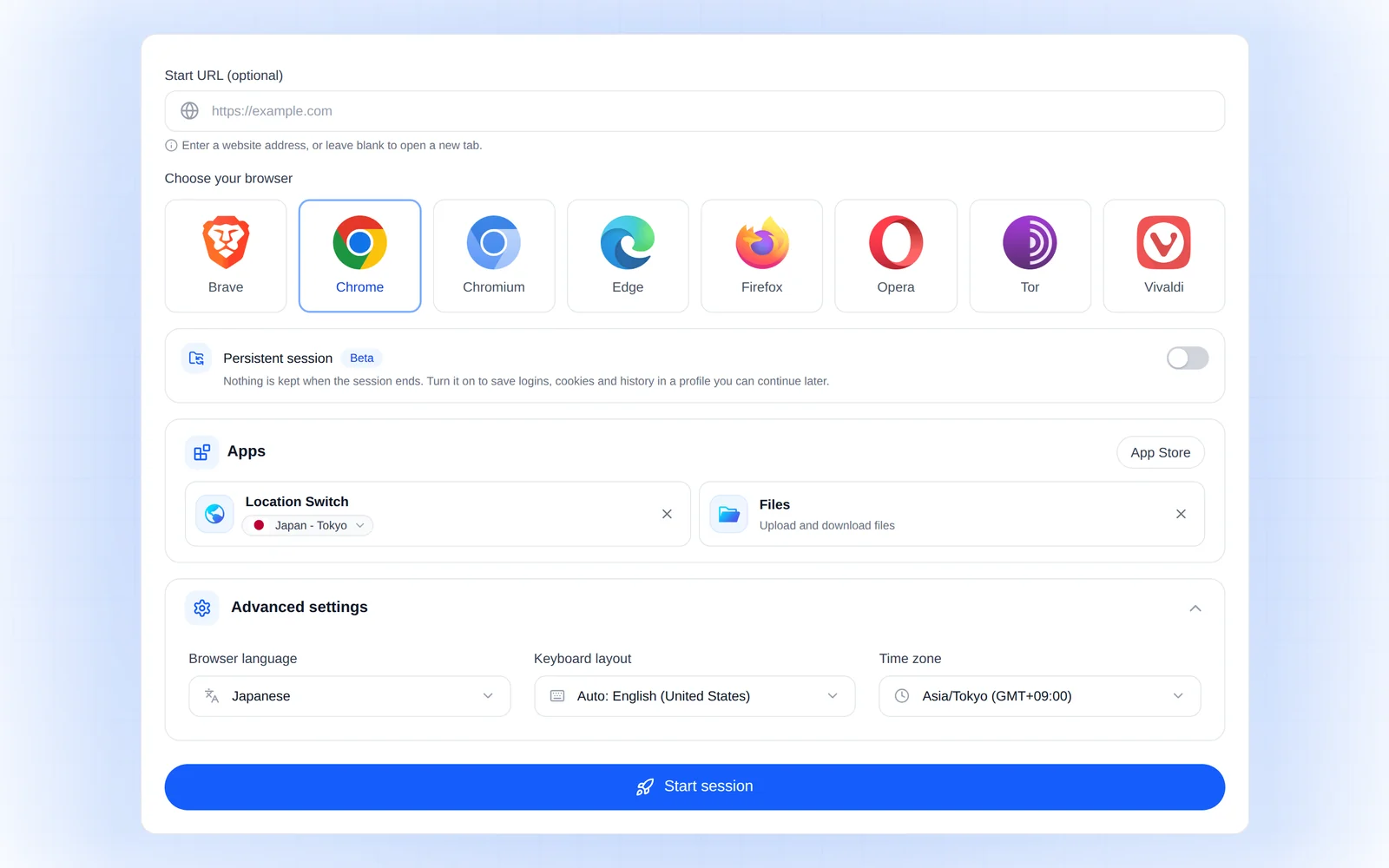
Go to browser.lol/create, signed in, and choose a browser such as Chrome. - 2
Install Location Switch
In the Apps row, open the App Store and install Location Switch. Under Settings, search for the country and, where offered, pick a city. Home IP, a home connection instead of a data centre, works the same way, by country only.
- 3
Match language and time zone
Open Advanced settings and set Browser language and Time zone to the country's. Otherwise the session keeps your usual language and your device's time zone. - 4
Start and check where you are
Press Start session, then search Google for "weather": the location line at the bottom of the results should name your chosen country. - 5
Next country: new session
For a clean comparison, start a new session per country, so cookies from the first do not affect the second.
What can still give away your real country?
A foreign address alone rarely convinces a careful site. Tick these off before you trust a result.
- An IP lookup page names the target country (and city, if it matters)
- Browser language and clock match that country, not yours
- A fresh session, with no cookies from earlier visits
- Signed out: your account remembers its home country
- You arrived from a search result or a typed address
- Your screenshot shows the address bar and the time
At checkout, shops often check your card's country and billing address, and may refuse or reprice the order.
When does viewing a website from another country not work?
Streaming services license films country by country. Netflix's terms of use say you may watch mainly in the country where you set up your account, and only what is licensed there. Using another country's catalogue breaks them.
- A site blocks VPN and hosting addressesHome IP, a home connection in that country
- You already pay for a proxy or VPN in that countryProxy Connect or Custom VPN, with your own connection
- You test a site on your own computer or company networkDevTools Sensors: a cloud session cannot reach it
- You need real phones or Safari on a MacA device cloud; Browser.lol runs desktop browsers on Linux