Browserling Alternatives: 11 Options Compared by Use Case
Browserling alternatives with a free option and sites like Browserling, compared by job in November 2026: link checks, testing, malware, Tor and AI agents.
 Janis Zesiger
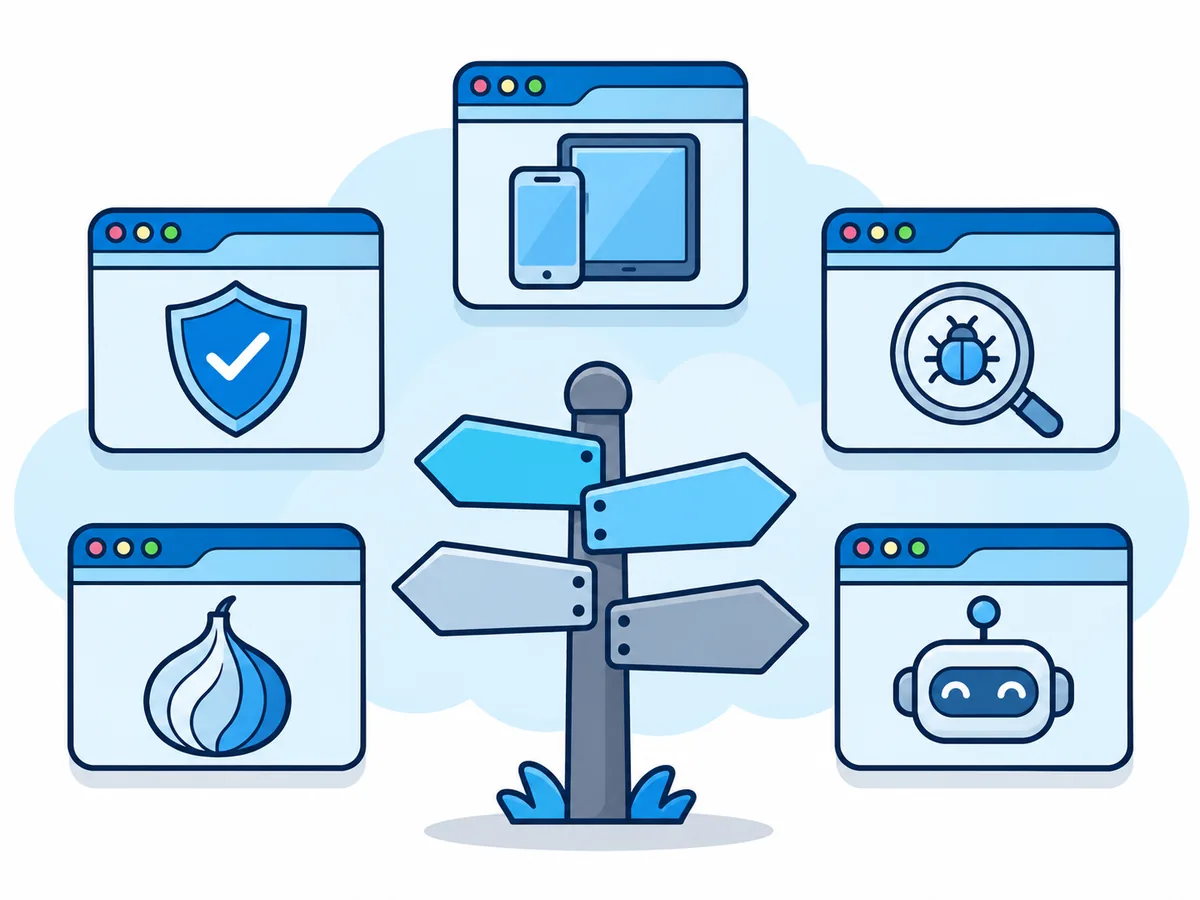
The best Browserling alternative depends on the job: a free online browser such as Browser.lol (our product) for a quick, safe look at a link, BrowserStack Live or TestMu AI to test your own site, ANY.RUN for malware and Tor Browser for anonymity. Below are 11 Browserling alternatives by use case, each checked on its own website in November 2026.
What is Browserling, and why look for an alternative?
Browserling runs real desktop browsers on its servers and streams the picture to your tab. It sells Web Testing, to check your own site in other browsers, and Cybersecurity, throw-away sandboxes for suspicious links and files.
Free sandbox sessions a month
Length of each free session
A month for Web Testing, billed yearly
Per user a month for the security sandbox, billed yearly
People look elsewhere when the free sessions end too soon, or they need Safari, a real phone to test on, another country or an AI agent. Prices change often, so check the vendor's page before you pay.
Which free Browserling alternative is best for checking a link?
A text says your parcel is held at customs, with a link. Most people who search for Browserling want to see what is behind it without the page running on their phone.
1. Browser.lol
Best for a quick look on any device
Pros
- Free with ads; no account to start (busy times may ask you to sign in)
- Computer, tablet or phone, nothing to install
- Chrome, Edge and Firefox are free
Cons
- Brave, Opera, Vivaldi and Tor Browser need Plus, a paid plan
- Browsing from another country needs Plus
- Reacts a little slower than a browser on your device
2. Windows Sandbox
Best on a Windows Pro PC
Pros
- Built into Windows Pro, Enterprise and Education
- A clean Windows desktop, wiped when you close it
Cons
- Not on Windows Home, phones or Macs
- Network on by default, so it can reach your home network
If you already clicked, our guide to opening a suspicious link without risk says what to do next.
Which Browserling alternative is best for cross-browser testing?
Testing your own site means real iPhones and Android phones, and reaching sites that only run on your computer.
| Service | Best for | Free | Paid from |
|---|---|---|---|
| 3. BrowserStack Live | Real iPhones and Android phones | 30-minute trial | $12.50/mo for 100 min; unlimited $29 |
| 4. TestMu AI (formerly LambdaTest) | A low-cost entry | Two 2-minute sessions a month | $15/mo, unlimited minutes |
Both charge from $39 a month for real devices. Browserling's own Web Testing stays the simplest for checks by hand, with Mac, iPhone and Safari on its Developer Pro plan.
Which Browserling alternative analyses malware and phishing?
An analysis sandbox also records what a page or file does: which programs start and which servers it contacts. Browser.lol shows the page but writes no report.
5. ANY.RUN
Best for interactive malware analysis
Pros
- You click and type while it records
- Windows, Linux and Android on the free plan
Cons
- Free: 60 seconds per analysis, files up to 16 MB
- Private analyses need a paid plan (price on request)
6. urlscan.io
Best for a report without opening the link
Pros
- Screenshot, redirects and servers contacted, in seconds
- A public archive of similar pages
Cons
- You cannot click or type on the page
- Free: 50 private scans a day; paid from $5,000 a year
Researchers at Positive Security found password reset links, shared documents and invoices among public urlscan.io scans.
Is there a private or self-hosted Browserling alternative?
An online browser hides your device and IP address (your connection's internet address) from sites, not from the service that runs it. For real anonymity, Tor Browser beats a VPN or a virtual browser; Browser.lol can run it in a session with Plus.
7. Tor Browser
Free and open source, on your own device; Onion Browser on iPhones.
8. Kasm Workspaces
Browsers on your server; free for 5 sessions at once, non-commercial.
9. Neko
Free, open source: friends share one browser on your server.
10. Hyperbeam
A shared browser room for watching together, free to try.
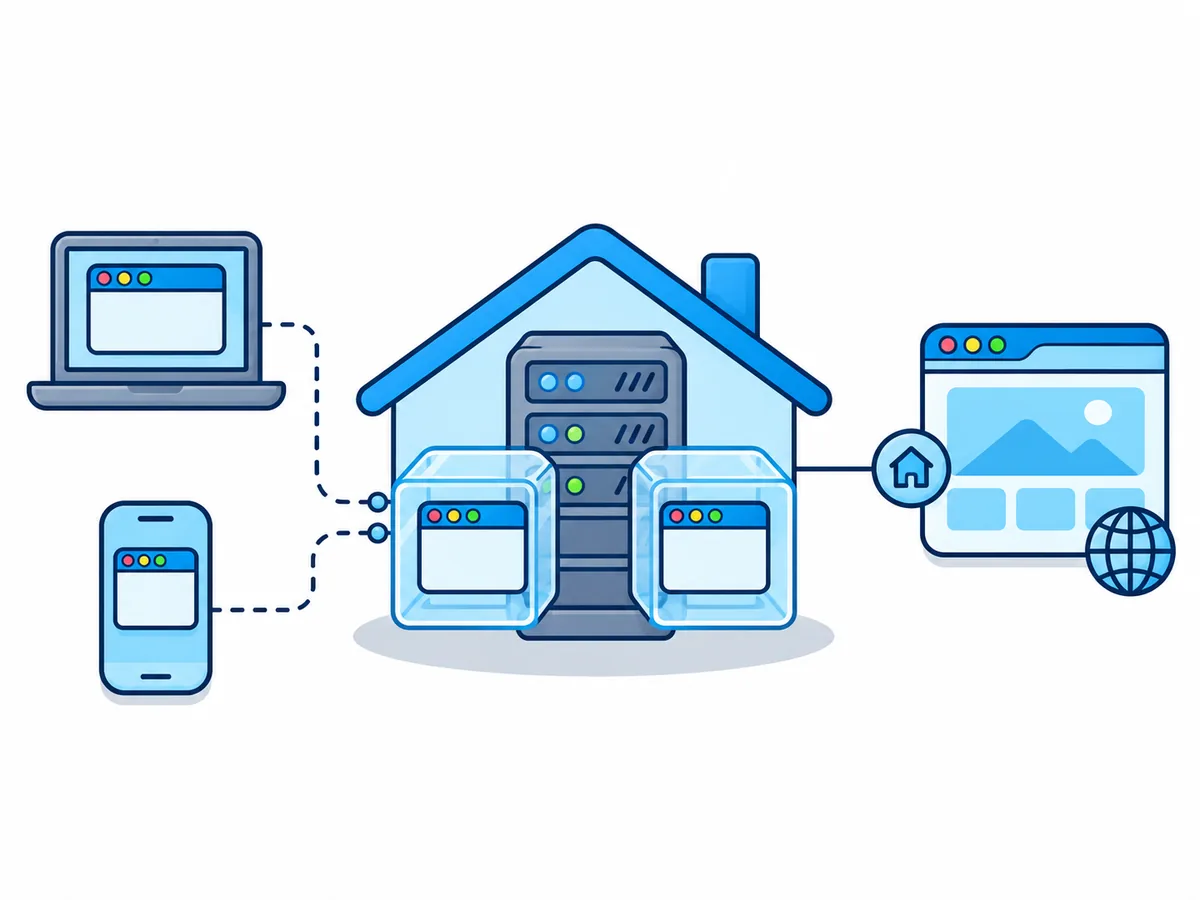
When you host one yourself, sites see your server's address, often your home connection, and you must update the browsers when security fixes come out.
Which online browser can an AI agent use?
AI assistants such as Claude, ChatGPT or Cursor can open pages, fill in forms and read the results. They connect through MCP, an open standard that lets AI apps use outside tools.
Browser.lol Premium (option 1 with an AI agent)
Best for an assistant you can watch
Pros
- Add one address and sign in once, in any MCP app
- Watch live and take over for a login or captcha
- Saved profiles (beta), other countries and a throw-away inbox
Cons
- Needs the Premium plan
- Agents cannot drive Firefox or Tor Browser
- No direct control by code (Playwright, Puppeteer) for developers
11. Browserbase
Best for developers building agents
Pros
- Many cloud browsers at once, driven by code
- Free: 1 browser hour, 3 browsers at once
- Also offers an MCP server
Cons
- Free sessions last up to 15 minutes
- From $20/mo, then billed by use
With Browser.lol the AI model stays in your own app; our server only runs the browser. Setup takes a few minutes: how to give Claude a browser.