
Open-source research begins with public material, but the act of opening it can leave traces. A site may record a visitor's network address and request time; a signed-in platform knows which account viewed a page. Before following a lead, decide which traces matter to the investigation and who might see them.
Websites can collect IP addresses, cookies and browser signals; what they actually log depends on the site. A referring page may also be sent, subject to the browser's and site's referrer policy. On LinkedIn, profile-view visibility depends on the member's viewing setting; private viewing hides the viewer's profile from the owner, though LinkedIn still processes account activity. Plan for those distinctions before opening a source.
What investigators leak without knowing
A destination normally sees the public IP address from which the request arrives. That address may suggest a network operator or approximate region, but it does not reliably identify an individual or employer. An organization that controls the destination may inspect its access logs; an investigator should also consider what their own network administrator can observe.
Accounts are a more direct link. If you open a source while signed in, that platform can associate activity with your account. Existing cookies can connect visits within a site, and third-party tracking may connect activity across sites where it is permitted. Keep personal and research accounts separate, and check which one is active before you visit a sensitive page.
Browser settings and device characteristics can provide additional clues. Fingerprinting can help link visits, especially alongside IP addresses and account activity, but it is probabilistic rather than proof of identity. The W3C's guidance explains why browsers cannot eliminate every such signal. See Browser Fingerprinting for the underlying mechanics.
Research accounts and platform rules
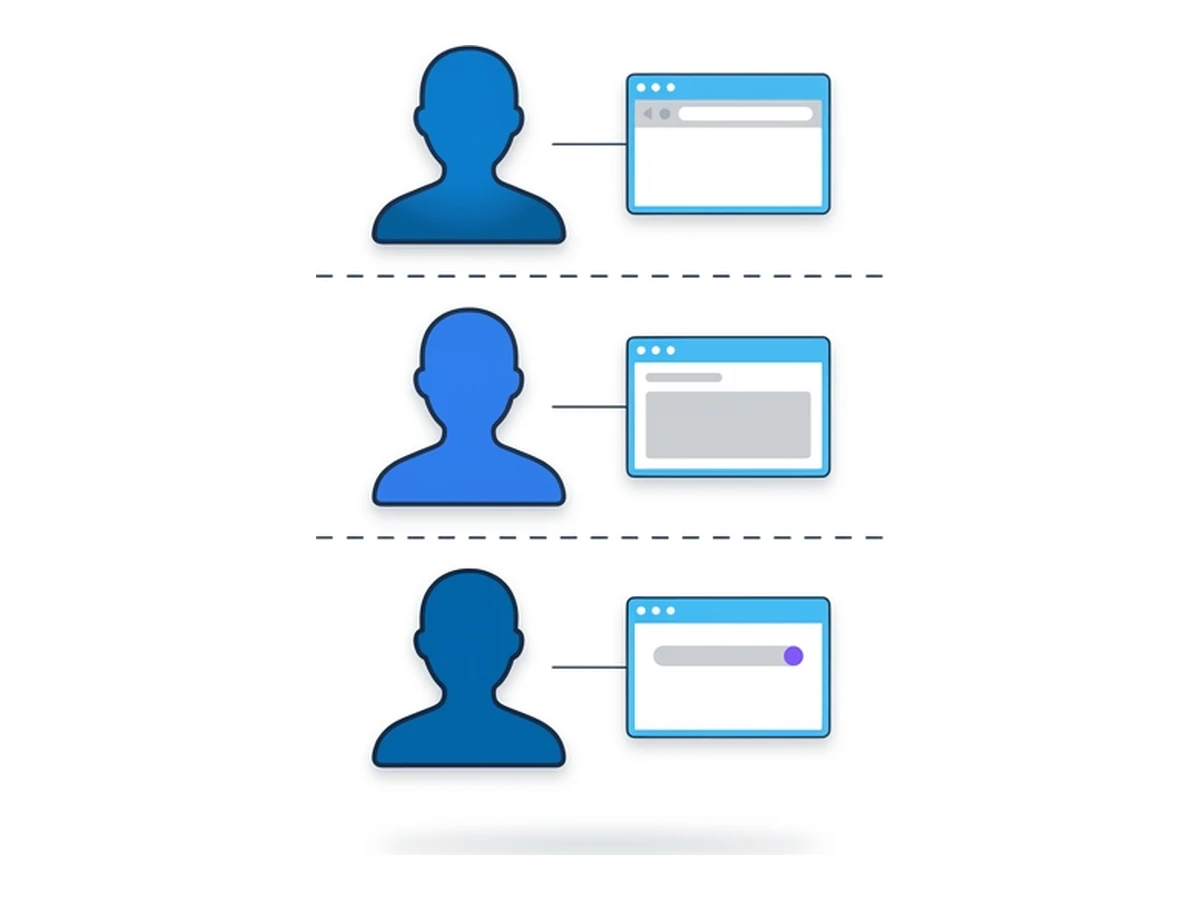
A separate research account can keep routine work apart from a personal profile, where a platform permits it. Check the rules before creating one. LinkedIn's user agreement, for example, requires one account in a member's real name and prohibits false account information. Do not invent a name, birthdate or phone number to get around those rules, and do not impersonate someone else.
Where separate accounts are allowed, establish a written purpose, owner and access policy for each one. Decide which sources require a login and whether the same evidence is available publicly. A period of casual activity does not make an account untraceable or exempt it from platform enforcement.
Use separate browser profiles or sessions for approved research accounts so that cookies and saved logins do not cross over accidentally. This reduces mix-ups; it does not prevent a platform from correlating visits through other signals or information you disclose.
Browser hygiene for OSINT sessions
An everyday browser may already hold personal logins, extensions, bookmarks and browsing history. For sensitive research, open a dedicated profile or an isolated browser session before visiting the source. Choose the setup according to the threat model: a separate profile helps prevent account mix-ups, while a remote browser also changes the network path to the destination.
Start without unrelated site cookies and extensions. Check that you are signed out of personal accounts, verify the outward-facing IP address if it matters, and keep source files in an approved evidence location. A private window can reduce local history and site-data retention after it closes, but websites and network operators may still observe the visit, as Chrome's private-browsing guide explains.
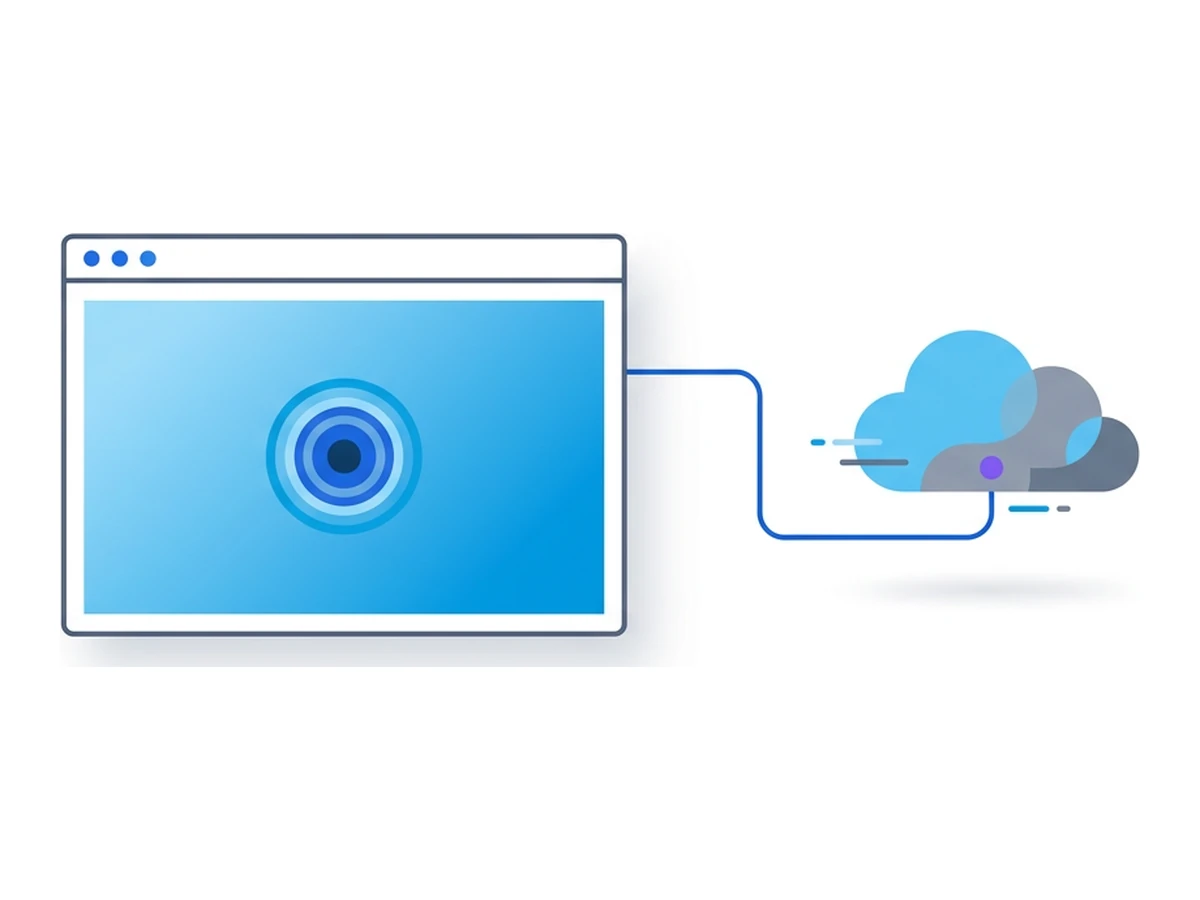
A Browser.lol session runs the visited browser remotely, so the destination sees that browser's egress IP rather than your device's direct connection. Your device still connects to Browser.lol, and accounts, copied files, screenshots, service logs and optional saved profiles can retain information. Remote browsing is a useful layer of separation, not a promise of anonymity or a substitute for access controls on the device you use.
IP, DNS, and timing separation
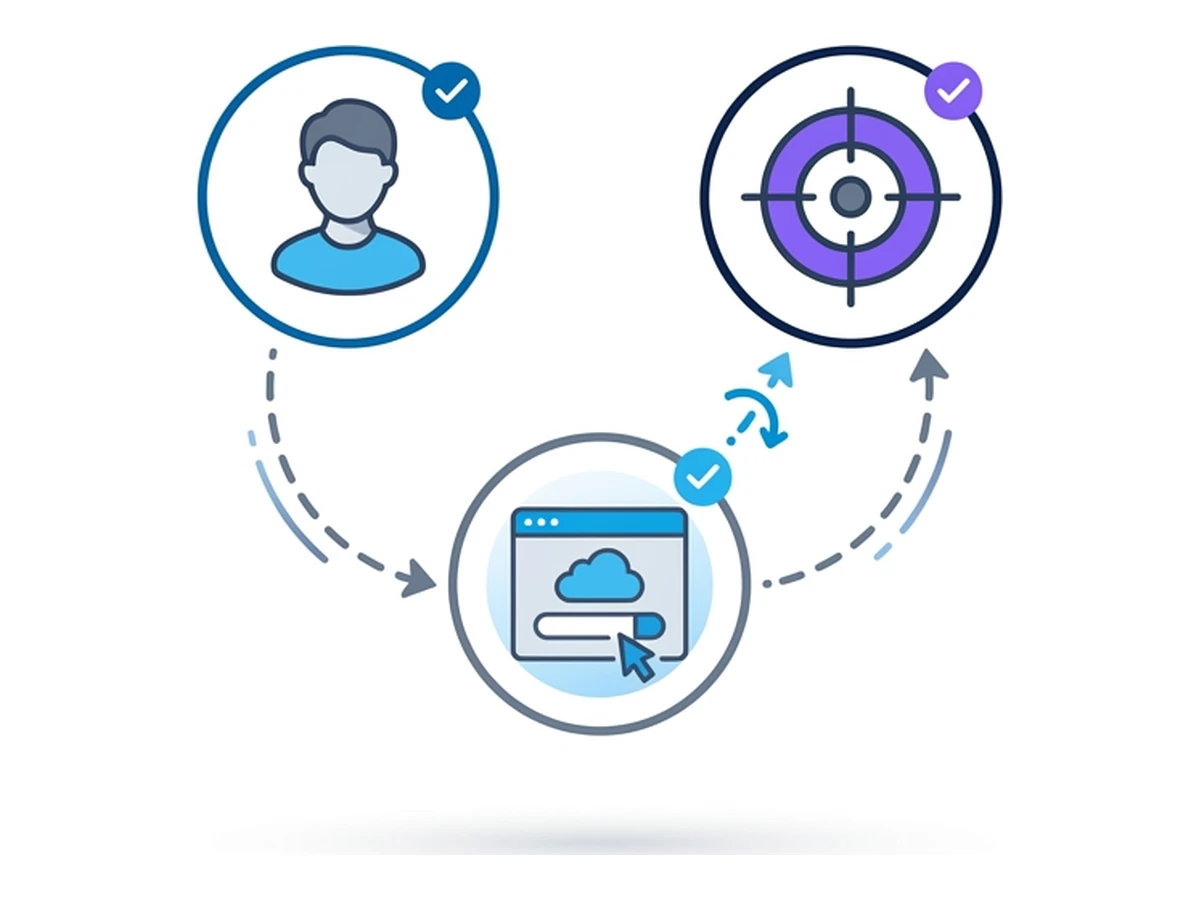
A VPN changes the address a destination sees when your browser traffic actually passes through its tunnel; it also adds a provider you must trust. A remote browser sends requests from its own host. A VPN on your device may change your connection to the remote service, but does not automatically change that browser's destination IP. Tor Browser offers another route with different trade-offs; the Tor Project cautions that logging in or revealing personal details can still identify you. Choose a route for a specific research need rather than assuming any route is invisible.
DNS deserves a separate check. A local browser may use a device or network resolver, depending on VPN and encrypted-DNS settings. When a site is opened inside a remote browser, its destination lookup occurs on the remote side, but the local network can still observe your connection to the browser service. Test the actual configuration rather than assuming that a particular tool rules out every leak.
Timing can also help correlate activity when several people visit the same small site or log in to related accounts. Coordinate the research plan and avoid unnecessary repeat visits. There is no universal threshold at which a site's analytics will notice an investigation.
A sustainable workflow
Make the approved research setup easy to open so routine shortcuts do not mix work and personal accounts. A documented checklist can cover the profile or session to use, whether a login is necessary, which network path is expected, and where evidence should be stored.
Record the source URL, access time and context for material you may need to verify later. Save screenshots only where your evidence policy permits, and review both visible details and file metadata before sharing them. The Berkeley Protocol provides a broader framework for collecting and preserving digital open-source material. Careful documentation supports the finding; it does not erase the traces of how you reached it.
Need an isolated session for your next task?
Open an isolated desktop browser and get started in your browser.
Start a SessionNo browser installation required • Features vary by plan