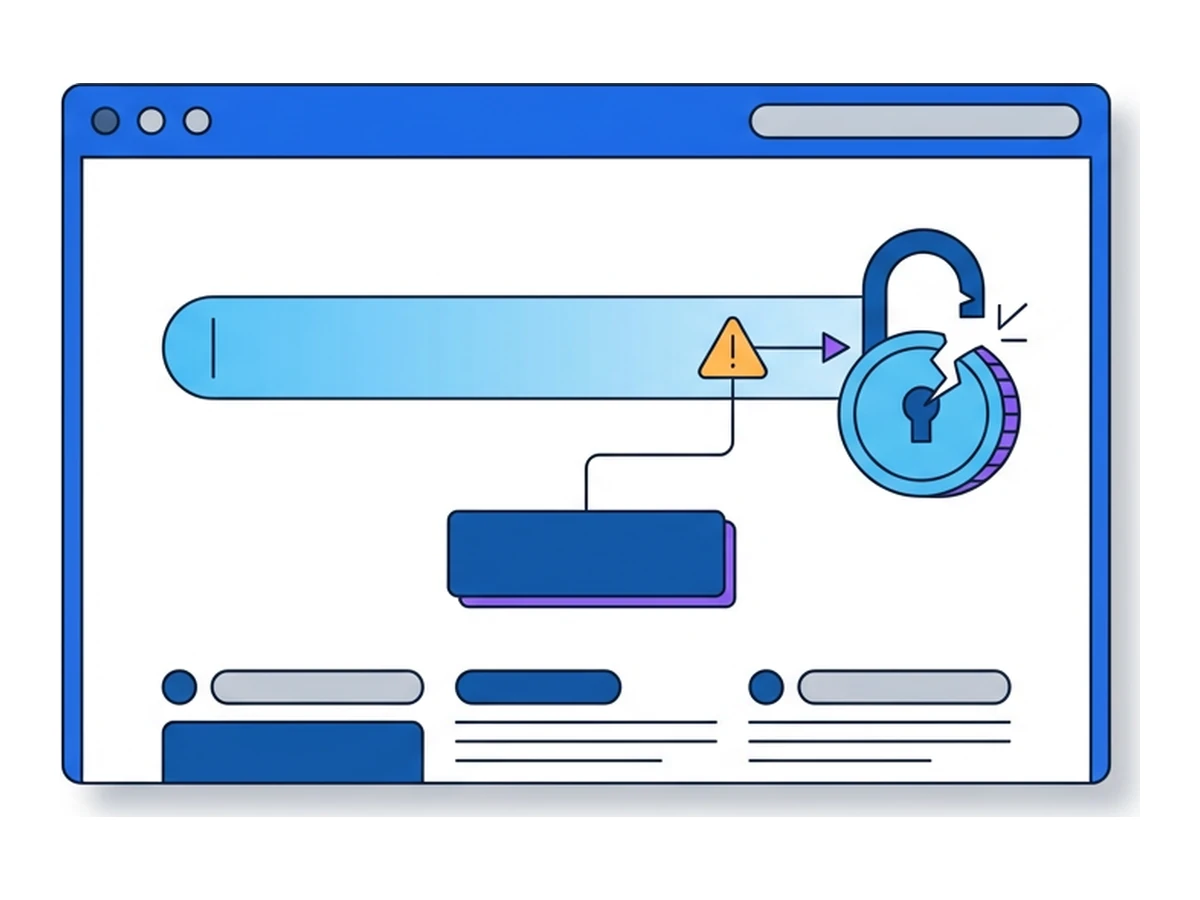

An invoice link can be the first step in an attack: it may lead to a fraudulent sign-in page, a malicious download, or a website exploiting a browser flaw. Ransomware can also enter through stolen credentials or exposed systems. The click matters, but the harm usually depends on what happens after it.
A successful attack can disrupt operations, expose data, and require a costly recovery even when no ransom is paid. This guide follows the stages an incident may take, the costs a company should plan for, and controls that can break the chain. Remote browsing helps with one part of the problem: examining unfamiliar web content away from a local work device.
What ransomware operators do
Ransomware is malicious software that can encrypt files or disrupt access to systems. Some operators also steal data and threaten to publish it without encrypting anything. Recovery can come from clean backups, available decryptors, or rebuilding systems; paying for a key is neither the only path nor a guarantee of success.
A screen-locking variant blocks use of a device rather than encrypting its files. In an organization, however, the larger concern is often the combination of interrupted services, stolen information, and uncertainty about which systems remain trustworthy. The exact impact depends on the access the attacker gained.
Some groups use ransomware as a service: affiliates carry out intrusions using tools supplied by an operator. Extortion may combine encryption with threats to publish stolen data. The joint CISA-led StopRansomware guide covers these patterns and multiple initial access routes. The first click, when there is one, is only one stage of the intrusion.
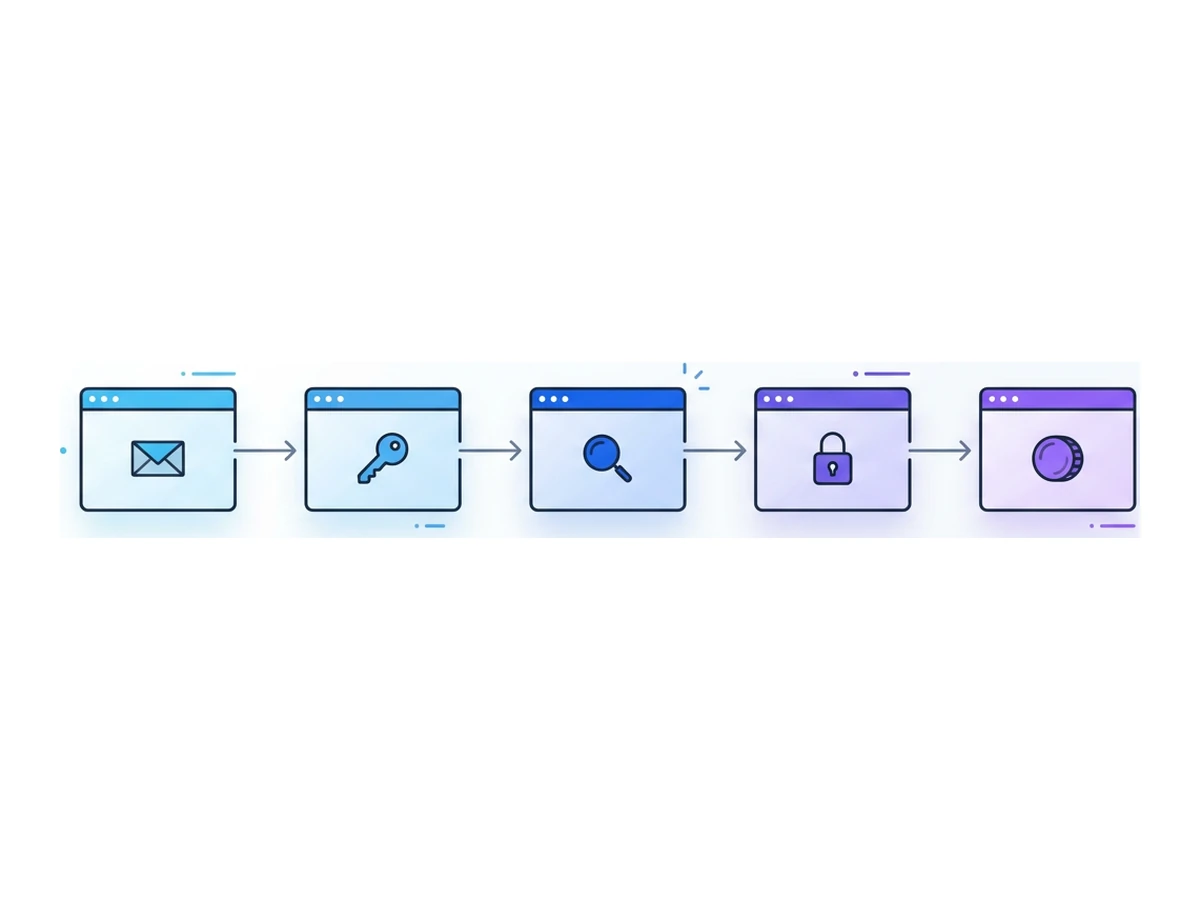
A possible ransomware attack chain
Not every incident follows these steps or begins in a browser. The sequence shows where different controls can interrupt an intrusion.
- 1
Initial access
An attacker may use phishing, a malicious attachment, stolen credentials, or an exposed service with a known weakness. Treat web links as one possible route, not the default explanation for every case. - 2
Persistence and wider access
After entry, an intruder may install tools, use legitimate administration software, steal more credentials, or seek broader privileges. Monitoring and least-privilege access can limit what one compromised account can reach. - 3
Discovery and possible data theft
Some operators map systems and backups before stealing data; others move straight to disruption. Data theft creates separate notification and recovery concerns even if encryption never occurs. - 4
Disruption or encryption
The attacker may encrypt reachable systems, delete accessible backups, or threaten to release stolen files. Segmentation and timely detection can limit the scope; damage is not automatically network-wide or irreversible. - 5
Negotiation and recovery
The organization isolates affected systems, assesses evidence, restores from trusted backups where possible, and decides how to communicate and meet applicable reporting duties. Any payment decision needs legal and incident-response advice.
Costs beyond a ransom payment

A ransom is only one possible expense. IBM's 2025 Cost of a Data Breach report gives a global average of $4.44 million across the data breaches it studied, not an average ransomware bill. Coveware reported a $400,000 median payment among its Q2 2025 ransomware cases that paid. These are different samples and measures; adding them together would misstate an incident's cost.
Interruption may be the largest practical cost for a particular business. A company could lose sales, miss delivery targets, pay overtime, or temporarily operate without key systems. Duration varies with the systems affected, the quality of backups, and the work needed to regain confidence in the environment. There is no reliable universal outage length for a planning estimate.
Investigation, specialist support, rebuilding devices, and restoring data add expense. A data breach may also trigger contractual, legal, and notification duties depending on where the company operates and whose information was exposed. Trust can be harder to measure: customers and partners may need evidence that systems are safe again. Budget these categories separately instead of relying on an invented average rebuild cost or a fine that may not apply.
Why companies still pay
The FBI does not support paying a ransom and warns that payment does not guarantee recovery. Yet an organization under pressure may still consider it. Three factors often shape that discussion.
The first is uncertain recovery. Backups are less useful if restoration has never been tested, or if copies remain accessible to an attacker. CISA recommends offline backups and regular recovery tests. A working backup gives decision-makers an alternative to relying on a criminal's promise.
The second is operational pressure. Critical services and time-sensitive operations may face serious harm while systems are down. Recovery plans should identify which services to restore first and how to operate during an outage, before a crisis forces rushed choices.
The third is data extortion. If files were copied, restoring systems does not retrieve those copies. Paying cannot guarantee that stolen data will be deleted or withheld. The response must address containment, affected people, and any reporting obligations whether or not an encryption key is involved.
Controls that reduce ransomware risk
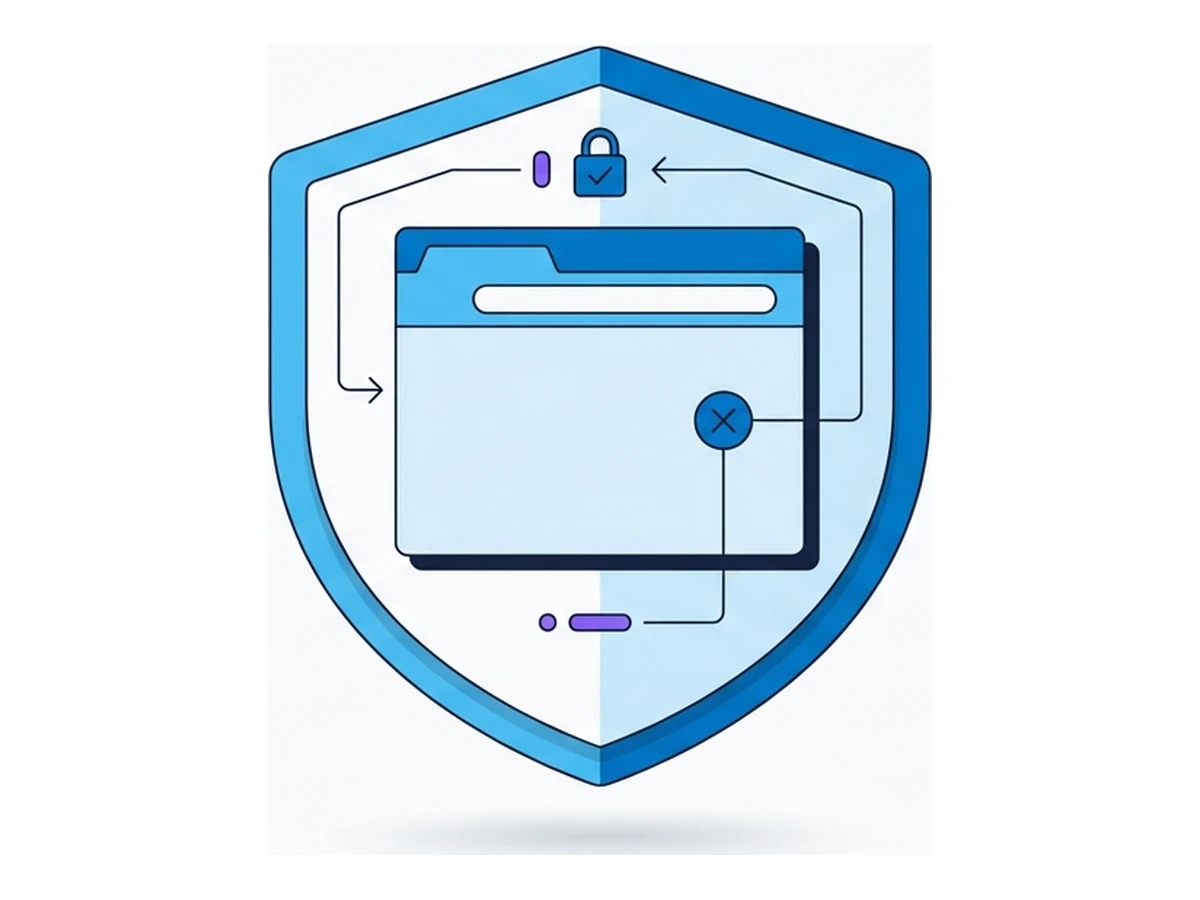
No single control covers every entry route. CISA's guidance includes protection against phishing, stolen credentials, and exposed services, alongside tested recovery plans. The following three practices address different parts of that chain and should sit beside patching and strong authentication.
Separate high-risk web content. Teams that inspect unfamiliar links can open them in a remote browser so active page code runs away from the local work device. This can reduce one exposure path, but a phishing page can still collect credentials, a downloaded file can still be harmful if moved to a local device, and stolen passwords or vulnerable servers bypass this control.
Limit movement and watch for it. Give accounts only the access they need and separate critical systems where possible. Monitor for unusual access and file activity, then give responders a way to isolate affected systems quickly. Segmentation limits the scope if an attacker gets in; monitoring is useful only when someone can act on the signal.
Practice restoring backups. Maintain protected copies of critical data and test recovery on a schedule suited to the business. Record how long it actually takes to restore priority systems. An offline or otherwise protected copy is valuable only when it is usable and the organization knows how to rebuild around it.
Handling unfamiliar links
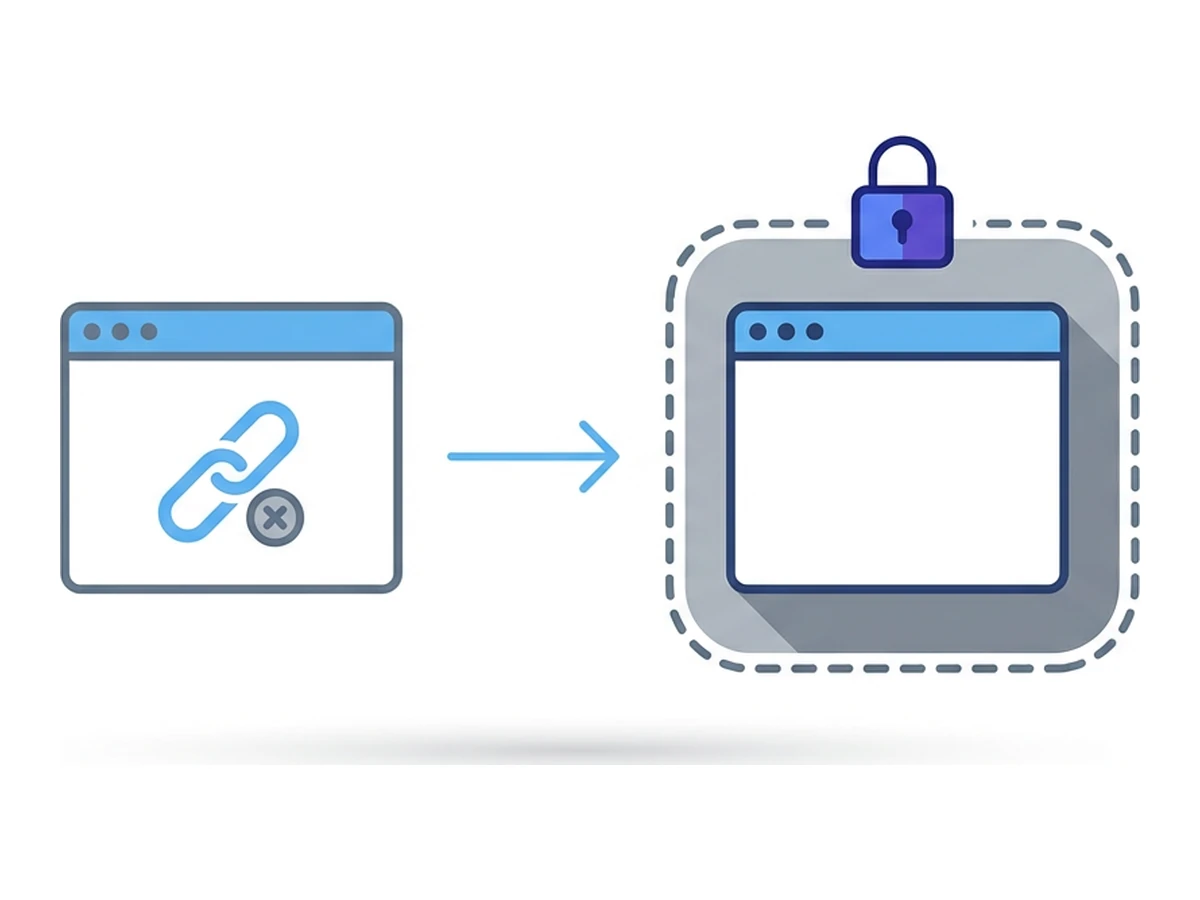
Employees may need to review links in invoices, contracts, or shipping notices. A useful procedure tells them when to verify the sender through a known channel, when to report the message, and how to inspect a page if that work is necessary. A remote browser can support the last step.
In Browser.lol, start a session and enter the unfamiliar address in the remote browser. Avoid signing in, uploading sensitive data, or transferring a downloaded file to the work device until the source and file have been assessed. If you need evidence, capture only what is necessary and check for exposed personal information. Browser.lol does not provide automatic video recording or a malware verdict. A temporary session and a saved profile have different retention behavior, and the service and visited site may keep records after the session ends.
Incident response essentials
Preparation makes it easier to act when ransomware or data extortion is suspected. Follow the organization's incident response plan and adapt to what responders can confirm.
Identify affected systems and isolate them to limit further spread. Bring in the incident response team and appropriate legal advisers. Preserve available logs and volatile evidence before rebuilding when it is safe to do so. CISA's response checklist explains that containment, evidence collection, and restoration need coordinated decisions.
Keep leadership and affected teams informed through the approved communication plan. Determine notification duties with counsel according to the incident and jurisdiction; do not assume every customer or regulator must receive the same message or that a fixed deadline applies. Record what was observed, decided, and restored so the investigation and later review have a reliable timeline.
A 21-day planning example
Use these three weeks to assign owners and test a small workflow. A complete ransomware program takes longer and depends on the organization.
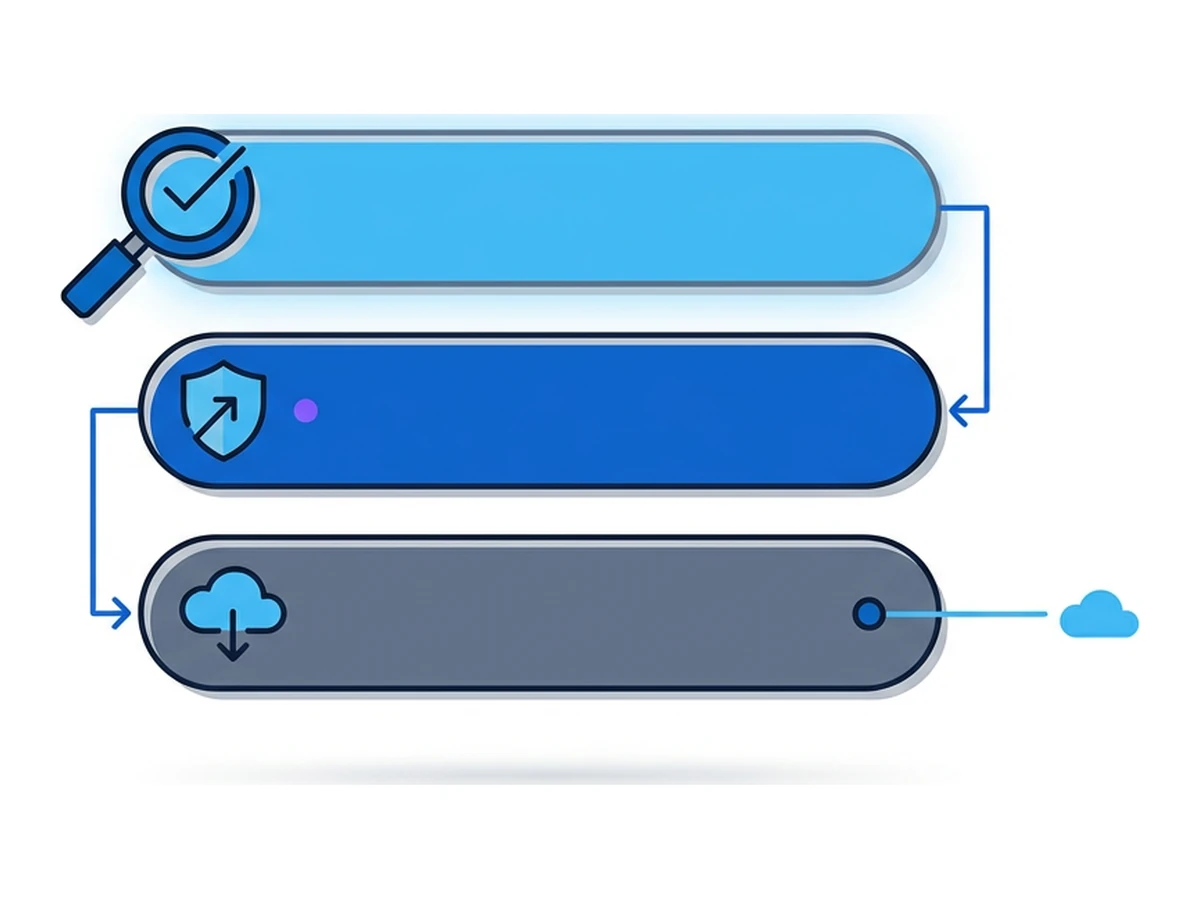
Days 1-7: Map exposure
Review recent suspicious messages and the routes by which staff encounter unfamiliar sites or files. Ask finance, HR, and support which external workflows cannot simply be blocked. Identify the systems and accounts those teams can reach, and choose a small group to test remote browsing for link inspection.
Days 8-14: Test controls
Practice sender verification, suspicious-link reporting, and opening a selected link in a remote session without entering credentials or moving downloads to the local device. Check that phishing-resistant authentication, access limits, endpoint monitoring, and a protected backup restore work for the same teams.
Days 15-21: Review and extend
Run a tabletop exercise using an invoice or stolen-credential scenario. Record where the team hesitated, who can isolate a system, and how long a test restore took. Update the procedure before extending it to other teams. Share measurable findings with leadership; do not assume a remote-browsing workflow changes insurance premiums.
IBM 2025 global average across studied data breaches, not ransomware cases
Coveware Q2 2025 median paid ransom in its cases that paid
FBI warns a ransom payment may not restore data
One click does not have to become a crisis
A suspicious click is one possible start, not a complete explanation for a ransomware incident. Give people a clear way to verify or report unfamiliar material, and keep credentials, systems, and backups protected if an attacker finds another route. Practice the response before an incident forces decisions under pressure.
When the next questionable link arrives, the team should know whether to report it, verify the sender, or inspect it in a remote browser. Browser.lol can support that inspection. It cannot determine whether a site is honest, prevent every file or credential risk, or replace a rehearsed recovery plan.
Need an isolated session for your next task?
Open an isolated desktop browser and get started in your browser.
Start a SessionNo browser installation required • Features vary by plan