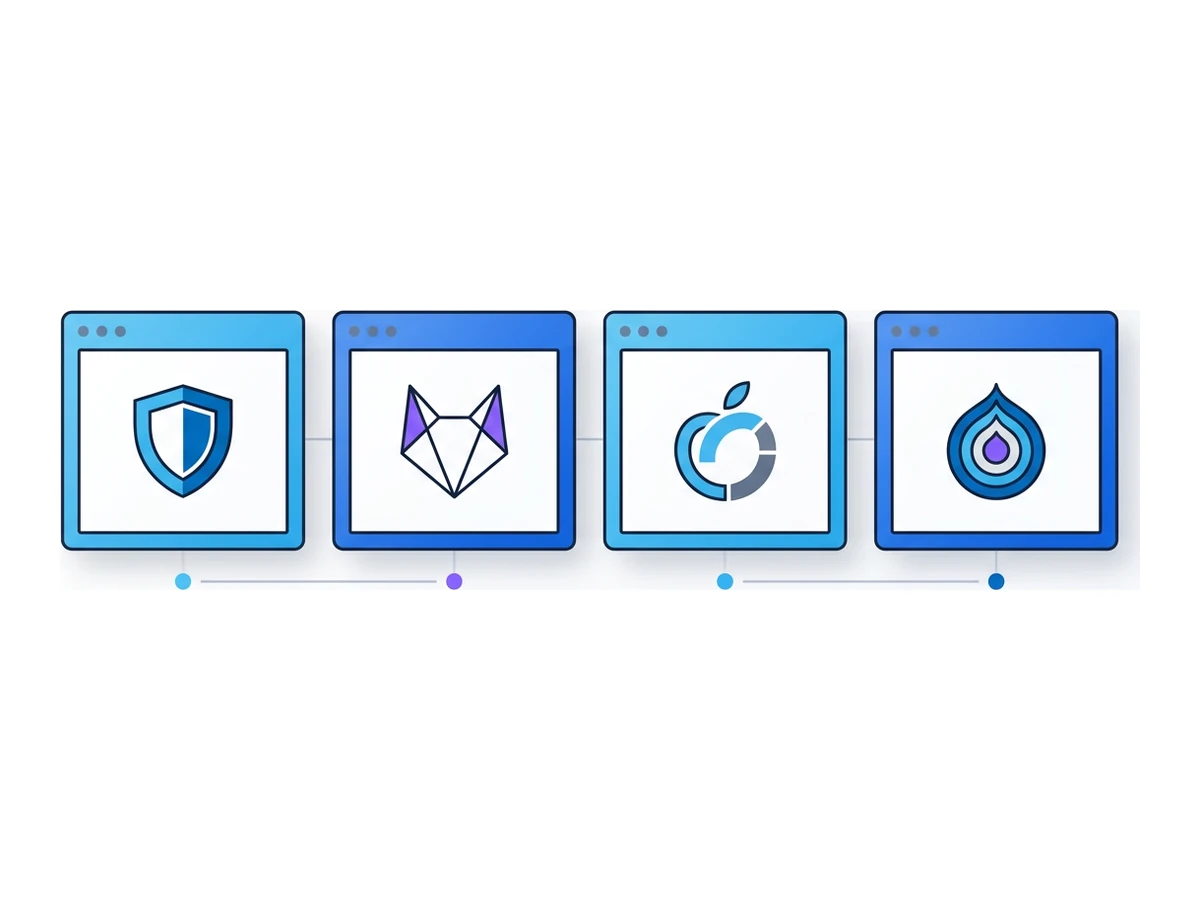
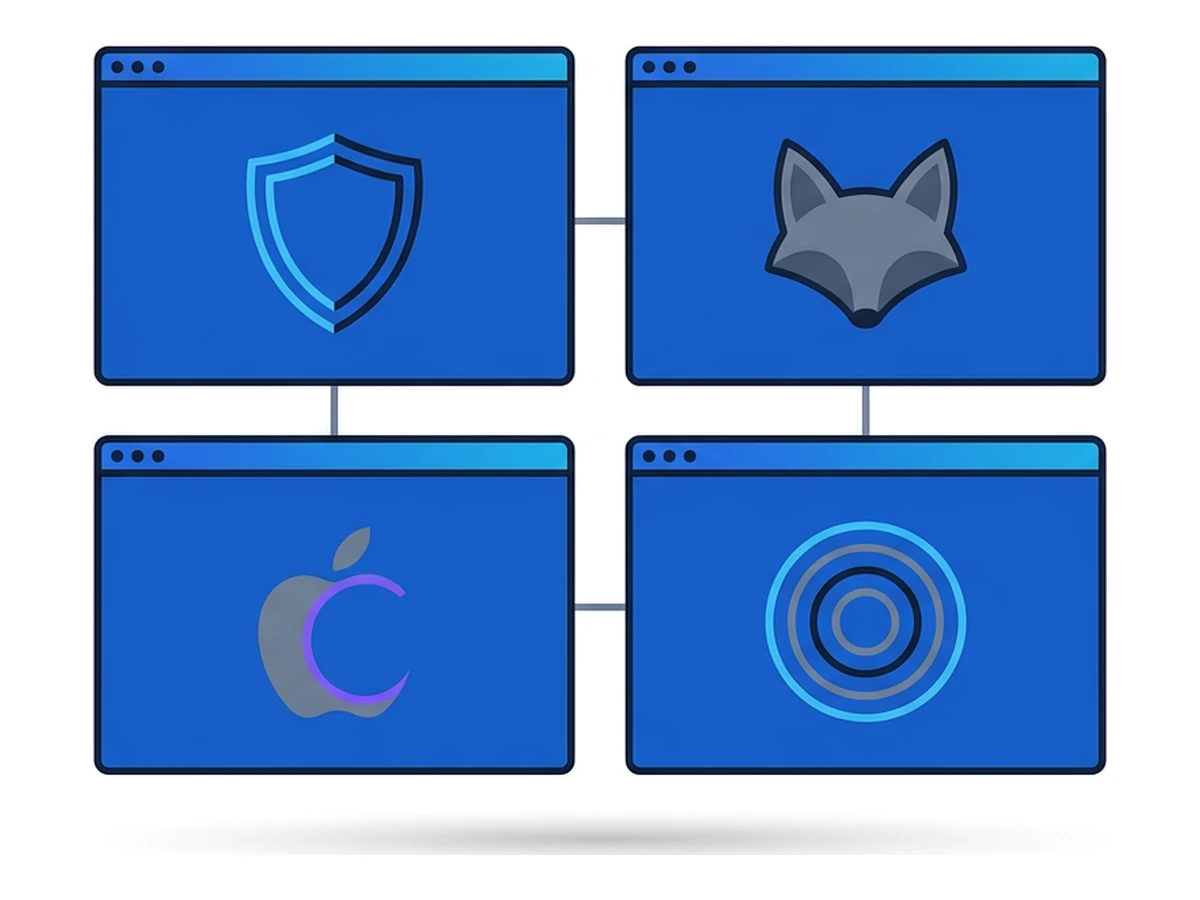
Four browsers can block the same tracker for four different reasons. Brave Shields may stop its request. Firefox Strict may block a known tracker or separate its storage by site. Safari may prevent a persistent identifier from surviving. Tor Browser changes both the browser's observable traits and the network route. A single blocked-request count cannot describe all of that.
This comparison explains the mechanisms and shows how to test them on a page you control or are allowed to inspect. It does not claim a lab result we cannot reproduce. Browser protections change with releases and settings: recent Firefox Strict and Safari versions both include fingerprinting defenses that older comparisons miss. Tor routes the browser's traffic through its network, while the other three need a separate network service to change the IP a website sees.
Brave Shields combines request blocking with fingerprint randomization. Firefox Strictstrengthens Enhanced Tracking Protection and site-based storage separation. Safari combines Intelligent Tracking Prevention with newer defenses against known fingerprinting scripts. Tor Browser is a Firefox-based browser configured for the Tor network and designed to make users harder to distinguish. Each protects a different boundary, and none makes browsing risk-free.
What each browser is designed to protect
Brave Shields blocks many ads and trackers using filter lists, partitions some site data, and uses fingerprint randomization that Brave calls farbling. Farbling changes selected values a page can read, with a seed tied to the site and browser session. It aims to make repeated visits harder to link without breaking ordinary page features. It does not guarantee a unique value on every visit or cover every identifying signal. Shields also does not change the network address a site sees. Brave explains the design in itsfarbling overview.
Firefox Strict blocks known tracking content and cross-site cookies more aggressively than Standard. Total Cookie Protection keeps third-party storage separated by the top-level site, so state set while visiting one site is not freely reusable on another. Total Cookie Protection is also present in current Firefox Standard; it is not exclusive to Strict. Mozilla has added further fingerprinting protections to Strict and Private Browsing, including limits on values exposed to suspected fingerprinters. The old claim that Strict only blocks listed scripts is now out of date. SeeMozilla's Firefox 145 explanation.
Safari blocks third-party cookies and uses Intelligent Tracking Prevention to limit some long-lived state. WebKit's seven-day inactivity limit applies to script-writable storage, subject to documented exceptions. Its shorter twenty-four-hour limit applies to certain JavaScript cookies on landing pages reached through link decoration, not to all storage. Safari Private Browsing has additional protections, and Safari 26 limits what known fingerprinting scripts can learn from APIs such as canvas and web audio. iCloud Private Relay is an optional, separate service that can mask the IP seen during supported Safari browsing. See theWebKit tracking-prevention guide and Safari 26 notes.
Tor Browser routes its web traffic through the Tor network and alters browser behaviour to reduce fingerprint differences between users. Its privacy design includes defenses such as letterboxing, which limits the precision of window-size signals. That does not make all users identical or promise perfect anonymity: accounts, downloaded documents, and a capable traffic observer can still reveal information. Tor Browser's default Standard security level leaves JavaScript and many web features on; stricter levels deliberately disable more features. TheTor Project's security-level guide explains the trade-off.
How to make a fair comparison
A credible test needs a documented page and repeatable conditions. Use a page you control or have permission to inspect, ideally with known third-party scripts, a consent flow, and embedded content. Record the exact browser and operating-system versions, privacy settings, extensions, location, and time. Start with fresh profiles, then repeat enough runs to distinguish a stable behaviour from network noise. No such data set accompanies this article, so the table below compares documented mechanisms rather than invented test results.
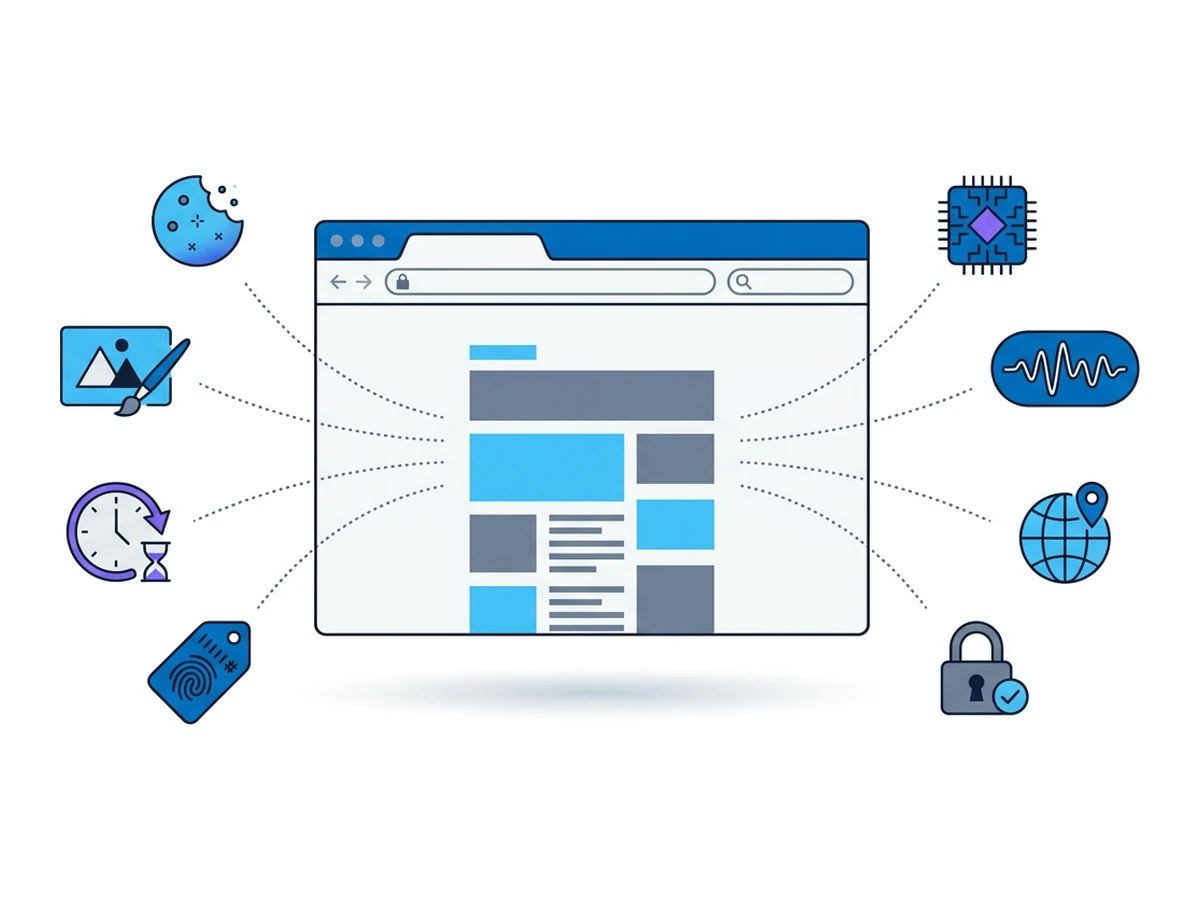
Inspect requests, blocked resources, cookie and storage state, canvas, graphics and audio outputs, HTTPS behaviour, and the IP seen by a destination you control. Check the state again after a restart and after changing top-level sites. Separate a request that was blocked from one that loaded but received partitioned storage. A single visit to AmIUnique can show a fingerprint within that site's sample; it cannot prove whether someone can track you across the wider web.
Be especially careful with old version numbers. Firefox 145 expanded fingerprinting defenses in Strict and Private modes, and Safari 26 added protections for known fingerprinting scripts. Tor's Standard and Safest security levels also behave differently. Without a versioned test record, fixed counts and rankings would imply evidence this article does not have.
The side-by-side comparison
Typical built-in behaviour with the named mode enabled. Details vary by browser version, platform, settings, and site.
| Question | Brave Shields | Firefox Strict | Safari | Tor Browser |
|---|---|---|---|---|
| Known tracker requests | Shields blocks many listed resources | ETP Strict blocks known tracking content | Prevention focuses on tracking state and known threats | Tor Browser adds tracking defenses; not every resource is blocked |
| Third-party cookies | Blocked or partitioned under Shields rules | Strict blocks cross-site cookies; Total Cookie Protection partitions state | Blocked by default | Separated by first-party context and cleared with session state |
| First-party storage | Usually remains unless cleared | Usually remains unless cleared | Some script-writable state has a seven-day inactivity cap | Private session state is cleared on close by default |
| Fingerprinting defenses | Farbling changes selected values | Strict limits selected signals and blocks known scripts | Safari 26 limits known fingerprinting scripts; Private Browsing adds defenses | Designed to reduce differences between users |
| Canvas and audio | Selected readbacks are farbled | Protections depend on version and mode | Known fingerprinting scripts face API limits; Private Browsing adds noise | Defenses depend on security level and context |
| Graphics signals | Some signals are modified or limited | Some signals are limited | Known fingerprinting scripts face API limits | Some high-entropy features are restricted |
| IP seen by a website | Your connection's IP unless another network tool is used | Your connection's IP unless another network tool is used | Your IP unless an eligible Private Relay session applies | A Tor exit IP, not your direct IP |
| HTTPS | Provides upgrade protections | HTTPS protections are available; check settings | Provides HTTPS protections | Uses HTTPS-Only Mode where supported |
| Site compatibility | Blocking can affect embedded content | Strict mode may affect some sites | Some tracking controls affect site features | Tor exits and stricter levels may affect access or features |
| Extensions | Supports compatible extensions | Supports compatible extensions | Supports Safari extensions on Apple platforms | Avoid adding extensions that change Tor's fingerprint |
| What it cannot guarantee | Anonymity or a hidden IP | Anonymity or a hidden IP | Anonymity; Private Relay has scope and eligibility limits | Perfect anonymity or access to every site |
These rows describe different mechanisms, so they are not a league table. Blocking a request, partitioning its storage, limiting a fingerprinting API, and changing the network exit prevent different forms of observation. A page may still load a third party without giving it a reusable cookie; a blocked script can be replaced by another that is not on a list. To compare outcomes, test a specific page and version, then keep the raw request and storage evidence with the result.
Four differences worth checking
Brave changes selected fingerprint values
Brave describes farbling as subtle, site- and session-scoped changes to selected browser outputs. That can make a stable fingerprint harder to reuse across visits. It does not mean every signal changes, that every session looks unique, or that a site cannot infer which browser family you use. Brave's own explanation focuses on making visits harder to link. Assess that goal rather than treating one canvas hash as an anonymity score.
Firefox Strict has more than cookie partitioning
Total Cookie Protection separates state by site, and Strict mode blocks additional tracking content and cross-site cookies. Mozilla added broader defenses for suspected fingerprinting in Firefox 145, initially in Strict and Private Browsing. These measures limit selected values exposed to scripts, beyond blocking known fingerprinters. They reduce tracking opportunities but cannot make every browser indistinguishable. A result from Firefox 134 would not describe current Firefox Strict.
Safari combines storage limits with newer fingerprint defenses
Safari's documented seven-day inactivity cap applies to script-writable storage, with exceptions. A separate twenty-four-hour cap covers certain JavaScript cookies on landing pages reached through link decoration. These are targeted rules, not a universal cookie expiry. Safari Private Browsing added noise to selected fingerprinting APIs, and Safari 26 restricts known fingerprinting scripts in normal browsing too. Check the exact mode before comparing it with another browser's default setting.
Tor changes the network path as well as the browser
Tor Browser is the only browser in this comparison that routes ordinary browsing through Tor by design. That changes the website-facing IP and complements its fingerprinting defenses. It does not guarantee anonymity: signing into an account can identify you, and some sites challenge or block Tor exits. At the default Standard security level JavaScript is enabled; Safer and Safest disable more features and may affect site function. Compatibility depends on the site and your settings, not on a universal claim that Tor blocks everything.
Which one should you actually use?
No browser is the universal privacy winner. Pick one based on the observer you care about, the sites you need, and the settings you can maintain. These starting points are more useful than a score detached from a real task.
"I want tracker blocking without much setup." Consider Brave Shields. Its built-in lists and farbling are active without assembling extensions. Test the pages you rely on, because blocking can disrupt embeds and a Chromium base does not guarantee compatibility with every site. The browser does not hide your network address by itself.
"I want Firefox's engine and tighter built-in controls." Try Firefox Strict. It combines site-based state separation, known-tracker blocking, and newer fingerprinting defenses. Check important sign-in and payment flows before making Strict your default, since stronger blocking can affect site features. Installing more extensions changes both compatibility and your fingerprint; do it for a specific need rather than to chase an unsupported request-block target.
"I use Apple devices and want the built-in browser." Safari combines third-party cookie blocking, storage limits, and fingerprinting defenses that vary by mode and version. If eligible, iCloud Private Relay can mask the IP for supported Safari browsing, but it is a separate setting and service, not a feature of ITP. Check availability for your region, account, and network before relying on it. Apple'sPrivate Relay security guide describes its scope.
"I need browsing that is harder to link to my network address." Consider Tor Browser and learn its operating rules first. A site can still identify a signed-in account, and a powerful observer may correlate traffic. See the guide to VPNs, Tor, and remote browsers before using it for a sensitive task. Test the sites you need; some block Tor exits or behave differently at higher security levels.
"I want visited pages to run away from my device." A remote browser adds a separate execution boundary. That can limit direct exposure of your local browser to a page, but it does not eliminate risk from transferred files, entered secrets, or flaws in the viewing path. Browser.lol's remote browser has its own website-facing exit. A VPN on your device changes your connection to Browser.lol, not that remote exit.
Where all four fall short
The first limit is identity. Signing into a personal account gives that site a direct way to associate activity with you, regardless of tracker blocking or exit IP. Browser protections still reduce other forms of tracking, but they cannot hide an identity you provide through a login, form, or uploaded document. Keep research accounts separate and decide what each site needs to know before entering information.
The second is the network route. Brave and Firefox do not change it by enabling their browser privacy controls. Safari without eligible Private Relay behaves similarly. Tor Browser routes its traffic through Tor by design. A VPN can change the IP seen by websites when it covers that browser's traffic, but shifts trust to the VPN operator. With a remote browser, the service's session exit is separate from the connection on your device.
The third is local execution. These four browsers run on your device, with their own security sandboxes and update processes. A browser vulnerability, untrusted extension, or file opened outside the browser can still put the device at risk. This is separate from fingerprinting: protections reduce exposed signals, but no browser can promise that every visitor looks identical. Our fingerprinting guide explains how site-visible signals can be combined.
The fourth is confusing local cleanup with anonymity. Private windows limit what is retained on your device, and some browsers add stronger tracking defenses in that mode. They do not guarantee a hidden IP or prevent identification through a site account. Our guide to private windowsdiscusses the distinction. Other privacy browsers have their own choices about blocking, storage, and network routing; inspect those separately instead of assuming one label covers all four.
Frequently asked questions
Is Brave really better than Firefox for privacy?
There is no measured winner in this article. Brave Shields uses built-in blocking and farbling. Firefox Strict uses tracker blocking, storage separation, and newer defenses against fingerprinting. Results depend on the site, browser version, and settings. Compare the behaviour you need, including site compatibility, rather than treating a single request count as a privacy score.
Does Safari work as well as Brave outside Apple devices?
Current Safari is an Apple-platform browser, so it is not an option to install as a supported browser on Windows or Android. On an Apple device, evaluate the version and whether you mean ordinary or Private Browsing. Other browsers offer tracker blocking and storage limits on other platforms, though their exact rules differ from Safari's.
Why does Tor Browser break so many sites?
Some sites challenge or deny traffic from Tor exit IPs. Others rely on features that stricter Tor Browser security levels limit or disable. At the default Standard level, JavaScript and many ordinary web features remain enabled; Tor does not block every third-party request. If a site fails, identify whether the cause is its access policy, the network path, or the chosen security level before changing a setting.
Should I use a VPN with Brave?
Consider a VPN if your concern is what the local network can see or which IP a website sees. Brave Shields alone does not change the network route. A VPN adds a provider that can observe some connection information, so review its policy and test that the browser's traffic actually uses the tunnel. HTTPS, browser settings, account use, and the site's own tracking still matter. There is no universal need to run both tools together.
What about Mullvad Browser or DuckDuckGo Browser?
Mullvad Browser is developed with the Tor Project's browser privacy approach but does not use the Tor network by default. It can be used with or without a VPN; a VPN changes the network route, while the browser changes site-visible behaviour. DuckDuckGo Browser also includes tracking protections, with features that vary by platform. Compare their current documentation and test the sites you use; neither has a fixed place between the four browsers above.
Does AmIUnique tell me how unique my fingerprint is?
It compares what your browser exposes with fingerprints collected by that service. Its visitors are not a random sample of the whole web, so a score cannot prove how trackable you are elsewhere. A second tool such as EFF Cover Your Tracks from the Electronic Frontier Foundation can reveal other signals, but neither test captures every way a site may link visits, including accounts or behaviour.
Choose the protection that fits the task
The useful choice is not a single winner. Brave emphasizes built-in blocking and farbling. Firefox Strict combines blocking, site-based state separation, and newer fingerprint defenses. Safari limits tracking state and known fingerprinting scripts on Apple devices. Tor Browser adds its own network route and anti-fingerprinting design, with limits that matter for sensitive use. All four still run page code on your device, and a login can identify you to the site in any of them.
- Try Brave when built-in blocking and fingerprint farbling match your needs; check compatibility on important sites.
- Try Firefox Strict if you want Mozilla's engine, stronger blocking, and site-based storage separation.
- On Apple devices, compare Safari's ordinary and Private modes; enable Private Relay only if its scope suits the task.
- Consider Tor Browser when separating a visit from your direct IP matters; learn its limits before sensitive use.
- Add a remote browser when you need website code to run away from your device, and account for the service in your model.
Tracker blocking, state separation, network routing, and remote execution solve different problems. Decide which one matters for the work at hand, verify the current browser settings, and test the pages you rely on. More layers help only when you understand the trust and compatibility costs they add.
Need an isolated session for your next task?
Open an isolated desktop browser and get started in your browser.
Start a SessionNo browser installation required • Features vary by plan