
A support ticket, search result, or comment can look like ordinary page content until a web app treats it as code. Cross-site scripting (XSS) exploits that boundary: attacker-controlled content runs inside a page that another person trusts. The consequences depend on the vulnerable site, the user's access, and the safeguards around the page.
XSS does not need to install a file to matter. An injected script may read visible page data, change what a user sees, or make requests as that page. Developers need to stop untrusted data becoming executable content; users need to understand what browser isolation can and cannot contain. The MDN XSS guide explains the underlying browser behaviour.
XSS in plain English
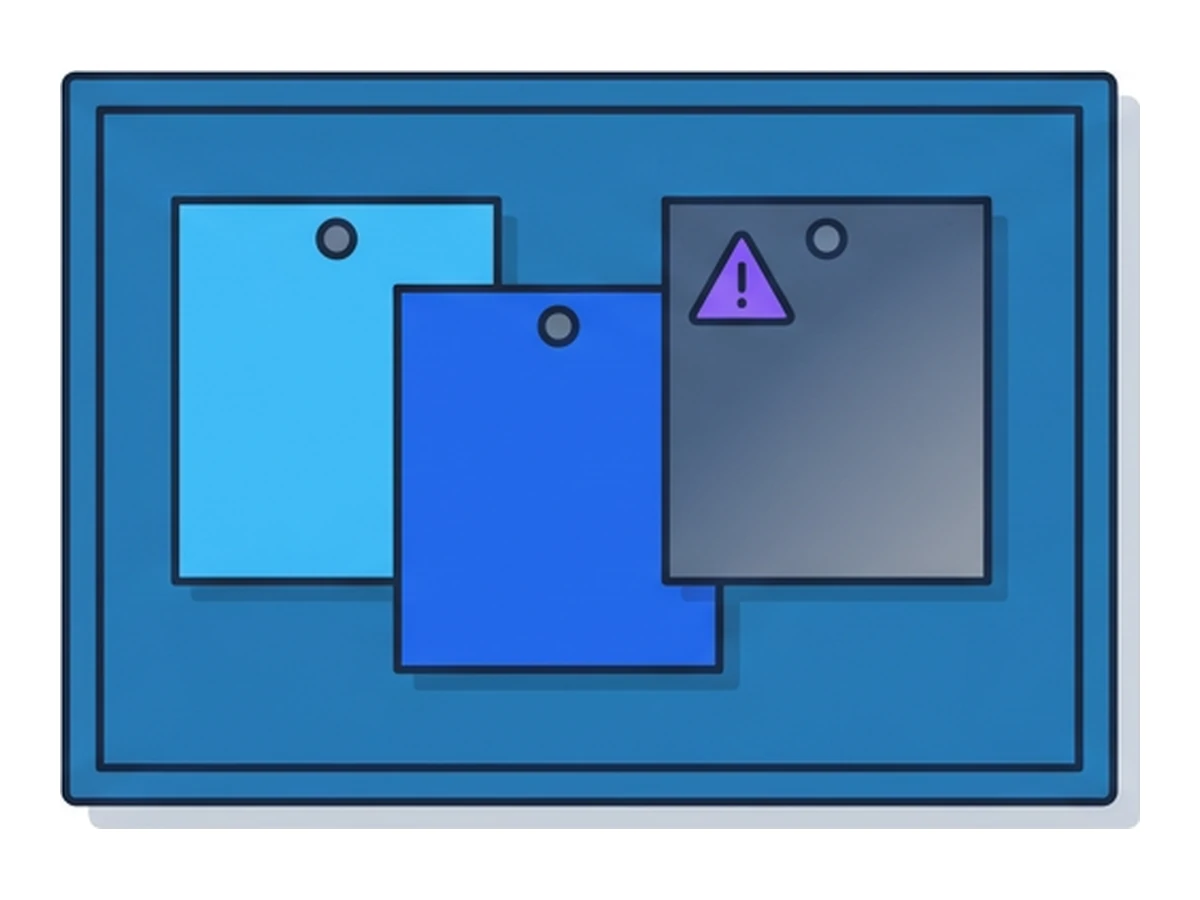
XSS occurs when untrusted data is interpreted as executable content by a web page. The script runs in that page's origin, so it can interact with the page's DOM and often make requests to the site as the signed-in user. The same-origin policy still limits access to other origins. A cookie marked HttpOnly cannot be read through document.cookie, although the script may still act within an authenticated page.
SameSite cookie settings mainly govern when a browser sends cookies on cross-site requests; they can help with some cross-site request forgery paths. They do not remove script that is already running in the site's own page. See MDN's Set-Cookie reference for the distinct roles of SameSite and HttpOnly.
Think of a company noticeboard. A visitor should be able to pin a note, but not change the noticeboard's instructions or controls. XSS is the web equivalent of treating a visitor's note as part of the noticeboard itself. The boundary fails at the point where data is inserted into an executable context.
Three main types (plus a few edge cases)
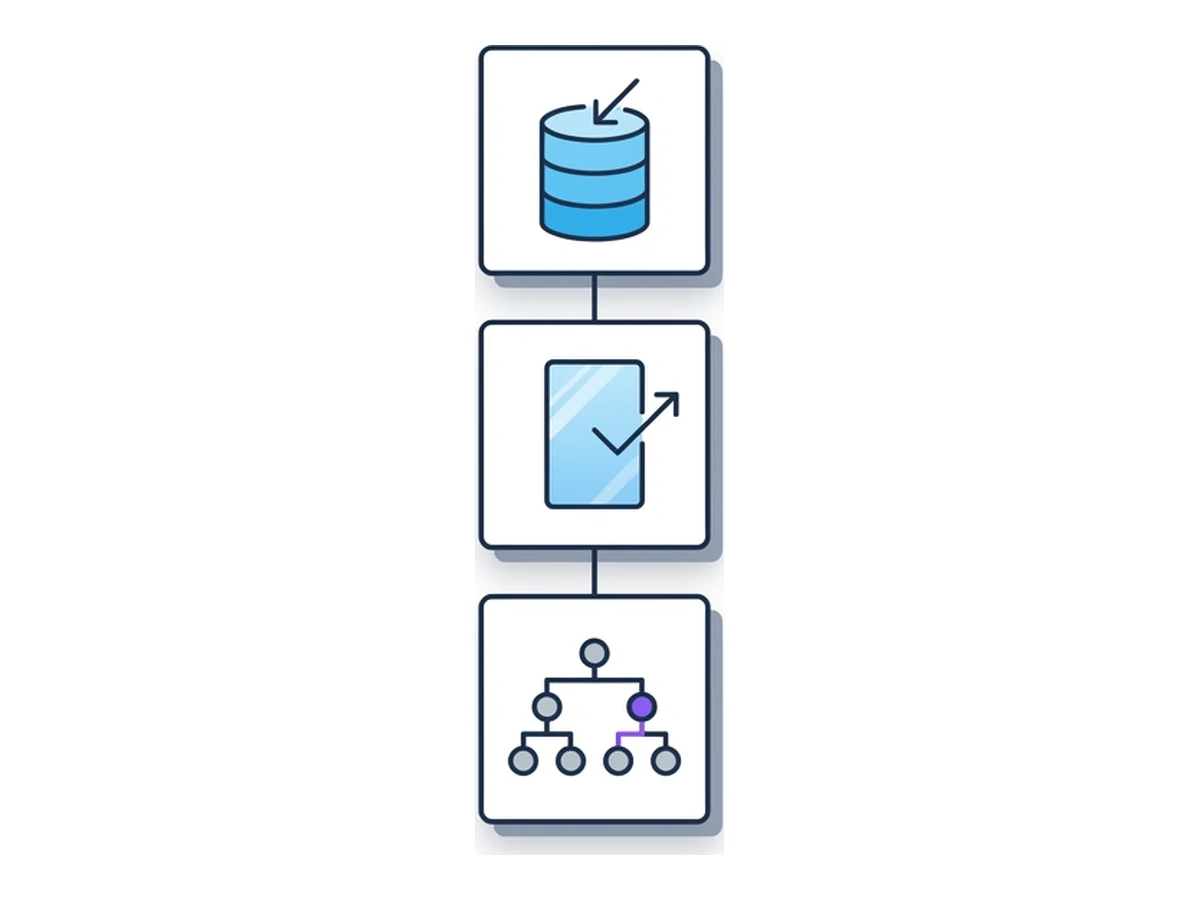
The three labels describe where untrusted data enters and becomes executable. They can overlap: a server may deliver data that client-side code later puts into an unsafe DOM sink.
Stored XSS. An application saves attacker-controlled content, perhaps in a comment, profile, or support ticket, then serves it to other users. Exposure depends on who can view that content and how the application renders it.
Reflected XSS. A server includes input from a request, often a query parameter, in its response without safely encoding it for the output context. A crafted link can bring a user to that response.
DOM-based XSS. Client-side code reads untrusted data and passes it to an unsafe DOM operation such as innerHTML. The data may come from a URL, server response, or another source; its defining feature is the unsafe transformation in the browser. See OWASP's DOM-based XSS guide.
Self-XSS is different: an attacker persuades a user to run code themselves, for example by pasting it into developer tools. XS-Leaks infer information across origins through observable side effects; they are a separate class of issue. Neither label should obscure the core XSS problem: untrusted data becomes active content in a trusted page.
How an XSS attack works, step by step
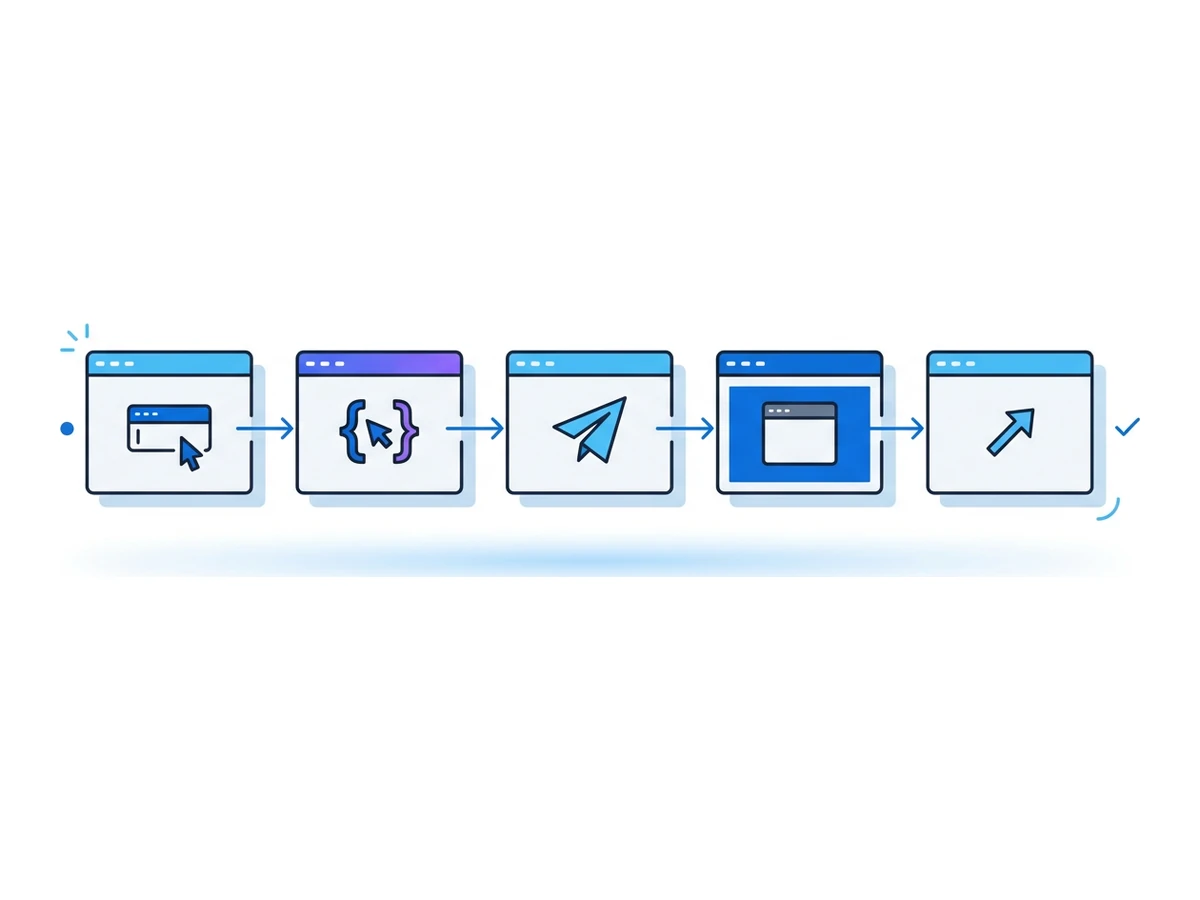
A typical path shows where application controls can break the chain.
- 1
Find an input surface
An attacker finds a comment, URL parameter, message, or other value that eventually appears in a page. - 2
Reach an unsafe output context
The application inserts the value where the browser may interpret it as HTML or script instead of text. - 3
Deliver the payload
The attacker gets someone to open the affected page, perhaps through a crafted link or shared content. - 4
Run in the affected page
If the browser executes it, the injected code shares the page's origin and can interact with content and APIs available there, subject to browser and site restrictions. - 5
Abuse the available access
Depending on the app, the code may change the page, read exposed data, or issue requests using the current session. What succeeds depends on the site's controls.
What injected code may do
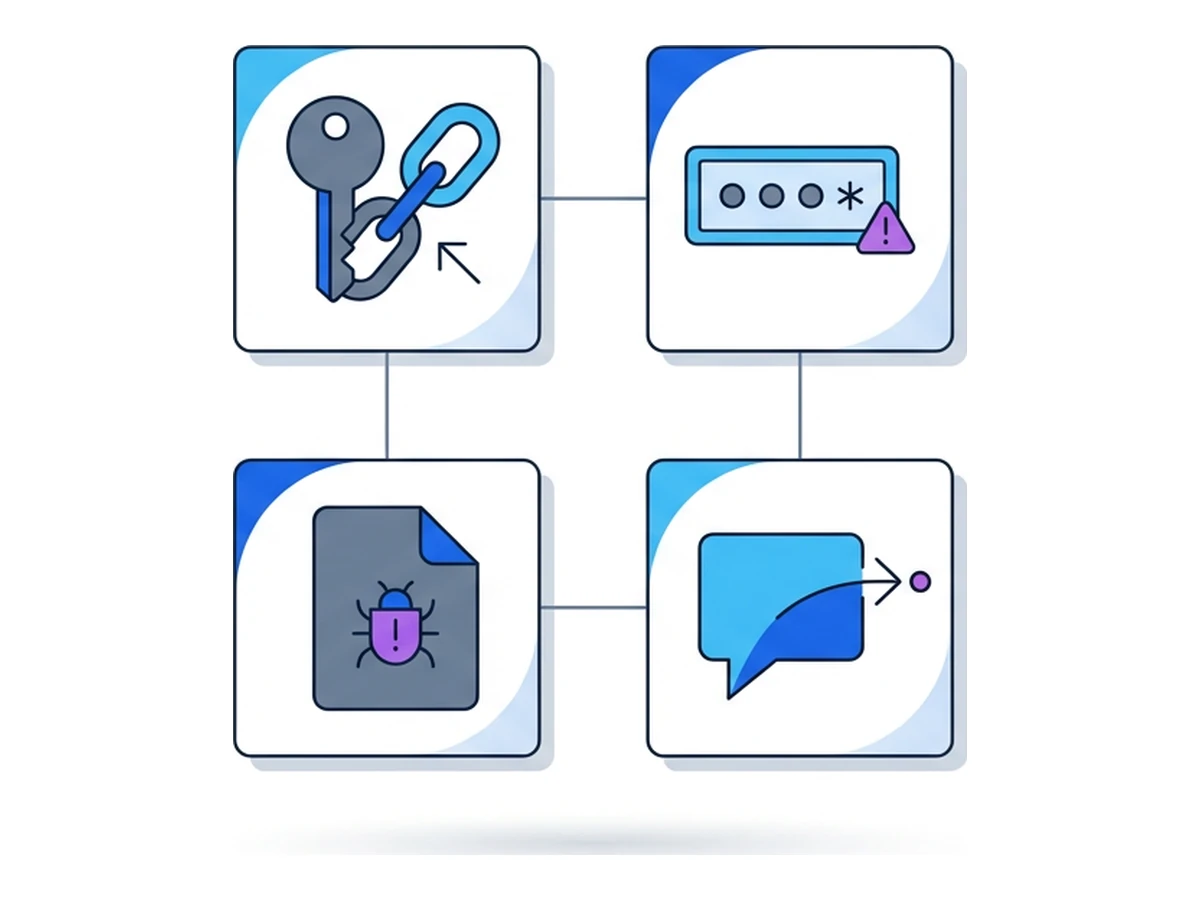
XSS is not limited to visual defacement. Its impact is tied to the information and actions available in the affected page. These four outcomes illustrate the range rather than a ranking of frequency.
Account actions. Injected code can submit requests from an authenticated page and may read tokens that the app exposes to JavaScript. HttpOnly cookies block direct cookie reads, but do not by themselves stop same-origin actions. See MDN's cookie guidance.
Credential capture. A modified form could collect a password or other data as a user types it. This requires the user to enter the information on that page; XSS does not automatically reveal a password stored elsewhere.
Page manipulation. Code can change links, instructions, or transaction details shown to a user. It may also load other web resources within policy limits. A browser exploit or a user-approved download would be a separate step before local malware execution.
Data exposure. Script may read details already present in the page and send them out if network controls allow it. The same-origin policy still restricts reading unrelated sites; the site's own sensitive data and permissions remain the concern.
Five illustrative scenarios
These are hypothetical examples, not reports of actual incidents. Each shows a different place where a team should check the data-to-code boundary.
Community site. A comment preview renders submitted HTML as active content. If a moderator opens the preview while signed in, the injected code could act within the moderation interface. The fix belongs in safe rendering and review of that privileged workflow.
Online shop. A search term is echoed into an HTML response without context-aware encoding. Someone following a crafted URL may see a changed checkout link. The legitimate domain alone would not prove the displayed link was safe.
Patient portal. A stored message is shown inside a clinician's browser. Even with HttpOnly cookies, injected code could potentially read information already in that page or submit requests the clinician can make. Access controls and safe rendering both matter.
Financial dashboard. Client-side code reads a URL fragment and writes it into innerHTML. A hostile link could change what a customer sees. Server-side transaction checks and confirmation may still block an unauthorised transfer; the DOM bug needs its own fix.
Public information site. An old CMS template treats a title field as trusted HTML. A malicious editor or compromised account could alter public-facing guidance. Reviewing old templates and the permissions that feed them is as important as reviewing new components.
Why XSS persists
Modern frameworks escape many values by default, but teams can still bypass those protections through raw HTML, unsafe DOM APIs, templating shortcuts, or third-party code. OWASP treats injection, including XSS, as a web application risk; its XSS prevention guide explains why no single control covers every context.
Large applications mix old templates, modern components, user-supplied rich text, and scripts from other providers. The right fix depends on where data enters and where it lands: HTML text, an attribute, a URL, a script block, and a DOM sink have different rules. Automated tools can help, but testing only server responses can miss client-side transformations. Include browser-level tests and code review for the paths that handle untrusted data.
Practical steps for users
Users cannot repair a vulnerable site, but they can limit what is exposed to it. These steps reduce some risk without guaranteeing protection from XSS.
Check the site address before entering credentials or approving sensitive actions. Keep your browser current and remove extensions you do not need. Use separate accounts or browser profiles when work calls for different trust levels. If a site may be compromised, sign out and review its account activity from a trusted device; whether sign-out invalidates other sessions depends on that service. Browser.lol can put website code in a remote browser, but an XSS payload can still affect the remote account session and what you type or approve there. The viewer, clipboard, and downloads also connect the session to your device.
Developer and security team checklist
Prevention belongs in the application. Start with these five controls and test them in the contexts your app actually uses.
Encode for the output context. HTML text, attributes, URLs, JavaScript, and CSS need different handling. Prefer text-only APIs for plain text; use a maintained HTML sanitizer when rich HTML is required.
Use framework defaults deliberately. React, Vue, and Angular can help escape rendered values, but raw-HTML features and direct DOM writes bypass parts of that protection. Review those escape hatches closely.
Deploy a restrictive CSP. A well-designed nonce- or hash-based Content Security Policy can limit script execution after an injection. CSP is defence in depth, not a substitute for encoding and sanitisation. See the OWASP CSP guide.
Check data flow and unsafe sinks. Static analysis can flag risky patterns such as uncheckedinnerHTML assignments. Pair it with tests that exercise rendered pages and client-side data paths.
Review privileged workflows. Test where staff view user content, where rich text is allowed, and where a page can trigger sensitive actions. Remote-browser testing can reduce local exposure to web code, but it does not make a proof of concept harmless: use test accounts and avoid real secrets.
Keep data out of executable contexts
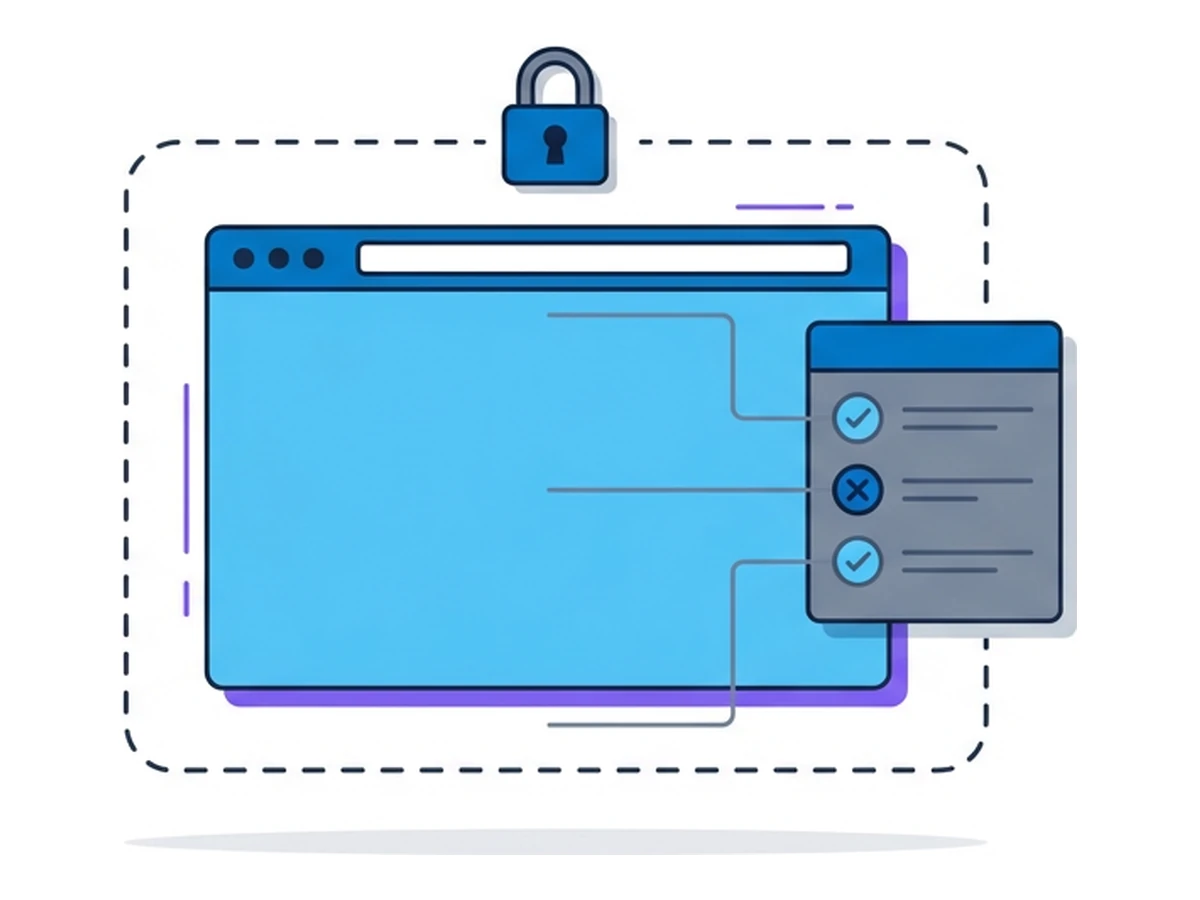
XSS is an application boundary failure. Context-aware encoding, safe DOM APIs, carefully handled rich text, and a restrictive CSP reduce the chance that untrusted data becomes code. Cookie flags and server-side checks can limit some consequences, but none is a universal XSS cure.
A remote browser changes where website code runs; it does not fix the vulnerable site or protect an account from actions taken inside the remote session. Keep sensitive accounts separated, verify high-impact actions, and fix the data-to-code path at its source. Those controls work together because they address different parts of the risk.
Need an isolated session for your next task?
Open an isolated desktop browser and get started in your browser.
Start a SessionNo browser installation required • Features vary by plan