
A browser history file is useful to its owner, but it can also help someone who has gained access to a device or account. Visited pages and times may reveal which services a person uses and which internal sites an employee can reach. That does not mean every website can read your entire history; the access route matters.
History can supply clues for reconnaissance or a convincing phishing message, although a URL alone rarely proves a person's intent. This guide explains where browsers store records, how authorized and unauthorized parties might obtain them, and what you can do to reduce their exposure. It also separates local history from records kept by websites, networks, and remote browser providers.
What your browser history reveals
Browser history is more than a list of links. Depending on the browser, it can contain page addresses, titles, visit times, visit counts, and some navigation details. A URL might identify an internal dashboard, a shared document, or a topic someone researched. It does not by itself show how long the page was read, who used the device, or why the page was opened.
In a workplace, visited addresses might identify vendor portals, administrative tools, or private staging sites. On a personal device, they might suggest financial services, travel plans, or health questions. These are inferences, not certainties: a shared computer, an accidental click, or a page opened for someone else can tell a different story.
Someone who obtains those records could use the clues to choose a more plausible phishing pretext. MITRE ATT&CK documents browser information discovery after a system is compromised, including a case in which malicious software collected history. That is evidence of an attack path, not evidence that history drives most phishing or business email compromise incidents.
How others gain access
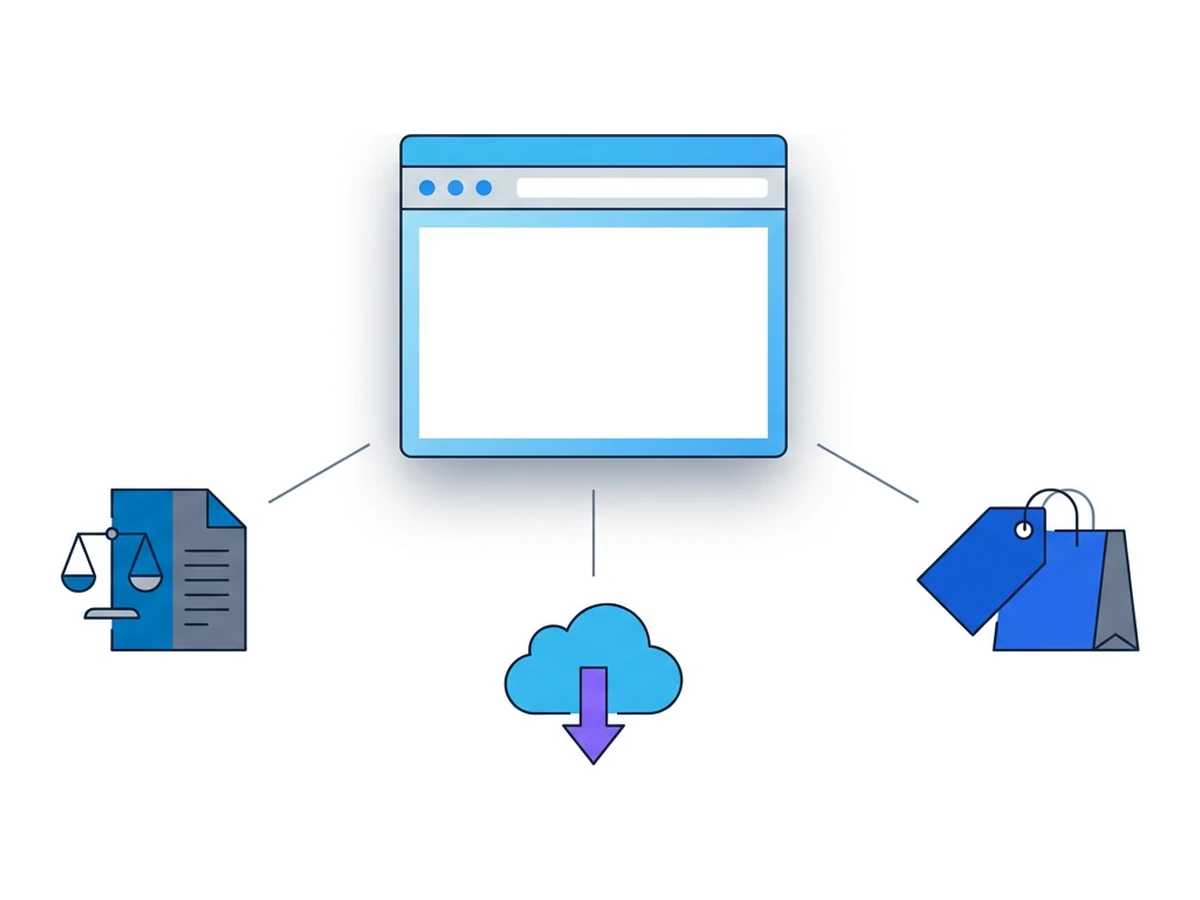
A normal website cannot simply query the browser's full history. Access usually comes through a device or browser profile, a synchronized account, an extension with the right permission, or a separate record held by a service or network. Those records are different in scope and detail; clearing one does not necessarily clear the others.
Authorized access can include a person reviewing their own browser profile, an organization examining a managed device under its policies, or lawful requests for records held by a provider. What a provider retains and what authorities can obtain depend on the service and jurisdiction. An internet provider's connection logs, for example, are not the same as a complete browser history file.
Unauthorized access can follow device compromise, account takeover, or a malicious extension. Chrome and Firefox both require extensions to request a history permission before using their history APIs. Other extension permissions can expose activity on sites where they apply, without granting access to the entire stored history. Review what each extension can read rather than assuming all have the same reach.
If history synchronization is enabled, history may also be available through the signed-in account and other devices. Google's Chrome guidance explains how synced history is shown and removed. Search activity saved separately to an account may need separate management. Checking these settings is more useful than assuming a local deletion erases every record everywhere.
Three illustrative scenarios
These scenarios show how exposed history could be misused. They are not reports of specific customers, incidents, or measured outcomes.
Corporate espionage via a browser trail
Imagine that someone with access to a product manager's unlocked work device copies the browser history database. Visited addresses could point to staging pages, supplier portals, or project tools. Those clues might guide further reconnaissance, even if they reveal neither the contents behind a login nor the outcome of a confidential negotiation.
Protecting device access and keeping sensitive work in an appropriate profile matter. A remote browser can keep its page visits out of the local browser's ordinary history, although the remote service and visited sites may keep their own records.
Social engineering through wellness searches
Suppose spyware on a shared home computer exposes visits to a clinic's website. An attacker could imitate a billing message from that clinic. The browsing clue makes the message more plausible, but it does not prove who visited the site or whether the recipient will respond.
Keep personal and work accounts separate where practical, secure the device, and verify requests through a known contact channel. A separate browser session reduces some local links between contexts, but cannot make a convincing fraudulent request harmless.
Customer trust destroyed by a history breach
A service that gathers clickstream data for analytics creates another copy of people's activity. If access controls fail, a disclosed dataset of visits may reveal sensitive interests even when obvious names are removed. Whether someone can be identified depends on the detail in the data and what else can be linked to it.
Collect only what the service needs, restrict access, set retention limits, and assess the applicable privacy duties. Browser isolation does not replace these obligations for a provider that chooses to keep activity records.
Inside the history file
Chromium and Firefox store local browsing records in profile databases. Their schemas differ, and recovery of deleted records depends on the browser, storage, settings, and time since deletion.

| Table | Key columns | Security implication |
|---|---|---|
| urls | url, title, visit_count, typed_count | Shows recorded addresses and counts; a typed count does not prove who entered an address. |
| visits | visit_time, from_visit, transition | Gives visit times and some navigation relationships, not a guaranteed full click path. |
| downloads | target_path, tab_url | Can identify a download destination and associated tab; this is metadata, not the downloaded file. |
| keyword_search_terms | keyword_id, lower_term | May contain terms entered through supported search providers, not every search made on the web. |
Chromium's history code shows the visit fields, while Mozilla documents Firefox's separate places.sqlite file. Deleted entries are not always recoverable, and recovery is not guaranteed after clearing history. Device encryption helps protect an inaccessible device; it does not stop software already running under your account from reading accessible records.
Who wants your history
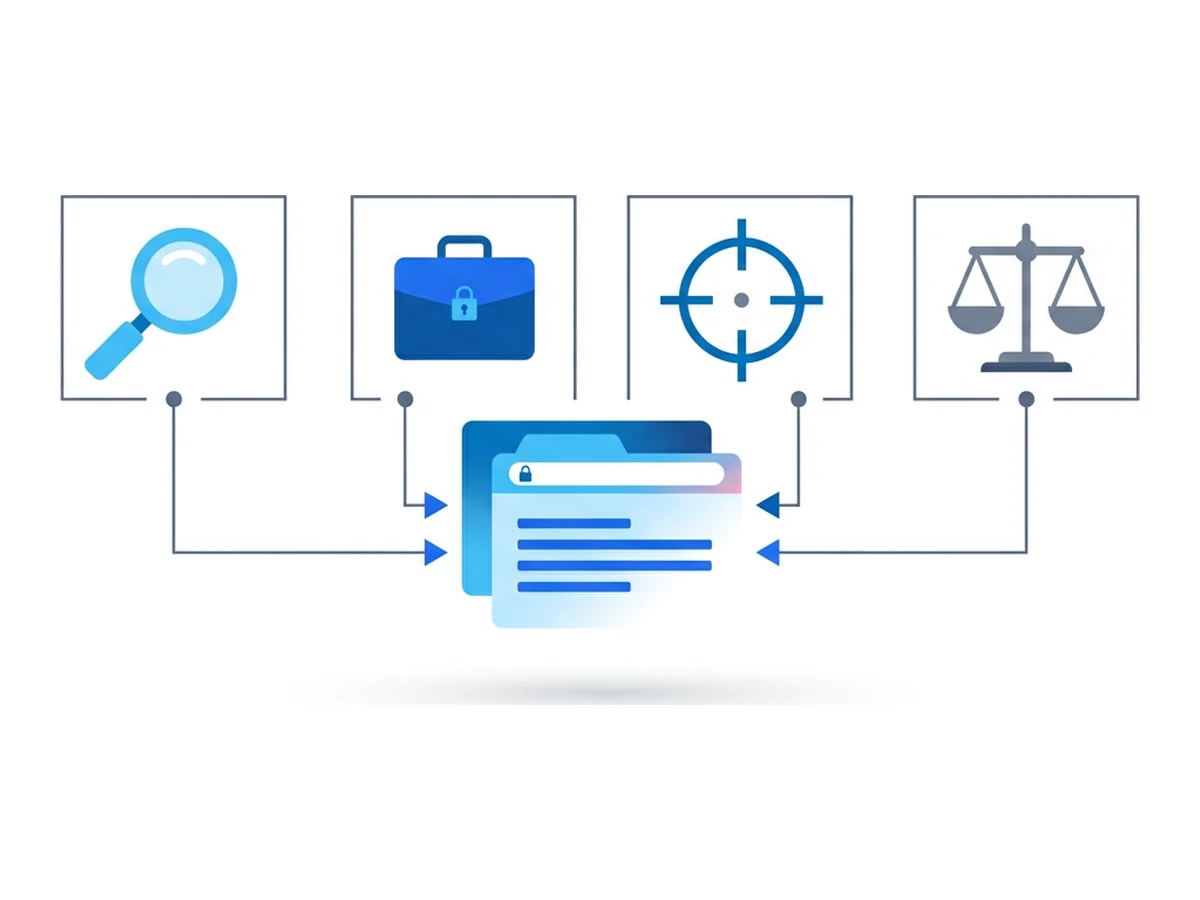
Different parties may collect or seek activity records for different reasons. Their access and the data they hold are not interchangeable. Start by identifying who can see the local history, a synced copy, or separate website and network logs.
Advertisers and data intermediaries may collect activity through their own sites, tags, apps, or extensions. Such clickstream records can be used for audience analysis, but they are not automatically a copy of the browser's complete local history.
Intruders who gain access to a device or profile can look for internal tools, account sites, and other clues. MITRE documents browser information discovery as a post-compromise technique. A phishing message tailored with those clues is possible, but no history file guarantees that the attacker can enter the sites it lists.
People with workplace access may encounter browsing records on a managed or shared device, subject to organizational rules. Visit records could reveal project tools or suppliers; they cannot establish a product launch date or the contents of a negotiation by themselves.
Investigators may obtain records from a seized device or a provider through processes available in their jurisdiction. The scope of access and the meaning of those records require case-specific legal and technical review.
A protection playbook
You cannot erase every record of a web visit, but you can reduce the copies you control and protect access to them. Three layers are worth considering.
Choose what to keep. Review history synchronization, use separate profiles for separate contexts, and clear local history when it is no longer needed. Remember that deleting Chrome history from a synced account also affects synced devices, while search activity stored separately may require another step.
Separate selected sessions. A remote browser can keep the pages visited inside it out of the local browser's ordinary history, apart from the Browser.lol pages used to access the service. Browser.lol may retain session metadata, and a saved profile can retain browser state. Visited sites, downloads, and account sign-ins can also leave records elsewhere.
Protect access. Use device encryption and screen locks, review extension permissions, and secure any account that synchronizes browsing data. Organizations can assess which managed devices and backup systems retain history. Encryption protects a lost device; it is not a substitute for controlling software and accounts that already have access.
Run your own history audit
A short review can show what your browser and accounts actually retain. The time needed depends on how many profiles and devices you use.
- 1
Review the browser's history page
In Chrome, open chrome://history; in Firefox, open the History menu. Search for sites you would not want exposed to someone using this profile. Neither page is a one-click history export. - 2
Check synced and account activity
Review whether browsing history sync is enabled and which devices use the account. If you need an account-held copy, use the provider's data export process, such as Google's export guidance. - 3
Check sensitive addresses and links
Look for internal domains, shared links, or URL parameters that should not be kept in a broadly accessible profile. A visited address is a clue, not proof of what was read. - 4
Review extensions and profile access
Remove extensions you no longer need and inspect those requesting history or broad site access. Check who else can unlock the device or use the same browser profile. - 5
Delete copies you no longer need
Clear selected history through the browser's supported controls and remove any exports you created. Do not rely on a file-deletion command as a guarantee against recovery, especially on solid-state storage or synced backups. - 6
Choose a separate context for future visits
Use an appropriate local profile or remote browser session when separation is useful. Check the service's retention and profile settings before putting sensitive information into that session.
If you need a technical review, Chromium's History file and Firefox's places.sqlite can be examined using suitable tools, preferably on a copy made while the browser is closed. Schema and completeness vary by browser version. Browser.lol does not provide a downloadable history export for its remote sessions; audit any saved profile and the service's account records according to the controls actually available.
Treat history like the evidence it is
Browsing history helps people return to useful pages, but the same record can expose clues if a device or account is compromised. Reducing unnecessary copies, separating contexts, and protecting access all lower that risk. A remote session changes where the page history is kept; it does not remove every trace of the visit.
Review what your browser, synced account, and extensions retain. Then choose which visits belong in a separate profile or remote session, and confirm how each service handles its own records. Those concrete steps are more reliable than expecting an empty trail.
Need an isolated session for your next task?
Open an isolated desktop browser and get started in your browser.
Start a SessionNo browser installation required • Features vary by plan