Browse in isolation.Right from your browser.
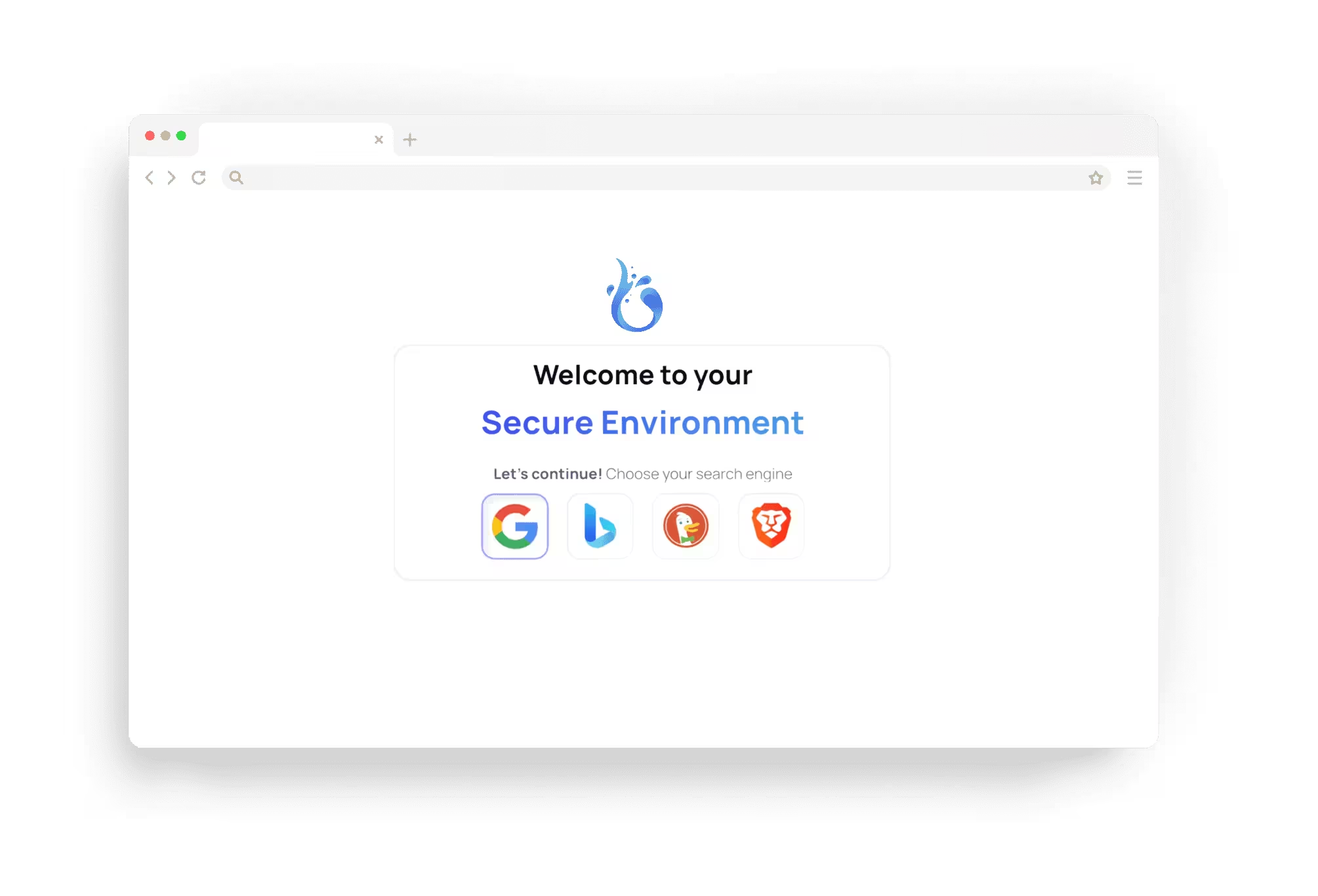
Open unfamiliar links in an isolated cloud browser, separate from your device. No installation or setup: launch it from the browser you already use.
Separate from your device
Open websites in a separate cloud browser instead of loading them directly on your device. Launch a session when you need one, with no software to install.

Start in seconds
Start a session when you need one and end it when you are done.

A fresh browser each time
Each new session starts in its own isolated environment, so you can check an unfamiliar site away from your device.


Easy to use
Use a cloud browser through a familiar interface in your existing browser. Start, browse, and end your session without configuring a virtual machine.

One-click launch
Open an isolated browser without installing anything on your device.

Familiar controls
Navigate and interact with websites as you would in a regular browser.
Straightforward plans
Use the ad-supported free tier or subscribe to Plus for an ad-free experience and more browser features. You can cancel your subscription at any time.

Know what is included
Compare the available plans before you decide. You can start with the free tier without entering a payment card.

Isolation from the start
Free sessions also run in isolated cloud browsers. Paid plans add more browser options, resources, and features.

Apps for every session
Apps add what a session needs: a server location or your own VPN, a disposable mailbox, file transfers or an AI agent at the controls. One network app runs at a time; without one, the session connects directly.
Location Switch
Browse from one of our servers in another country or city.
Home IP
Browse through a home internet connection in the country you choose.
Proxy Connect
Send the session's traffic through one of your saved proxies.
Custom VPN
Connect the session through one of your saved WireGuard VPNs.
Anonymous Mail
A disposable mailbox in the session menu for sign-ups and codes.
Files
Upload files into the session and save its downloads to your device.
Agent Bridge
Let AI agents drive the session over MCP and CDP, and hand it back to you.




Choose before you start
The Apps row on the launch page opens the App Store. Install what the next session starts with.
Switch while it runs
Open the menu of a running session to install or uninstall an app, or move to another exit without starting over.
Always activate
Tick Always activate on an app and every new session of your account starts with it.

Open and go
Launch a cloud browser from the one you already use. There is nothing to install, and you can start browsing without setting up a virtual machine.

Managed for you
We maintain the browser environment and handle updates, so you can focus on the website you came to visit instead of managing software.

A separate place to browse
Suspicious links open inside an isolated session, away from your device. That separation helps limit what a malicious website can reach.

Use it when you need it
Check a suspicious link, test a website, or browse from another location when your plan allows it. Start a session for the task at hand and end it when you are finished.
Privacy matters.
See how we handle your data and protect the service.

How we handle your data
Browser.lol is based in Switzerland. We store account data in Finland and run sessions on edge servers. Our Privacy Policy explains what we collect, where we process it, and which providers help us operate the service.
Read our Privacy Policy
Encrypted connections
Your connection to the service is encrypted, including sign-in and the connection to your cloud browser.

Security monitoring
We monitor service health and security signals to spot issues and respond to them. Our Privacy Policy describes what we log and how long we keep it.

Browser.lol in numbers
People use Browser.lol for isolated browsing every day. Here is a snapshot of activity across the service.
20M
Requests each month
400k
Sessions each month
Ready to browse?
Start free, with ads and no payment card required. Plus removes ads and adds every browser image, Anonymous Mail, exit locations, and more. Cancel whenever you like.